
Setting Up a Local Web Server
Learn how the Client-Server model powers modern computer networks. Deploy an enterprise Linux intranet server, configure static IP addressing, wire workstations through an access switch, and trace TCP three-way handshakes and HTTP port 80 requests across the wire.
When two personal laptops connect over a local network, they operate as peers: each machine acts as both a consumer and a provider. But modern organizations cannot operate on peer-to-peer relationships. You do not store your company database or employee intranet on an engineer personal laptop that might shut down at 5 PM when they head home.
Instead, modern infrastructure relies on the Client-Server architecture. Servers are dedicated, high-availability host machines optimized to run 24/7 without interruption. They execute background software services called daemons that passively listen on standardized network ports, waiting to serve incoming requests from hundreds of simultaneous client workstations.
Understanding web delivery requires understanding three distinct layers: how the Linux kernel binds listening sockets to physical interfaces, how the Transmission Control Protocol synchronizes sequence numbers, and how clients exchange formatted ASCII headers with the web daemon.
Network Architecture Plan
| Segment | Interface | Subnet / Address | Functional Role |
|---|---|---|---|
| Enterprise Web Server | FastEthernet0 | 192.168.1.100/24 | HTTP Port 80 Web Service Daemon |
| Distribution Switch | FastEthernet0/1 - 0/3 | Layer 2 Switching | Local frame distribution forwarder |
| Workstation Alpha | FastEthernet0 | 192.168.1.10/24 | Client workstation accessing web portal |
| Engineer Laptop | FastEthernet0 | 192.168.1.20/24 | Secondary browser & diagnostic client |
Client Server Architecture Basics
In client-server architecture, responsibilities are sharply divided. Clients (desktops, laptops, mobile phones) initiate requests whenever a user wants to view a document, load a webpage, or fetch database records. The server silently processes incoming requests, enforces authentication, and delivers the requested payloads.
Because servers provide mission-critical resources to the entire organization, they require dedicated hardware with redundant power supplies, enterprise-grade storage, and high-bandwidth network adapters. Placing servers on a centralized network segment ensures that all departmental workstations can access company files concurrently without bottlenecks.
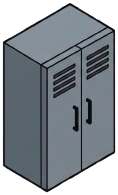
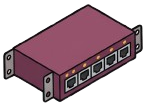
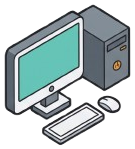
On your canvas, place a rackmount Enterprise Server and an Access Switch, along with two client workstations: Workstation Alpha and an Engineer Laptop.
Connect the Enterprise Server to switch port 1, Workstation Alpha to switch port 2, and the Engineer Laptop to switch port 3 using standard Cat6 Straight-Through cables.
Real-world field story: A web developer spent three hours debugging why coworkers could not open his local development portal. He had bound his HTTP server to 127.0.0.1 (localhost) instead of 0.0.0.0, so the Linux kernel rejected every incoming request that arrived across the physical network card.
Static Addressing And Sockets
Production servers must always have predictable static IP addresses. If a server IP changed dynamically via DHCP every morning, bookmarks, scripts, and internal DNS entries across the company would immediately break.
Open the Server inspector and configure its static IPv4 parameters: assign IP address 192.168.1.100 with subnet mask 255.255.255.0. Inside the server operating system, an embedded HTTP daemon is bound to the wildcard socket 0.0.0.0:80.
A network socket binds an IP address to a Layer 4 port number (such as `192.168.1.100:80`). Binding to the wildcard address 0.0.0.0 rather than loopback (127.0.0.1) is mandatory—it instructs the operating system kernel to accept incoming HTTP requests across every physical network interface on the machine.
Next, configure Workstation Alpha with static IP 192.168.1.10/24 and the Engineer Laptop with 192.168.1.20/24 within the same broadcast domain. Confirm that all physical link lights turn solid green.
# Server Static Network Configuration
Hostname:    corp-portal-srv01
Interface:   FastEthernet0
IP Address:  192.168.1.100
Subnet Mask: 255.255.255.0 (/24)
Active Port: TCP 80 (HTTP World Wide Web)
Bind Socket: 0.0.0.0:80 (All Interfaces)
Process:     httpd (PID 1042, Listening)
Analyzing server network and socket configuration fields:
IP Address: 192.168.1.100: The fixed Layer 3 destination address that client browsers target when requesting web pages.Active Port: TCP 80: The standardized well-known port reserved for unencrypted Hypertext Transfer Protocol traffic.Bind Socket: 0.0.0.0:80: Tells the network stack to listen on all active network interfaces. If bound solely to 127.0.0.1, only local programs on the server itself could connect.Process: httpd (Listening): The web server daemon running in the background ready to accept TCP connections.Server IP configuration rule: Never use DHCP on critical infrastructure servers like DNS, Active Directory, or core web portals. Always assign static IP addresses and document them in your enterprise IP address management database.
TCP Three-Way Handshake Mechanics
Before a client can send an HTTP request, the two machines must establish a reliable transport layer session. HTTP relies on the Transmission Control Protocol (TCP) at Layer 4, which uses a synchronized three-way handshake.
The TCP handshake synchronizes connection parameters in three discrete steps:
ESTABLISHED state on both computers in less than 2 milliseconds.Because TCP handles sequencing, retransmission of lost packets, and flow control, application developers never have to worry about missing bytes.
Step  Source Endpoint       Destination Endpoint  TCP Flags  Sequence / ACK Numbers
----  ---------------       --------------------  ---------  ----------------------
1     Client (Port 49152)   Server (Port 80)      [SYN]      Seq=1000, Ack=0
2     Server (Port 80)      Client (Port 49152)   [SYN, ACK] Seq=5000, Ack=1001
3     Client (Port 49152)   Server (Port 80)      [ACK]      Seq=1001, Ack=5001
Analyzing the TCP connection setup steps:
Reliability guarantee: The TCP handshake guarantees delivery. If an Ethernet cable experiences electrical noise that drops a packet, TCP detects the missing sequence number and automatically retransmits the data before the user notices.
HTTP Request Response Structure
With the reliable TCP tunnel established, Workstation Alpha transmits its application layer payload: an HTTP GET request.
Open the web browser on Workstation Alpha, enter http://192.168.1.100, and press Enter. The browser generates plaintext ASCII headers:
GET / HTTP/1.1
Host: 192.168.1.100
User-Agent: SimnetaBrowser/2.0
Accept: text/html
When the web server daemon receives these headers, it validates the request, fetches the target index.html file from local disk, and generates an HTTP 200 OK response.
The server headers contain metadata including Content-Type, Content-Length, and Server version, followed by the HTML markup that renders the corporate portal on the user monitor.
>>> CLIENT REQUEST HEADERS:
GET / HTTP/1.1
Host: 192.168.1.100
User-Agent: SimnetaBrowser/2.0
Accept: text/html

<<< SERVER RESPONSE HEADERS:
HTTP/1.1 200 OK
Content-Type: text/html; charset=UTF-8
Content-Length: 142
Connection: keep-alive
Examining the HTTP transaction structure:
GET / HTTP/1.1: Requests the root document using version 1.1 of the HTTP protocol.Host: 192.168.1.100: Informs the web server of the hostname or IP being accessed, enabling virtual hosting on multi-site servers.HTTP/1.1 200 OK: The standard success status code indicating that the server successfully located and prepared the requested web resource.Content-Length: 142: Specifies the exact byte count of the HTML document body following the double carriage-return line feed delimiter.Protocol statelessness: HTTP is inherently stateless. Each request and response cycle is independent. Modern applications maintain user login sessions by embedding cookies or authorization tokens in these headers.
Testing Web With Curl
In enterprise troubleshooting, network engineers rarely rely on graphical browsers alone. Instead, they use command-line utilities like curl to inspect raw HTTP status codes and headers.
Open the CLI terminal on Workstation Alpha and execute curl -i http://192.168.1.100 to request both protocol headers and HTML body content across the local switch.
Observe the server reply displaying headers, status code, and HTML body.
Analyzing the terminal verification output:
HTTP/1.1 200 OK confirms that the web daemon received the GET request, verified socket binding on port 80, and successfully delivered the default index file.Content-Type: text/html instructs the client to parse the payload as markup, while Content-Length: 142 defines the exact payload size in bytes.Troubleshooting rule: When diagnosing web failures, test in layers: first ping the server IP to confirm Layer 3 reachability; then test TCP port 80 with curl or telnet to confirm Layer 4 transport; finally check HTTP status codes for Layer 7 application errors.
Related Network Labs
Continue your network simulation practice with these recommended labs.
Building a Local Office LAN with a Switch
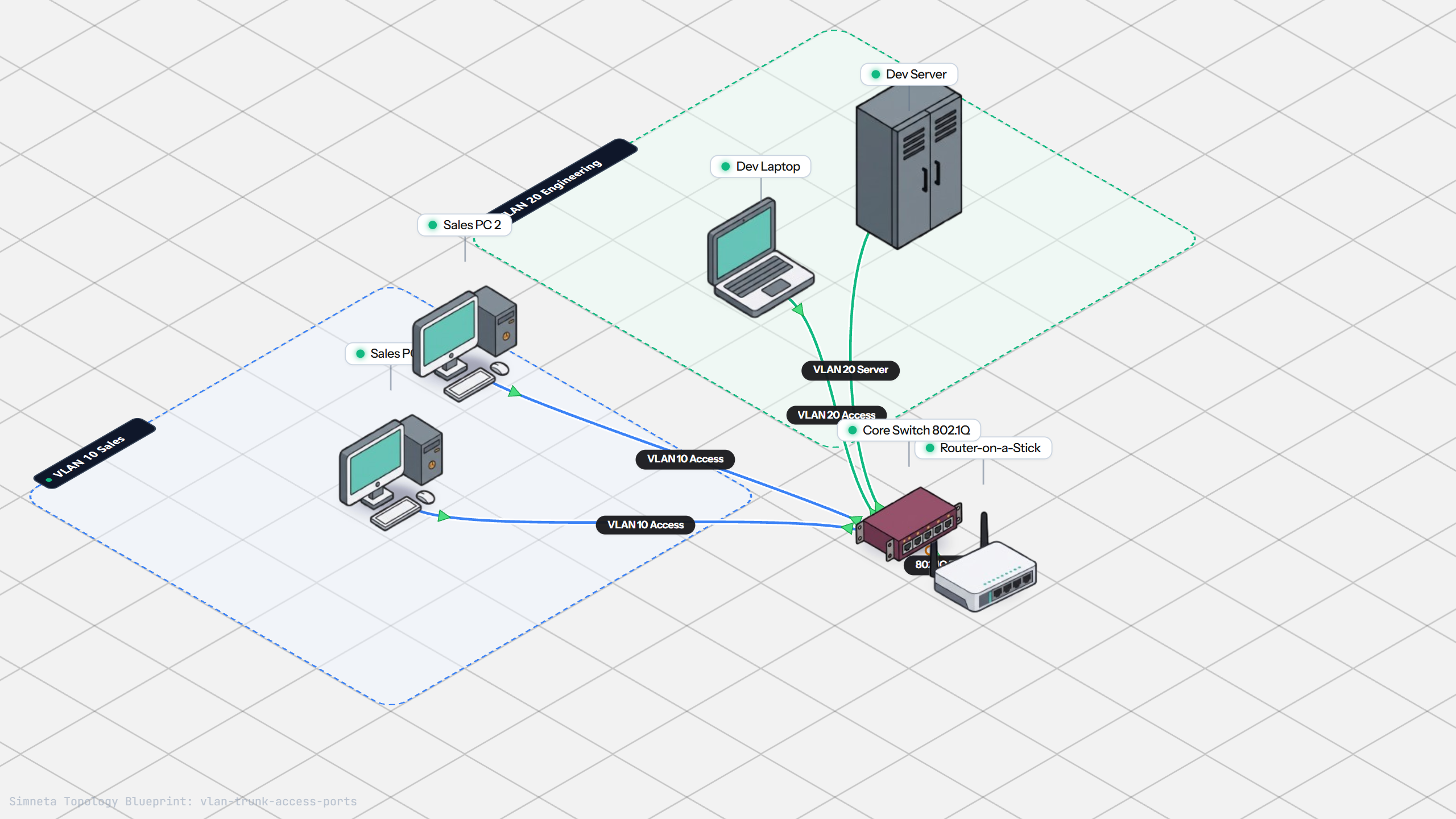
VLAN Trunking with 802.1Q
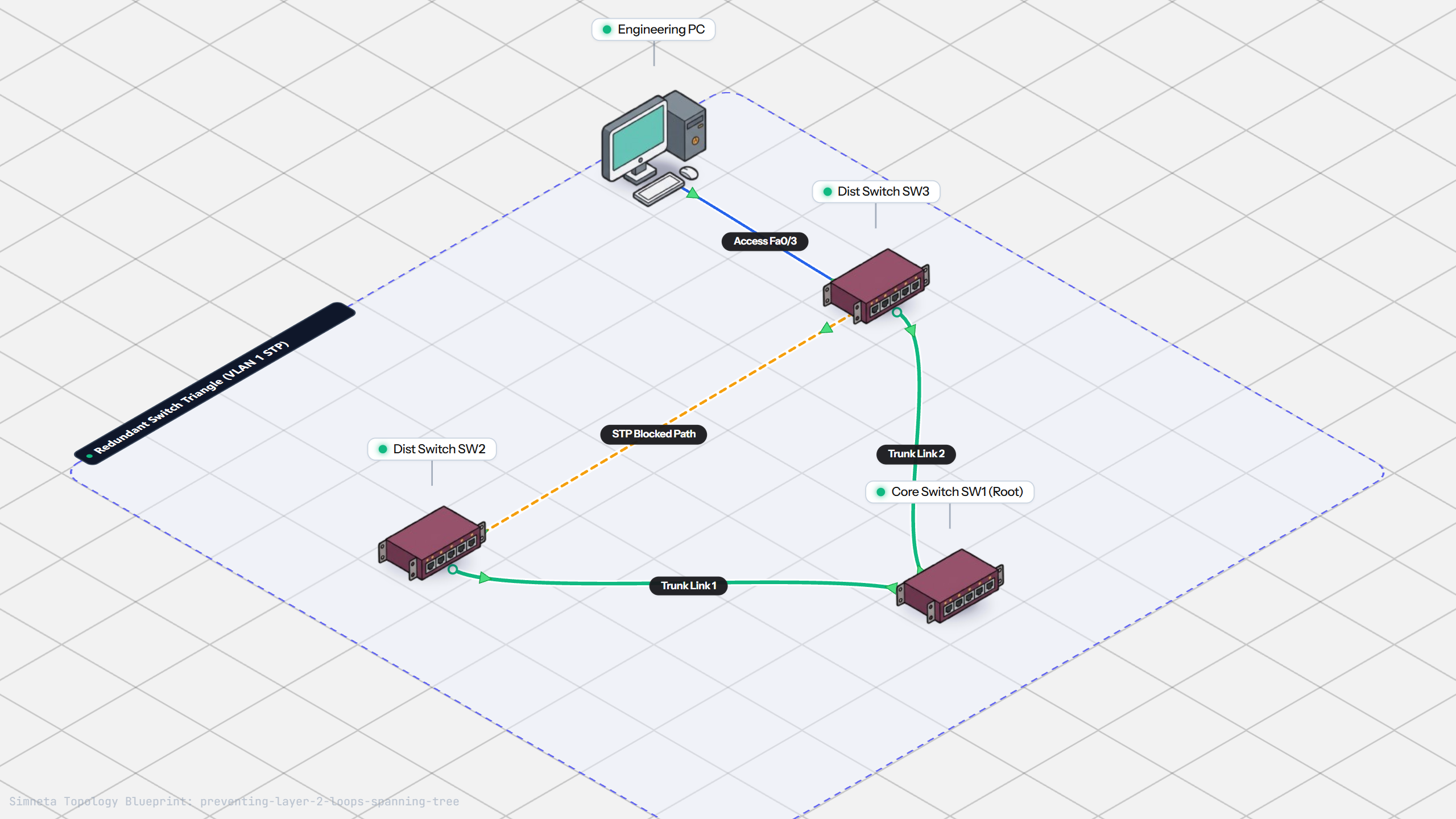
Preventing Loops with Spanning Tree
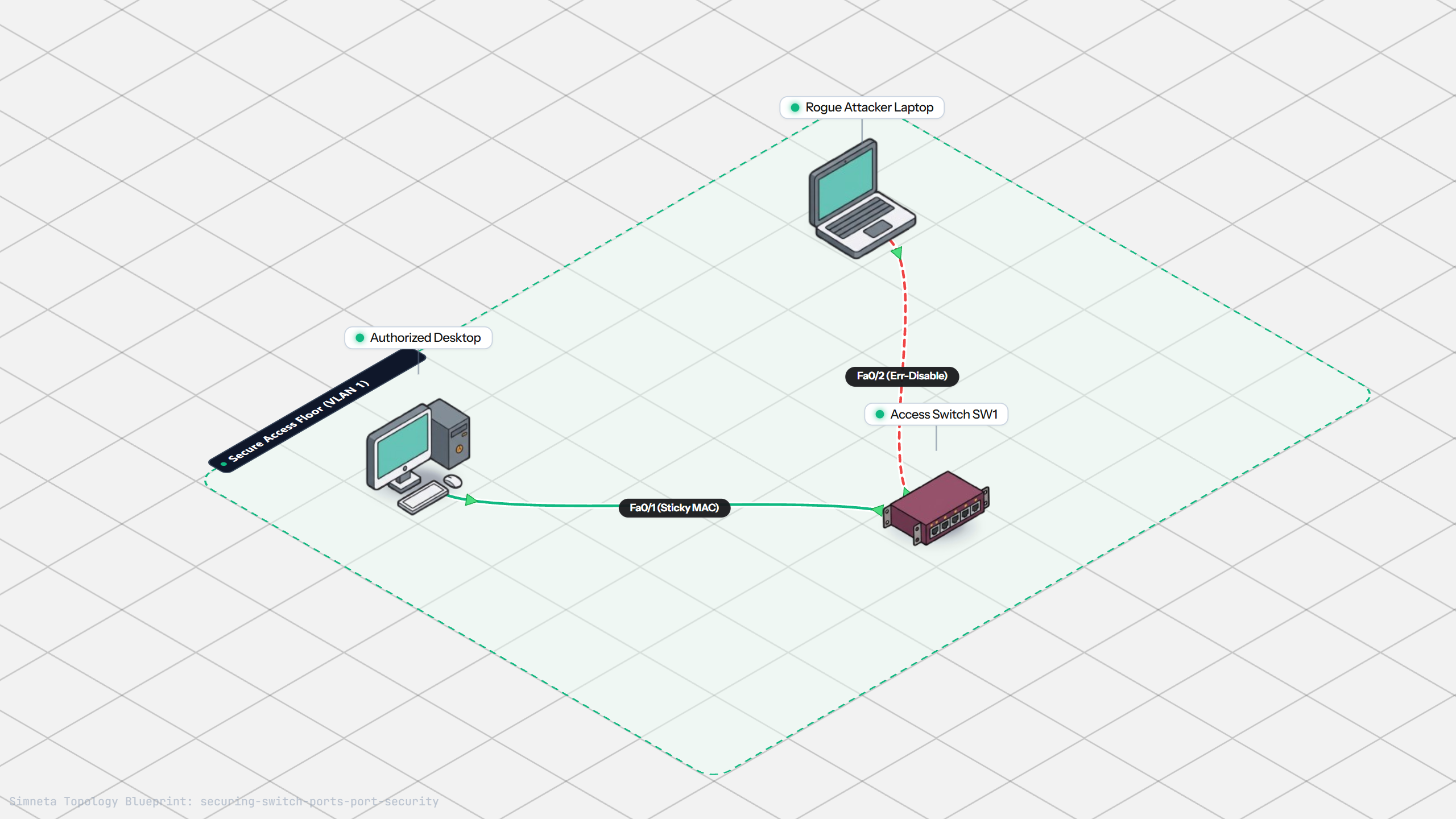
Securing Switch Ports with Port Security
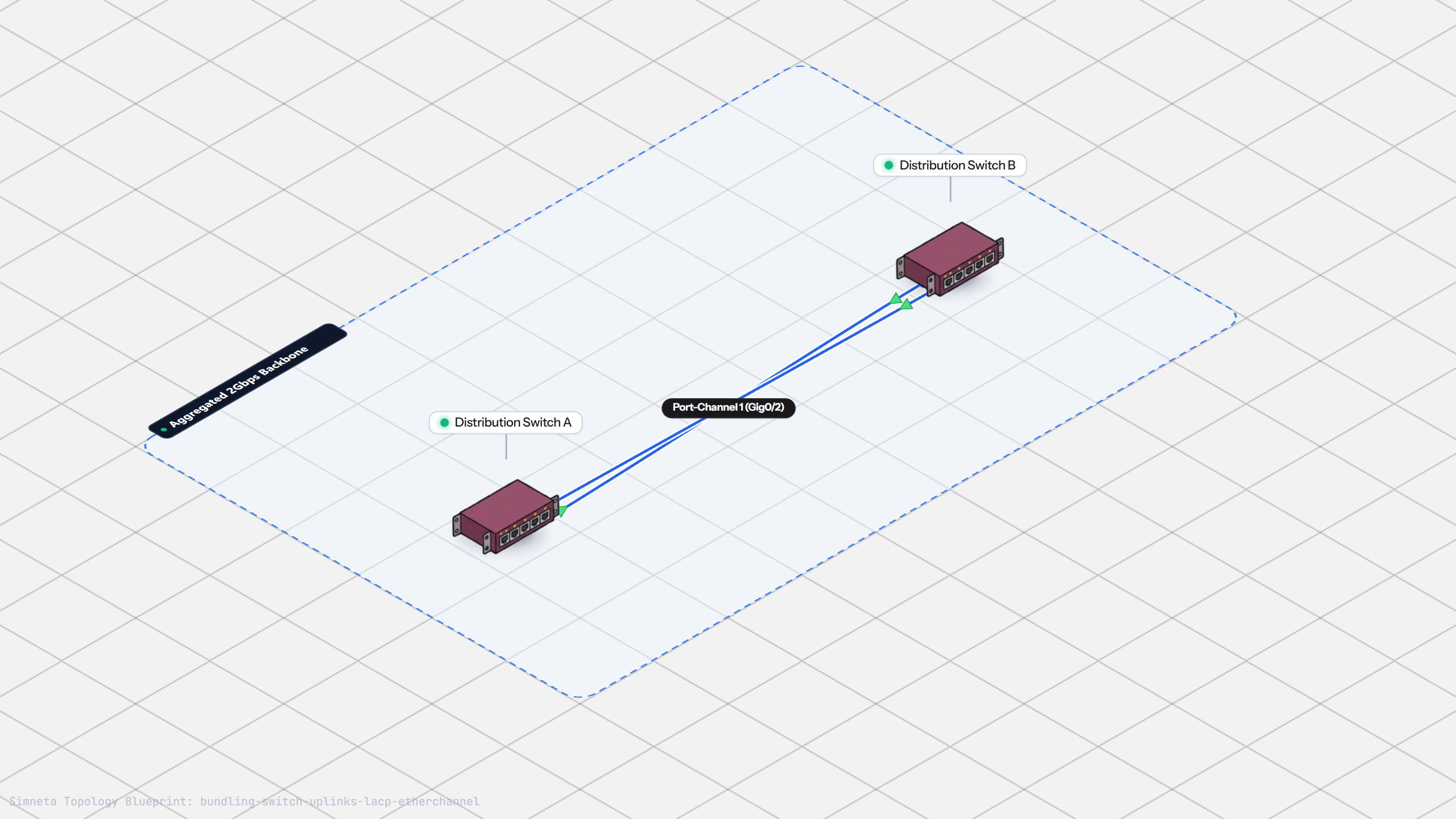
Bundling Switch Uplinks with LACP EtherChannel
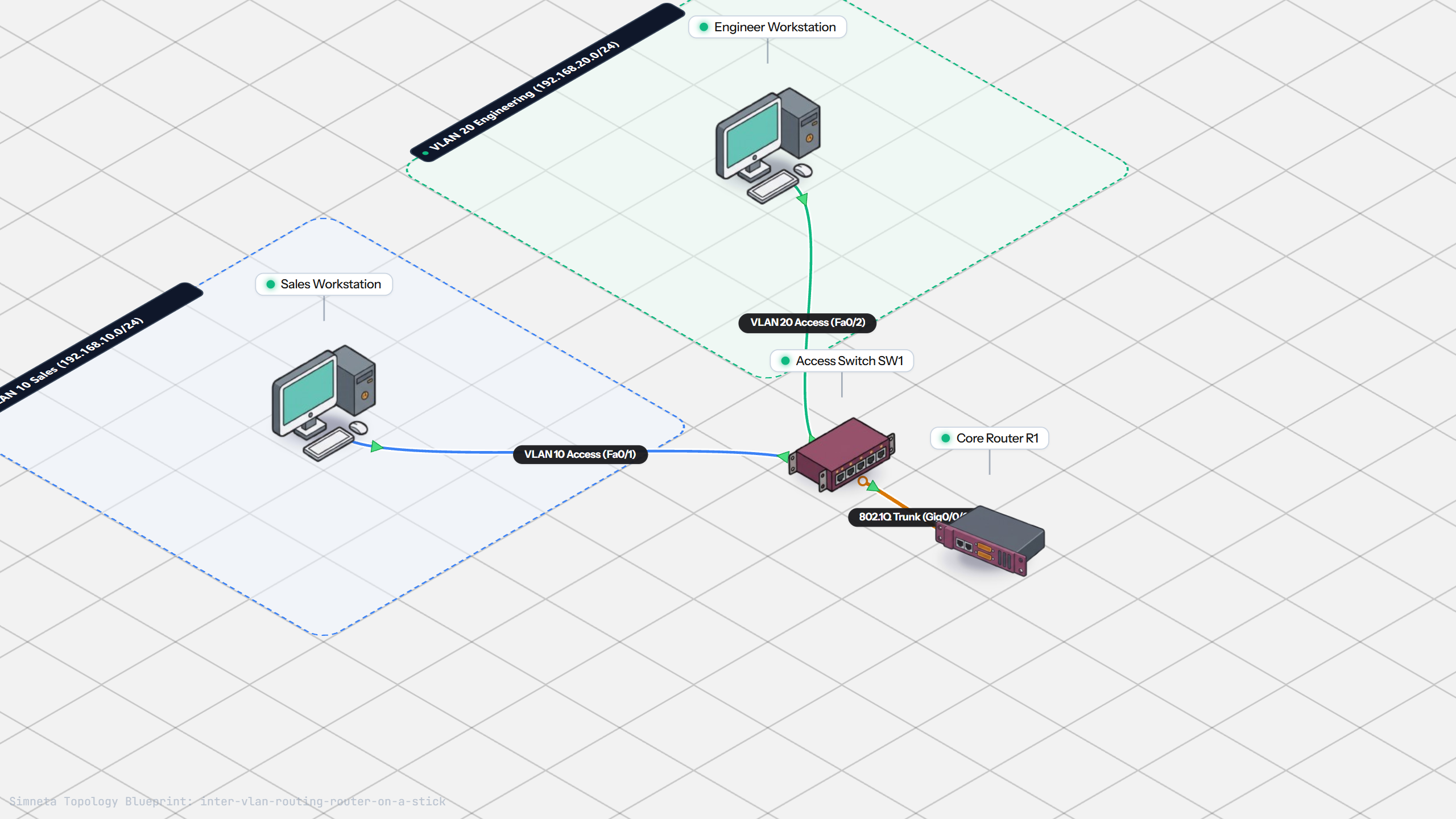
Inter-VLAN Routing with Router-on-a-Stick
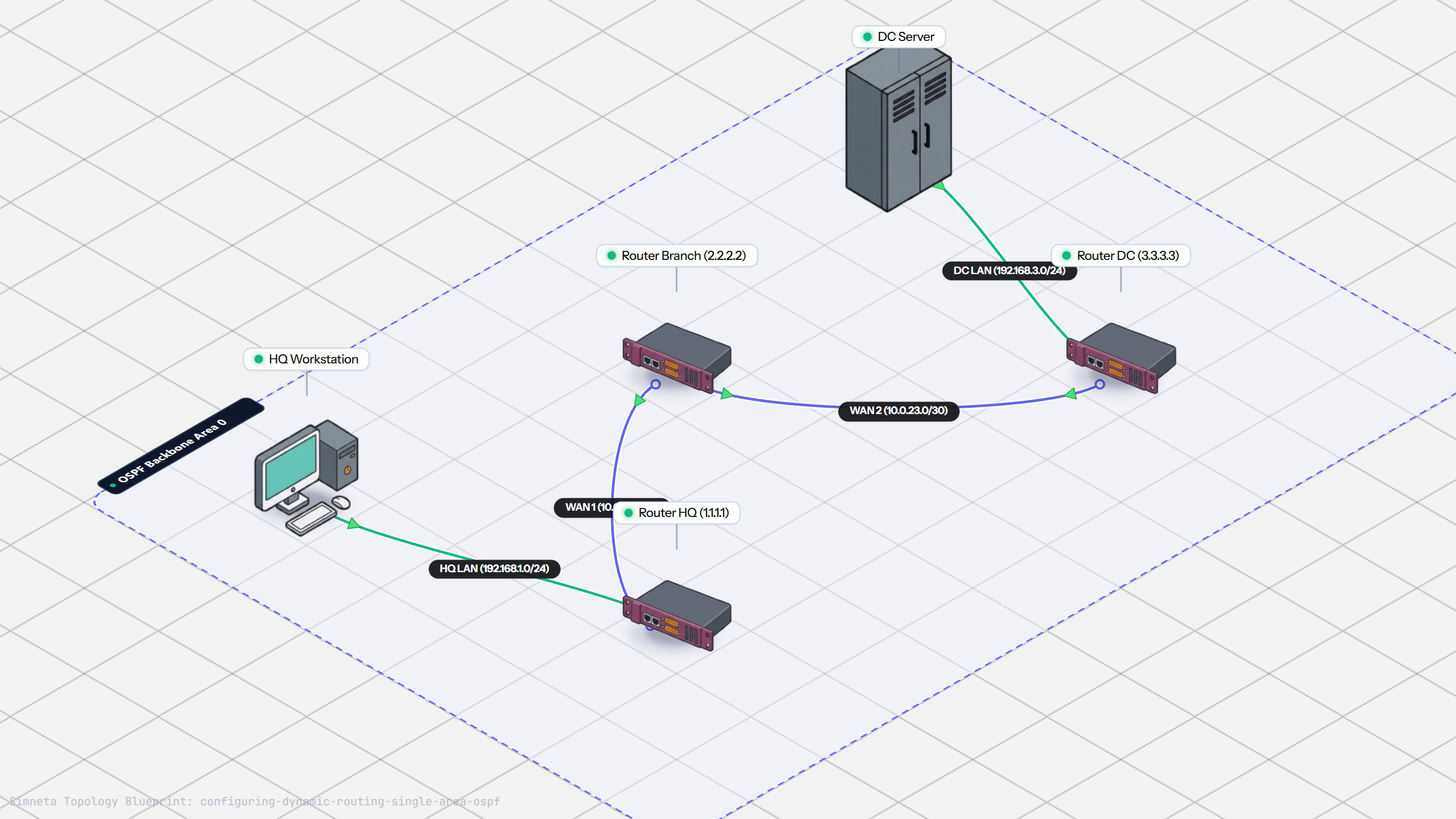
Dynamic Routing with Single-Area OSPF
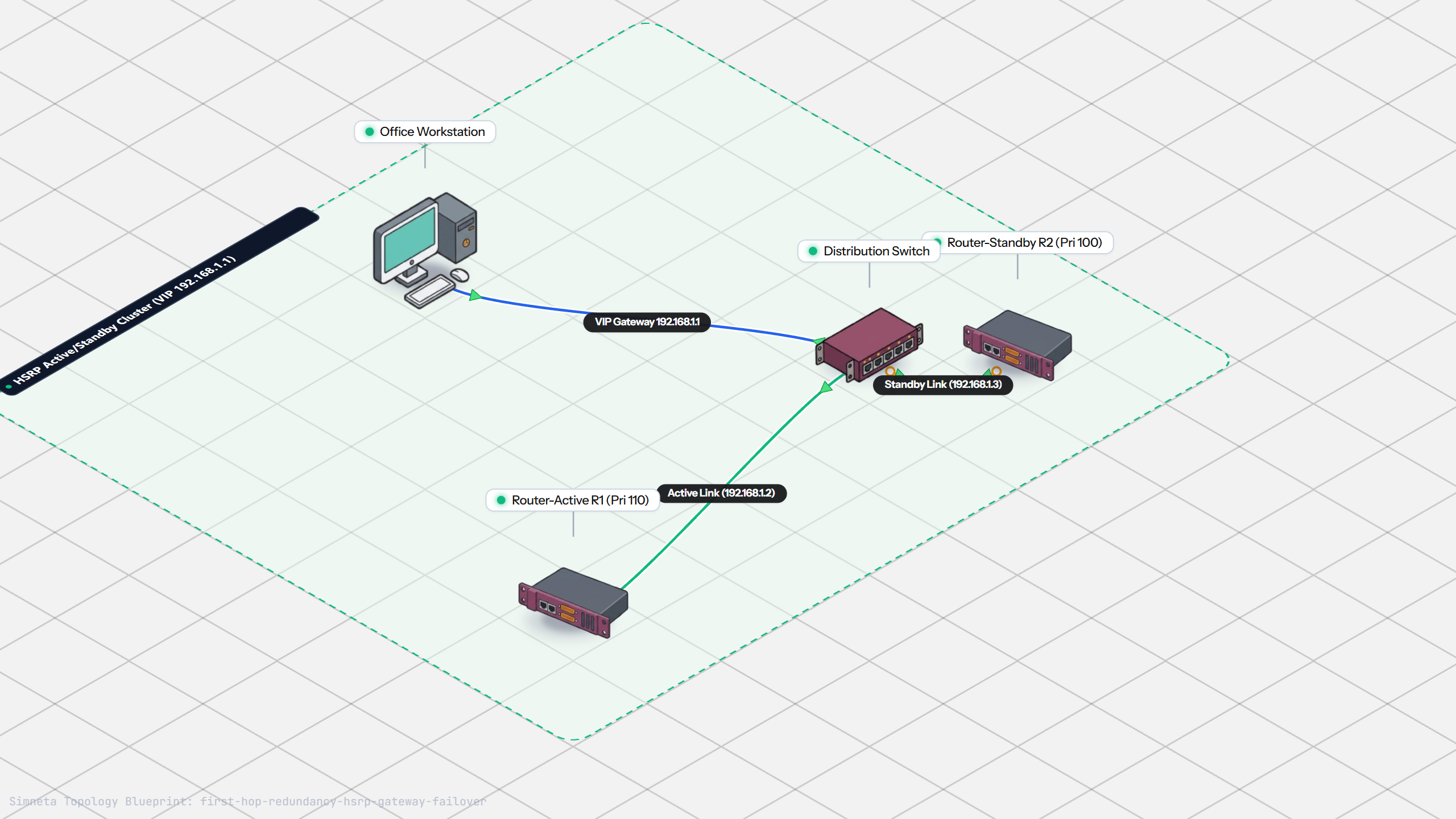
Gateway Redundancy with HSRP Failover
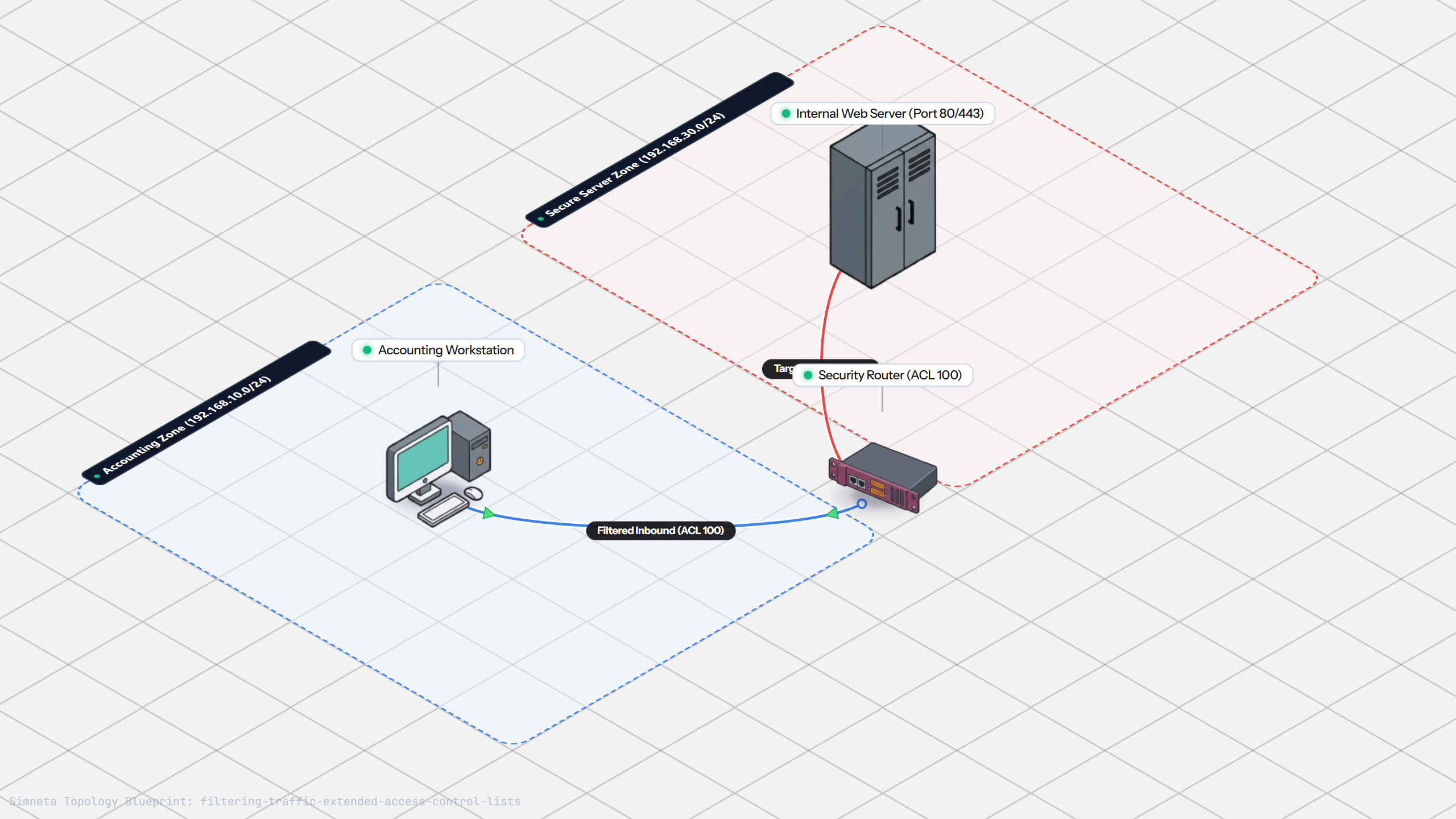
Filtering Traffic with Extended ACLs
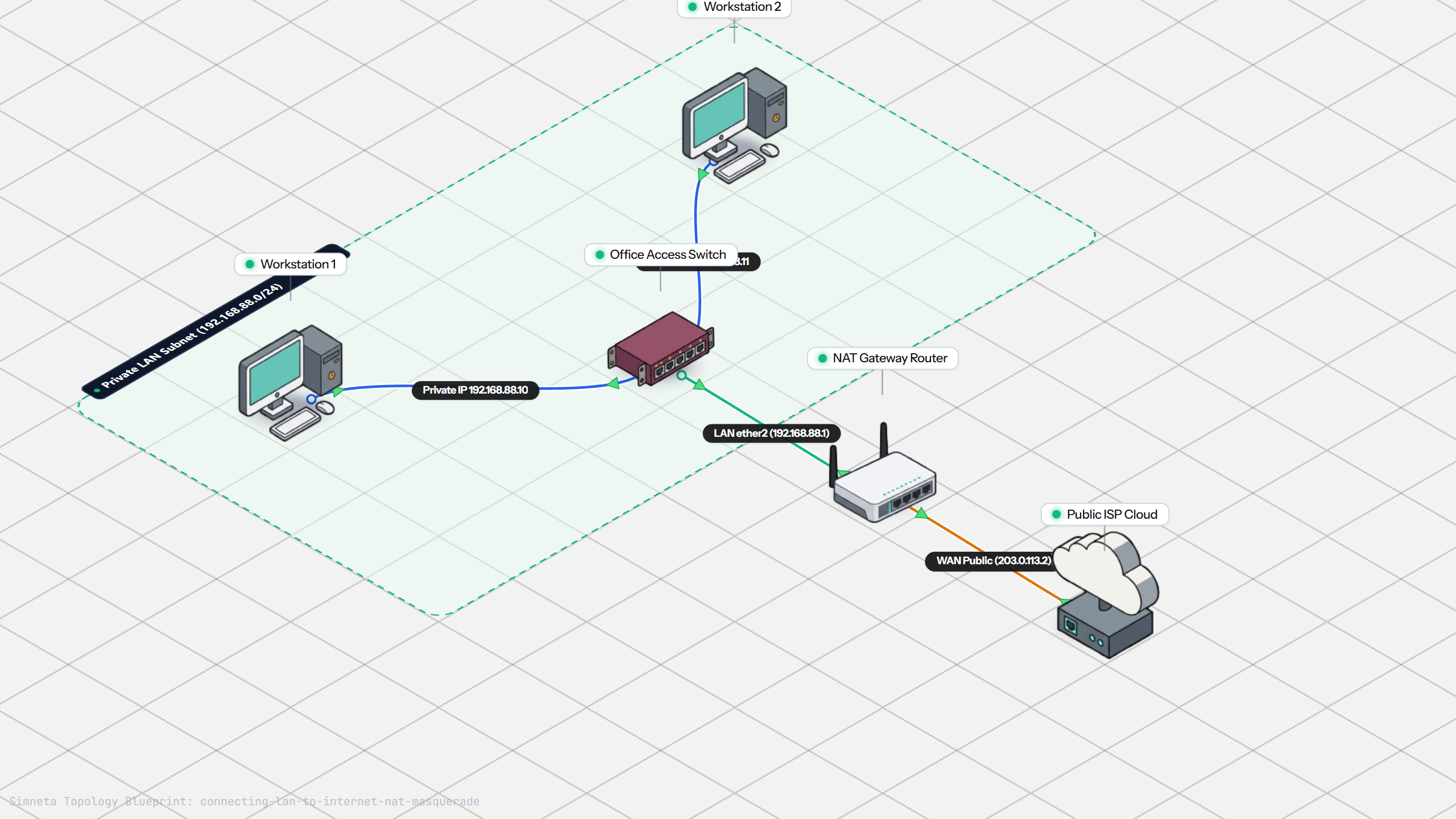
Connecting LAN to Internet with NAT
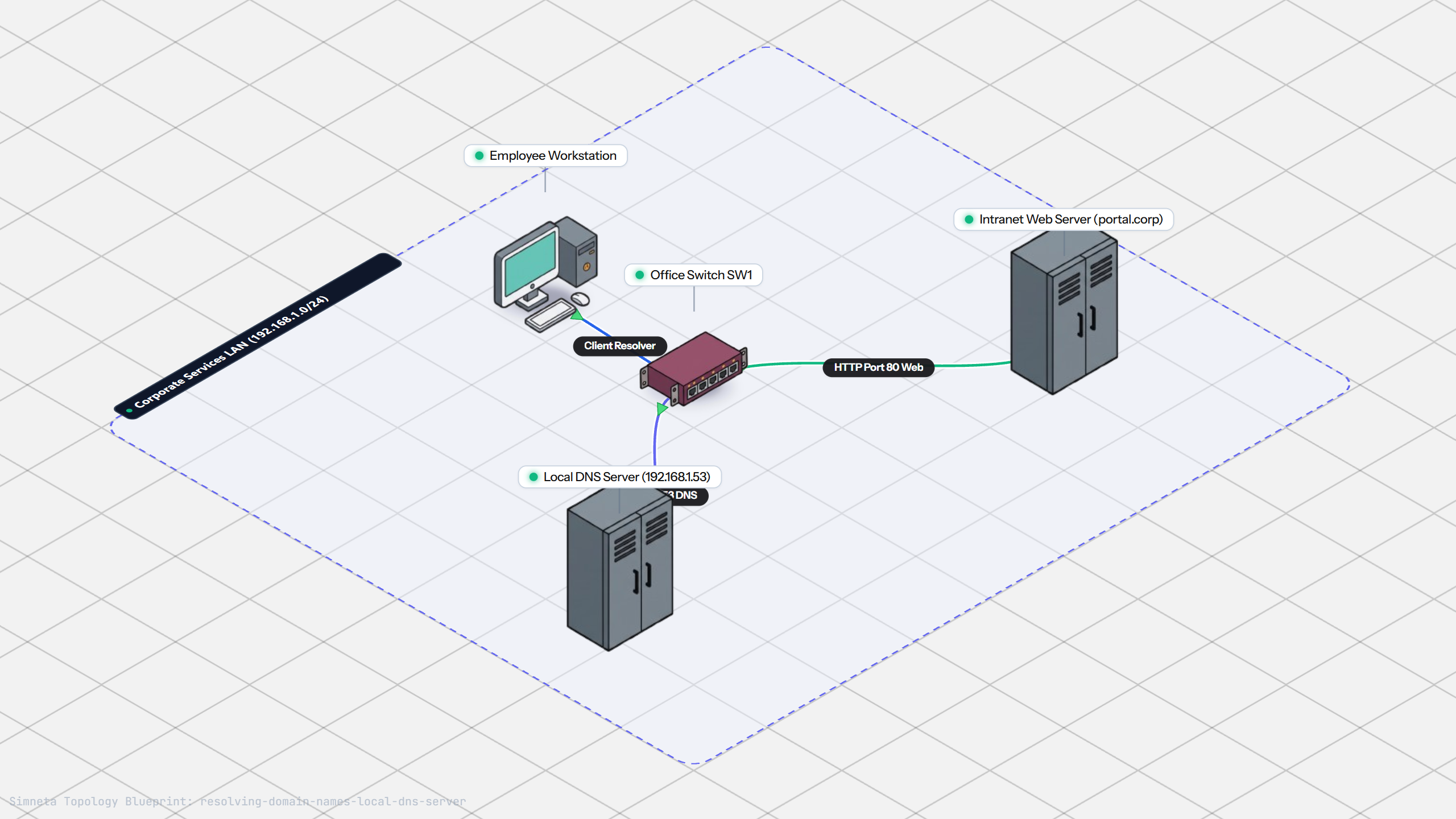
Resolving Domain Names with Local DNS
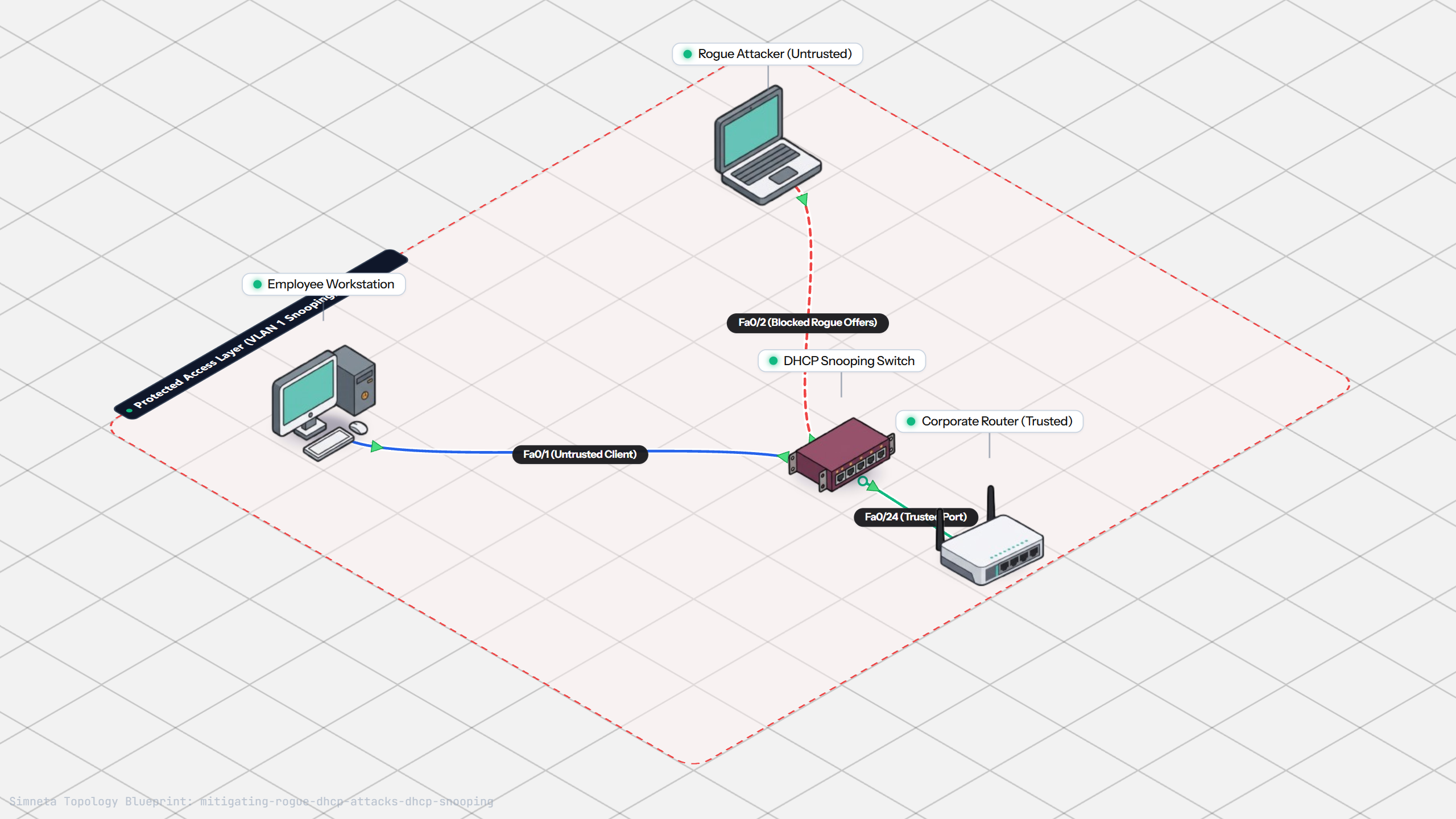
Stopping Rogue DHCP with Snooping
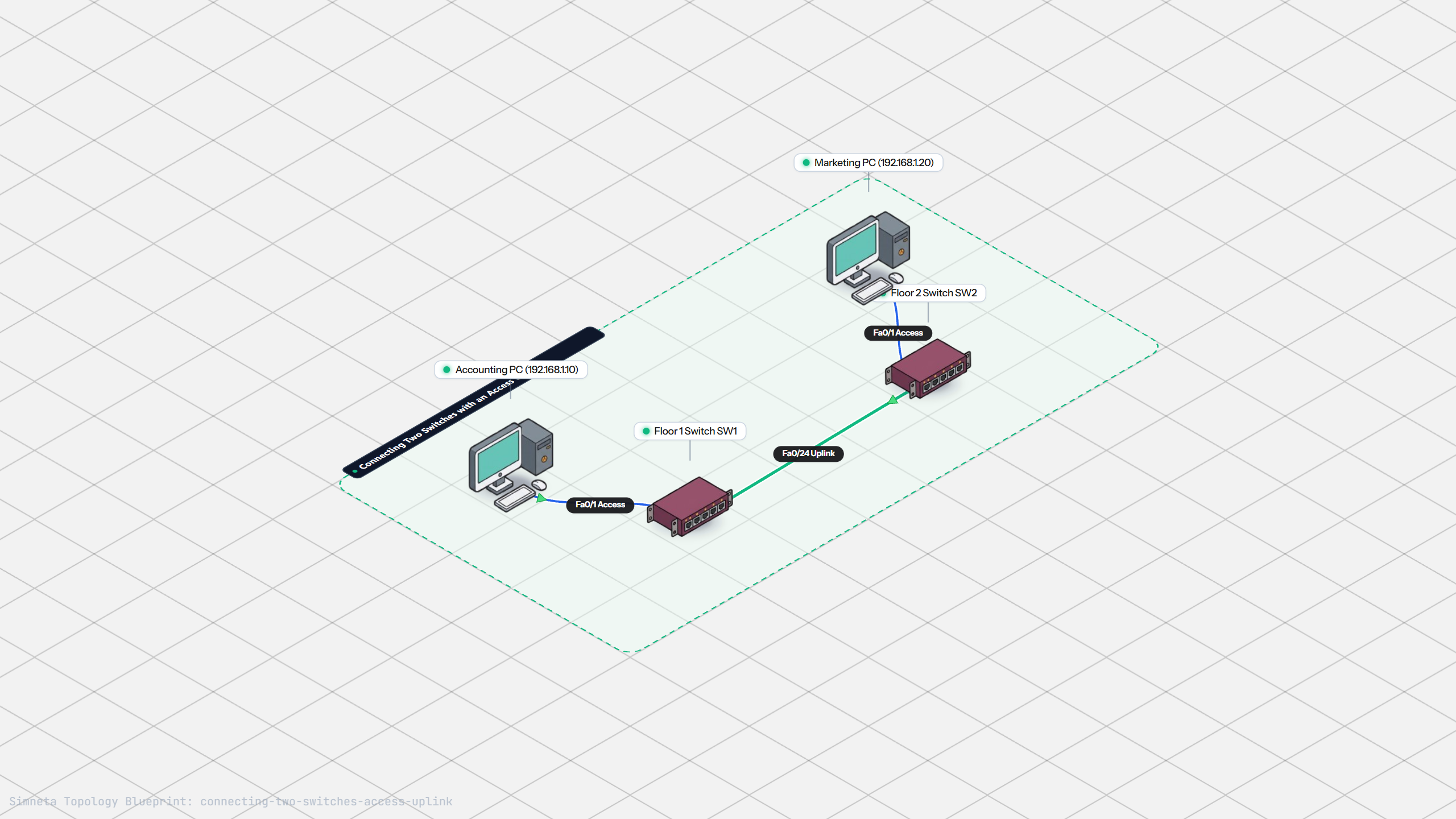
Connecting Two Switches with an Access Uplink
Configuring Static IP on Workstation
Testing Reachability and Latency with Ping
Inspecting ARP Cache Tables
Setting Up DHCP Static Reservations
Connecting Routers with /30 Subnet
Configuring Default Static Route to ISP
Blocking Ping with Standard ACL
Port Forwarding for Web Servers
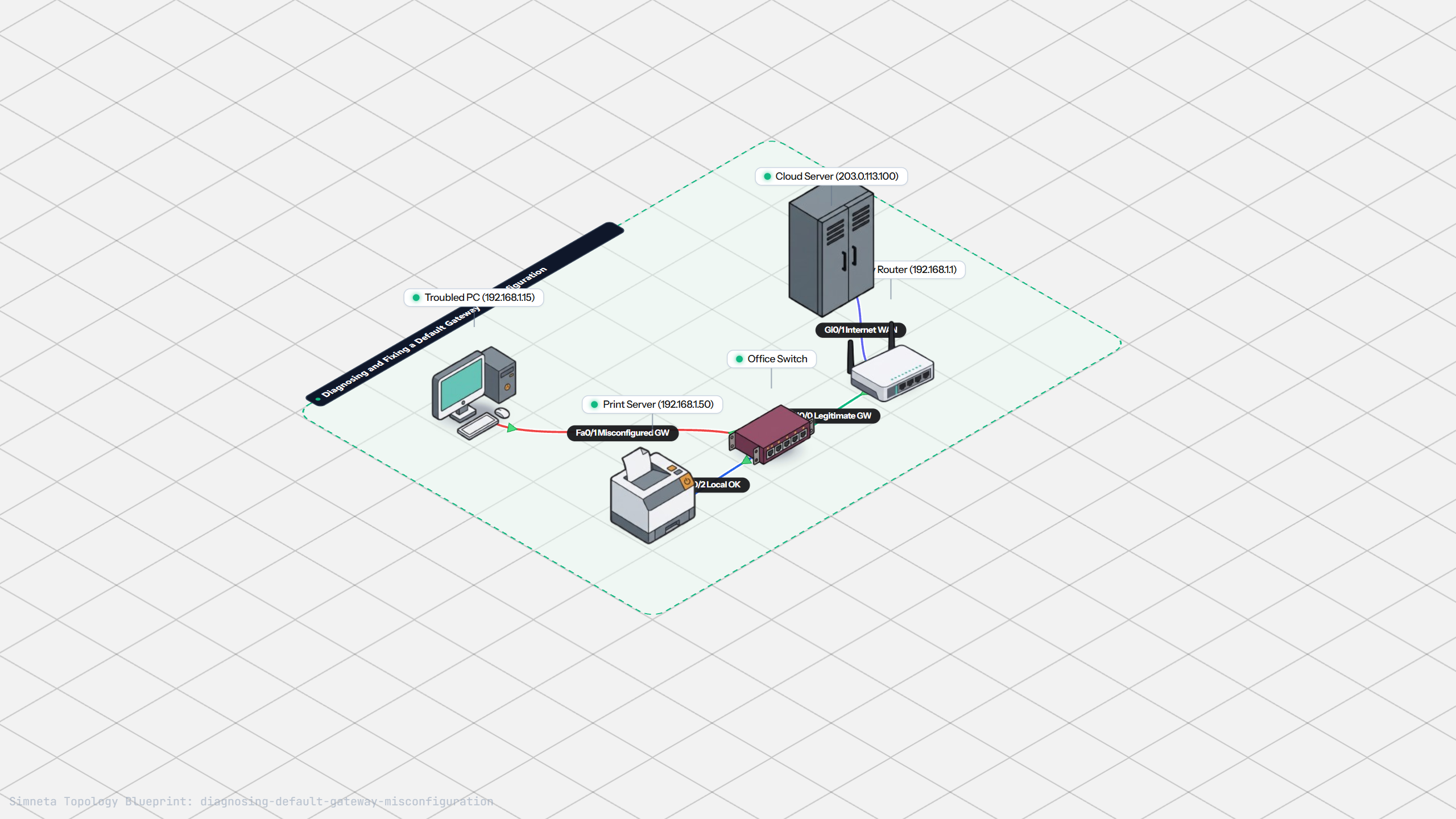
Fixing Default Gateway Misconfigurations
Discussion & Community Notes
Ask questions, share configuration tips, or discuss this laboratory topology.