
Gateway Redundancy with HSRP Failover
Prevent office-wide network outages when your primary router crashes. Configure Cisco Hot Standby Router Protocol (HSRP) with virtual IP default gateway failover and priority preemption.
Every workstation, server, and Wi-Fi access point on an enterprise network is configured with a single default gateway IP address pointing directly to a physical router interface. When an employee browses the internet, pushes code to GitHub, or queries a remote cloud server, their computer blindly forwards every single outgoing packet to that exact IP address. But what happens when that router suffers a power outage, a blown power supply, or a software crash during business hours?
Because end computers are hard-coded with a single default gateway IP, the entire office loses connectivity instantly—even if you have a perfectly working second backup router sitting right beside it in the server rack. Client operating systems will not automatically discover the second router on their own, and network administrators cannot run around manually editing network settings on hundreds of laptops during an emergency.
To solve this single point of failure, network engineers deploy First-Hop Redundancy Protocols (FHRP), with the most famous being the Hot Standby Router Protocol (HSRP). HSRP allows two physical routers to share a single Virtual IP (VIP) and virtual MAC address, delivering transparent gateway failover in less than three seconds.
Implementing default gateway redundancy requires mapping virtual MAC address structures, adjusting priority weights to designate the primary forwarder, configuring preemption, and auditing state handoffs during interface failures.
Network Architecture Plan
| Segment | Interface | Subnet / Address | Functional Role |
|---|---|---|---|
| Primary Router (R1) | GigabitEthernet0/0/1 | 192.168.1.2/24 | Active HSRP forwarder (Priority 110 with Preempt) |
| Secondary Router (R2) | GigabitEthernet0/0/1 | 192.168.1.3/24 | Standby HSRP router (Priority 100 default) |
| Virtual Default Gateway | HSRP Group 1 VIP | 192.168.1.1/24 | Shared virtual gateway address configured on all client PCs |
| Office Workstation | FastEthernet0 | 192.168.1.50/24 | Client endpoint pointing to virtual default gateway 192.168.1.1 |
Virtual Gateway MAC Architecture
When client devices boot up and join a subnet, they receive a single default gateway address either via DHCP or static assignment. If that physical hardware interface fails, client computers continue transmitting ARP requests and data packets into the dead port, resulting in immediate Request Timed Out errors.
HSRP overcomes this limitation by inventing a phantom Virtual Router. Both physical routers agree on a shared Virtual IP address (such as 192.168.1.1) and a standardized virtual MAC address.
The standard HSRP version 1 virtual MAC address breaks down into three distinct segments: 0000.0c07.ac01.
The prefix 0000.0c is Cisco Vendor OUI. The value 07.ac identifies the frame as HSRP protocol traffic. The final two hex digits (01) represent the HSRP Group Number (Group 1).
End workstations configure their default gateway to point exclusively to the Virtual IP address, remaining completely unaware of which physical router is actively handling their packets.
HSRP Version 1 Virtual MAC:  0000.0c07.ac01
  |--- Cisco Vendor OUI ---|  00:00:0C  (Cisco Systems)
  |--- Protocol ID --------|  07:AC     (HSRPv1 Identifier)
  |--- Group Number -------|  01        (HSRP Group 1 in hex)

HSRP Version 2 Virtual MAC:  0000.0c9f.f001
  |--- Protocol Identifier |  9F:F      (HSRPv2 Identifier)
  |--- Group Number -------|  001       (12-bit Group ID: 0-4095)
Why Virtual MACs Prevent ARP Stalls:
Real-world field story: During a data center power outage, Router 2 took over as active. When Router 1 booted back up, it remained idle because the admin had omitted standby 1 preempt, leaving the secondary router handling full load until the next maintenance window.
Configuring the Active Router
Under HSRP, the router with the highest priority value (default 100) becomes the Active router, while the second router becomes the Standby router.
The Active router handles all user traffic, responds to ARP requests for the Virtual IP, and sends multicast Hello packets to IP 224.0.0.2 (UDP Port 1985) every three seconds.
On Router 1, configure physical interface Gig0/0/1 with IP 192.168.1.2. Activate HSRP group 1 with Virtual IP 192.168.1.1, and elevate its priority to 110 using standby 1 priority 110.
Crucially, enable the standby 1 preempt feature. Preemption guarantees that if Router 1 reboots after a maintenance cycle, it will automatically reclaim the active forwarding role from the lower-priority backup router.
Router-Active# configure terminal
Router-Active(config)# interface GigabitEthernet0/0/1
# Assign physical interface IP
Router-Active(config-if)# ip address 192.168.1.2 255.255.255.0
# Define HSRP Group 1 Virtual IP
Router-Active(config-if)# standby 1 ip 192.168.1.1
# Elevate priority above default 100 so Router 1 wins election
Router-Active(config-if)# standby 1 priority 110
# Allow router to reclaim active role upon recovery
Router-Active(config-if)# standby 1 preempt
Router-Active(config-if)# exit
Parameter-by-Parameter Command Breakdown:
standby 1 ip 192.168.1.1: Binds this interface to HSRP group 1 and establishes the shared virtual default gateway address.standby 1 priority 110: Configures the election priority. Priorities range from 0 to 255 (default 100). Higher numbers win the active forwarding role.standby 1 preempt: Vital failback command. Without preemption, a higher-priority router that reboots will remain stuck in Standby mode forever as long as the current active router stays powered on.standby 1 preempt delay minimum 30 to delay takeover until dynamic routing protocols (like OSPF) finish synchronizing routes.Preempt Delay Tip: Adding a preempt delay (e.g. standby 1 preempt delay minimum 30) prevents black-holing traffic when a recovering router boots up before its upstream WAN circuits finish converging.
Configuring the Standby Router
On Router 2, configure physical interface Gig0/0/1 with IP 192.168.1.3. Assign the exact same HSRP group number 1 and the exact same Virtual IP 192.168.1.1.
Leave the priority at the default value of 100. Because 100 is lower than Router 1 priority of 110, Router 2 gracefully enters the Standby state.
HSRP operates on two synchronized timers: the default Hello Timer fires every 3 seconds, and the Hold Timer expires after 10 seconds of silence.
Router 2 resets its hold timer every time it receives a multicast Hello from Router 1. As long as those heartbeats arrive, Router 2 leaves its data plane idle and waits patiently in the wings without interfering with client traffic.
Router-Standby# configure terminal
Router-Standby(config)# interface GigabitEthernet0/0/1
# Assign physical interface IP
Router-Standby(config-if)# ip address 192.168.1.3 255.255.255.0
# Join the exact same HSRP Group 1 with matching VIP
Router-Standby(config-if)# standby 1 ip 192.168.1.1
Router-Standby(config-if)# exit
The Six HSRP Operational States:
Sub-Second Timers: On mission-critical networks, engineers shorten failover times using millisecond timers: standby 1 timers msec 250 msec 750 (250ms Hello, 750ms Hold timer), cutting failover down to sub-second speeds.
Verifying Standby Cluster State
Open the CLI terminal on both routers and run show standby brief to inspect the redundancy cluster status:
The output confirms that the routers have negotiated roles and synchronized the shared Virtual IP address.
Field-by-Field Status Breakdown:
Interface Gi0/0/1 / Grp 1: The physical interface and HSRP redundancy group identifier.Pri 110 P Active: On Router 1, priority is 110, preemption is active (P), and state is Active. The word local confirms this router owns the active data plane.Standby 192.168.1.3: Router 1 confirms that Router 2 physical IP is registered as its standby peer.Virtual IP 192.168.1.1: The shared gateway address reachable by all workstations on the subnet.Duplicate Active Warning: If both routers report their state as Active (local), check the physical switch connecting them. When switches drop multicast packets or separate ports into different VLANs, routers cannot hear each other Hellos and split-brain failures occur.
Testing Live Gateway Failover
From the Office Workstation, configure its gateway as 192.168.1.1 and launch a continuous ping toward external IP 8.8.8.8.
Now simulate a sudden power failure on Router 1 by disconnecting its cable or shutting down interface Gig0/0/1 on your canvas.
Observe how Router 2 detects the outage and takes over gateway forwarding transparently.
Tracing the Failover & Recovery Sequence:
224.0.0.2.0000.0c07.ac01), updating the distribution switch CAM table to point Virtual MAC frames to port Fa0/2.192.168.1.1 without needing to reconfigure its network settings.preempt command trigger an immediate takeover, restoring original load balance seamlessly.VRRP vs HSRP: While HSRP is a Cisco protocol, the Virtual Router Redundancy Protocol (VRRP / RFC 5798) is the open-standard equivalent supported across Juniper, Arista, Linux, and MikroTik equipment.

Related Network Labs
Continue your network simulation practice with these recommended labs.
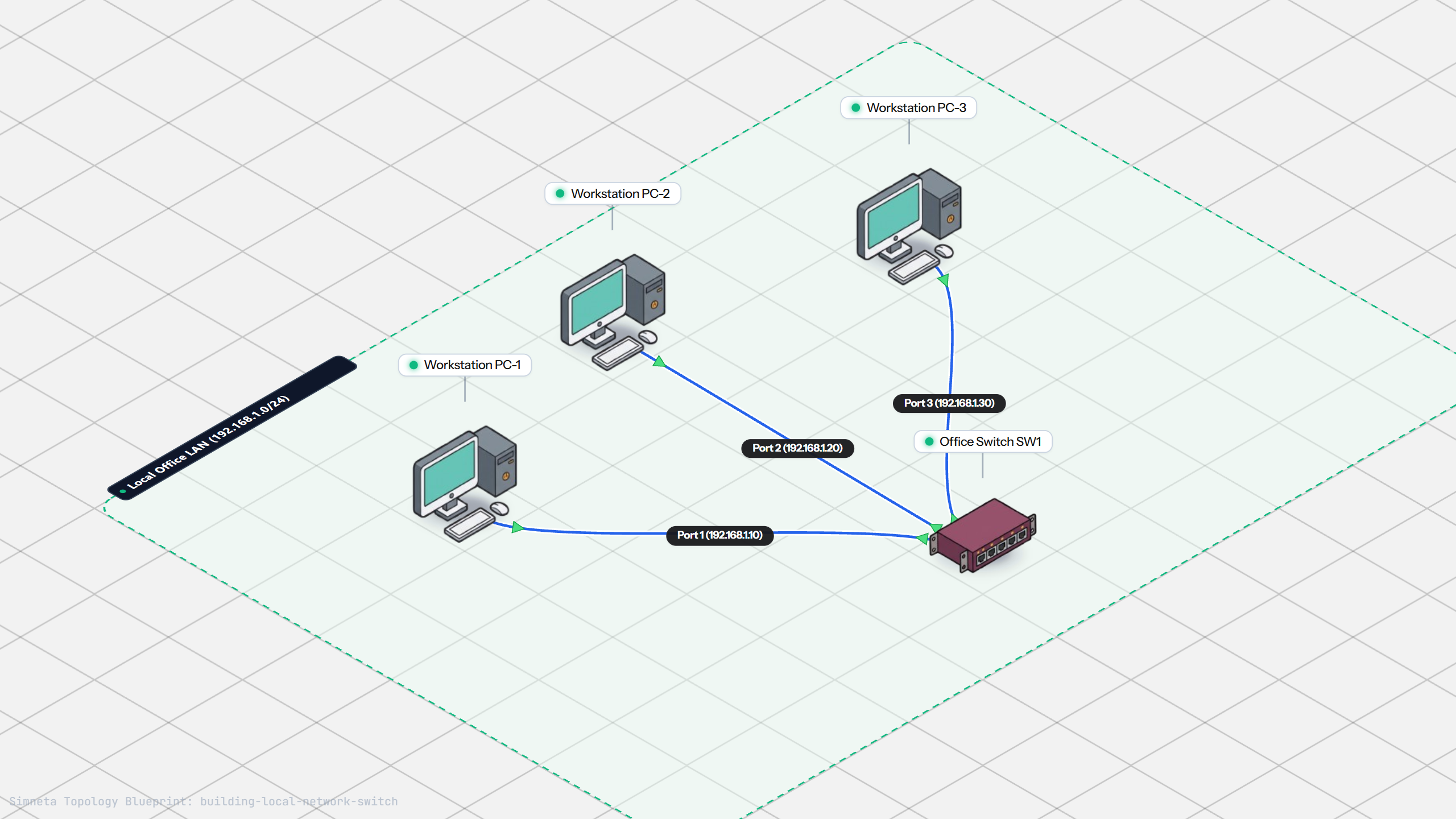
Building a Local Office LAN with a Switch
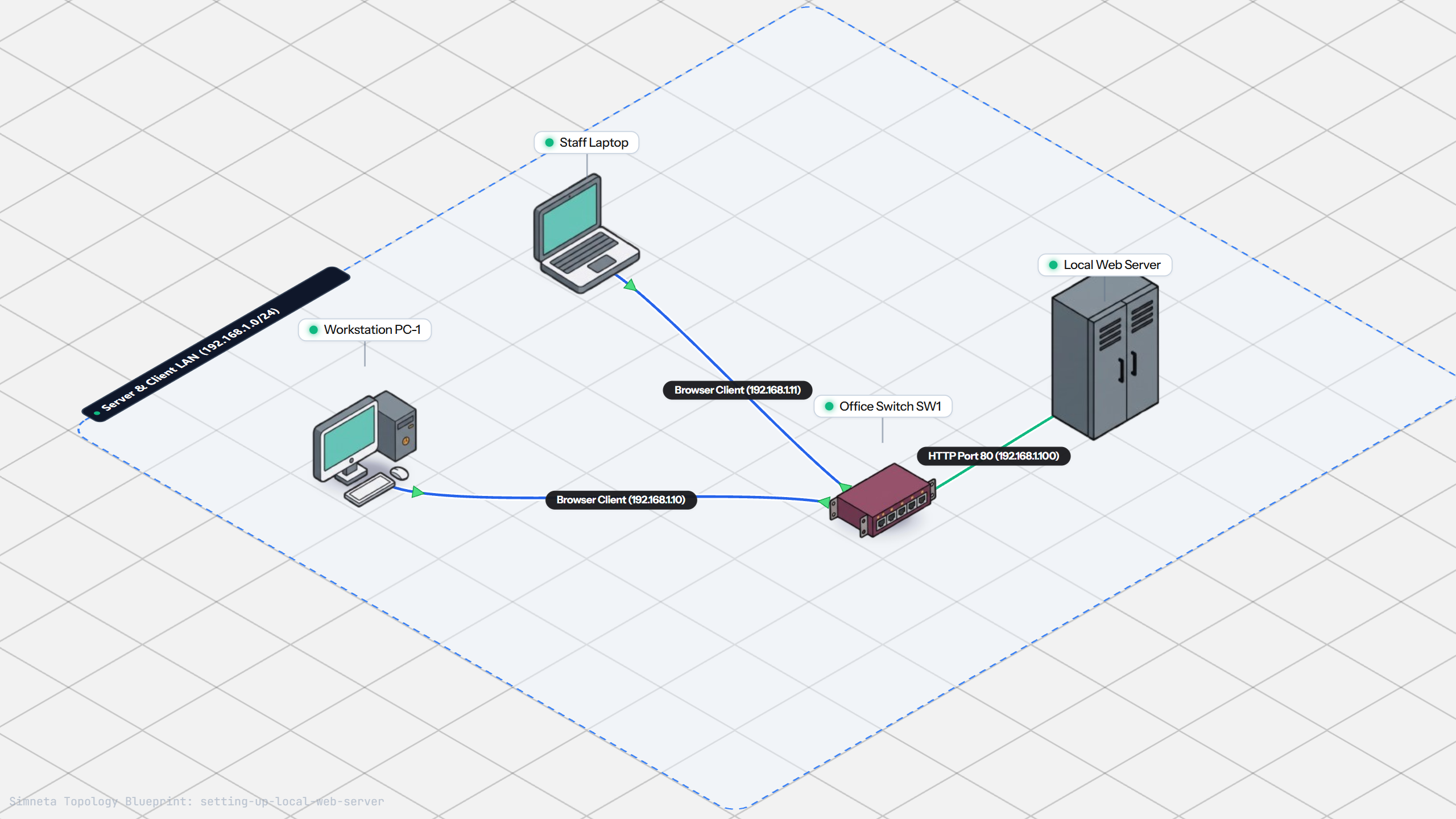
Setting Up a Local Web Server
VLAN Trunking with 802.1Q
Preventing Loops with Spanning Tree
Securing Switch Ports with Port Security
Bundling Switch Uplinks with LACP EtherChannel
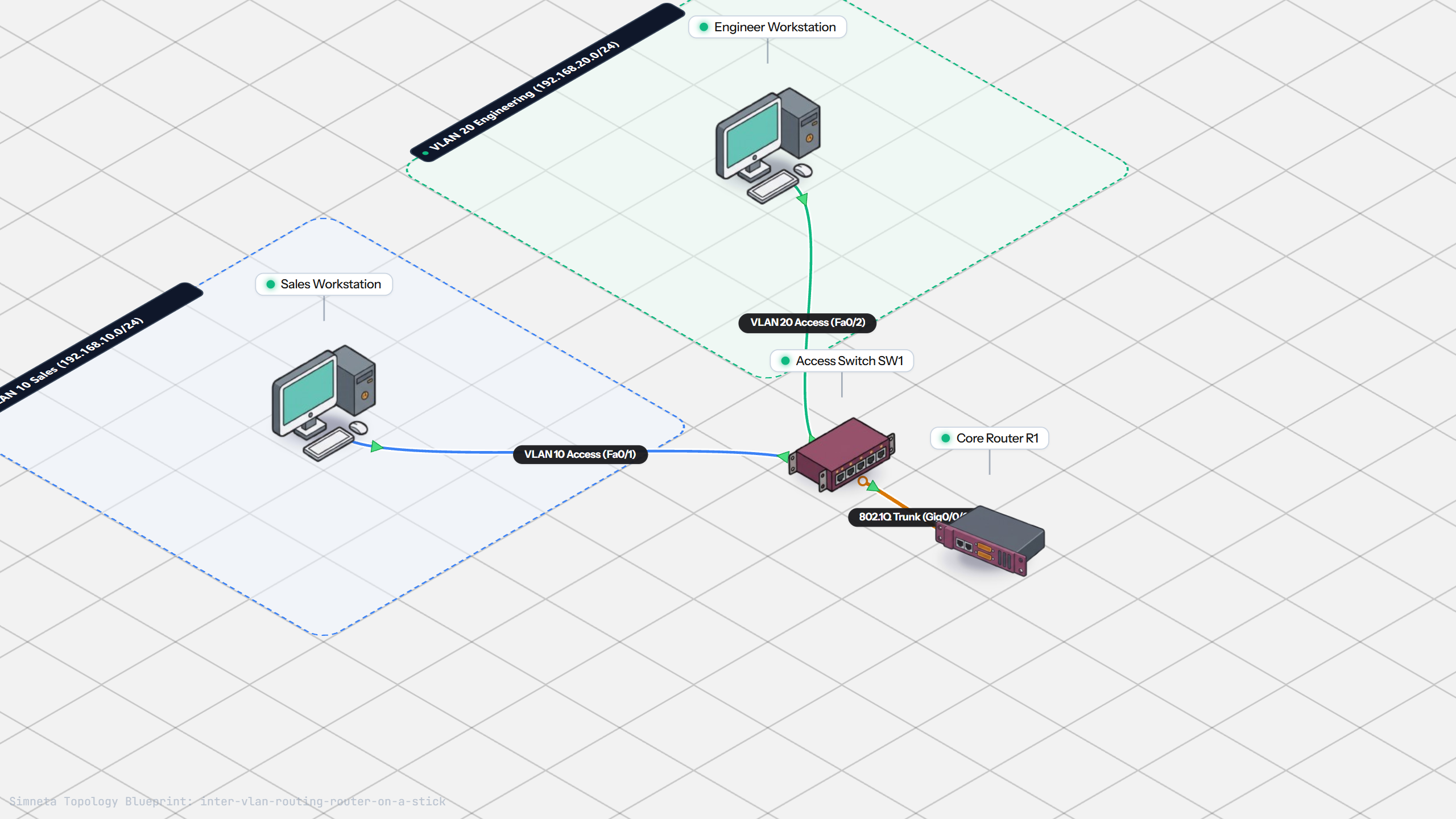
Inter-VLAN Routing with Router-on-a-Stick
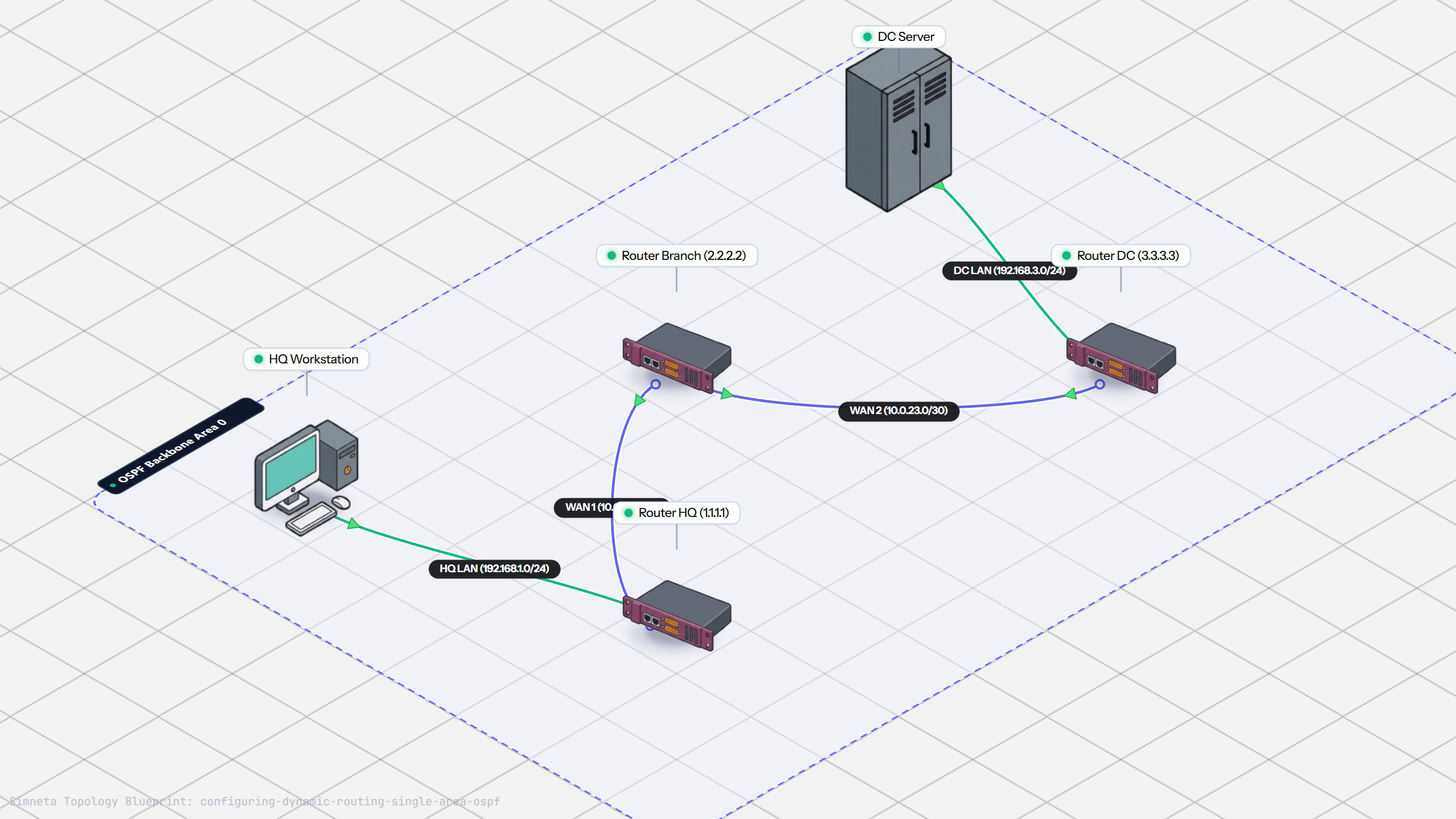
Dynamic Routing with Single-Area OSPF
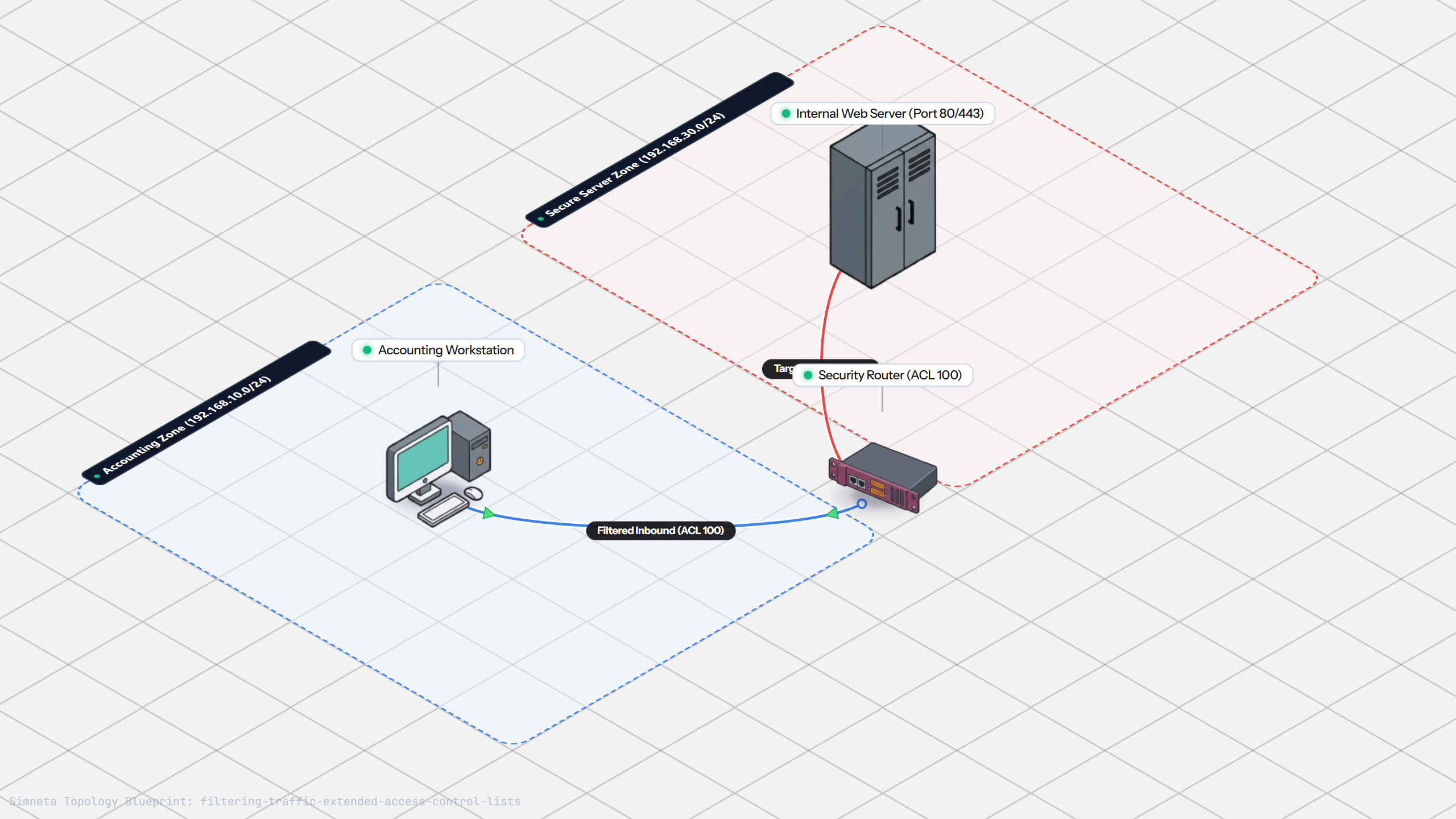
Filtering Traffic with Extended ACLs
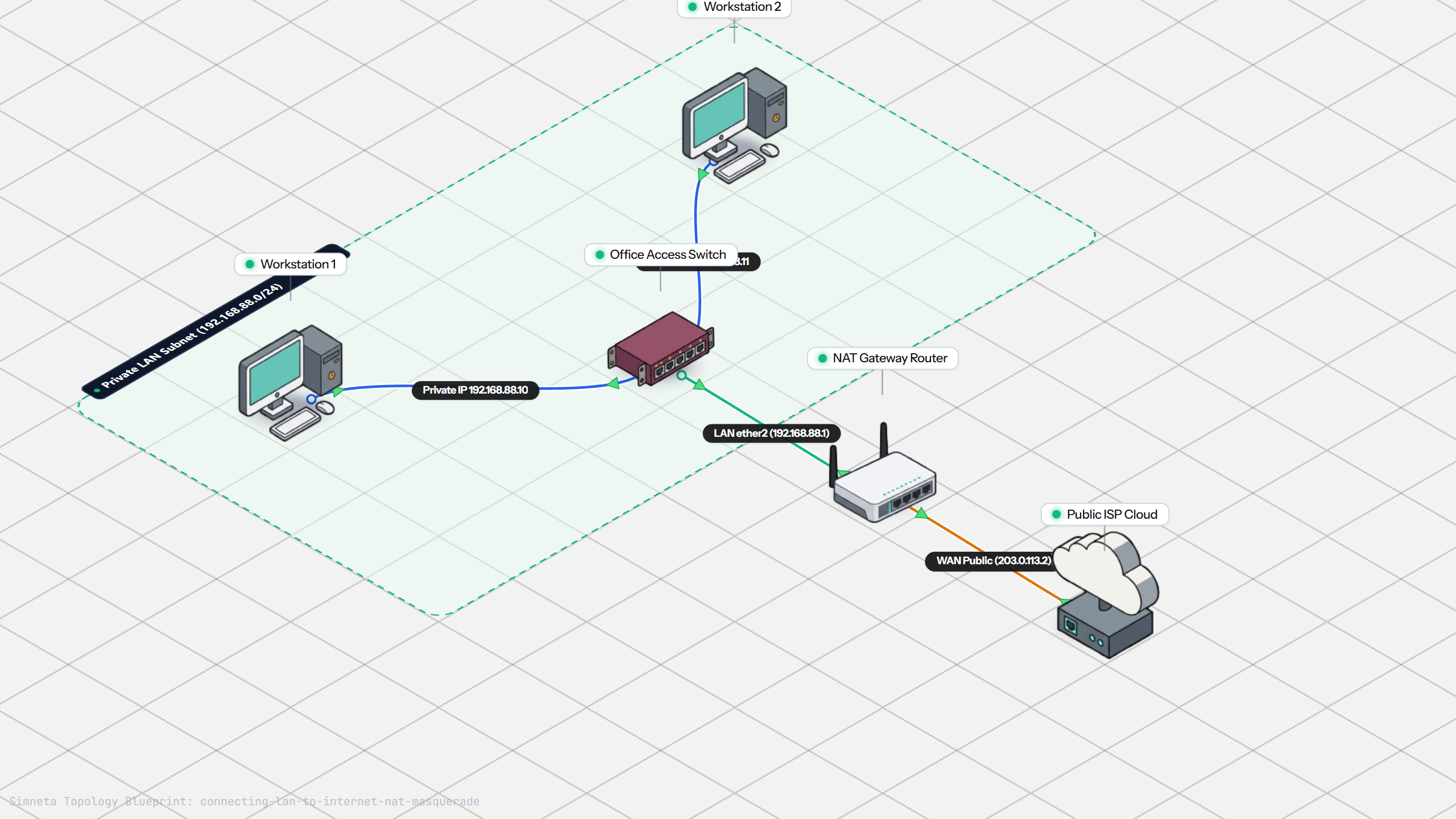
Connecting LAN to Internet with NAT
Resolving Domain Names with Local DNS
Stopping Rogue DHCP with Snooping
Connecting Two Switches with an Access Uplink
Configuring Static IP on Workstation
Testing Reachability and Latency with Ping
Inspecting ARP Cache Tables
Setting Up DHCP Static Reservations
Connecting Routers with /30 Subnet
Configuring Default Static Route to ISP
Blocking Ping with Standard ACL
Port Forwarding for Web Servers
Fixing Default Gateway Misconfigurations
Discussion & Community Notes
Ask questions, share configuration tips, or discuss this laboratory topology.