
EVE-NG Alternative for Fast In-Browser Labs
Tired of provisioning dedicated 32 GB RAM servers, fixing Linux permissions, and paying 150 EUR annual licenses? Simneta NetLab gives you an immediate, zero-maintenance web network lab without server infrastructure.
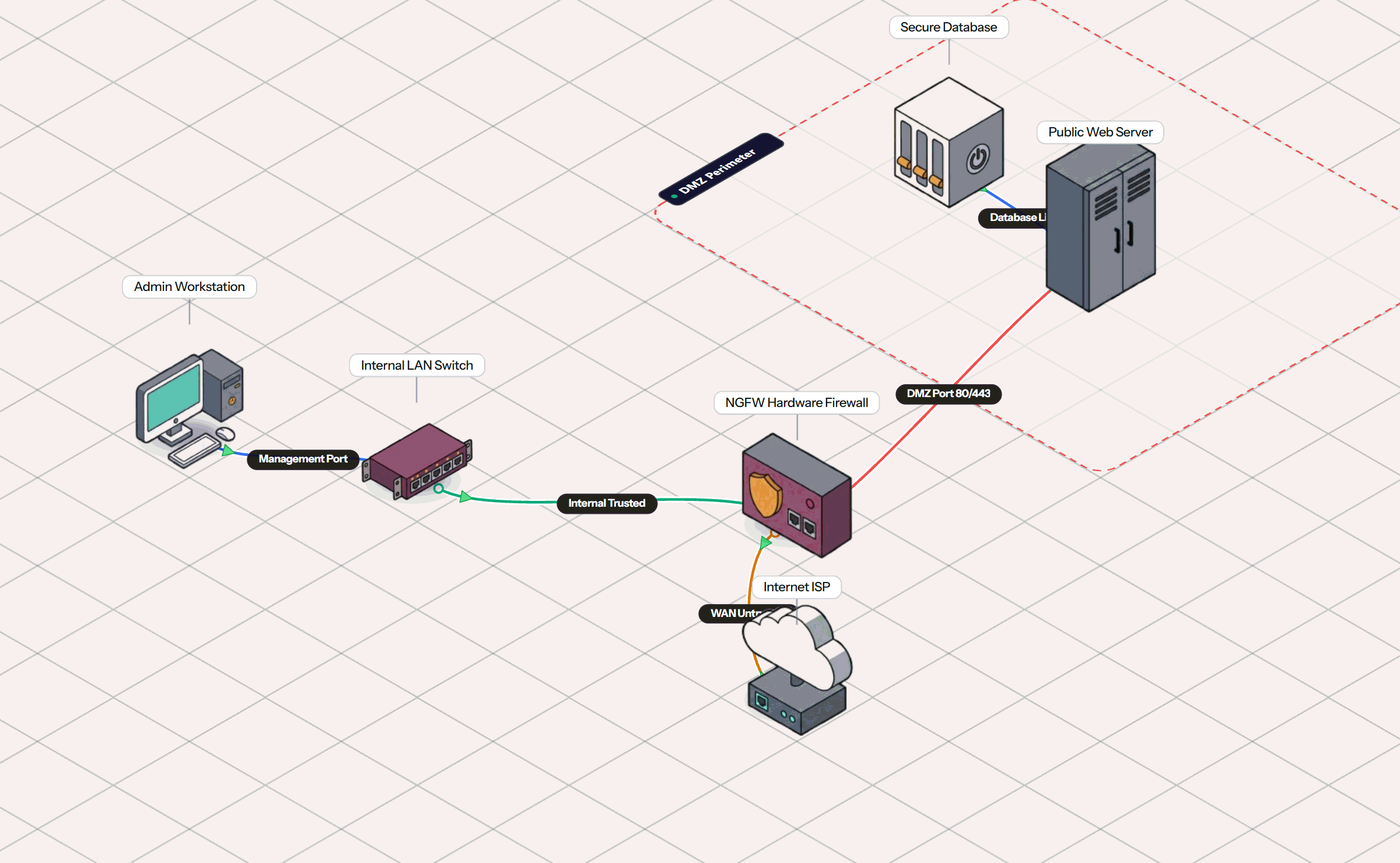
How Simneta NetLab Differs from EVE-NG
EVE-NG is an infrastructure-heavy emulator built for server admins. Simneta NetLab delivers instant network simulation directly to your browser with zero DevOps chores.
No Server to Maintain
No need to buy a refurbished rackmount server or set up ESXi and Proxmox clusters. Simneta NetLab runs on any computer with a standard web browser.
Save $100+/mo in Cloud Costs
Hosted EVE-NG options like CloudMyLab cost $23/week ($100+/month). Simneta NetLab provides immediate, full-featured labbing with zero recurring hosting bills.
No Image Name Formatting
Forget spending hours renaming .qcow2 files to match exact EVE-NG template folder schemes or executing permission fix scripts in Linux SSH.
Real-Time Visual Cables
EVE-NG shows static diagrams while packets pass invisibly through Linux bridge interfaces. Simneta visually animates every frame right on the cable.
EVE-NG Frustrations That Simneta NetLab Solves
Stop letting server administration get in the way of learning real networking concepts.
7-Node Freemium Cap and Pro Pricing
With EVE-NG Community Edition reaching end-of-life in 2026, the free v7 tier is strictly limited to 7 active nodes, forcing students to purchase EVE-NG Pro for 150 EUR. Simneta NetLab has zero node caps.
Severe 16 GB to 64 GB RAM Requirements
Because EVE-NG spins up full Linux virtual machines for every router, running a moderate branch lab easily requires 16 to 32 GB of RAM. Simneta uses under 150 MB total memory inside a single browser tab.
Tedious Image Conversion and Permissions
Importing images into EVE-NG involves SCPing files, converting formats with qemu-img, strict directory naming conventions, and frequent permission errors. Simneta requires zero image handling.
Slow Multi-Minute Boot Times
Booting 6 nodes in EVE-NG takes 3 to 5 minutes while QEMU processes spin up in the background. Simneta topologies start instantly the moment you click on the workspace.
How Simneta NetLab Works
Fast, intuitive network design built directly for web browsers.
Assemble Network Topologies
Drag routers, enterprise switches, and workstations directly onto the visual grid. Zero VM configuration or RAM allocation sliders needed.
Wire Physical Links in Seconds
Connect interfaces with Auto-MDIX Cat6 cables. Ports automatically negotiate link status without manual bridge adapter binding.
Configure via CLI Terminal
Manage devices using interactive terminal CLIs. Inspect live packets, test reachability, and learn networking concepts with instant feedback.
EVE-NG vs Simneta NetLab Comparison
Side-by-side comparison of memory usage, licensing, and workflow efficiency.
| Evaluation Metric | EVE-NG (Freemium / Pro) | Simneta NetLab |
|---|---|---|
| Server Infrastructure | Requires dedicated ESXi, Proxmox, or Ubuntu server | Zero server needed (Runs inside your browser) |
| RAM Requirements | 16 GB to 64 GB RAM recommended | < 150 MB (Standard web browser tab) |
| Free Tier Node Limit | Capped at 7 nodes in free v7; 150 EUR/yr for Pro | Zero artificial node caps |
| Image Setup and Licensing | Manual QEMU image conversion and SSH permissions | Built-in protocol models ready out-of-the-box |
| Initial Boot Time | 3 to 5 minutes for QEMU virtual machine nodes | Instant (Sub-second start) |
| Wire Traffic Animation | Static lines; requires external packet capture tools | Live visual packet pulses with integrated inspector |
| GUI Router Management | Web topology canvas only (CLI inside nodes) | Interactive Terminal CLI & Visual Canvas |
The Bottom Line: EVE-NG vs Simneta NetLab
Pick EVE-NG when you need:
- •To test exact enterprise vendor firmware (Arista vEOS, Cisco XRv9k, Palo Alto PAN-OS).
- •You have a dedicated home server with 32 to 64 GB RAM and enjoy managing Linux virtualization.
Pick Simneta NetLab when you need:
- •To practice networking anywhere from any laptop or tablet without maintaining server hardware.
- •To avoid $23/week cloud hosting bills or 150 EUR software license fees.
- •To see live visual packet pulses on cables and practice standard router and switch CLIs.
Frequently Asked Questions
Common questions regarding EVE-NG alternatives and in-browser network simulation.