
Online Network Lab in Your Browser
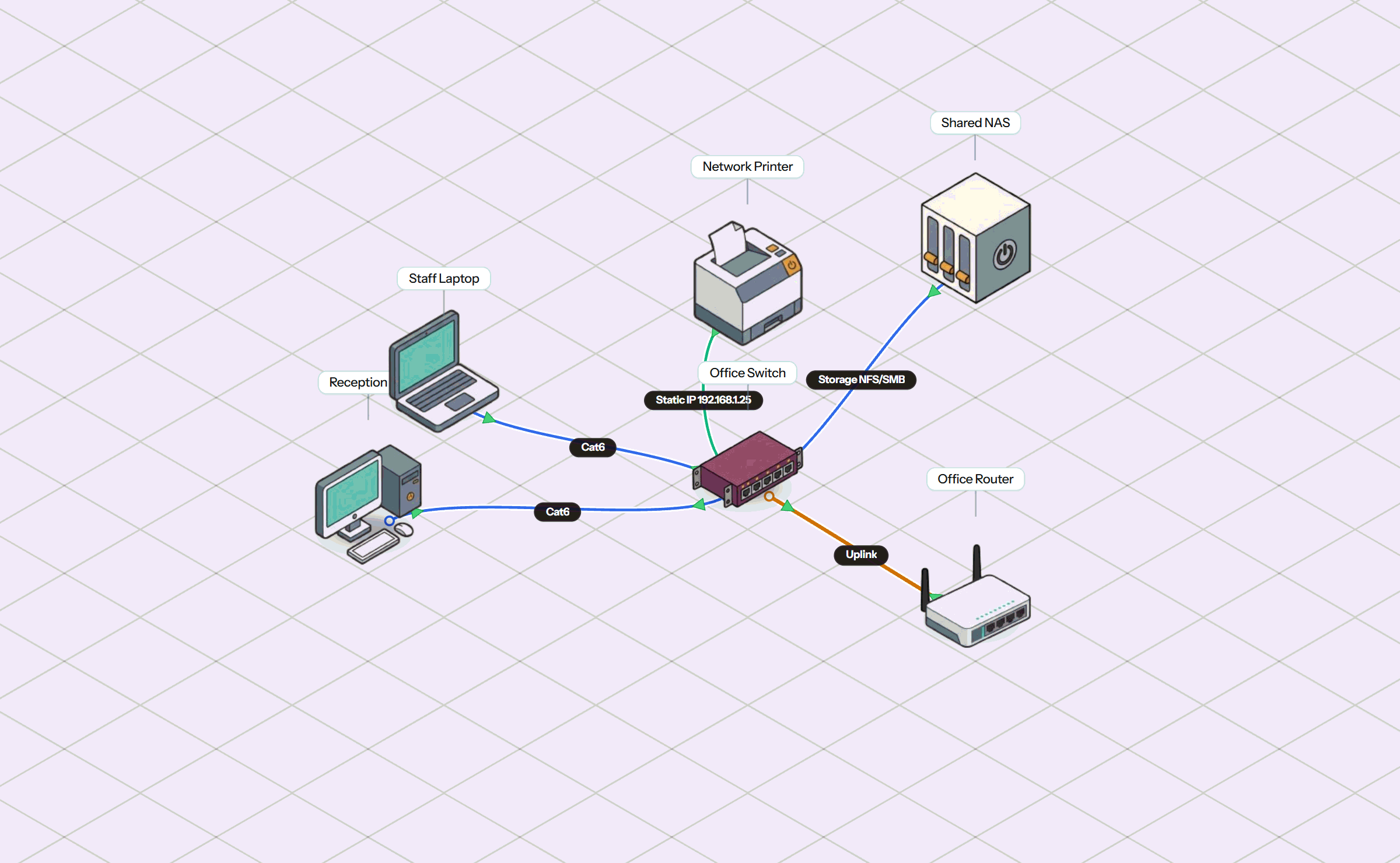
Simneta NetLab is a complete, interactive online network laboratory. Build network topologies, connect routers and switches, configure IP subnets, and watch live packet flow directly in your web browser — with zero downloads, zero virtual machine setup, and zero server fees.
The Modern Way to Practice Networking
Hands-on network practice should be fast, accessible, and simple for everyone.
For years, learning computer networking required physical equipment racks, scheduling lab pods days in advance, or installing heavy virtual machine software that slow down laptops and require complex licenses.
Simneta NetLab changes that by bringing an authentic network laboratory into a standard browser tab. All packet processing and routing logic run client-side on your device. You get instant feedback, interactive router consoles, and real-time packet animation without setting up server hardware.
Complete Lab Capabilities in One Tab
Everything you need to build, configure, and troubleshoot networks with confidence.
1. Visual Topology Canvas & Wiring
Drag and drop virtual routers, switches, and client computers onto the canvas. Connect interfaces with Ethernet cables that show live green and red link status indicators.
2. Interactive Terminal CLI
Practice real router and switch commands. Assign IP addresses, configure static routes, manage OSPF routing areas, and inspect routing tables with immediate output.
3. Live Packet Flow Inspector
Watch animated packet pulses move along cables in real time. Open the packet inspector to inspect Layer 2 Ethernet frames, Layer 3 IP packets, and Layer 4 protocol headers.
4. Virtual PC Endpoints & Command Prompt
Equip client workstations with a realistic Command Prompt. Run ipconfig to verify DHCP leases, test default gateways, and run ping or traceroute tests across subnets.
Built for Students, Academies, and Educators
Simple setup for classrooms, remote assignments, and independent study.
Chromebook & Tablet Ready
Runs in standard web browser tabs without requiring administrator installation rights, virtual machine software, or heavy computer memory.
Zero Server Bills
No need to rent expensive cloud servers or manage home lab hardware. Simulation runs locally inside your browser with zero ongoing costs.
Simple Lab Sharing
Save topologies as lightweight JSON lab files or share lab links directly for group work and instructor homework reviews.
Frequently Asked Questions
Common questions regarding running network labs online in the browser.