
Inspecting ARP Cache Tables
Uncover the critical bridge between Layer 3 logical addressing and Layer 2 physical delivery. Discover how computers use ARP broadcasts to discover MAC addresses, inspect the operating system ARP cache table, and observe dynamic entry timeouts.
When your computer prepares to transmit an IP packet across a local Ethernet cable, it faces a fundamental dilemma: operating systems and web applications address traffic using 32-bit IPv4 addresses, but physical network interface cards and switches only deliver frames using 48-bit Media Access Control (MAC) addresses. Without a way to bridge this gap, local Ethernet communication would be impossible.
The Address Resolution Protocol (ARP) solves this puzzle. By broadcasting an inquiry across the local wire, computers dynamically discover the hardware address of their neighbors and store the result in a fast memory table called the ARP Cache. Future packets to that neighbor travel via efficient unicast delivery without needing repeated broadcasts.
In addition to resolving unknown neighbors, devices send Gratuitous ARP announcements when booting up or renewing IP configurations. This helps neighbors update their caches immediately and warns the network if another device already claims the same IP address.
In this hands-on tutorial, you will generate ARP inquiries, examine raw ARP packet headers, inspect the dynamic cache table using command line tools, and observe what happens when cache timers expire.
Network Architecture Plan
| Segment | Interface | Subnet / Address | Functional Role |
|---|---|---|---|
| Office Switch | Fa0/1 - Fa0/3 | Layer 2 Switching | Broadcast Distribution Hub |
| Host A (Engineer) | FastEthernet0 | 192.168.1.10/24 | ARP Source Workstation |
| Host B (Designer) | FastEthernet0 | 192.168.1.20/24 | Target Workstation |
| Office File Server | FastEthernet0 | 192.168.1.100/24 | Local Storage Host |
Why We Need ARP
An IPv4 address like 192.168.1.20 is a logical concept created by operating system software. Copper Ethernet cables and physical switch circuits do not understand IP addresses; they move raw bits based on 48-bit MAC addresses burned into network interface cards.
Whenever an application wants to send data to another computer on the same local subnet, the operating system checks its local memory cache called the ARP Table. If a record matching the target IP address already exists, the computer immediately stamps the destination MAC onto the Ethernet frame header and transmits.
However, if no matching record exists in memory, normal packet transmission pauses. The network card must first send an ARP inquiry across the wire to discover who owns that IP address.
Broadcasting an inquiry for every single data packet would quickly overwhelm the local switch with broadcast chatter.
To prevent network slowdowns, operating systems cache resolved IP-to-MAC pairs in fast RAM.
Once an address is cached, thousands of future web packets, file transfers, and database requests travel directly to the destination switch port using unicast delivery.
Without this caching mechanism, every single keystroke in an SSH session or frame in a video stream would trigger a network-wide broadcast, severely crippling switch capacity.
Efficiency Principle: ARP caching ensures that only the very first packet of a conversation experiences a split-second delay while the hardware address is discovered. All remaining packets travel at wire speed.
The ARP Exchange
Open the console on Host A and check its initial cache by typing arp -a. If the computer just booted and has not communicated yet, the table will be empty.
Now initiate a ping to Host B at 192.168.1.20. Because Host A does not yet know Host B physical address, it generates an ARP Request frame.
Because the destination MAC is set to the universal broadcast address FF:FF:FF:FF:FF:FF, the switch floods the frame out of all ports so every device on the segment hears the question.
Ethernet Header:
  Destination MAC: FF:FF:FF:FF:FF:FF (Broadcast to all switch ports)
  Source MAC:      0050.7966.1001    (Host A burned-in MAC)
  EtherType:       0x0806            (Address Resolution Protocol)

ARP Payload Fields:
  Hardware Type:   1 (Ethernet)
  Protocol Type:   0x0800 (IPv4)
  Hardware Size:   6 bytes
  Protocol Size:   4 bytes
  Opcode:          1 (ARP Request)
  Sender MAC:      0050.7966.1001
  Sender IP:       192.168.1.10
  Target MAC:      0000.0000.0000    (Unknown - Please identify!)
  Target IP:       192.168.1.20
Breaking Down the ARP Request Fields:
Destination MAC FF:FF:FF:FF:FF:FF: Signals to every network card on the switch that this frame must be accepted and handed to the CPU for inspection.EtherType 0x0806: Identifies the payload as ARP rather than standard IPv4 data (which uses 0x0800).Opcode 1 (Request): Informs listening devices that this is a query asking: Who has IP 192.168.1.20? Tell 192.168.1.10.Target MAC 0000.0000.0000: Left blank because the sender does not yet know the target hardware address.When Host B receives this broadcast, it notices that Target IP matches its own address. Host B updates its own cache with Host A address, then sends back a unicast ARP Reply (Opcode 2) containing its real MAC: 0050.7966.2001.
Notice that while the request was broadcast to all ports, the reply is unicast directly back to Host A because Host B already knows Host A MAC from the request.
Silent Drop: When Host C or the File Server receive the broadcast ARP request, they compare Target IP against their own addresses. Seeing no match, their network cards silently discard the frame without sending any error.
Inspecting the Table
Now that the ping sequence has completed successfully, re-run arp -a on Host A to inspect the updated contents of its memory cache.
Notice that the table now contains an active mapping pairing IP address 192.168.1.20 with Host B physical MAC address.
Operating systems assign an expiration timer to this mapping so that stale entries are cleanly refreshed if network interface cards are replaced.
Field-by-Field Table Analysis:
Internet Address 192.168.1.20: The Layer 3 software IP address of the remote host.Physical Address 0050.7966.2001: The Layer 2 hardware MAC address learned from the incoming ARP reply.Type dynamic: Indicates that this entry was learned automatically across the wire through protocol exchange rather than typed manually by an administrator.From this moment forward, whenever an application on Host A sends data to 192.168.1.20, the network stack checks this table and immediately addresses the Ethernet frame directly to 0050.7966.2001 without generating any broadcast traffic.
Static vs Dynamic: Administrators can configure static ARP entries (using arp -s) on high-security networks to prevent rogue computers from impersonating critical gateways (ARP spoofing protection).
Resolving Multiple Hosts
A workstation ARP table expands naturally as it communicates with different machines across the local office network.
To observe table growth, send an ICMP echo test from Host A to the Office File Server at 192.168.1.100, then inspect the table again.
Tracking Cache Expansion:
Host A now stores two distinct dynamic entries in memory.
Notice that the first ping packet to 192.168.1.100 completed in 1ms because the switch learned both ports during the ARP resolution.
The operating system organizes these entries in a fast hash table data structure. Even if an office network contains hundreds of computers, lookup times remain nearly instantaneous.
Local vs Remote Address Resolution: If Host A needs to reach an external website like 8.8.8.8, it will never broadcast an ARP request for 8.8.8.8. Because 8.8.8.8 is outside the local subnet, Host A checks its routing table, identifies its default gateway (e.g. 192.168.1.1), and issues an ARP request for the router MAC address instead.
Gateway Pointer: If Host A needs to reach an external website like 8.8.8.8, it does NOT search for 8.8.8.8 in the ARP table. Instead, it looks up the MAC address of its default gateway router (192.168.1.1).
Flushing the Cache
Dynamic ARP entries do not remain in memory forever. Operating systems enforce an aging timer (typically 2 to 20 minutes of inactivity) to purge old entries.
Aging prevents communication failures if a device receives a new network card or changes IP addresses.
To simulate the aging process and observe an empty cache, execute the command arp -d * in the terminal.
Verifying Cache Purging:
The arp -d * command flushes all dynamic entries from RAM.
When you run arp -a, the terminal confirms that the table is completely empty.
If Host A sends a ping now, it will once again broadcast an ARP Request frame across the switch, rebuilding its table dynamically.
In enterprise troubleshooting, flushing the ARP cache is a standard remedy whenever network hardware is replaced or IP conflicts are resolved.
Defending Against ARP Poisoning: Because standard ARP has no authentication, attackers can send falsified ARP replies (ARP spoofing) claiming to be the default gateway. Enterprise switches counter this using Dynamic ARP Inspection (DAI), which validates ARP packets against the DHCP snooping binding database before forwarding.
Security Awareness: ARP has no built-in authentication mechanism. Attackers can broadcast forged ARP replies (ARP Poisoning) to redirect traffic through a malicious machine. Enterprise switches prevent this using Dynamic ARP Inspection (DAI).

Related Network Labs
Continue your network simulation practice with these recommended labs.
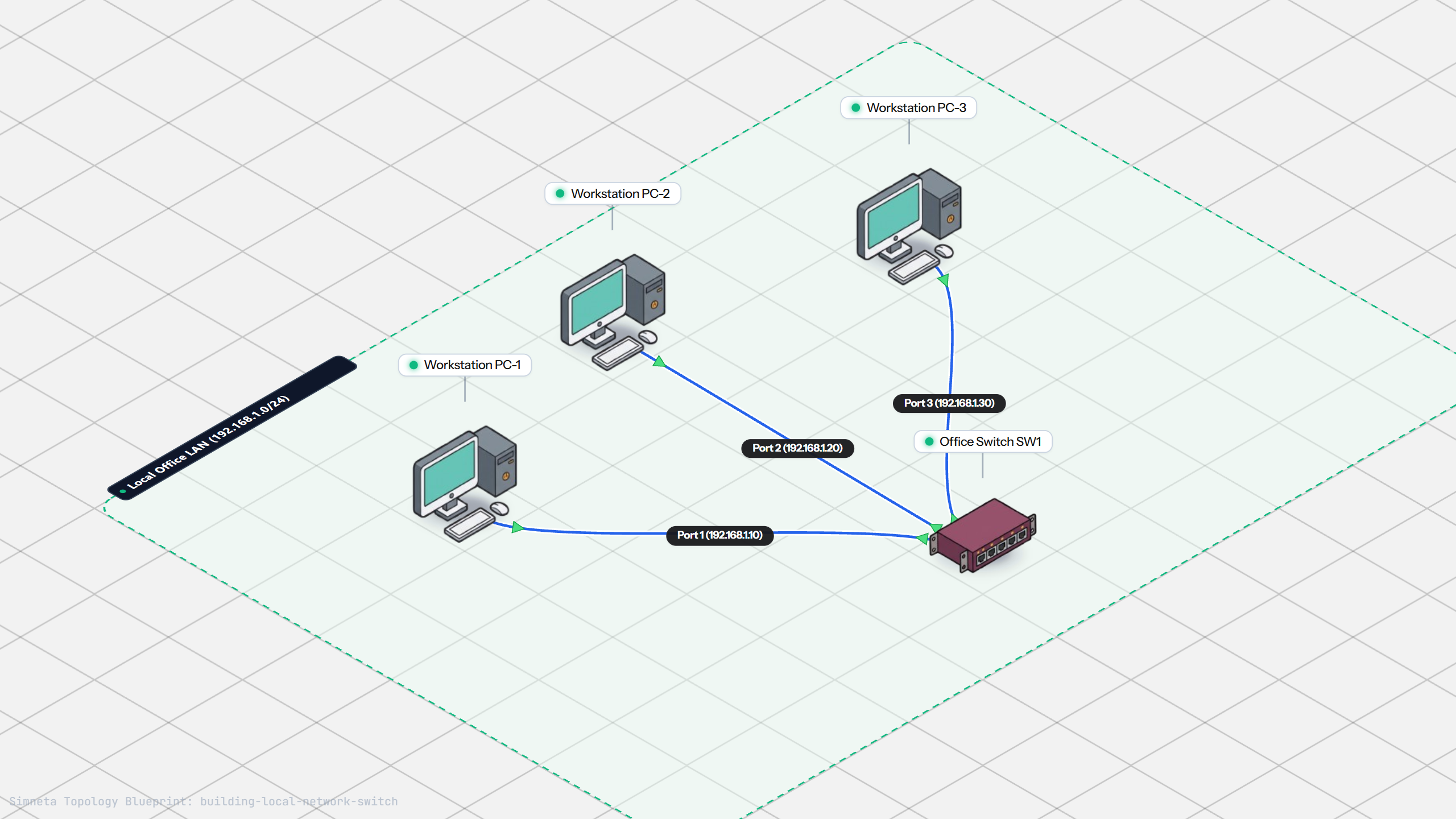
Building a Local Office LAN with a Switch
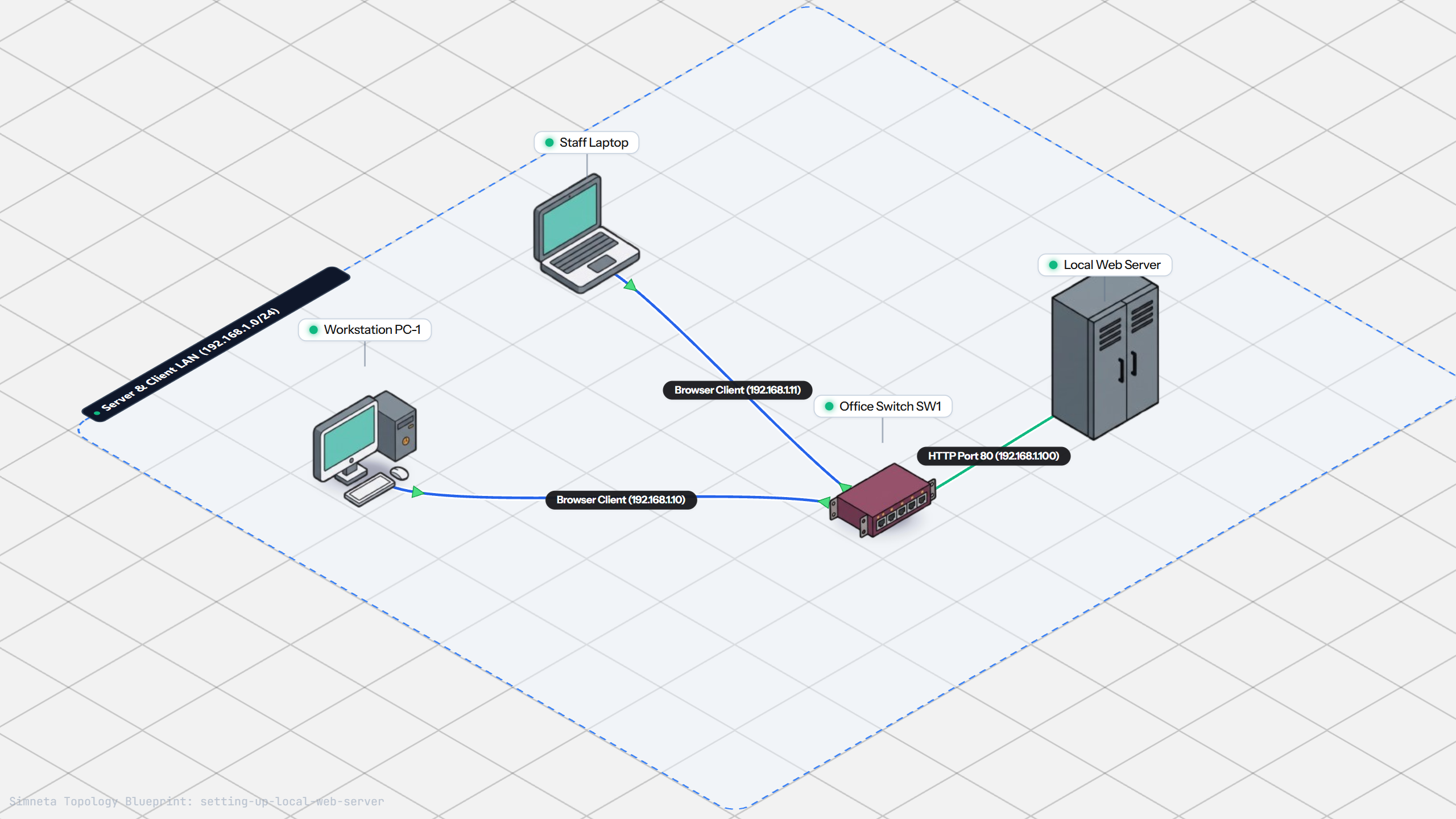
Setting Up a Local Web Server
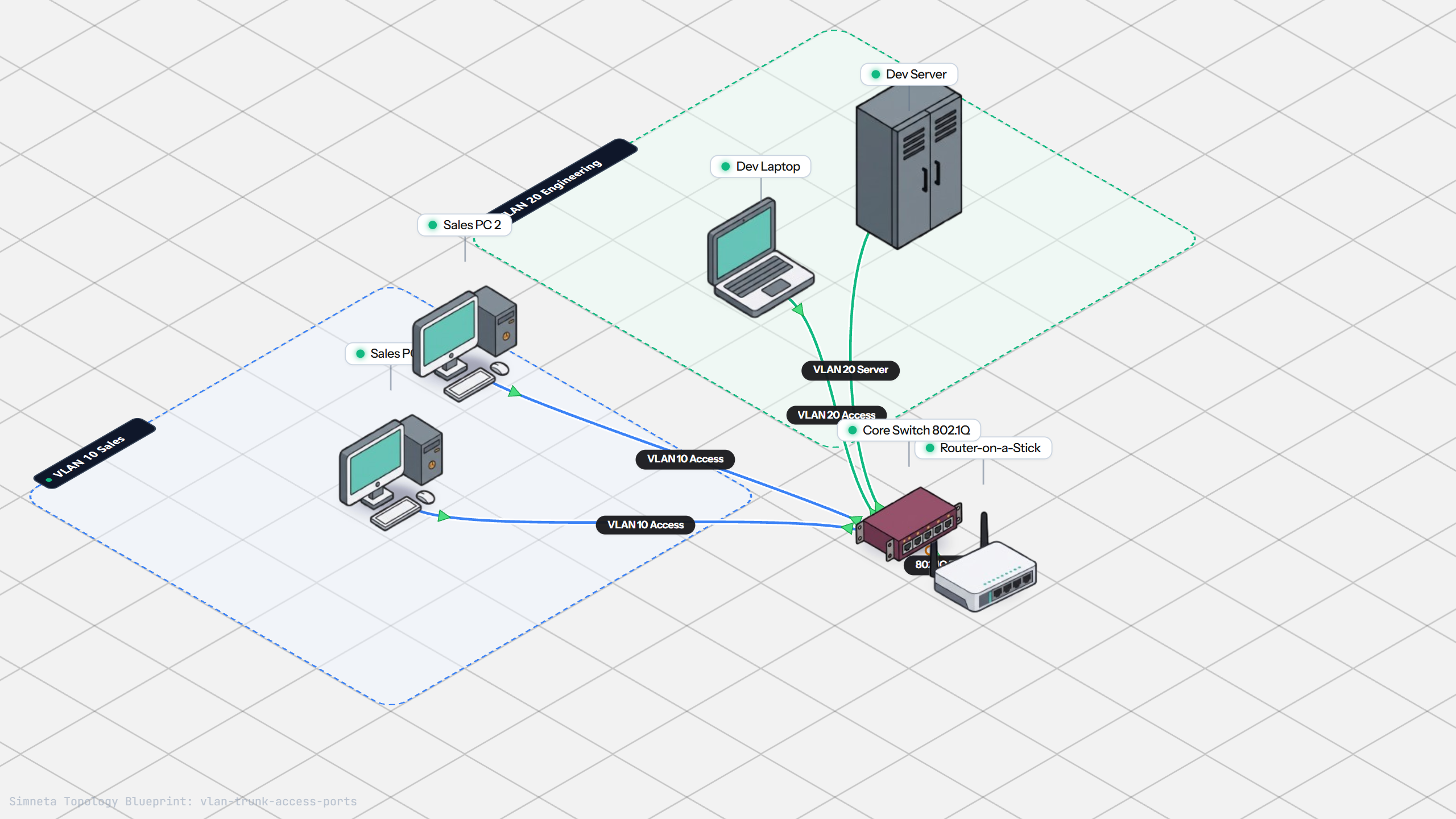
VLAN Trunking with 802.1Q
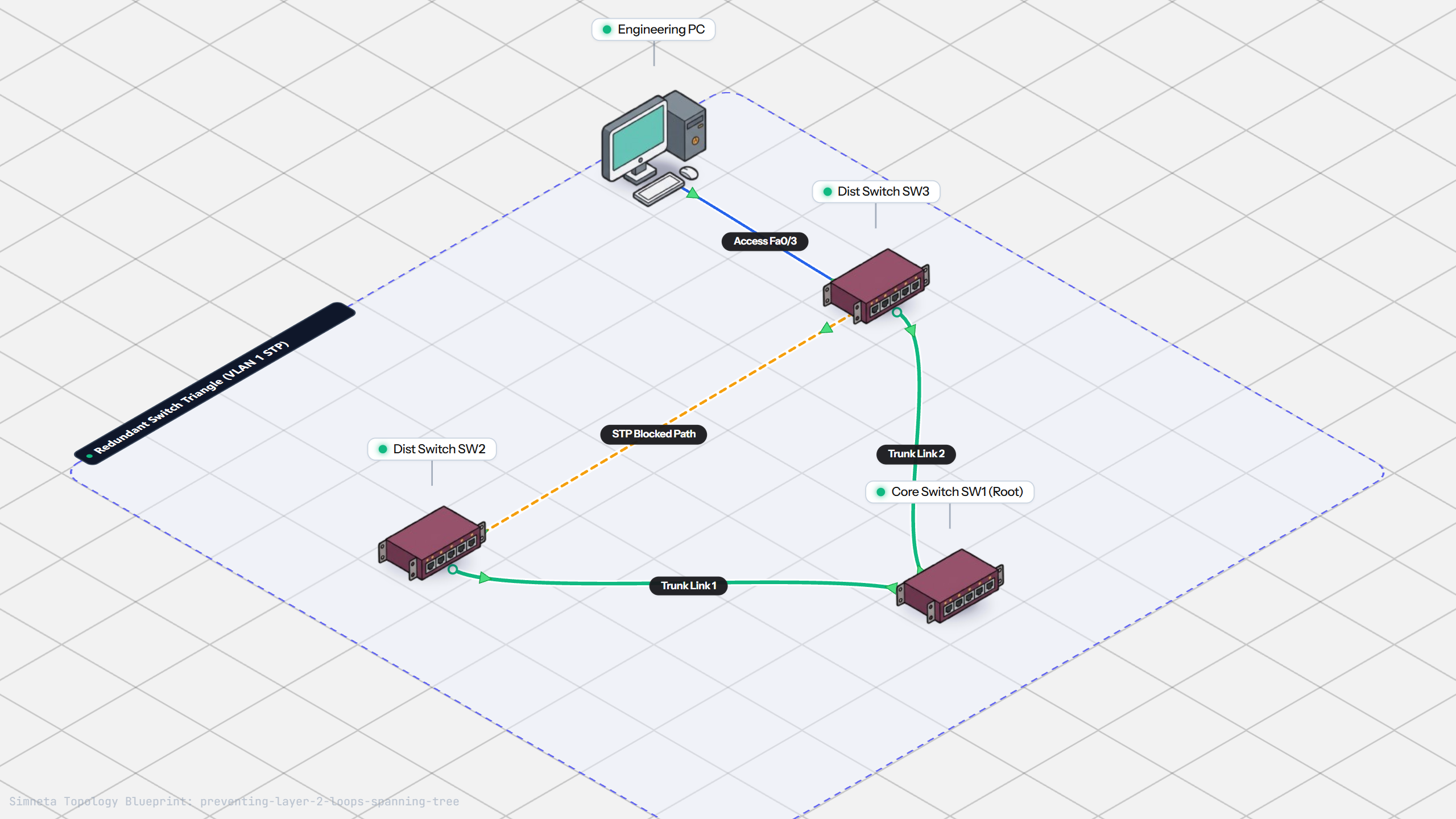
Preventing Loops with Spanning Tree
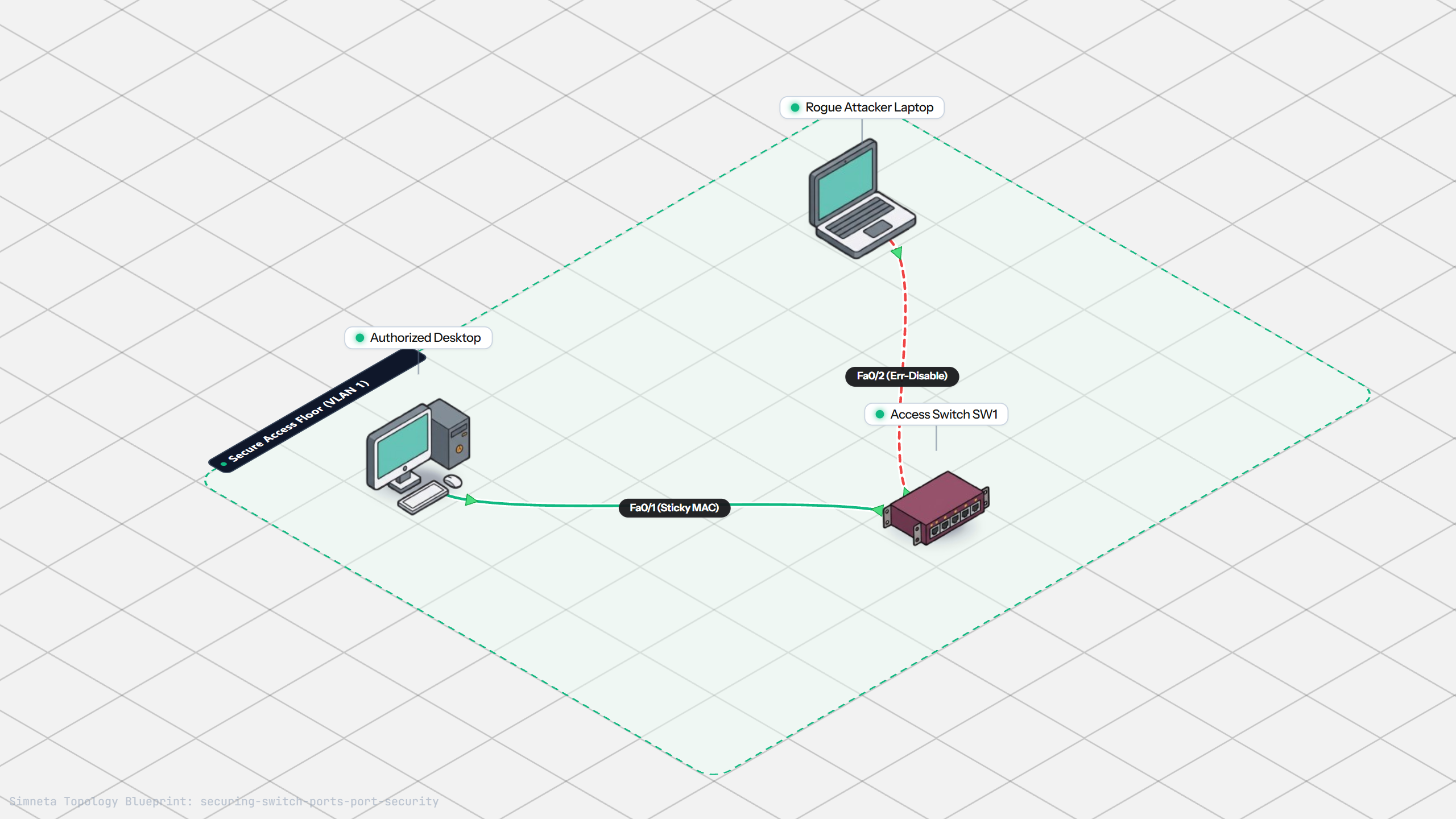
Securing Switch Ports with Port Security
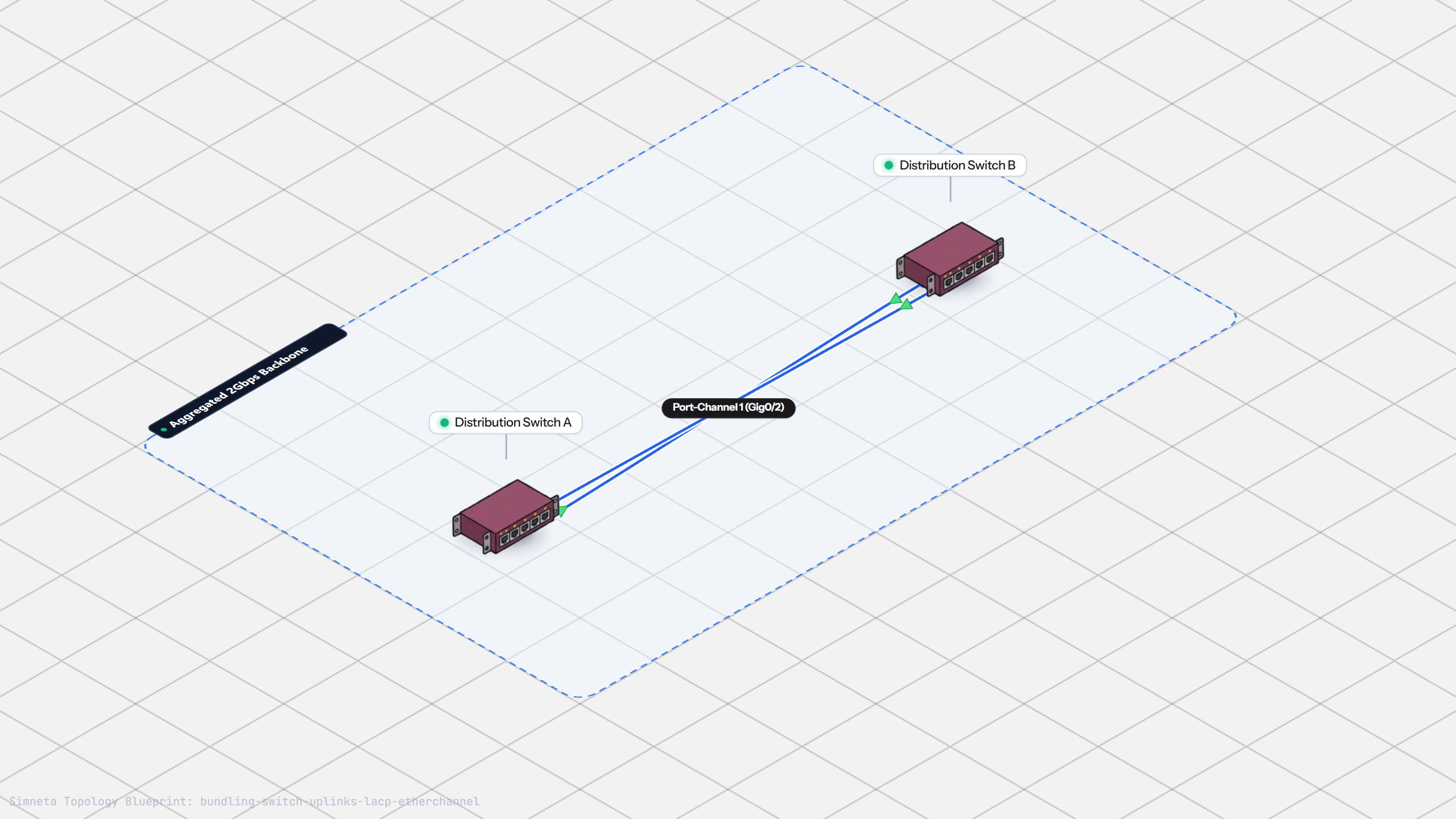
Bundling Switch Uplinks with LACP EtherChannel
Inter-VLAN Routing with Router-on-a-Stick
Dynamic Routing with Single-Area OSPF
Gateway Redundancy with HSRP Failover
Filtering Traffic with Extended ACLs
Connecting LAN to Internet with NAT
Resolving Domain Names with Local DNS
Stopping Rogue DHCP with Snooping
Connecting Two Switches with an Access Uplink
Configuring Static IP on Workstation
Testing Reachability and Latency with Ping
Setting Up DHCP Static Reservations
Connecting Routers with /30 Subnet
Configuring Default Static Route to ISP
Blocking Ping with Standard ACL
Port Forwarding for Web Servers
Fixing Default Gateway Misconfigurations
Discussion & Community Notes
Ask questions, share configuration tips, or discuss this laboratory topology.