
Blocking Ping with Standard ACL
Protect sensitive network hosts by deploying packet filtering. Learn how to create a numbered Standard Access Control List (ACL) on a router interface to restrict unauthorized source IP addresses while maintaining legitimate traffic flow.
In an open network, any device can freely ping or initiate connections to any other device. While this open model is convenient during initial setup, it exposes sensitive accounting servers, database clusters, and executive workstations to unauthorized probing from visitor subnets.
An Access Control List (ACL) is an ordered set of rules used by routers to inspect packet headers and decide whether each packet should be forwarded (permit) or discarded (deny). In this tutorial, you will configure a Standard ACL on a router interface to block ping traffic from a guest subnet while permitting authorized office traffic.
Standard Access Control Lists represent the simplest and fastest form of router security filtering. By checking only the source IPv4 address in the packet header, routers make instant forwarding decisions with negligible CPU overhead.
You will learn how routers process access lists sequentially from top to bottom, discover how the invisible implicit deny rule affects network traffic, and verify security policy enforcement using command line match counters.
Network Architecture Plan
| Segment | Interface | Subnet / Address | Functional Role |
|---|---|---|---|
| Core Router | Gi0/0 - Gi0/2 | Multi-Interface Gateway | Perimeter Packet Filter |
| Staff Office Subnet | FastEthernet0 | 192.168.10.10/24 | Authorized Workstation |
| Guest Lounge Subnet | FastEthernet0 | 192.168.20.10/24 | Restricted Guest Workstation |
| Finance Accounting Server | FastEthernet0 | 172.16.1.50/24 | Protected Resource Server |
How Access Lists Work
A router evaluates an ACL top-to-bottom, line-by-line. As soon as a packet header matches a rule condition, the router executes the permit or deny action immediately and stops evaluating further statements.
Standard ACLs (numbered 1 to 99 and 1300 to 1999 in Cisco IOS) evaluate only the Source IPv4 Address of the packet. Because they do not inspect destination addresses, protocol numbers, or TCP/UDP ports, standard ACLs apply blunt filtering.
Because standard ACLs cannot inspect destinations, network engineers follow a golden placement rule: Place Standard ACLs as close to the destination as possible.
If you placed a standard ACL near the source on the guest router interface, it would prevent the guest from reaching any network at all, including legitimate public internet gateways.
Modern enterprise routers and multilayer switches process Access Control Lists directly in high-speed hardware using Ternary Content Addressable Memory (TCAM). TCAM evaluates every packet against all ACL rules in parallel in a single clock cycle, ensuring zero latency impact on production network throughput.
Standard vs Extended Access Lists Comparison:
In this lab, we use Standard ACL 10 to protect the Finance Accounting Server while allowing guests to access other general network resources.
Placement Golden Rule: Standard ACLs belong near the destination because they cannot differentiate between destinations. Extended ACLs belong near the source to discard unwanted traffic before it travels across WAN links.
The Implicit Deny Rule
Every ACL contains an invisible statement at the very bottom: deny any. If a packet reaches the end of the rule list without matching any previous line, the router drops it silently.
Because of this implicit deny all behavior, an ACL consisting only of deny statements will block 100% of all network traffic! To allow legitimate traffic through, an administrator must always include at least one permit statement.
To match specific computers, Cisco IOS uses wildcard masks or convenience keywords. The keyword host 192.168.20.10 is equivalent to writing 192.168.20.10 0.0.0.0, instructing the router to match all 32 bits exactly.
Incoming Packet Arrives on Router Interface:
  Step 1: Does Source IP match Line 10 (deny host 192.168.20.10)?
          -> IF YES: DROP PACKET IMMEDIATELY (Stop evaluating).
  Step 2: Does Source IP match Line 20 (permit any)?
          -> IF YES: FORWARD PACKET (Stop evaluating).
  Step 3: Implicit Deny All (Invisible Catch-All):
          -> DROP PACKET.
Understanding Wildcard Matching Logic:
host 192.168.20.10: Matches one exact host IP. In binary, a wildcard 0 means the corresponding bit must match exactly.permit any: Matches all possible source addresses. The keyword any is shorthand for 0.0.0.0 255.255.255.255, where wildcard 255 means ignore this bit.permit any on Line 1, all packets would match Line 1 immediately, and the deny rule on Line 2 would never execute.Ordering Caution: Cisco routers evaluate ACL entries in sequential order. Always place specific host deny rules before broad subnet permit rules; otherwise, the broad permit rule matches first and bypasses your security policy.
Configuring Standard ACL 10
Open the console on the Core Router. We will create Standard ACL 10 with two specific rules:
First, deny traffic originating from the Guest Workstation at 192.168.20.10. Second, permit all other authorized office traffic.
Notice how simple the syntax is compared to firewall policy definitions.
Router# configure terminal
Router(config)# access-list 10 deny host 192.168.20.10
Router(config)# access-list 10 permit any
Router(config)# exit
Parameter-by-Parameter Command Breakdown:
access-list 10: Declares a standard numbered access list within the standard range (1 to 99).deny host 192.168.20.10: The first filtering rule. Discards all packets whose source IP address matches 192.168.20.10.permit any: The second filtering rule. Explicitly permits all other traffic, overriding the invisible implicit deny all statement that sits at the bottom of the list.With these two lines in memory, the router is ready to filter packets once the ACL is bound to an interface.
Editing Tip: In classic Cisco IOS numbered ACLs, you cannot delete a single line using no access-list 10 deny... without deleting the entire ACL! Use named ACLs (ip access-list standard NAME) in enterprise networks to edit individual sequence numbers.
Applying the Outbound Filter
Creating an ACL does nothing until you attach it to an interface using the ip access-group command. We navigate to interface GigabitEthernet0/2 (the link leading directly to the Finance Accounting Server) and apply it outbound.
Applying outbound means the router inspects packets just before they exit the interface toward the protected server.
By applying the rule outbound on interface Gi0/2, we protect the Finance Server without interfering with any other traffic moving between Staff, Guest, and external internet links.
Router# configure terminal
Router(config)# interface GigabitEthernet0/2
Router(config-if)# ip access-group 10 out
Router(config-if)# exit
Router(config)# exit
Analyzing Inbound vs Outbound Filtering:
in (Inbound): Packets are filtered immediately upon entering the router interface, before the routing table lookup occurs. If the packet is denied, the router avoids wasting CPU cycles on routing lookups.out (Outbound): Packets are routed first to determine their egress interface, then inspected against the outbound ACL before being queued on the physical wire.Directional Rule: Only one ACL can be applied per protocol, per direction, per interface. An interface can have at most one inbound IPv4 ACL and one outbound IPv4 ACL simultaneously.
Verifying Match Hit Counters
First, open the terminal on the Staff Workstation (192.168.10.10) and ping the Finance Server at 172.16.1.50. The pings succeed with 0% packet loss.
Next, open the terminal on the Guest Workstation (192.168.20.10) and attempt the same ping. The pings fail with Destination host unreachable or timeouts.
Finally, run show access-lists 10 on the router to inspect rule match counters.
Interpreting Match Counters:
10 deny host 192.168.20.10 (4 matches): Proves that all four ICMP Echo Request packets sent by the Guest Workstation were intercepted by Line 10 and dropped before reaching the Finance Server wire.20 permit any (4 matches): Confirms that four packets from the Staff Workstation passed through Line 20 without being obstructed.To reset the match counters during active troubleshooting, administrators can run the privileged command clear access-list counters 10.
Monitoring Tip: In live production networks, match counters are crucial for identifying active network attacks or misconfigured client applications that continue blasting requests against blocked ports.

Related Network Labs
Continue your network simulation practice with these recommended labs.
Building a Local Office LAN with a Switch
Setting Up a Local Web Server
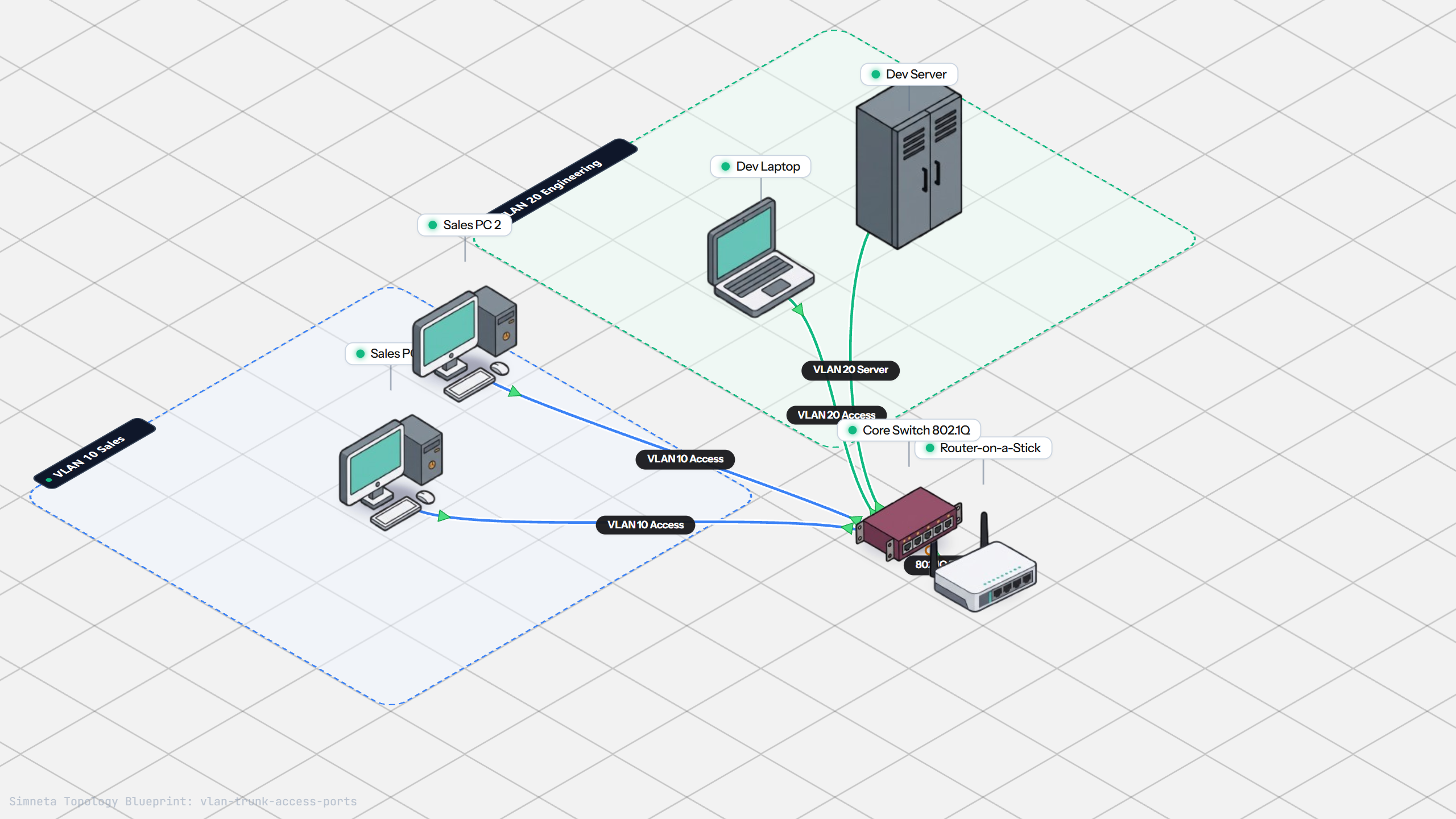
VLAN Trunking with 802.1Q
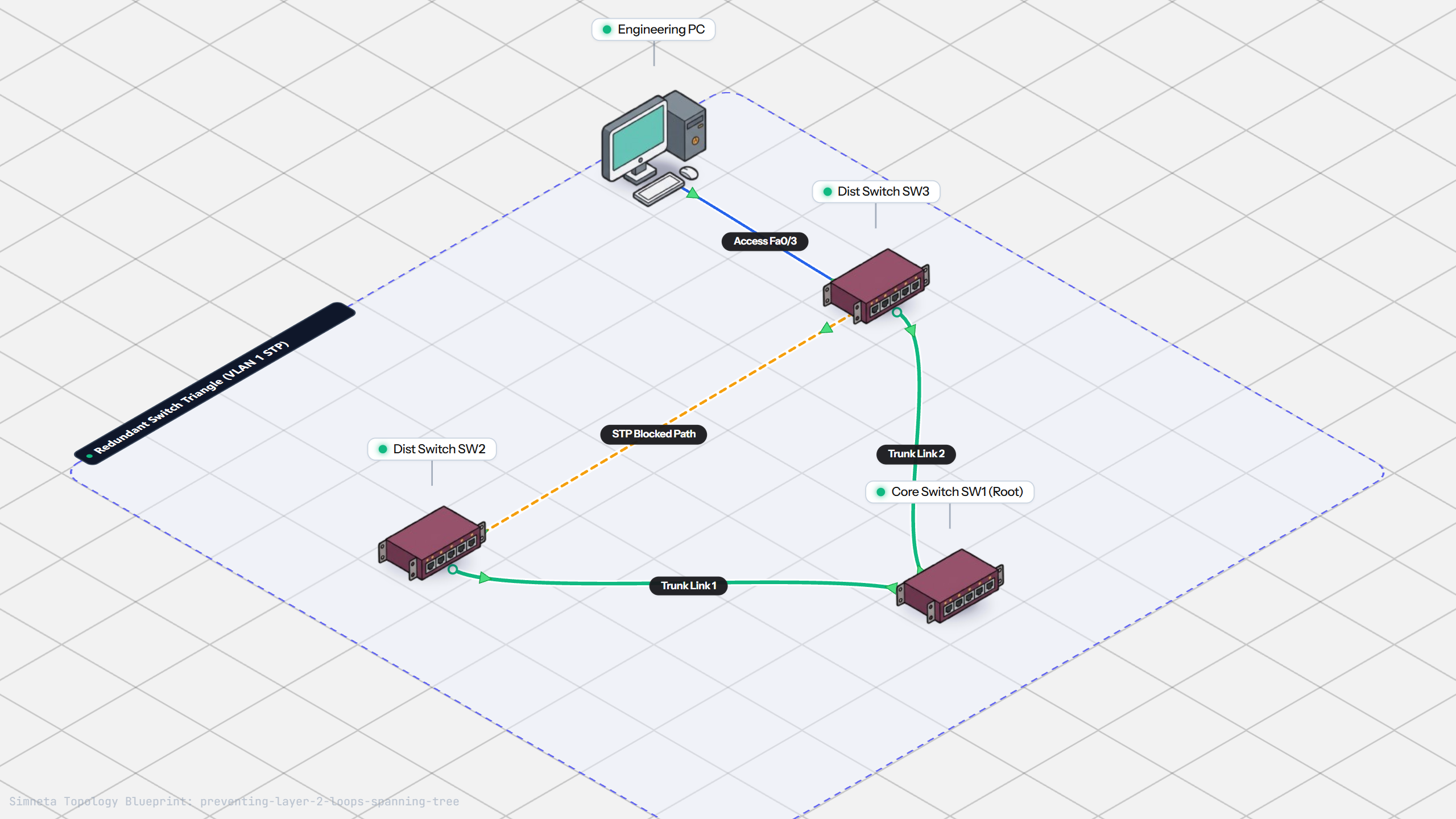
Preventing Loops with Spanning Tree
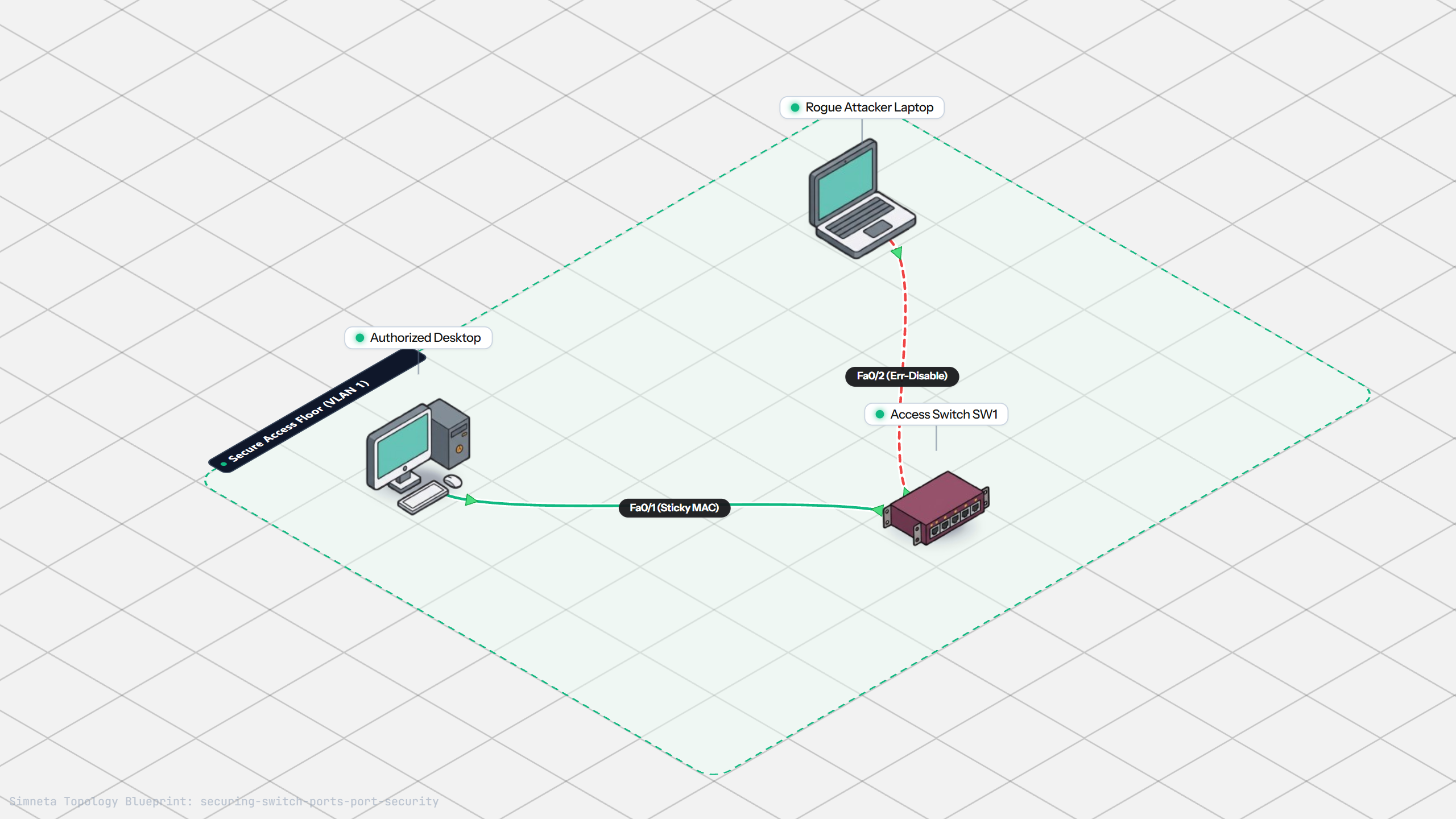
Securing Switch Ports with Port Security
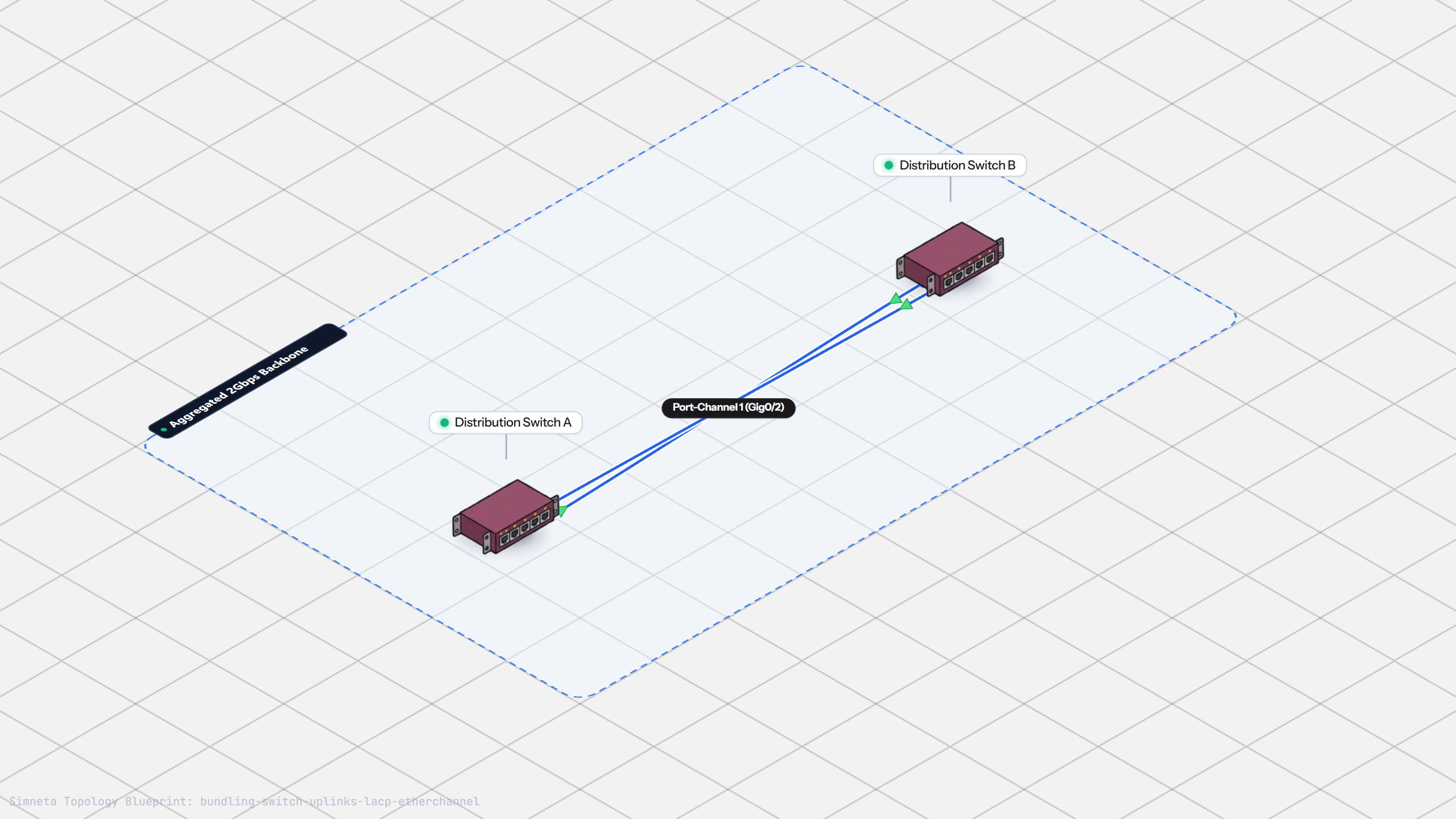
Bundling Switch Uplinks with LACP EtherChannel
Inter-VLAN Routing with Router-on-a-Stick
Dynamic Routing with Single-Area OSPF
Gateway Redundancy with HSRP Failover
Filtering Traffic with Extended ACLs
Connecting LAN to Internet with NAT
Resolving Domain Names with Local DNS
Stopping Rogue DHCP with Snooping
Connecting Two Switches with an Access Uplink
Configuring Static IP on Workstation
Testing Reachability and Latency with Ping
Inspecting ARP Cache Tables
Setting Up DHCP Static Reservations
Connecting Routers with /30 Subnet
Configuring Default Static Route to ISP
Port Forwarding for Web Servers
Fixing Default Gateway Misconfigurations
Discussion & Community Notes
Ask questions, share configuration tips, or discuss this laboratory topology.