
Dynamic Routing with Single-Area OSPF
Scale your enterprise network effortlessly. Configure Single-Area OSPFv2 on Cisco routers, master wildcard masks, and verify dynamic route convergence around network link failures.
In basic networking labs, connecting two routers using static routes by typing out the destination subnet and next-hop IP by hand feels straightforward. However, static routing breaks down rapidly as enterprise networks grow. In a company with fifteen or twenty branch routers, adding a single new office requires an administrator to log into every single router across the organization to add routes manually.
Even worse, static routes are completely blind to broken physical lines. If a broken fiber cable or damaged network port brings down a primary link, static routes continue blindly dumping traffic into the dead interface, causing complete network blackouts until an engineer manually intervenes.
The solution is Open Shortest Path First (OSPF). As an open-standard link-state dynamic routing protocol, OSPF routers talk to each other automatically, map out the entire topology like a real-time GPS navigation app, and instantly recalculate backup paths around failed links in fractions of a second.
Configuring Single-Area OSPF requires stabilizing Router IDs with loopback interfaces, mapping interfaces with bitwise wildcard masks, evaluating the seven neighbor adjacency stages, and verifying shortest path convergence through routing table metrics.
Network Architecture Plan
| Segment | Interface | Subnet / Address | Functional Role |
|---|---|---|---|
| Router-HQ (R1) | GigabitEthernet0/0/0, Gig0/0/1, Lo0 | 10.0.12.1/30, 192.168.1.1/24, 1.1.1.1/32 | Headquarters core router (OSPF Area 0) |
| Router-Branch (R2) | GigabitEthernet0/0/0, Gig0/0/1, Lo0 | 10.0.12.2/30, 10.0.23.1/30, 2.2.2.2/32 | Branch transit router (OSPF Area 0) |
| Router-DC (R3) | GigabitEthernet0/0/0, Gig0/0/1, Lo0 | 10.0.23.2/30, 192.168.3.1/24, 3.3.3.3/32 | Data Center edge router (OSPF Area 0) |
Establishing the Router ID
Every OSPF router requires a unique 32-bit identifier called the Router ID (RID) to represent itself in Link-State Advertisements (LSAs). The Router ID is formatted identically to an IPv4 address (e.g. 1.1.1.1).
If not configured manually, OSPF automatically selects the highest active IP address among its physical interfaces. However, relying on physical IPs is dangerous: if an engineer unplugs a cable or a port flaps, the Router ID can change, forcing the OSPF process to tear down and rebuild all neighbor adjacencies.
Enterprise best practice dictates creating a virtual Loopback interface with a /32 host mask (such as 1.1.1.1/32). Because a loopback interface is entirely software-based, it never goes down as long as the router has power, providing a rock-solid, permanent identity.
Configure Loopback 0 on all three routers: 1.1.1.1 on R1, 2.2.2.2 on R2, and 3.3.3.3 on R3.
Router-HQ# configure terminal
# Create software-based loopback interface
Router-HQ(config)# interface Loopback0
Router-HQ(config-if)# ip address 1.1.1.1 255.255.255.255
Router-HQ(config-if)# exit

# Repeat on Router-Branch
Router-Branch# configure terminal
Router-Branch(config)# interface Loopback0
Router-Branch(config-if)# ip address 2.2.2.2 255.255.255.255
Router-Branch(config-if)# exit

# Repeat on Router-DC
Router-DC# configure terminal
Router-DC(config)# interface Loopback0
Router-DC(config-if)# ip address 3.3.3.3 255.255.255.255
Router-DC(config-if)# exit
OSPF Router ID Election Hierarchy:
router-id <ip> command inside the OSPF configuration process. Highest priority.Using dedicated loopback interfaces guarantees stability, ensuring that physical cable disconnections never force OSPF neighbor resets.
Router ID Tip: After changing a router-id on a running router, the change does not take effect until you execute the privileged command clear ip ospf process, or reboot the device.
Enabling OSPF Network Statements
Activate OSPF on Router 1 using the global configuration command router ospf 10. The number 10 represents the local process ID and does not need to match neighboring routers.
Next, use the network command to specify which interfaces participate in OSPF. Unlike standard subnet masks, OSPF uses wildcard masks.
Wildcard masks represent the inverted bitwise subtraction of a standard subnet mask from 255.255.255.255:
For our point-to-point WAN link (10.0.12.0/30), the subnet mask is 255.255.255.252. Subtracting this from 255.255.255.255 gives wildcard 0.0.0.3. A 0 bit means must match exactly, while a 1 bit means do not care.
For our local LAN (192.168.1.0/24), the mask is 255.255.255.0. Subtracting from 255.255.255.255 yields wildcard 0.0.0.255.
Assign all network statements to Area 0 (the mandatory backbone area). In single-area OSPF, all routers must reside in Area 0 to exchange topology databases.
Router-HQ(config)# router ospf 10
# Explicitly lock Router ID
Router-HQ(config-router)# router-id 1.1.1.1
# Advertise WAN link to Router Branch (10.0.12.0/30 -> Wildcard 0.0.0.3)
Router-HQ(config-router)# network 10.0.12.0 0.0.0.3 area 0
# Advertise local HQ LAN (192.168.1.0/24 -> Wildcard 0.0.0.255)
Router-HQ(config-router)# network 192.168.1.0 0.0.0.255 area 0
Router-HQ(config-router)# exit
Parameter-by-Parameter Command Breakdown:
router ospf 10: Initializes OSPF process number 10 in router memory. Process IDs are locally significant, meaning neighboring routers can run different process numbers without issue.network 10.0.12.0 0.0.0.3 area 0: Matches any physical interface whose IP address falls within the 10.0.12.0/30 range. Once matched, the router enables OSPF on that interface and begins sending Hello packets.area 0: Binds the matched interface to the backbone area. In hierarchical OSPF designs, all secondary areas (e.g. Area 1, Area 2) must connect physically or logically to Area 0.Wildcard Math Rule: To determine any wildcard mask in seconds, subtract each octet of your subnet mask from 255. For example, mask 255.255.255.240 (/28) yields wildcard 0.0.0.15 (255 - 240 = 15).
Seven Neighbor Adjacency States
The moment OSPF activates, routers begin broadcasting multicast Hello packets every ten seconds to multicast IP 224.0.0.5 (All OSPF Routers).
When two routers discover each other, they progress through seven discrete adjacency states in order:
Each router then runs Edsger Dijkstra Shortest Path First (SPF) algorithm against this shared database to compute the lowest-cost, loop-free path to every remote subnet.
State 1: DOWN     -> Interface quiet, no Hellos heard
State 2: INIT     -> Hello received from neighbor, but my RID not in list
State 3: 2-WAY    -> Bidirectional contact confirmed (DR/BDR elected)
State 4: EXSTART  -> Master/Slave selected based on highest RID
State 5: EXCHANGE -> Summary LSA descriptors (DBD packets) swapped
State 6: LOADING  -> Missing details requested (LSR) and answered (LSU)
State 7: FULL     -> Link-state databases completely synchronized
Four Mandatory Neighbor Requirements:
For two OSPF routers to successfully transition from 2-Way to Full state, the following parameters in their Hello packets must match identically:
DR/BDR Roles: On broadcast Ethernet links, routers elect a Designated Router (DR) and Backup Designated Router (BDR) to avoid an N*(N-1)/2 mesh of adjacencies. Routers send updates to 224.0.0.6 (DR/BDR only), and the DR floods updates to 224.0.0.5.
Verifying Neighbors and Routes
Verify that OSPF neighbor adjacencies have reached Full state and routes have populated by running show ip ospf neighbor, show ip route ospf, and testing an end-to-end ping to the Data Center:
Review the neighbor table output and inspect the newly populated routing table entries.
Diagnostic Field Analysis:
Neighbor ID 2.2.2.2: Confirms that Router-Branch Loopback 0 identity was discovered across the WAN link.State FULL/DR: Confirms that database synchronization is complete and Router-Branch serves as the Designated Router on this segment.Dead Time 00:00:34: The countdown timer (resets from 40 seconds every time a 10-second Hello arrives). If this hits 0, the neighbor is declared dead.Code O: Identifies routes learned dynamically via OSPFv2.Metric [110/3]: The first number is the Administrative Distance (110 = OSPF). The second number is the cumulative link cost (3) calculated from interface bandwidths along the path.Cost Formula: OSPF computes link cost using Reference Bandwidth / Interface Bandwidth (default reference = 100 Mbps). On modern gigabit and 10G networks, always configure auto-cost reference-bandwidth 10000 to differentiate between 1G and 10G links.
Testing Dynamic Route Convergence
The true power of OSPF is how it reacts when physical infrastructure fails. In production networks, physical cables get damaged and optical ports fail unexpectedly.
To simulate an outage in Simneta NetLab, disconnect or shut down the primary link between Router-HQ and Router-Branch while sending continuous ping traffic.
Watch the terminal to observe how OSPF detects the fault, floods link-state updates, and recalculates alternate routes without manual human intervention.
Tracing the Rapid Convergence Event:
10.0.12.0/30 is dead and floods it out surviving interface Gi0/0/1 to multicast IP 224.0.0.5.10.0.13.2 out interface GigabitEthernet0/0/1 (metric 5).User traffic converges in less than two seconds, ensuring uninterrupted business operations.
Real-world field story: During a campus construction project, a trencher severed a primary fiber uplink. Because OSPF was configured with fast hellos and redundant paths, video calls barely stuttered as traffic rerouted in less than two seconds.
Related Network Labs
Continue your network simulation practice with these recommended labs.
Building a Local Office LAN with a Switch
Setting Up a Local Web Server
VLAN Trunking with 802.1Q
Preventing Loops with Spanning Tree
Securing Switch Ports with Port Security
Bundling Switch Uplinks with LACP EtherChannel
Inter-VLAN Routing with Router-on-a-Stick
Gateway Redundancy with HSRP Failover
Filtering Traffic with Extended ACLs
Connecting LAN to Internet with NAT
Resolving Domain Names with Local DNS
Stopping Rogue DHCP with Snooping
Connecting Two Switches with an Access Uplink
Configuring Static IP on Workstation
Testing Reachability and Latency with Ping
Inspecting ARP Cache Tables
Setting Up DHCP Static Reservations
Connecting Routers with /30 Subnet
Configuring Default Static Route to ISP
Blocking Ping with Standard ACL
Port Forwarding for Web Servers
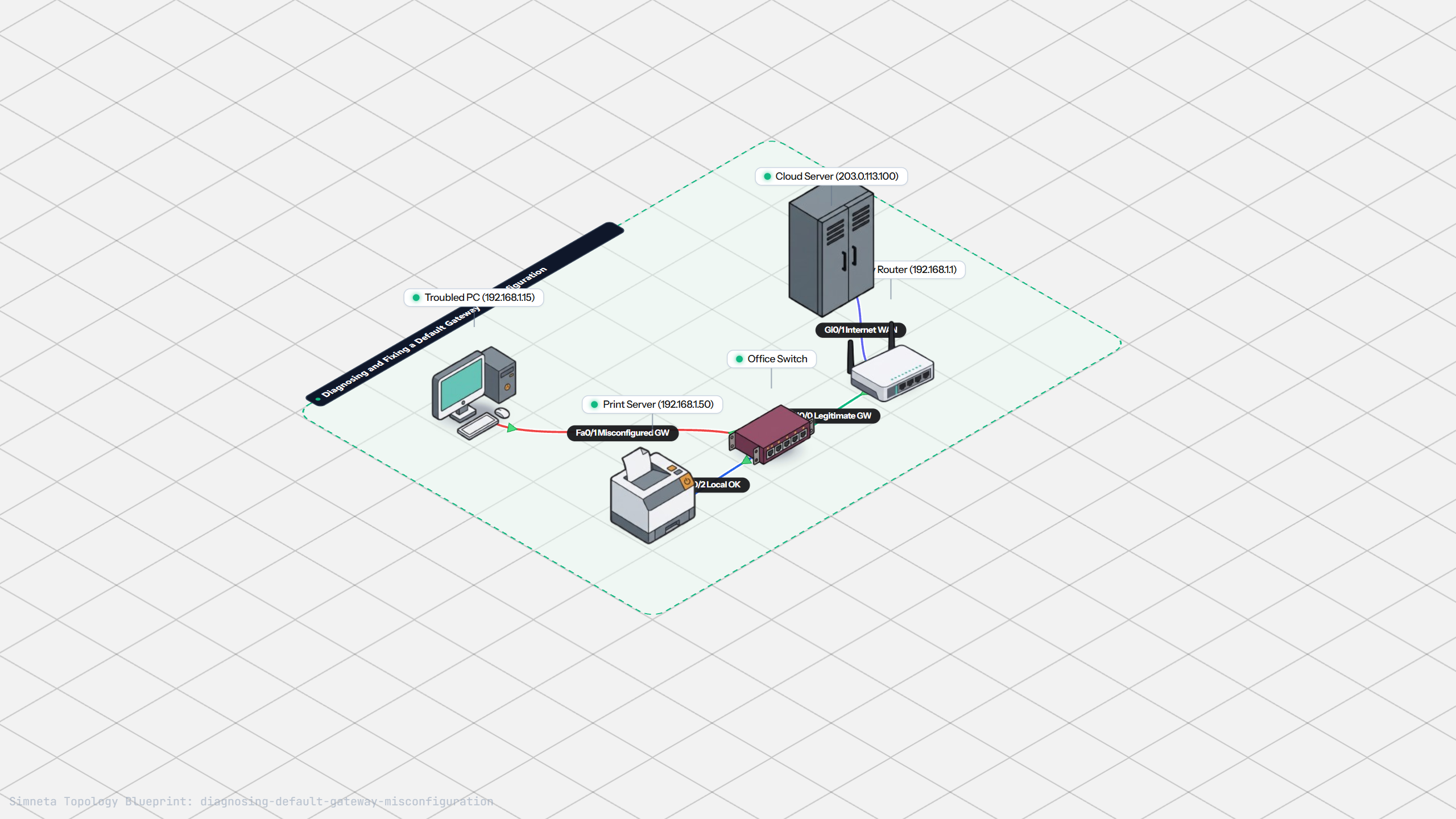
Fixing Default Gateway Misconfigurations
Discussion & Community Notes
Ask questions, share configuration tips, or discuss this laboratory topology.