
Configuring Static IP on Workstation
Master the fundamentals of host IPv4 network configuration. Learn how to manually assign an IP address, configure a matching subnet mask, set up the default gateway, and verify network connectivity using command line diagnostic tools.
Before a computer can load an intranet webpage, send a database query, or share files across an office, its operating system must understand its own logical network identity. While consumer laptops acquire dynamic settings from DHCP servers, network engineers routinely configure critical workstations, servers, and management systems with permanent static IP addresses.
A static IP configuration relies on three vital parameters: the host IP address, the subnet mask, and the default gateway router address. If even one of these parameters is mistyped, the workstation will experience strange network failures, such as talking to nearby computers but failing to load outside websites.
When DHCP servers fail or network cables are plugged into unmanaged ports, operating systems often assign themselves an Automatic Private IP Addressing (APIPA) address in the 169.254.0.0/16 range. Devices with APIPA addresses cannot reach local gateways or the internet, making manual static IP configuration an essential diagnostic and operational skill.
In this hands-on tutorial, you will configure a static IPv4 profile on an office workstation, learn how operating systems calculate network boundaries using bitwise mathematics, and verify local and gateway reachability using command line tools.
Network Architecture Plan
| Segment | Interface | Subnet / Address | Functional Role |
|---|---|---|---|
| Corporate Gateway | GigabitEthernet0/0 | 192.168.1.1/24 | Default Gateway Router |
| Office Switch | Fa0/1 - Fa0/3 | Layer 2 | Distribution Switch |
| Primary Workstation | FastEthernet0 | 192.168.1.50/24 | Static IP Target Host |
| Reference Server | FastEthernet0 | 192.168.1.100/24 | Local Test Destination |
The Three Core Settings
Every device communicating on an IPv4 network requires three essential settings to reach the outside world: a unique IP Address, a matching Subnet Mask, and a reachable Default Gateway.
The IP address provides the logical address of the machine. The subnet mask acts as a boundary line, informing the operating system which part of the address represents the shared local street (the network ID) and which part represents the specific house number (the host ID).
The default gateway represents the router door to the outside world. Whenever the computer needs to reach an IP address outside its local street, it forwards the packet to this router port.
Most private enterprise local area networks use address blocks reserved under RFC 1918, such as 192.168.0.0/16, 172.16.0.0/12, or 10.0.0.0/8. These addresses do not route across the public internet directly, which protects internal corporate workstations behind Network Address Translation (NAT) gateways.
Think of the three settings as addressing a letter: your IP address is your return address, the subnet mask tells you if the recipient lives on your street, and the default gateway is the local postal truck that carries mail out of town.
If a computer has an IP address and subnet mask but no default gateway, it can still talk to any computer on the local switch, but it will be completely unable to reach outside offices or internet servers.
Network administrators assign static IPs to devices that require fixed, predictable reachability, such as domain controllers, print servers, and network monitoring consoles.
Troubleshooting War Story: A hospital imaging server once went offline for remote doctors because a technician mistyped the gateway as 192.168.1.11 instead of 192.168.1.1. Local nurses in the room could still view scans, but off-site doctors were completely blocked.
How Subnet Masks Work
Consider the IP address 192.168.1.50 paired with a subnet mask of 255.255.255.0. In binary notation, 255.255.255.0 consists of 24 consecutive ones followed by 8 zeros. This is why engineers write /24 in CIDR notation.
When your workstation prepares to send a packet, its network stack performs a bitwise logical AND operation between the destination IP address and its own subnet mask.
If the calculated network ID matches its own network ID (192.168.1.0), the operating system knows the target is local and resolves its MAC address directly through local ARP broadcast.
Host IP:        192.168.001.050 -> 11000000.10101000.00000001.00110010
Subnet Mask:    255.255.255.000 -> 11111111.11111111.11111111.00000000
------------------------------------------------------------------------
Network Portion (First 24 bits):    192.168.1.0 (Shared Local Subnet)
Host ID Portion (Last 8 bits):      50 (Specific Workstation)
Analyzing the Decision Logic:
255.255.255.0 to 192.168.1.100, producing 192.168.1.0. Because this matches its own network ID, it sends an ARP request directly across the local switch.255.255.255.0 to 8.8.8.8, producing 8.8.8.0. Because this does NOT match 192.168.1.0, the workstation immediately hands the frame to the default gateway router (192.168.1.1).Understanding this boundary calculation is the cornerstone of all IPv4 routing.
Mismatched Mask Hazard: If Computer A uses mask 255.255.255.0 while Computer B uses 255.255.0.0 on the same switch, asymmetric communication failures occur because one host tries direct delivery while the other forwards to a router.
Configuring the Static Address
Click on the Primary Workstation on your canvas to open its command line terminal.
We will configure the workstation with IP address 192.168.1.50, subnet mask 255.255.255.0, and default gateway 192.168.1.1.
Type the configuration command into the terminal prompt and observe the verification sequence.
PC> ip 192.168.1.50 255.255.255.0 192.168.1.1
Checking for duplicate IP address...
Configuring interface FastEthernet0:
  IP Address:      192.168.1.50
  Subnet Mask:     255.255.255.0
  Default Gateway: 192.168.1.1
Link state changed to UP
Parameter-by-Parameter Command Breakdown:
ip: The base command utility that configures network parameters on the PC terminal.192.168.1.50: The primary host IP address assigned to interface FastEthernet0.255.255.255.0: The subnet mask defining the 24-bit network boundary.192.168.1.1: The default gateway router IP address.192.168.1.50. If another computer on the switch answers, an IP conflict error is displayed to prevent network disruption.IP Conflict Warning: If two devices share the same IP address on a local switch, both devices experience intermittent packet loss as the switch constantly flaps its MAC table between the two ports.
Verifying with ipconfig
To confirm that the operating system stored and activated the settings correctly, execute the command ipconfig in the terminal.
Always inspect the output carefully: a single digit typo in the gateway address will cause remote communication to fail silently.
In corporate troubleshooting workflows, verifying the local adapter configuration is the mandatory first step before suspecting upstream routers, switches, or Internet Service Providers.
Field-by-Field Status Breakdown:
Link status Connected: Confirms physical and data link layers are active with valid carrier signals.IPv4 Address 192.168.1.50: Shows the currently bound Layer 3 software address.Subnet Mask 255.255.255.0: Confirms the 24-bit network mask is active.Default Gateway 192.168.1.1: Confirms the router IP address is registered in the host routing table.MAC Address 0050.7966.5001: The hardware physical address burned into the network card ROM.Command Variations: On Windows systems, ipconfig displays basic settings while ipconfig /all includes DNS and lease times. On Linux, the equivalent modern command is ip addr show or ip a.
Testing Network Connectivity
Now that the parameters are active, verify connectivity in two logical steps:
First, ping the local Reference Server at 192.168.1.100 to verify local switch communication.
Second, ping the default gateway router at 192.168.1.1 to confirm that packets can reach the exit gateway.
Analyzing the Echo Reply Metrics:
TTL=64 (typical Linux/UNIX host stack), while the Gateway Router returns TTL=255 (Cisco IOS network stack). Operating systems set unique initial TTL values on generated packets.127.0.0.1) to verify the TCP/IP software stack, ping own IP (192.168.1.50) to verify the network adapter driver, ping the default gateway (192.168.1.1) to verify the LAN cable, and ping remote servers to verify internet routing.With both local server and gateway pings passing, this workstation is fully prepared for reliable enterprise communication.
Troubleshooting Flow: Always test in order: 1) ping 127.0.0.1 (local TCP/IP stack), 2) ping your own IP (NIC binding), 3) ping default gateway (LAN wire), 4) ping remote IP like 8.8.8.8 (WAN routing).

Related Network Labs
Continue your network simulation practice with these recommended labs.
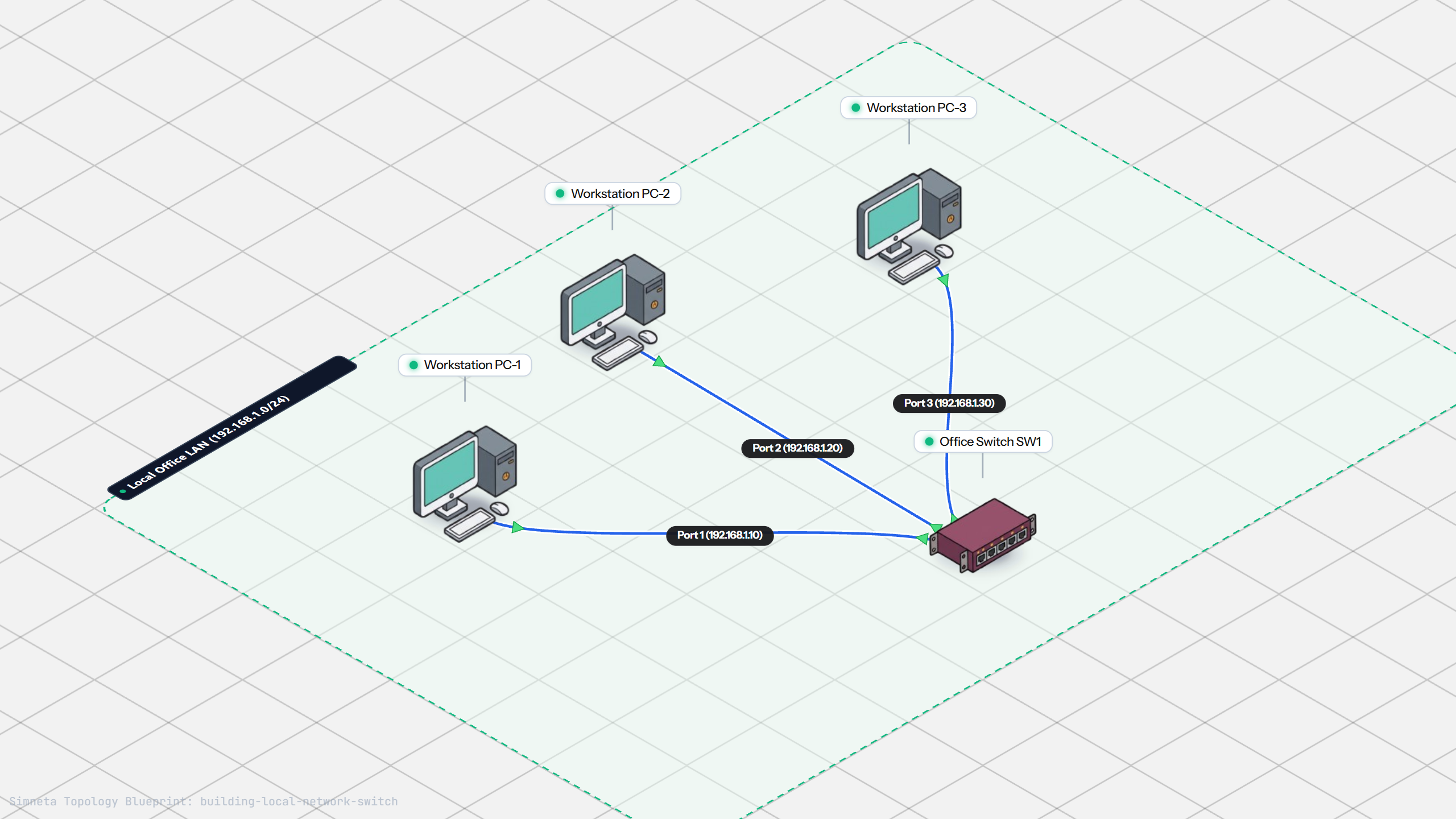
Building a Local Office LAN with a Switch
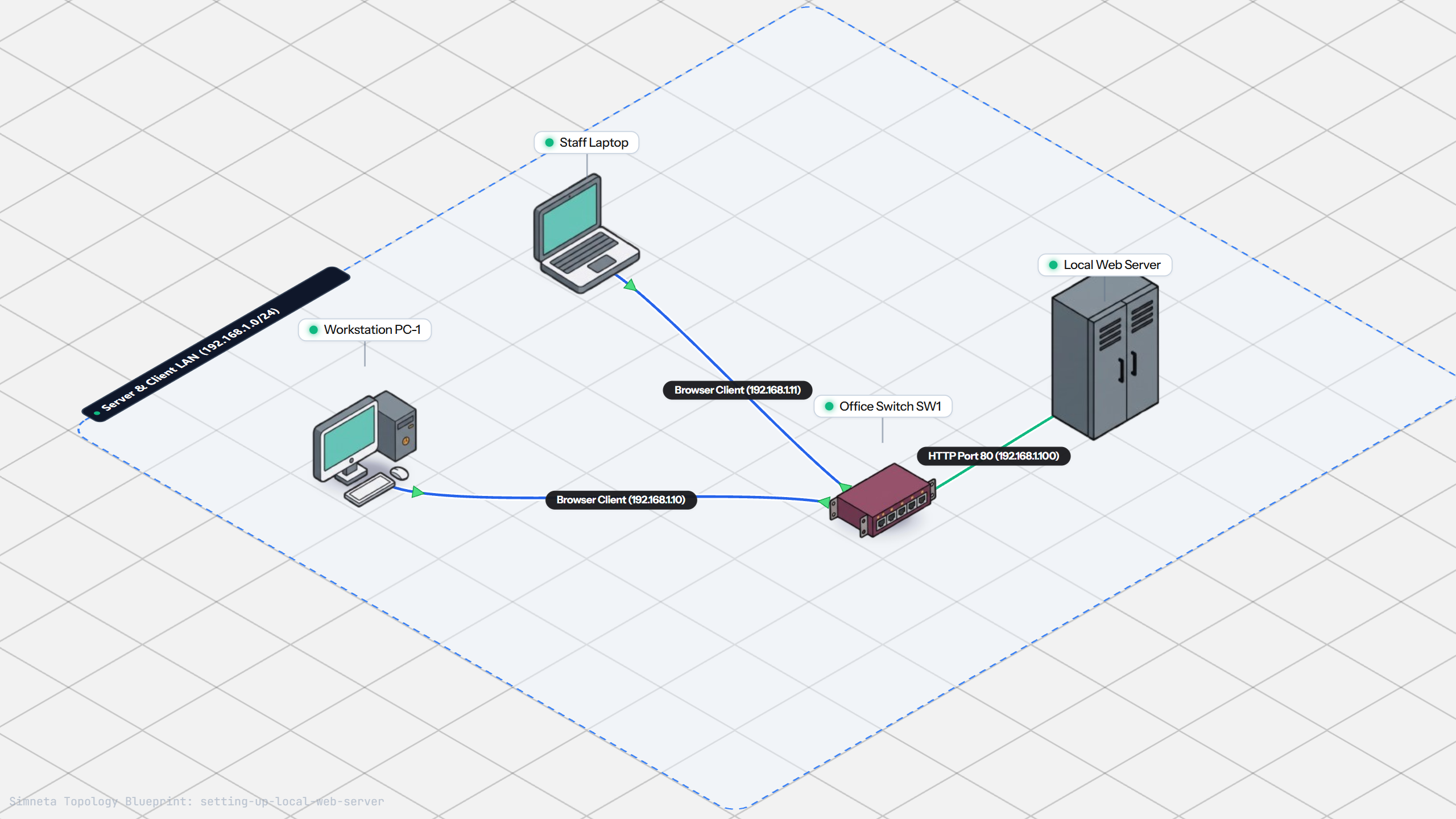
Setting Up a Local Web Server
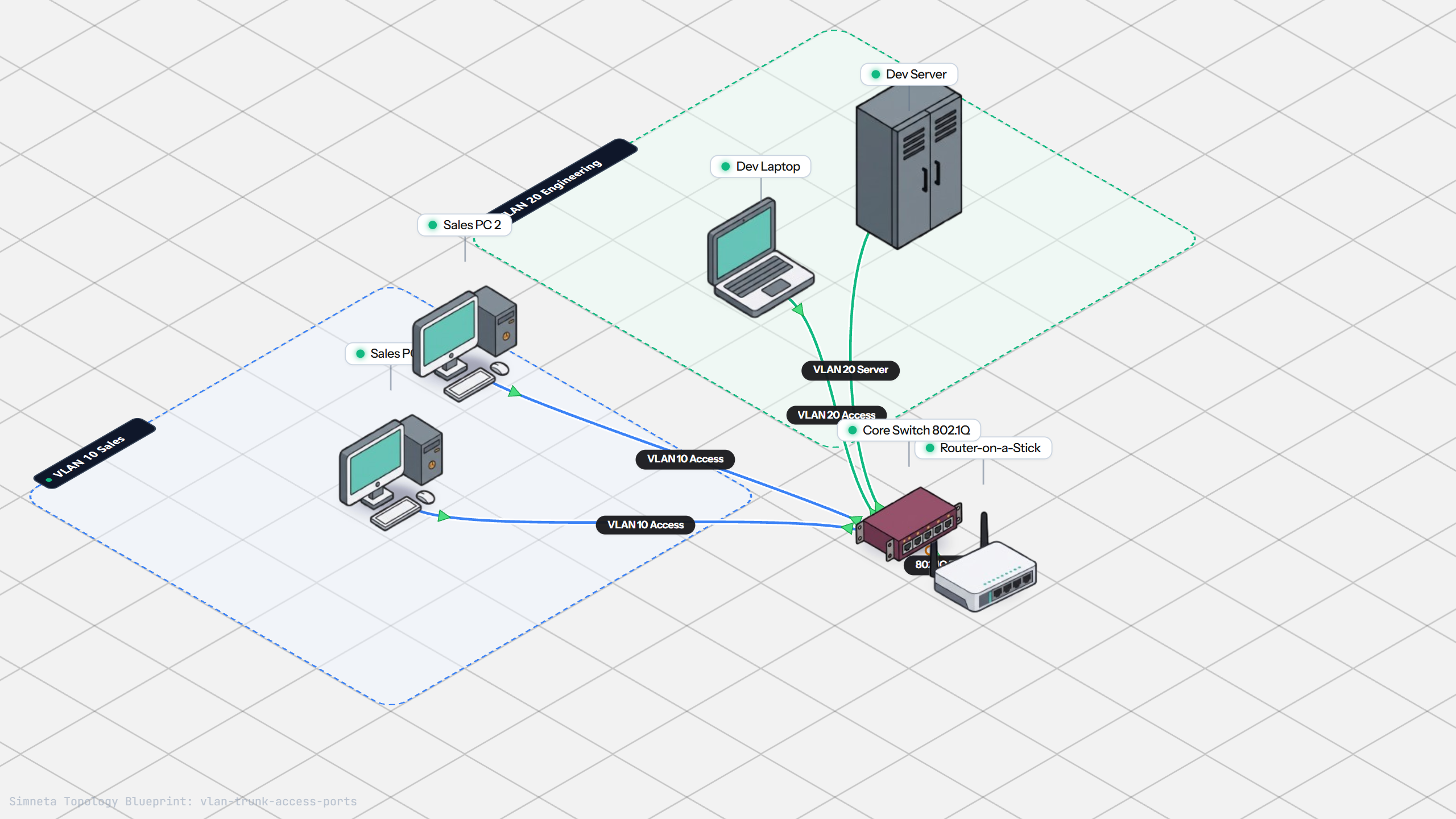
VLAN Trunking with 802.1Q
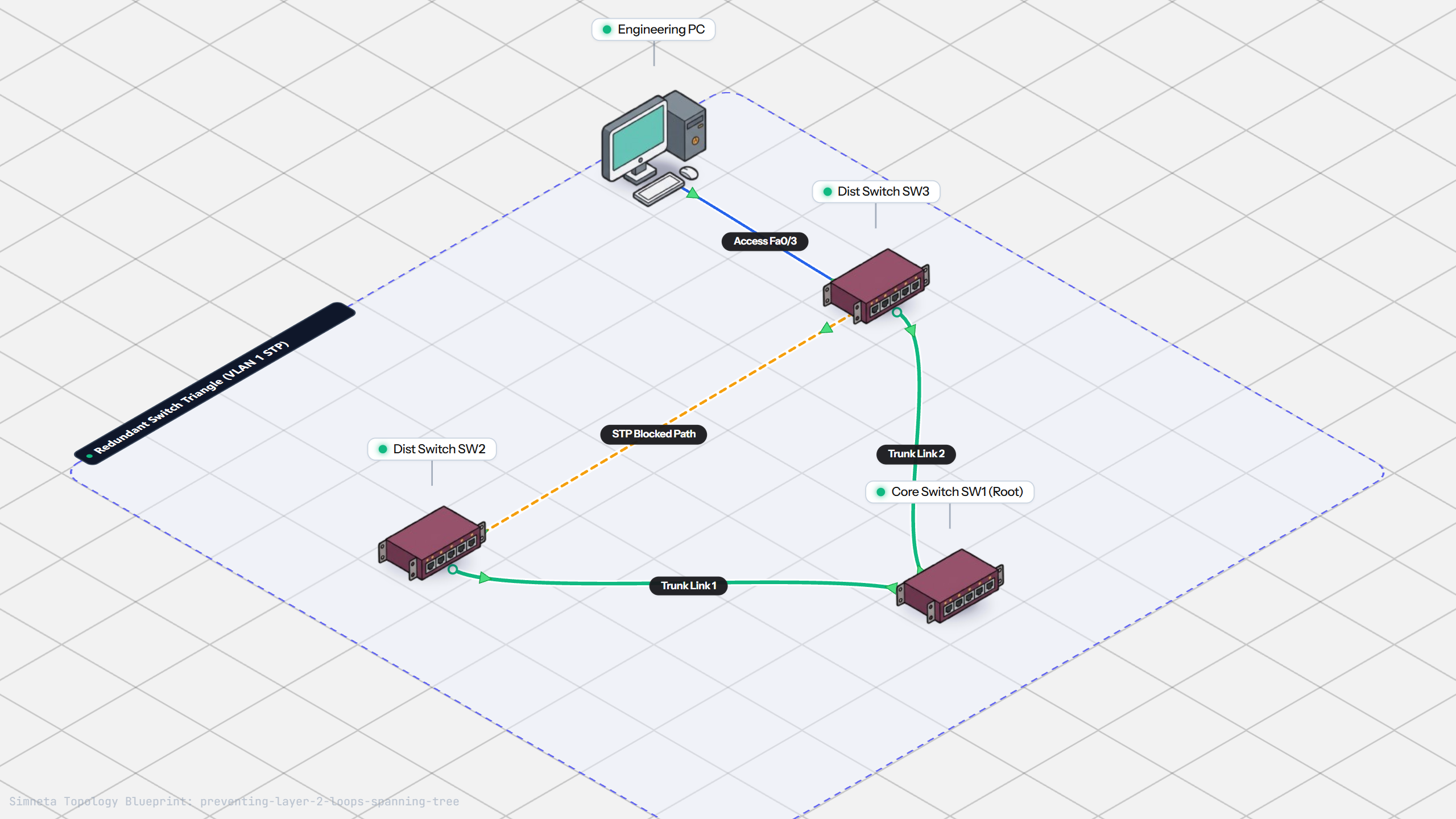
Preventing Loops with Spanning Tree
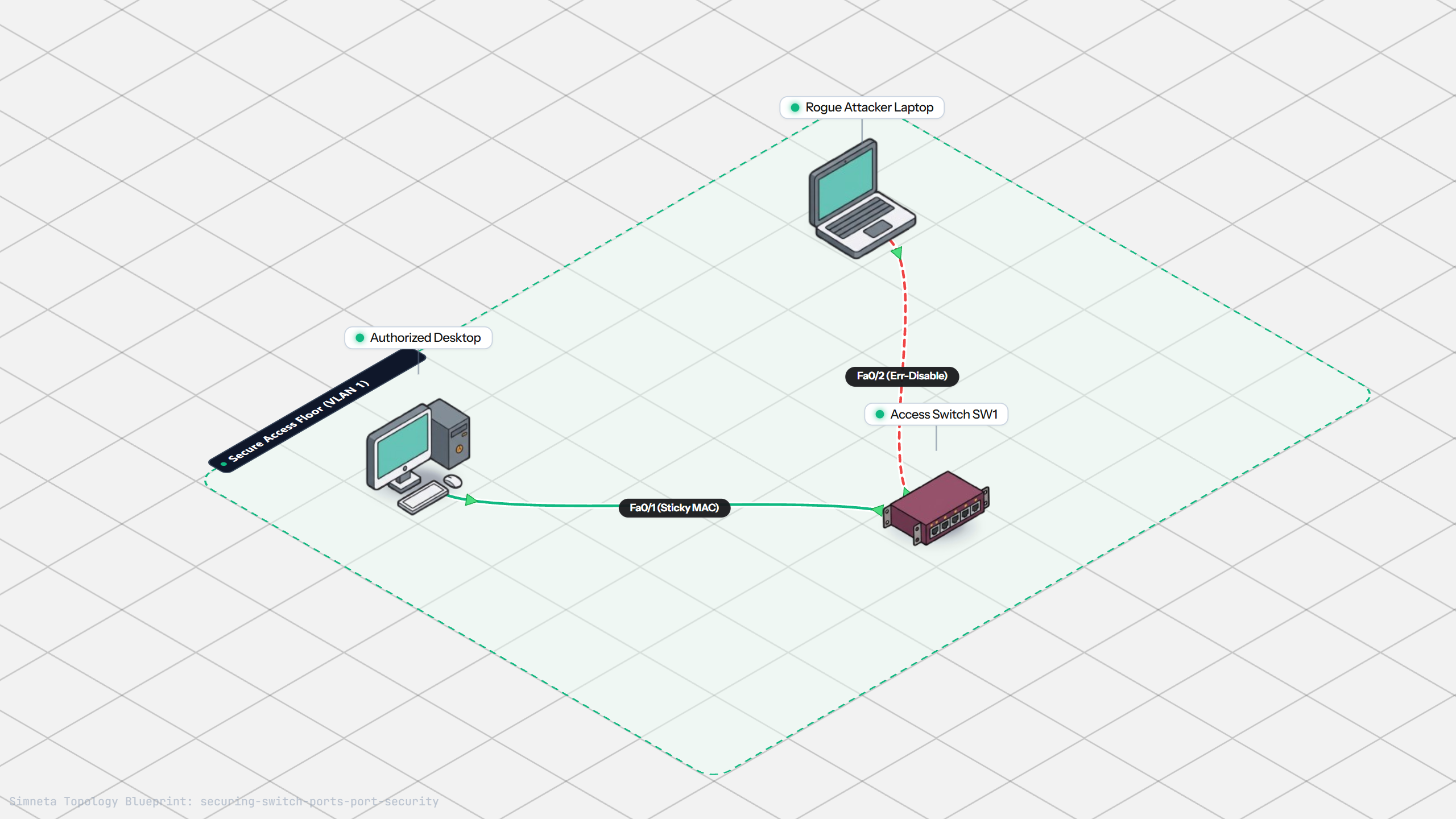
Securing Switch Ports with Port Security
Bundling Switch Uplinks with LACP EtherChannel
Inter-VLAN Routing with Router-on-a-Stick
Dynamic Routing with Single-Area OSPF
Gateway Redundancy with HSRP Failover
Filtering Traffic with Extended ACLs
Connecting LAN to Internet with NAT
Resolving Domain Names with Local DNS
Stopping Rogue DHCP with Snooping
Connecting Two Switches with an Access Uplink
Testing Reachability and Latency with Ping
Inspecting ARP Cache Tables
Setting Up DHCP Static Reservations
Connecting Routers with /30 Subnet
Configuring Default Static Route to ISP
Blocking Ping with Standard ACL
Port Forwarding for Web Servers
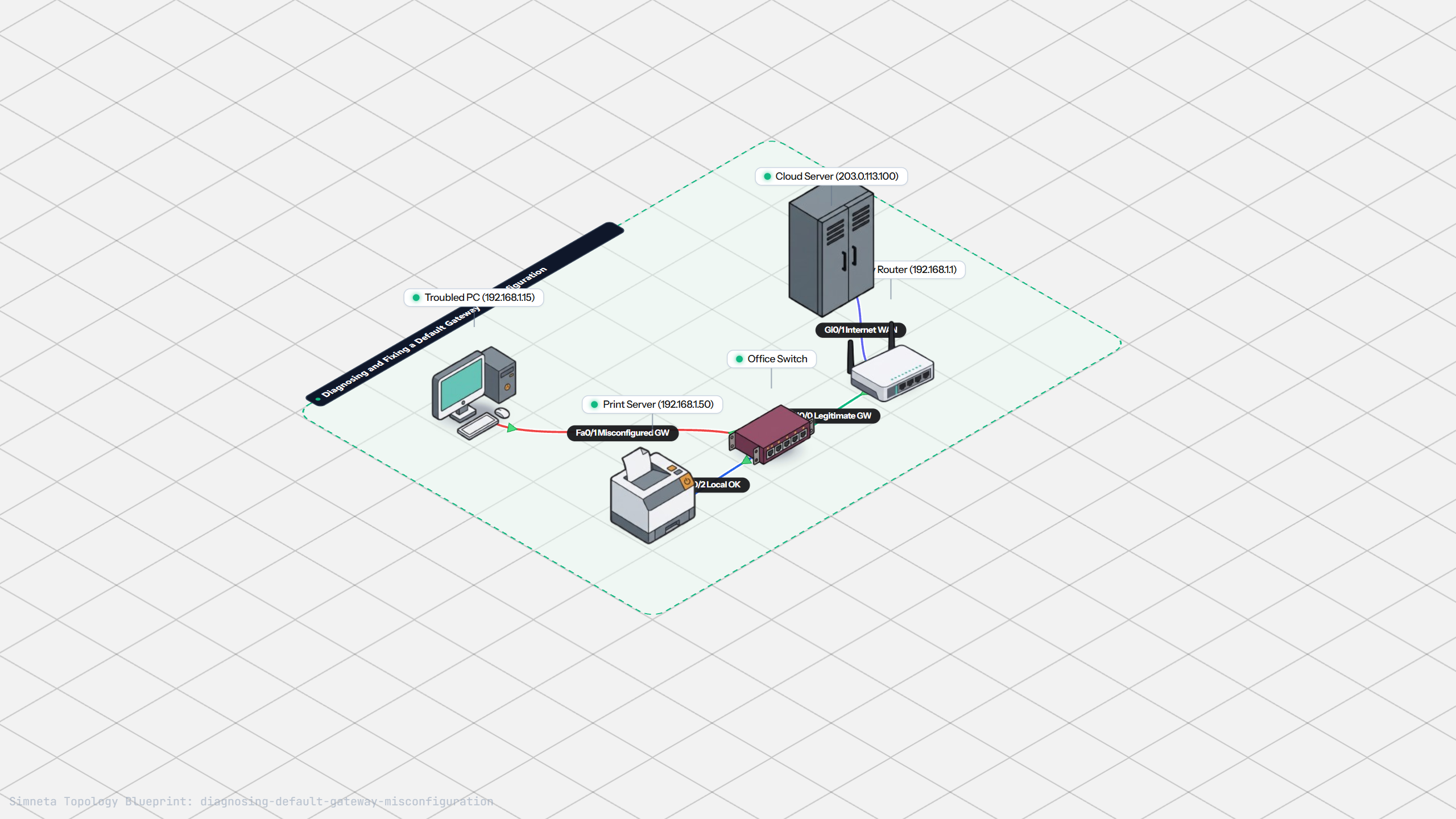
Fixing Default Gateway Misconfigurations
Discussion & Community Notes
Ask questions, share configuration tips, or discuss this laboratory topology.