
Securing Switch Ports with Port Security
Protect your enterprise local area network from rogue devices. Configure Cisco switch port security with sticky MAC learning and shutdown violation mode to isolate unauthorized computers automatically.
Walk through almost any corporate office or school campus, and you will find dozens of live RJ45 Ethernet wall outlets scattered across conference tables, empty cubicles, and reception desks. While these exposed jacks offer convenient plug-and-play access for employees, they also represent a severe physical security risk. A visiting contractor or rogue intruder could unplug a desk phone, insert an untrusted laptop into the wall, and immediately start eavesdropping on internal company traffic.
Standard Layer 2 switches are designed to be friendly and helpful by default: they accept incoming frames from any network card and forward them across the local area network without asking questions. If an intruder attaches their own machine, the switch simply adds their hardware address to the MAC table and forwards their data packets directly into the corporate core.
To secure physical access points, network engineers deploy Cisco Port Security. By restricting the maximum number of MAC addresses allowed on an interface and binding specific hardware addresses to ports, the switch can detect unauthorized computers instantly and disable the physical link before any breach occurs.
Securing access ports requires understanding why dynamic trunk negotiation must be locked down first, how sticky MAC learning saves hardware bindings into active switch memory, and how different violation policies react when an unexpected frame hits the port.
Network Architecture Plan
| Segment | Interface | Subnet / Address | Functional Role |
|---|---|---|---|
| Access Switch (SW1) | FastEthernet0/1 | VLAN 1 (Port Security Active) | Enforces MAC limiting and err-disable shutdown |
| Authorized Workstation | FastEthernet0 | 192.168.1.10/24 | Legitimate corporate desktop with registered sticky MAC |
| Rogue Attacker Laptop | FastEthernet0 | 192.168.1.99/24 | Untrusted intruder device simulating physical cable tampering |
Enforcing Static Access Mode
Before you can enable port security on any Cisco switch interface, you must explicitly configure that port as an access port using the command switchport mode access.
By default, Cisco switch ports operate in dynamic desirable or dynamic auto mode under the Dynamic Trunking Protocol (DTP). This allows them to negotiate 802.1Q trunking automatically if a neighboring switch connects.
Cisco IOS intentionally disables port security on dynamic or trunking interfaces because trunk links carry thousands of different MAC addresses from multiple VLANs. Explicitly locking the port into access mode guarantees that the interface is dedicated to a single client endpoint.
Once static access mode is locked in, enter the feature activation command switchport port-security. This turns on the security inspection engine for interface FastEthernet0/1.
Switch# configure terminal
Switch(config)# interface FastEthernet0/1
# Step 1: Disable dynamic DTP trunk negotiation
Switch(config-if)# switchport mode access
# Step 2: Activate port security evaluation engine
Switch(config-if)# switchport port-security
Switch(config-if)# exit
Parameter-by-Parameter Command Breakdown:
switchport mode access: Explicitly disables DTP trunk negotiation. This protects the switch against VLAN hopping attacks where an attacker tricks a port into trunk mode to intercept all VLAN traffic.switchport port-security: Enables the port security state machine on this interface. Without this standalone command, setting limits or violation modes will have zero effect.show port-security interface Fa0/1.Prerequisite Reminder: If you attempt to run switchport port-security on an interface in dynamic mode, Cisco IOS rejects the command with the error: Command rejected: FastEthernet0/1 is a dynamic port.
Configuring Sticky MAC Learning
Network administrators have three ways to define allowed MAC addresses: static manual typing, dynamic memory learning, and Sticky MAC learning.
Manually typing twelve-character hexadecimal MAC addresses for hundreds of workstations across a campus is exhausting and prone to human typos. Dynamic memory learning forgets all addresses the second the switch reboots.
Sticky MAC learning provides the perfect operational balance. When you execute switchport port-security mac-address sticky, the switch observes the very first frame sent by the connected computer, learns its hardware MAC address automatically, and writes it directly into the running configuration.
Next, configure switchport port-security maximum 1. This restricts the port to exactly one authorized hardware device. If an employee connects a mini-switch under their desk to share their wall jack with a friend, the arrival of a second MAC address will trigger a security violation.
Switch(config)# interface FastEthernet0/1
Switch(config-if)# switchport port-security maximum 1
Switch(config-if)# switchport port-security mac-address sticky
Switch(config-if)# exit
How Sticky Learning Saves Administrative Time:
maximum 1: Enforces a strict hardware limit. The switch CAM table accepts only one secure MAC address on this port.mac-address sticky: Converts dynamically learned addresses into static configuration lines in running-config (e.g. switchport port-security mac-address sticky 0050.7966.1001).write memory or copy running-config startup-config after devices connect so bindings persist after switch reboots.Real-world field incident: A contractor plugged a personal consumer Wi-Fi router into an office cubicle jack so their phone could get wireless. The moment the router bridged multiple MACs, the switch err-disabled the port instantly and notified security.
Comparing Port Violation Modes
Cisco switches support three distinct security violation modes: Protect, Restrict, and Shutdown.
Each violation mode applies a different level of defensive action when an unauthorized source MAC address reaches the port:
The port remains completely disabled to both the intruder and the original user until an authorized network administrator logs into the console, investigates the incident, and manually resets the interface.
Switch(config)# interface FastEthernet0/1
# Put interface into err-disable shutdown state upon security breach
Switch(config-if)# switchport port-security violation shutdown
Switch(config-if)# exit
Violation Mode Defense Matrix:
In corporate offices, shutdown is strongly preferred because it visually alerts users with a dead link light and prevents attackers from attempting brute-force MAC spoofing.
Security Decision: While restrict mode keeps authorized computers working during a rogue probe, shutdown mode guarantees that any physical tampering alerts the helpdesk immediately.
Simulating the Security Violation
To test our defense policy in Simneta NetLab, generate normal traffic from the Authorized Workstation by pinging the switch IP. Open the switch CLI and confirm that FastEthernet0/1 has successfully recorded the workstation MAC address.
Now, disconnect the Authorized Workstation from port Fa0/1 and plug in the Rogue Attacker Laptop. Attempt to transmit a ping from the rogue machine.
Watch how the switch hardware responds within milliseconds to block the untrusted computer.
Analyzing the Err-Disable State:
Port Status Secure-shutdown: Confirms that the security engine detected an unauthorized frame and triggered the shutdown policy.Security Violation Count 1: Records that exactly one security breach event occurred on this physical port.Last Source Address 000C.29FE.11A2:1: Captures the exact MAC address of the intruder laptop, providing forensic evidence for security incident reports.Status err-disabled: The switch ASIC disabled physical layer signaling immediately. The port is turned off in silicon, preventing the intruder from discovering internal IP ranges or probing corporate servers.Syslog Trap Notice: Upon breach, the switch console logs: %PM-4-ERR_DISABLE: psecure-violation error detected on Fa0/1, putting Fa0/1 in err-disable state. Security Information and Event Management (SIEM) systems can page security guards automatically.
The Administrative Recovery Workflow
Once a port enters the err-disabled state, simply unplugging the rogue laptop and plugging the authorized workstation back in will not restore connectivity. The switch ASIC locks the port in hardware to prevent attackers from retrying different spoofed addresses.
To recover the port, an administrator must access the switch console, navigate to the affected interface, execute shutdown, and then execute no shutdown.
Review the recovery sequence to return the port to active production service.
Switch# configure terminal
Switch(config)# interface FastEthernet0/1
# Cycle interface to clear the err-disable latch
Switch(config-if)# shutdown
%LINK-5-CHANGED: Interface FastEthernet0/1, changed state to administratively down
Switch(config-if)# no shutdown
%LINK-3-UPDOWN: Interface FastEthernet0/1, changed state to up
%LINEPROTO-5-UPDOWN: Line protocol on Interface FastEthernet0/1, changed state to up
Switch(config-if)# exit
How Interface Cycling Clears the Hardware Latch:
shutdown: Clears the err-disable hardware flag from the port controller register.no shutdown: Re-enables electrical signaling and restarts auto-negotiation pulses.show port-security interface FastEthernet0/1 confirms that the interface returns to Secure-up, restoring authorized desktop transmission while preserving the sticky MAC binding in running memory.errdisable recovery cause psecure-violation and errdisable recovery interval 300, allowing ports to test themselves every 5 minutes.Recovery Tip: Always verify that the rogue computer has been unplugged before issuing no shutdown. If the rogue laptop remains plugged in, the port will err-disable again the instant a frame is sent.

Related Network Labs
Continue your network simulation practice with these recommended labs.
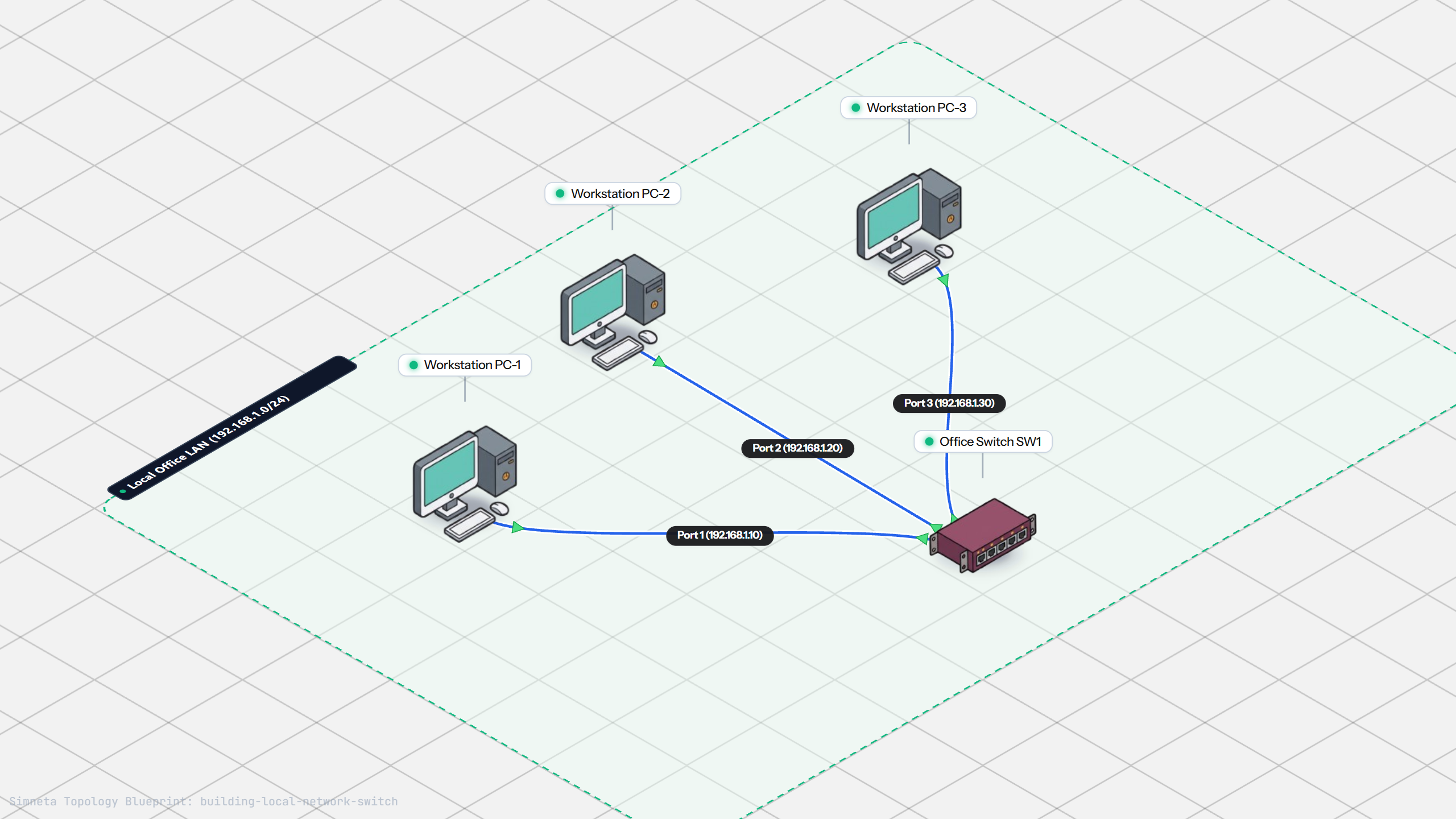
Building a Local Office LAN with a Switch
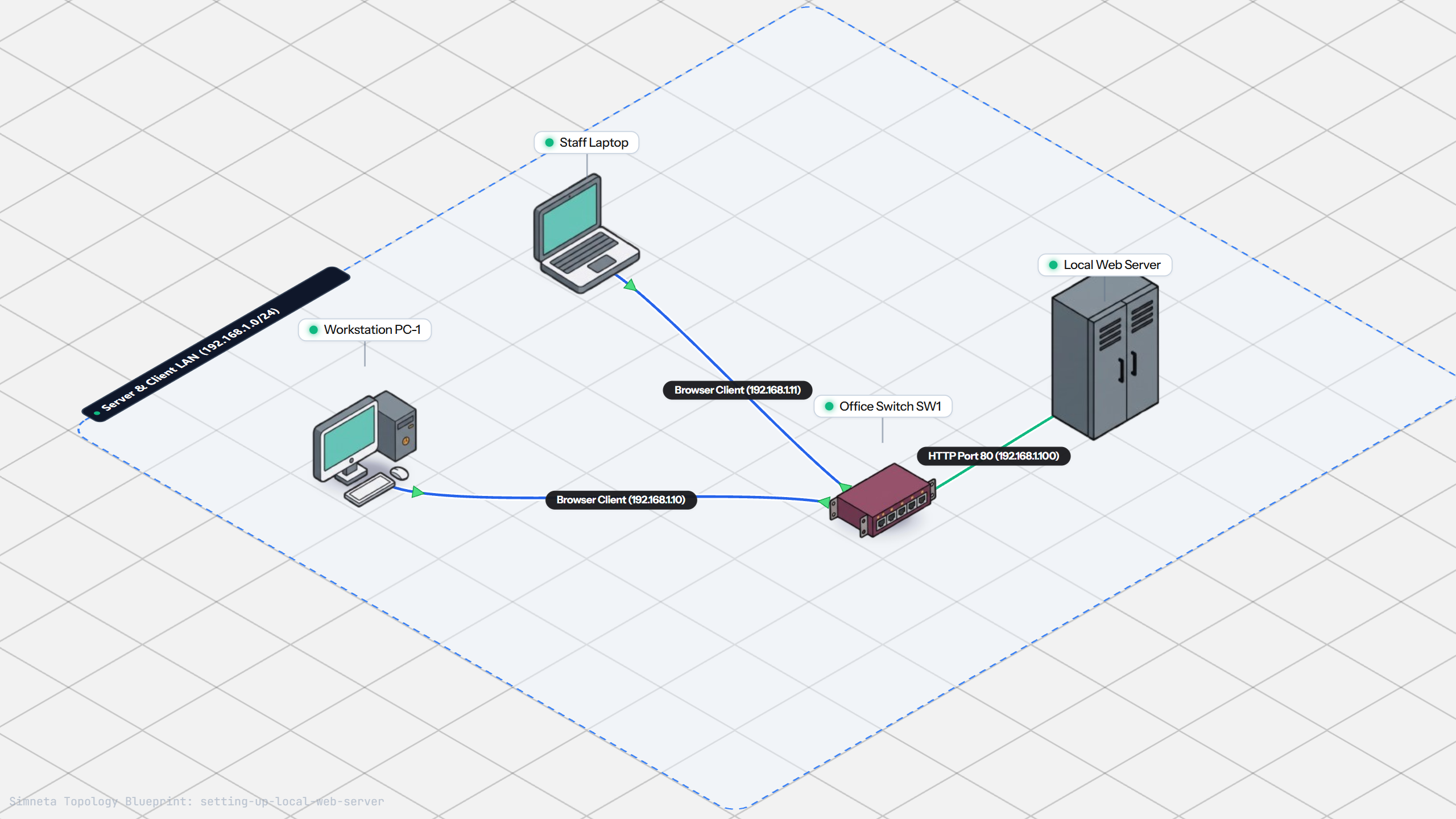
Setting Up a Local Web Server
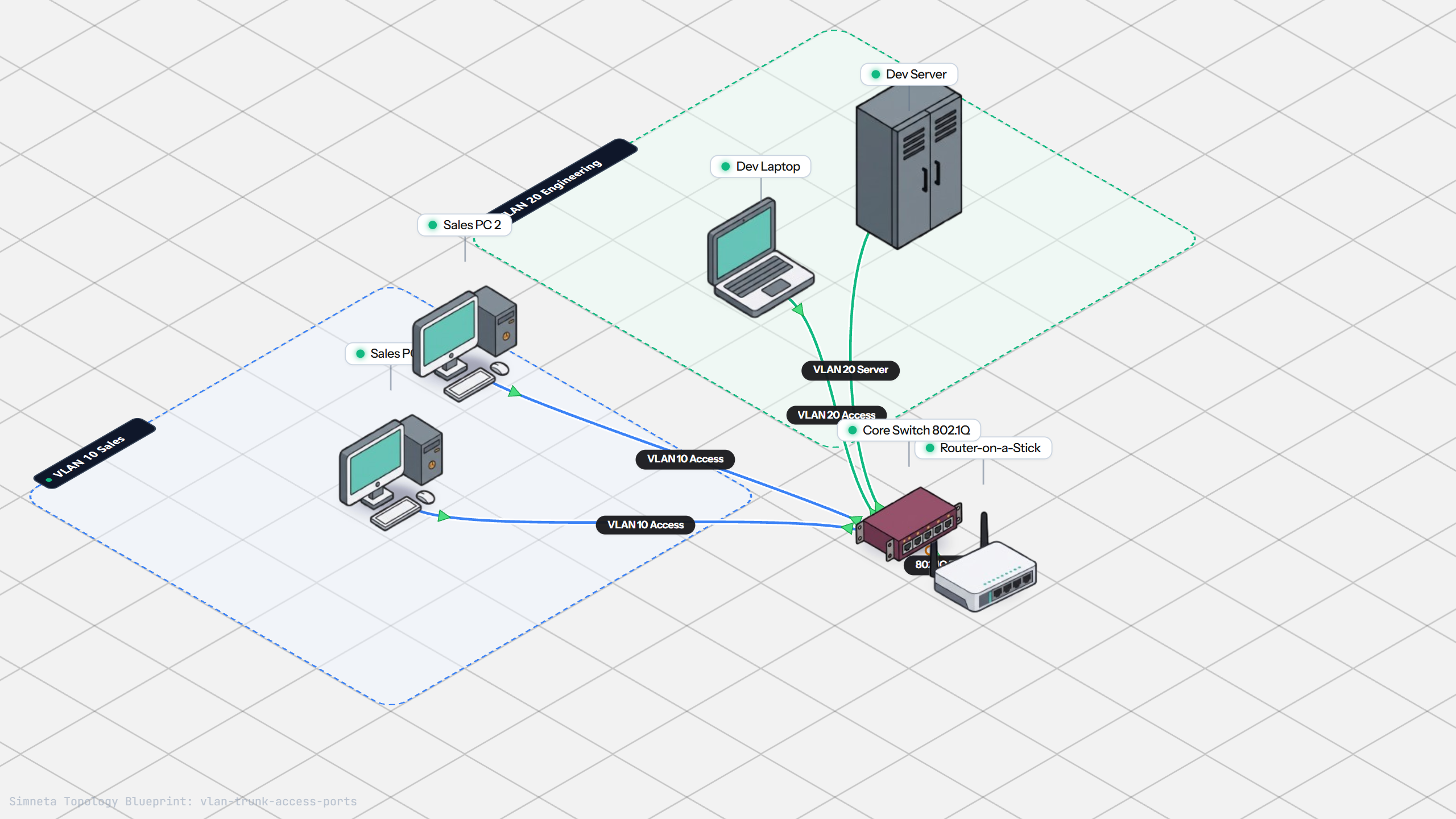
VLAN Trunking with 802.1Q
Preventing Loops with Spanning Tree
Bundling Switch Uplinks with LACP EtherChannel
Inter-VLAN Routing with Router-on-a-Stick
Dynamic Routing with Single-Area OSPF
Gateway Redundancy with HSRP Failover
Filtering Traffic with Extended ACLs
Connecting LAN to Internet with NAT
Resolving Domain Names with Local DNS
Stopping Rogue DHCP with Snooping
Connecting Two Switches with an Access Uplink
Configuring Static IP on Workstation
Testing Reachability and Latency with Ping
Inspecting ARP Cache Tables
Setting Up DHCP Static Reservations
Connecting Routers with /30 Subnet
Configuring Default Static Route to ISP
Blocking Ping with Standard ACL
Port Forwarding for Web Servers
Fixing Default Gateway Misconfigurations
Discussion & Community Notes
Ask questions, share configuration tips, or discuss this laboratory topology.