
Configuring Default Static Route to ISP
Master the gateway of last resort. Discover how a quad-zero static route enables edge routers to forward all unknown internet traffic upstream toward an Internet Service Provider gateway without bloating local routing tables.
The global internet routing table contains more than 900,000 distinct network prefixes. A small enterprise branch router does not possess the memory or processing power to hold the entire internet routing table. Nor does it need to.
For stub enterprise networks with only one primary link to an Internet Service Provider (ISP), network engineers configure a single Default Static Route (0.0.0.0 0.0.0.0). In this tutorial, you will configure the gateway of last resort on an enterprise edge router and verify connectivity to external public networks.
A stub network is a network that has only a single exit path to outside destinations. Because all non-local packets must exit through the exact same provider gateway, storing specific routes to individual remote destinations is unnecessary.
By deploying a default static route, the edge router maintains a lean, responsive routing table while providing seamless global connectivity for all internal office workstations and corporate services.
Network Architecture Plan
| Segment | Interface | Subnet / Address | Functional Role |
|---|---|---|---|
| Corporate Edge Router | Gi0/1 (WAN) | 203.0.113.2/30 | Enterprise Border Router |
| ISP Gateway Router | Gi0/0 (Upstream) | 203.0.113.1/30 | Next-Hop Service Provider Gateway |
| Internal LAN Switch | Fa0/1 - Fa0/2 | 192.168.1.0/24 | Local Distribution Switch |
| Internal Workstation | FastEthernet0 | 192.168.1.10/24 | Local LAN Client |
| Simulated Public DNS | eth0 | 8.8.8.8/32 | Public Internet Endpoint |
Gateway of Last Resort
When an enterprise router receives an IP packet, it consults its internal routing table. If the packet destination IP matches an explicit local subnet (like 192.168.1.0/24), the router delivers it directly to the local switch.
However, when an employee requests a public website (like 8.8.8.8 or 1.1.1.1), the router finds no specific entry for that external IP address. Without a default route, the router drops the packet immediately and returns an ICMP Destination Net Unreachable error.
A default route acts as a safety net: if no specific match exists, send the packet to the ISP gateway.
Routers follow the Longest Prefix Match principle. When multiple routes exist in the table, the router always selects the route with the most specific (longest) subnet mask. Because the default route has a mask length of zero (/0), it is evaluated only when every other route fails to match.
Routing Table Lookup Hierarchy:
In routing logic, the router evaluates routes from the most specific (longest prefix match) to the least specific. The default route (prefix length /0) matches everything, but only when no more specific route is found.
The Quad-Zero Syntax
The default route is written as 0.0.0.0 0.0.0.0. The first quad-zero represents the network address (any IP address), and the second quad-zero represents a subnet mask of zero bits.
A mask of zero bits means: Require zero matching bits to qualify as a match. Therefore, every single possible IPv4 address from 0.0.0.0 to 255.255.255.255 matches this rule.
You can specify the route destination using either a next-hop IP address or an exit interface. In Ethernet environments, using a next-hop IP address is the recommended practice because it avoids excessive ARP broadcasts.
Command Syntax:
  Router(config)# ip route [Destination-Net] [Subnet-Mask] [Next-Hop-IP]

Our Configuration:
  Edge-Router(config)# ip route 0.0.0.0 0.0.0.0 203.0.113.1

Where:
  0.0.0.0          = Any destination network
  0.0.0.0          = Match 0 prefix bits (wildcard)
  203.0.113.1      = IP address of upstream ISP Gateway router interface
Analyzing Next-Hop vs Exit Interface Options:
203.0.113.1 tells the router to encapsulate frames with the MAC address of that specific ISP router. The router looks up the next-hop in its ARP table directly.ip route 0.0.0.0 0.0.0.0 GigabitEthernet0/1, the router considers the destination to be directly attached to that cable. On an Ethernet multi-access segment, the router will broadcast an ARP request for every single internet IP address it tries to reach, quickly exhausting memory and bandwidth.For this reason, always specify the next-hop IP address when configuring static routes over Ethernet links.
Administrative Distance: Static routes have a default Administrative Distance (AD) of 1. This makes them more trusted than routes learned via OSPF (AD 110) or RIP (AD 120), but less trusted than directly connected interfaces (AD 0).
Configuring the Default Route
Open the CLI terminal on the Corporate Edge Router. Enter global configuration mode.
Configure the default route pointing to the ISP next-hop address 203.0.113.1 on the WAN interconnect link.
Once configured, save the running configuration to NVRAM to ensure the static route persists across router reboots.
Edge-Router# configure terminal
Edge-Router(config)# ip route 0.0.0.0 0.0.0.0 203.0.113.1
Edge-Router(config)# exit
Edge-Router# write memory
Building configuration...
[OK]
Parameter-by-Parameter Command Breakdown:
ip route: The Cisco IOS configuration command used to create static routing entries in the IP forwarding database.0.0.0.0: The target prefix address representing all destination networks.0.0.0.0: The subnet mask requiring zero matching bits, ensuring universal coverage for unmatched traffic.203.0.113.1: The forwarding next-hop router address residing across the WAN point-to-point link.write memory: Copies active settings from volatile RAM (running-config) to persistent NVRAM (startup-config). If the router loses power, this command prevents configuration loss.Floating Static Route Tip: You can create a backup default route with a higher administrative distance (e.g. ip route 0.0.0.0 0.0.0.0 198.51.100.1 10). The router only uses the backup link if the primary link goes down.
Verifying the Routing Table
Execute the command show ip route on the Edge Router to inspect the routing table changes.
Observe that the router now explicitly proclaims: Gateway of last resort is 203.0.113.1 to network 0.0.0.0. The route itself appears with code S* (Static candidate default).
Review the routing table flags to confirm that connected LAN and WAN subnets are active alongside the static default route.
Routing Table Output Breakdown:
Gateway of last resort is 203.0.113.1: Confirms that the router has successfully identified and activated its exit gateway for all unmatched packets.S: Indicates that this route was manually entered as a static route rather than learned through dynamic routing protocols.* (Asterisk): Flags this route as a candidate default route. The router selects this candidate as its active gateway of last resort.[1/0]: The first number inside the brackets is the Administrative Distance (1 = Static Route). The second number is the Metric (0 = directly connected next-hop).via 203.0.113.1: The specific next-hop router address where packets will be forwarded.Missing Gateway Warning: If show ip route displays Gateway of last resort is not set, the router has no active default route. All packets destined for unknown external IP addresses will be immediately dropped.
End-to-End Internet Reachability Test
Open the terminal on Internal Workstation (192.168.1.10) and initiate a ping to the public simulated DNS server at 8.8.8.8.
The workstation forwards the packet to its local gateway (192.168.1.1), which in turn consults its default route and forwards the packet out interface Gi0/1 to the ISP gateway.
Observe the successful ICMP replies confirming full end-to-end packet delivery and return path routing across the service provider infrastructure.
Tracing the Complete Forwarding Lifecycle:
8.8.8.8 against its local mask (255.255.255.0). Recognizing that 8.8.8.8 is non-local, it wraps the packet in an Ethernet frame addressed to Edge Router MAC address.8.8.8.8. Finding no /32 or /24 route, it matches the default route 0.0.0.0/0.203.0.113.1) and transmits out interface Gi0/1.The 0% packet loss and steady 11ms latency confirm that both the forward and return paths are fully operational.
Return Path Principle: Routing is a two-way street. Having a valid default route to send packets outbound is useless if the upstream ISP router does not have a route to send reply packets back to your internal IP range.


Related Network Labs
Continue your network simulation practice with these recommended labs.
Building a Local Office LAN with a Switch
Setting Up a Local Web Server
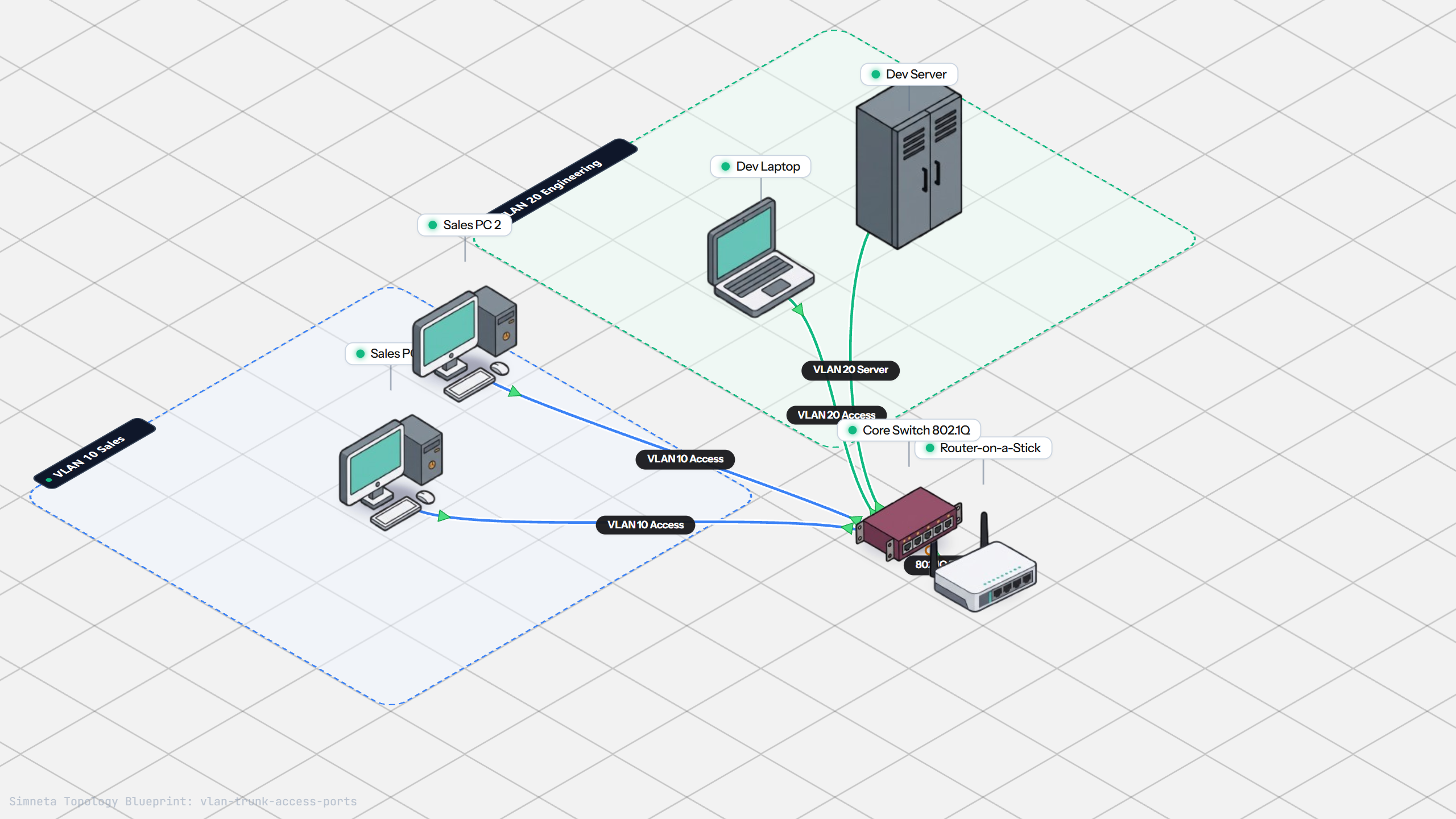
VLAN Trunking with 802.1Q
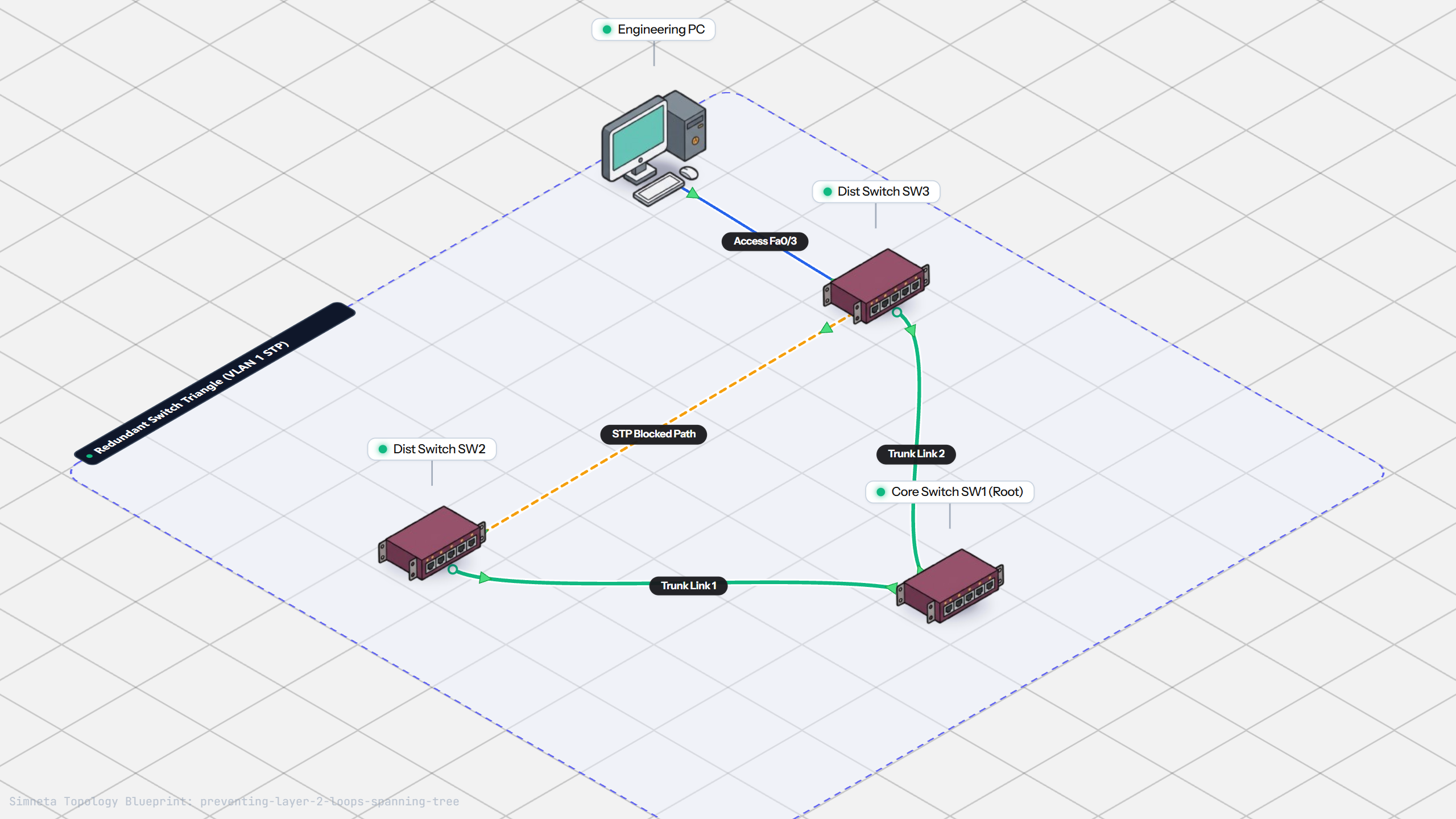
Preventing Loops with Spanning Tree
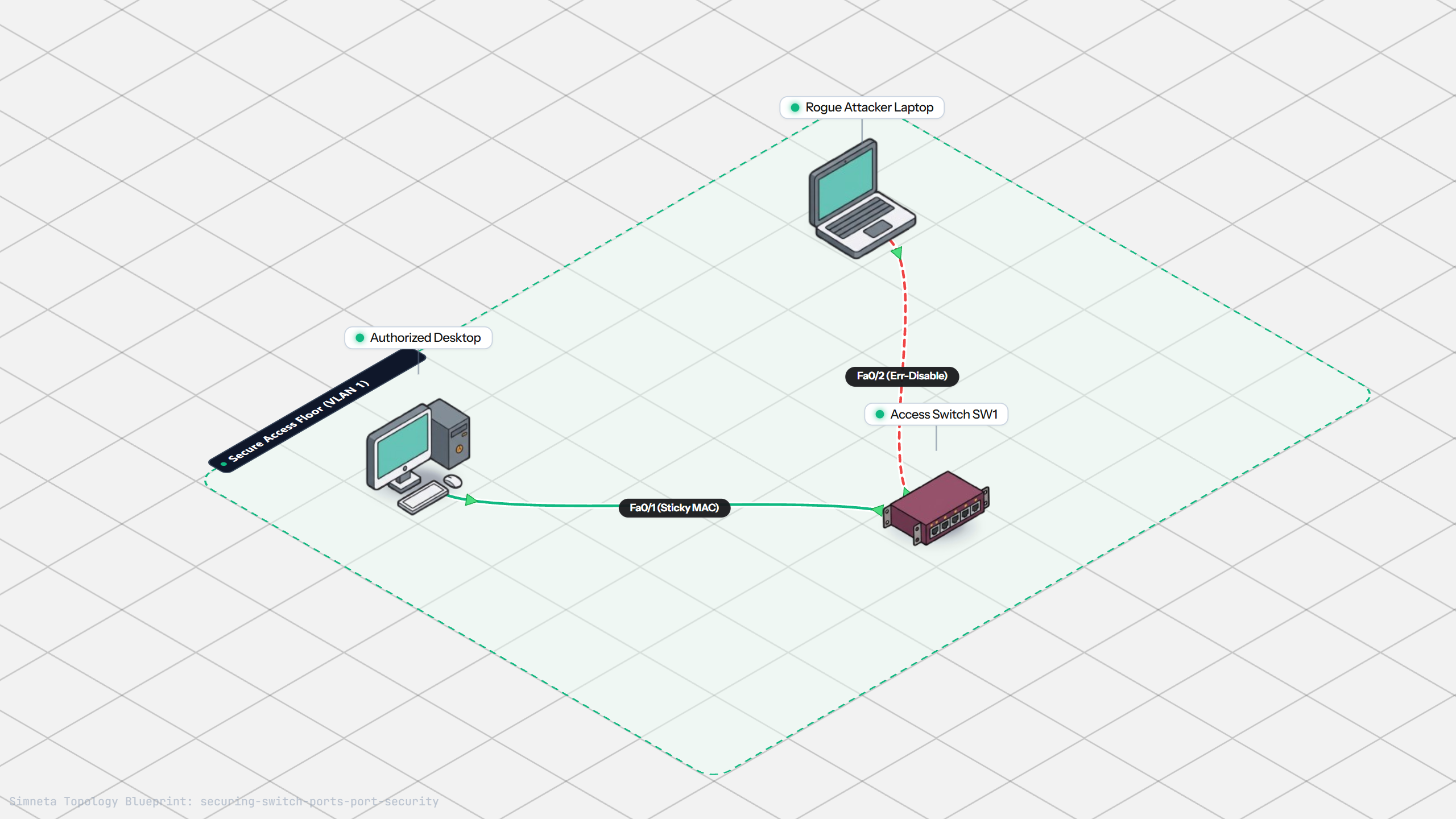
Securing Switch Ports with Port Security
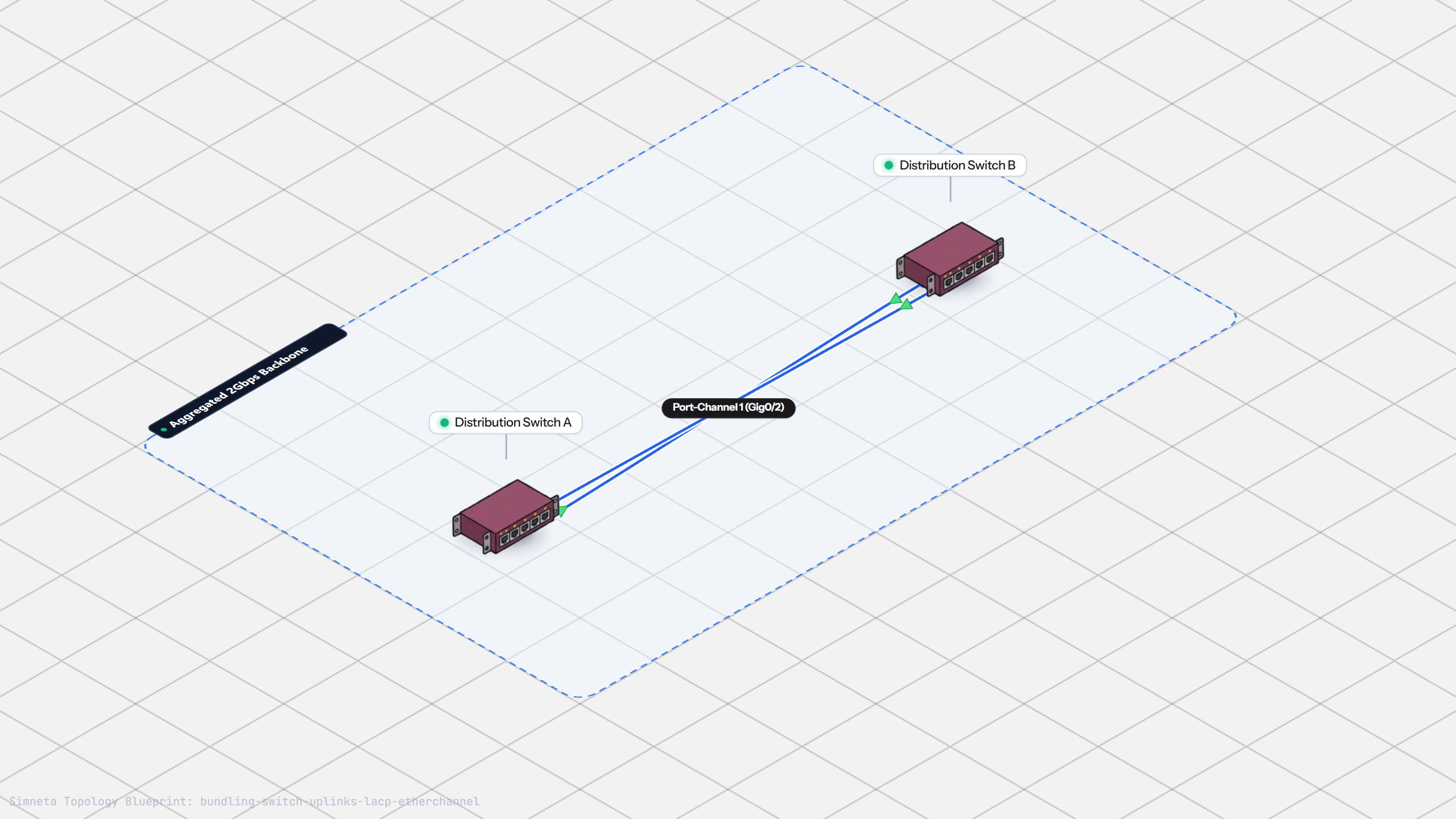
Bundling Switch Uplinks with LACP EtherChannel
Inter-VLAN Routing with Router-on-a-Stick
Dynamic Routing with Single-Area OSPF
Gateway Redundancy with HSRP Failover
Filtering Traffic with Extended ACLs
Connecting LAN to Internet with NAT
Resolving Domain Names with Local DNS
Stopping Rogue DHCP with Snooping
Connecting Two Switches with an Access Uplink
Configuring Static IP on Workstation
Testing Reachability and Latency with Ping
Inspecting ARP Cache Tables
Setting Up DHCP Static Reservations
Connecting Routers with /30 Subnet
Blocking Ping with Standard ACL
Port Forwarding for Web Servers
Fixing Default Gateway Misconfigurations
Discussion & Community Notes
Ask questions, share configuration tips, or discuss this laboratory topology.