
Filtering Traffic with Extended ACLs
Lock down your corporate perimeter. Configure Cisco Extended Access Control Lists (ACLs) to permit web traffic while blocking unauthorized ping, Telnet, and internal management access.
In an open network without firewall rules, any device can attempt to establish connections with any other device across subnet boundaries. While open connectivity is convenient when you are testing hardware on a workbench, it is a serious security risk in an enterprise environment. An infected accounting computer could probe internal database ports, while untrusted guests in the lobby could attempt to log into network management consoles.
While basic Standard ACLs can only filter traffic based solely on the sender Source IP address, Extended Access Control Lists (ACLs) give network administrators exact control. Extended ACLs evaluate the entire packet: the Source IP, the Destination IP, the transport layer protocol (TCP, UDP, ICMP), and even the exact application port number.
Configuring Extended ACLs requires contrasting 5-tuple filtering with standard source filtering, parsing statement syntax from protocol flags to port operands, and selecting inbound versus outbound interface bindings to protect router resources.
Network Architecture Plan
| Segment | Interface | Subnet / Address | Functional Role |
|---|---|---|---|
| Core Border Router | GigabitEthernet0/0/0, Gig0/0/1 | 192.168.10.1/24, 192.168.30.1/24 | Enforces Extended ACL 100 filtering policy |
| Accounting Subnet | GigabitEthernet0/0/0 | 192.168.10.0/24 | Client department subject to outbound security restrictions |
| Secure Server Farm | GigabitEthernet0/0/1 | 192.168.30.0/24 | Internal server zone hosting web applications |
| Internal Web Server | FastEthernet0 | 192.168.30.50/24 | Target server hosting HTTP (80), HTTPS (443), and Telnet (23) |
Standard vs Extended ACLs
Cisco numbered access lists rely on reserved numerical identifier ranges to distinguish their filtering capabilities. Numbers 1 to 99 define Standard ACLs, whereas numbers 100 to 199 define Extended ACLs. This numbering scheme signals to the Cisco IOS parsing engine how deeply each packet must be inspected as it traverses the router backplane.
Standard ACLs examine only the Layer 3 source IPv4 address. If you attempt to stop an accounting workstation from reaching a payroll server using a standard access list, you run into an immediate structural problem: blocking the source IP drops that workstation access to every single server, web app, and printer on that destination subnet.
Extended ACLs resolve this limitation by evaluating the full 5-tuple header structure. The router checks the Source IP, the Destination IP, the transport protocol (TCP, UDP, or ICMP), the Source Port, and the Destination Port. With an extended access list, you can allow accounting computers to access port 80 on a web server while dropping unencrypted Telnet sessions on port 23 and dropping ICMP ping discovery requests.
Placement guidelines also differ sharply between standard and extended lists. Standard ACLs must be placed as close to the traffic destination as possible to prevent accidentally dropping legitimate packets along other branches. Extended ACLs, by contrast, must be placed as close to the traffic source as possible. Filtering packets right at the ingress gateway prevents unwanted traffic from consuming bandwidth across core links or wasting router memory on unnecessary routing lookups.
Real-world engineering tip: Always place extended ACLs close to the traffic source so invalid packets are dropped early, preventing unnecessary routing lookups and wasted link bandwidth across your core network.
Writing Extended ACL Statements
An extended access list statement uses a specific sequence of parameters that define matching criteria from Layer 3 through Layer 4. Each line evaluates incoming packets against sequential conditions until a match occurs.
Consider the primary rule permitting HTTP web traffic: access-list 100 permit tcp 192.168.10.0 0.0.0.255 host 192.168.30.50 eq 80. This statement defines the list number, the action, the transport protocol, the source network with its wildcard mask, the target destination host, and the matching destination port number.
We will configure rules to allow web traffic on port 80 and secure web traffic on port 443, explicitly drop unencrypted Telnet management on port 23, drop ICMP echo requests targeting the server, and permit all other general outbound traffic.
Enter global configuration mode on the Core Router and input the sequential access list statements below.
Router# configure terminal
# Rule 1: Permit web traffic (HTTP Port 80)
Router(config)# access-list 100 permit tcp 192.168.10.0 0.0.0.255 host 192.168.30.50 eq 80
# Rule 2: Permit secure web traffic (HTTPS Port 443)
Router(config)# access-list 100 permit tcp 192.168.10.0 0.0.0.255 host 192.168.30.50 eq 443
# Rule 3: Explicitly block insecure Telnet management access
Router(config)# access-list 100 deny tcp 192.168.10.0 0.0.0.255 host 192.168.30.50 eq 23
# Rule 4: Block ICMP ping probes from scanning the server
Router(config)# access-list 100 deny icmp 192.168.10.0 0.0.0.255 host 192.168.30.50
# Rule 5: Permit all remaining standard internet traffic
Router(config)# access-list 100 permit ip any any
Let us examine the parameters configured in each statement:
access-list 100: Declares an Extended IP access list using the reserved identifier range from 100 through 199.permit tcp or deny tcp: Defines both the filtering action (allow or block) and the Layer 4 protocol to inspect.192.168.10.0 0.0.0.255: Matches any client residing on the 192.168.10.0/24 accounting subnet by using an inverse wildcard mask where zeros require an exact bit match and 255 allows any value.host 192.168.30.50: Specifies the exact target server destination address. This keyword is an operational shorthand for typing 192.168.30.50 0.0.0.0.eq 80 and eq 443: Tells the router to inspect the destination port inside the TCP header and match packets targeting web services.eq 23: Matches unencrypted Telnet packets so the router can discard them before they reach the server management interface.permit ip any any: Ensures that regular internet and internal traffic not targeting the secured server is permitted through the router.Security warning: Every Cisco access list ends with an invisible implicit deny all statement. If you do not add "permit ip any any" at the bottom of your rules, all other legitimate network traffic will be blocked silently.
Applying Inbound Interface Filters
Creating an access list in router memory has no effect on network traffic until you explicitly bind that list to an interface using the ip access-group command. Access lists are directional: you must choose whether the list inspects traffic entering the router interface or traffic exiting the interface.
Traffic direction fundamentally changes when the packet filtering engine runs relative to the Layer 3 routing engine:
Inbound (in): Packets are inspected immediately when they arrive at the interface hardware buffers, BEFORE the router looks up the destination IP in its routing table. If a packet violates a security rule, it is dropped on arrival, saving router CPU cycles and avoiding backplane switching overhead.
Outbound (out): Packets are received, processed by the routing engine, routed across the switch fabric, and only inspected as they are queued to exit the destination interface.
Because our extended access list is designed to restrict accounting client traffic, we apply it inbound directly on the accounting default gateway interface GigabitEthernet0/0/0.
Router(config)# interface GigabitEthernet0/0/0
# Filter packets arriving from Accounting subnet before routing
Router(config-if)# ip access-group 100 in
Router(config-if)# exit
Understanding interface binding syntax and execution order:
interface GigabitEthernet0/0/0: Selects the physical port connected to the local accounting switch where client packets first enter the router.ip access-group 100 in: Links Extended ACL 100 to this port in the inbound direction. Every frame arriving on this interface has its IP and TCP/UDP headers inspected against the list before being passed to the route processor.Operational rule: When choosing between "in" and "out", applying filters inbound saves router CPU cycles because the routing engine drops unauthorized packets before looking up the next-hop route in the routing table.
Testing Web And Ping
With Extended ACL 100 bound to the gateway interface, we can test our filtering policies from Accounting Workstation (`192.168.10.10`). We must verify that authorized web traffic succeeds while unauthorized management and diagnostic traffic fails.
First, open the workstation terminal and make an HTTP request to the server by executing curl http://192.168.30.50. The router inspects the packet, identifies destination TCP port 80, matches Rule 1, and permits the connection. The server replies with an HTTP 200 OK status code.
Next, send an ICMP echo request using ping 192.168.30.50. The packet matches Rule 4 (`deny icmp`), causing the router gateway to drop the packet and return a filtering notice.
Finally, attempt to open a remote Telnet shell with telnet 192.168.30.50. The TCP SYN packet targeting port 23 matches Rule 3 (`deny tcp eq 23`) and is dropped immediately.
Reviewing the terminal verification results:
HTTP/1.1 200 OK followed by the HTML payload. This confirms that TCP port 80 communication is unobstructed through the gateway.From 192.168.10.1 Packet filtered by access list with 100% packet loss. The router actively enforces the ICMP deny policy without allowing ping discovery.Verification best practice: Always test both permitted and denied traffic paths. Confirming that web services work is only half the job; you must also verify that blocked management ports like Telnet fail consistently.
Analyzing Access List Counters
To verify how the router processes traffic in real time, return to the Core Router command line and run show access-lists 100.
Cisco IOS maintains internal hit counters for every individual statement inside an access list. Each time an arriving packet matches a statement, the router increments that rule counter by one and stops checking the rest of the list.
Examining hit counters allows administrators to confirm which rules are actively protecting the network and determine whether unwanted traffic is hitting the intended deny statements.
Analyzing the match counters in the command output:
permit tcp ... eq www) records (18 matches). Each TCP segment involved in establishing the three-way handshake and transmitting HTTP request and data packets incremented this counter.permit tcp ... eq 443) shows (0 matches) because our tests used unencrypted HTTP on port 80 rather than HTTPS on port 443.deny tcp ... eq telnet) logs (2 matches), proving that the router caught and dropped the two unauthorized Telnet connection attempts.deny icmp) registers (4 matches), exactly matching the ICMP echo requests generated during the ping test.permit ip any any) displays (142 matches), tracking routine DNS queries, default gateway communication, and other background IP packets that were allowed through the router without restriction.Remember that access lists evaluate rules sequentially from top to bottom. As soon as a packet matches an entry, the router applies the action and exits the evaluation process.
Troubleshooting guide: In live networks, access-list match counters are your primary diagnostic tool. If a counter is not incrementing, either packets are taking a different route or an earlier rule in the list is matching first.

Related Network Labs
Continue your network simulation practice with these recommended labs.
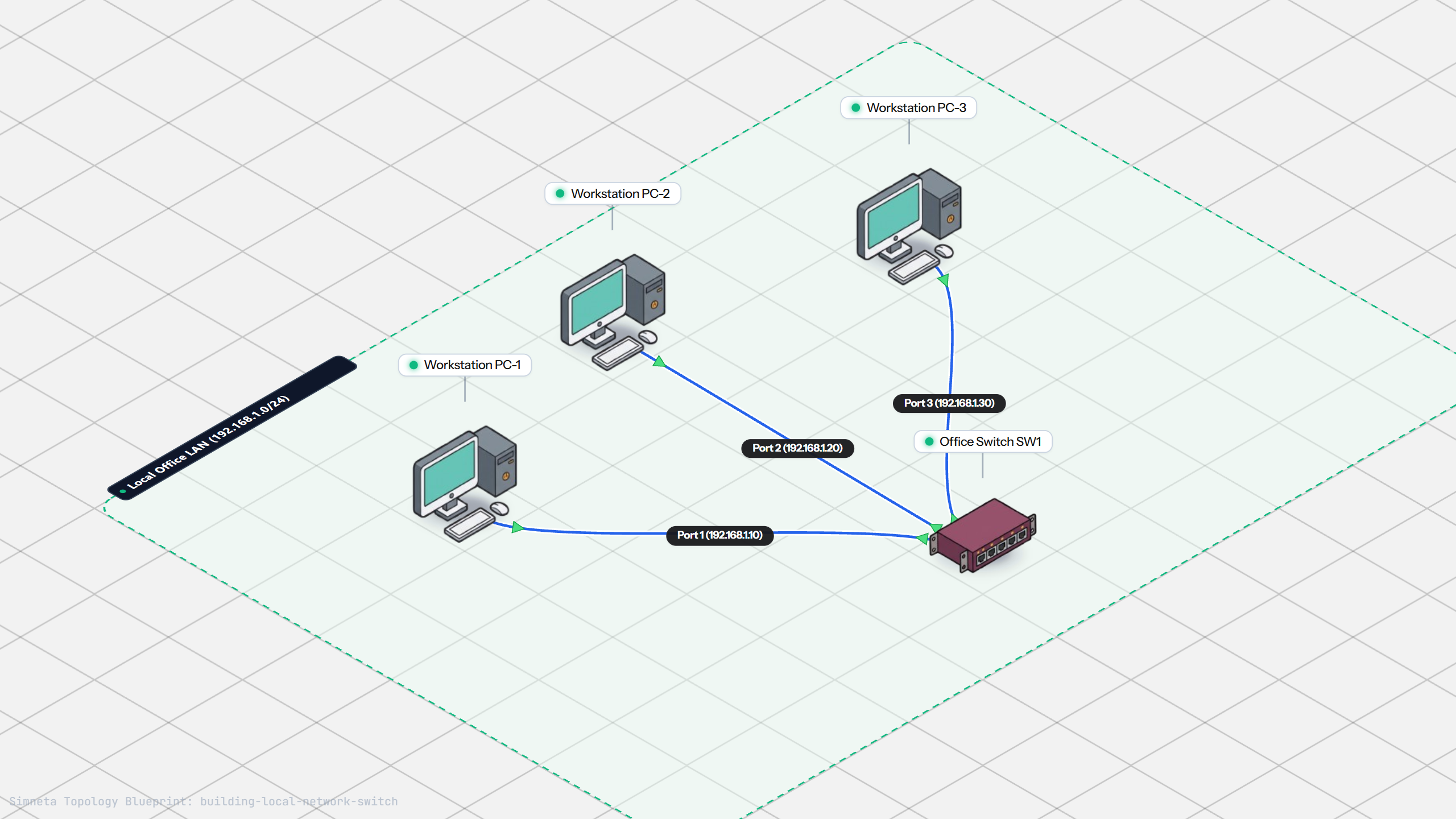
Building a Local Office LAN with a Switch
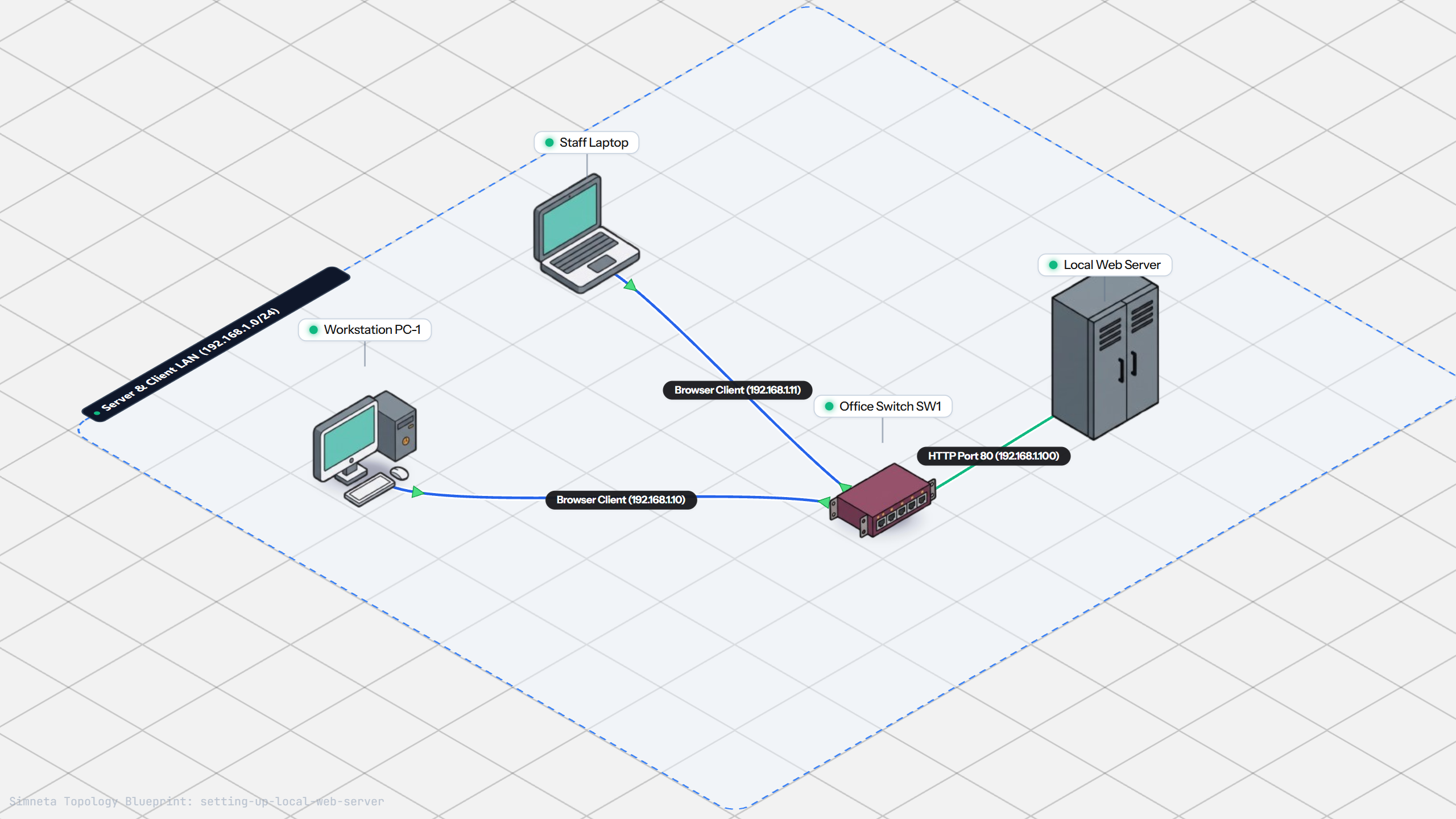
Setting Up a Local Web Server
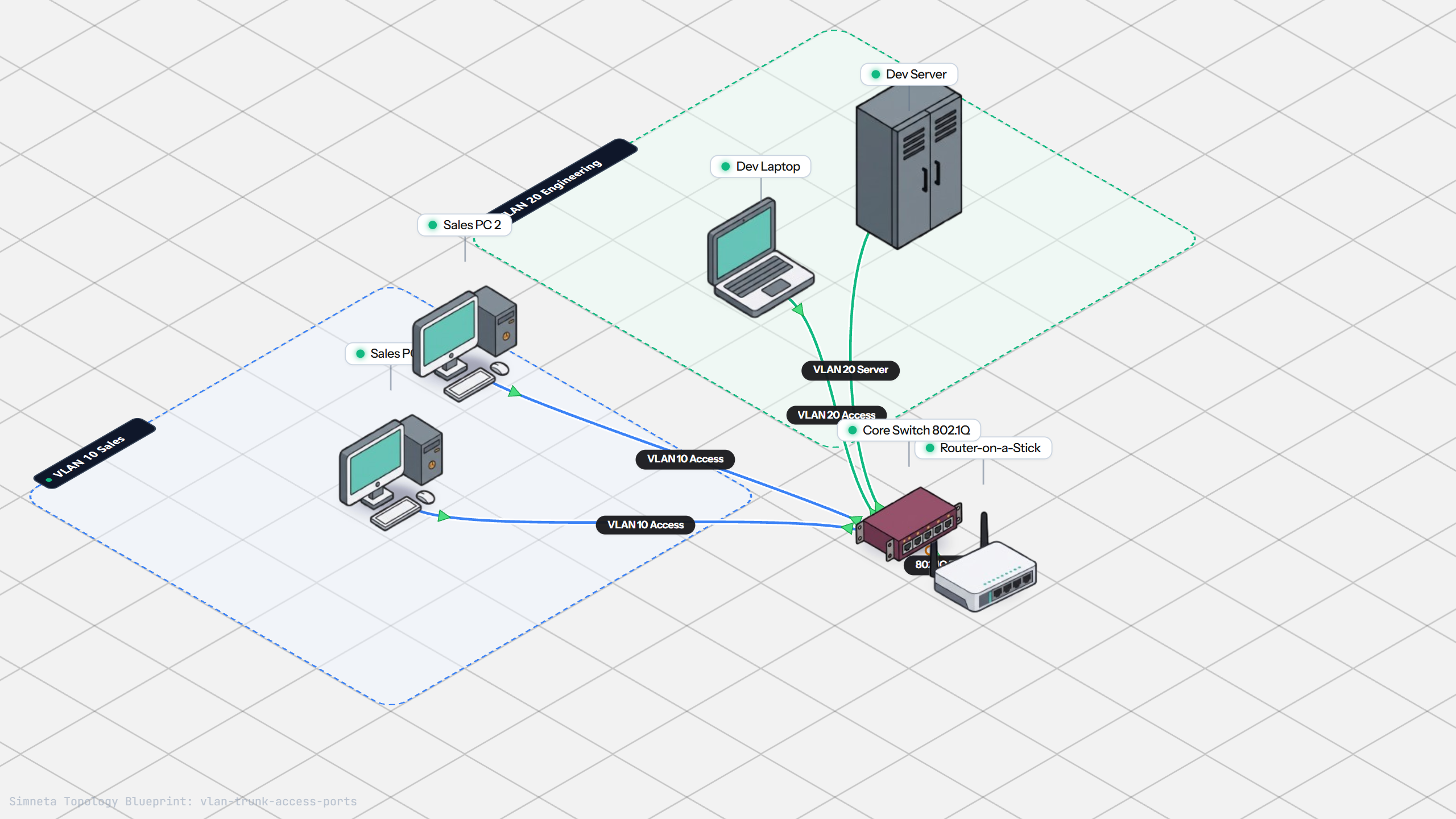
VLAN Trunking with 802.1Q
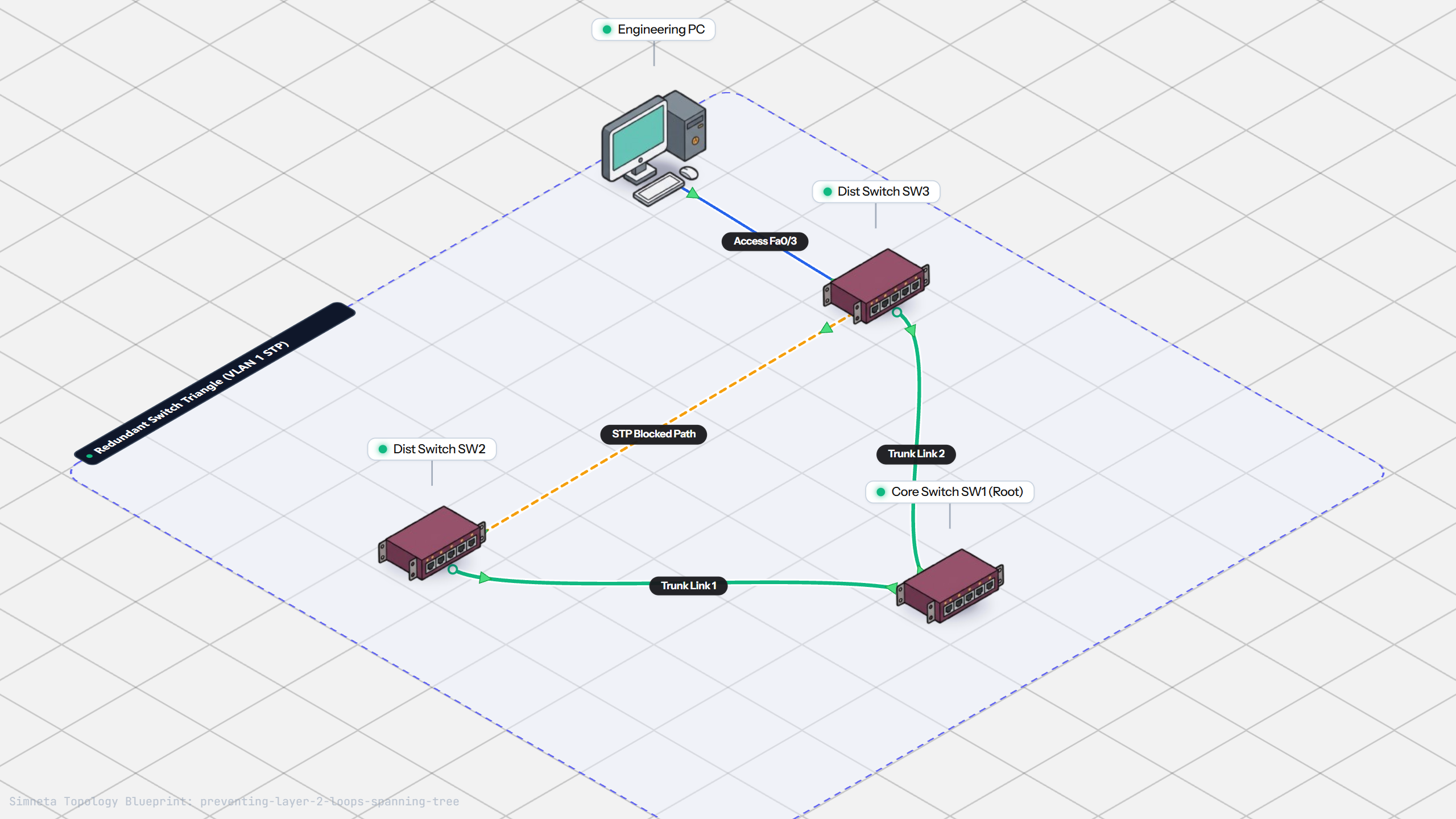
Preventing Loops with Spanning Tree
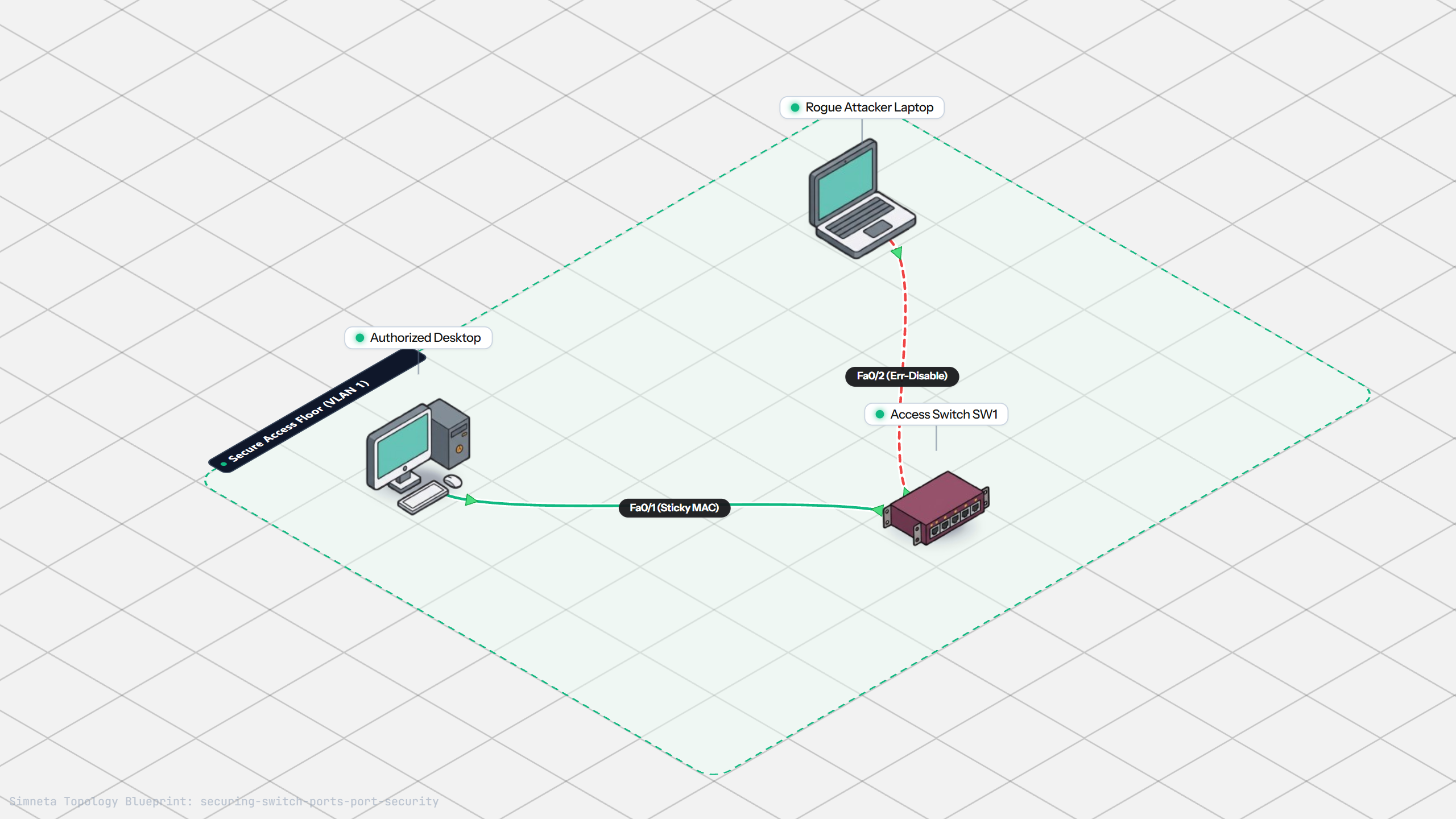
Securing Switch Ports with Port Security
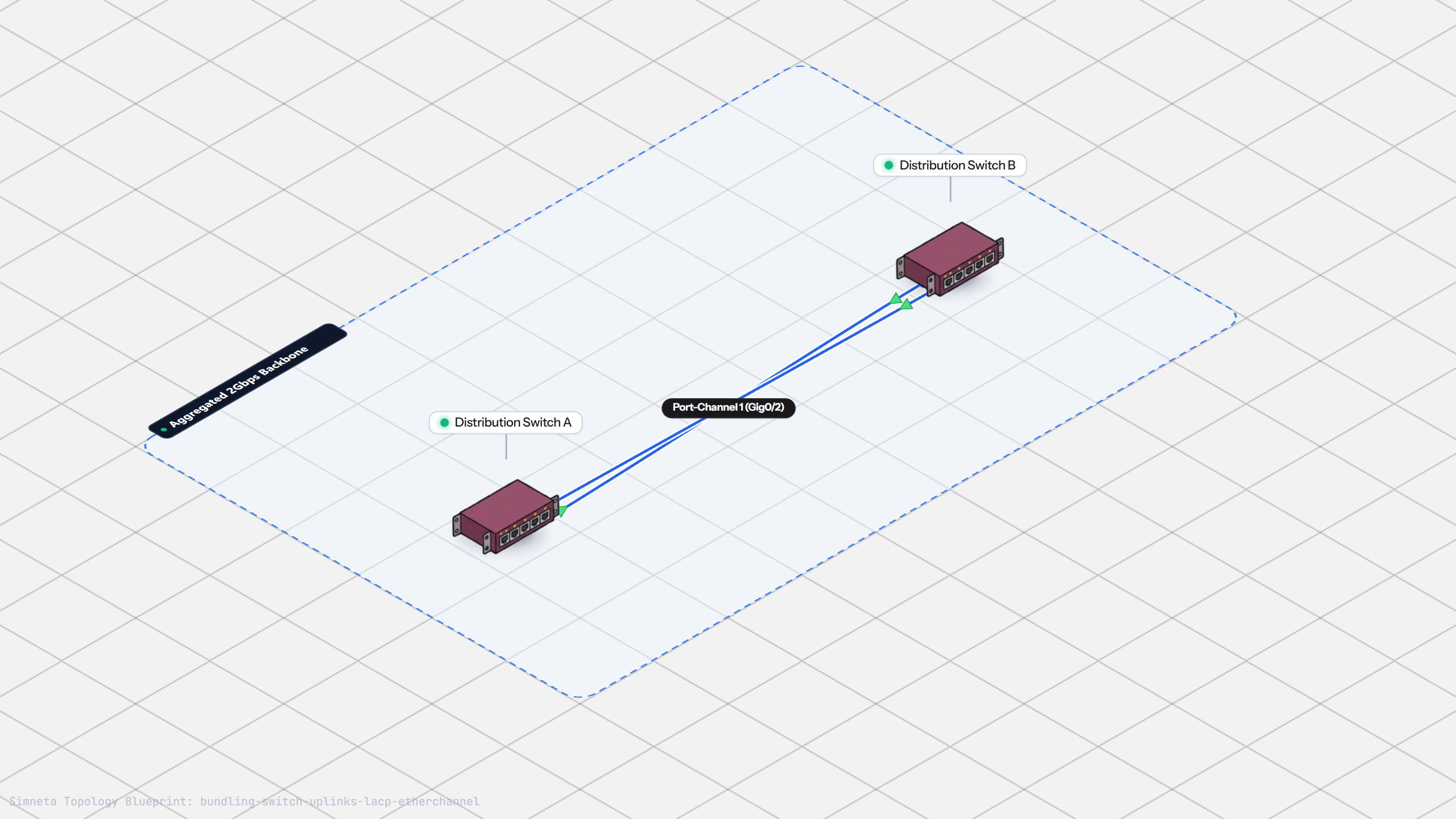
Bundling Switch Uplinks with LACP EtherChannel
Inter-VLAN Routing with Router-on-a-Stick
Dynamic Routing with Single-Area OSPF
Gateway Redundancy with HSRP Failover
Connecting LAN to Internet with NAT
Resolving Domain Names with Local DNS
Stopping Rogue DHCP with Snooping
Connecting Two Switches with an Access Uplink
Configuring Static IP on Workstation
Testing Reachability and Latency with Ping
Inspecting ARP Cache Tables
Setting Up DHCP Static Reservations
Connecting Routers with /30 Subnet
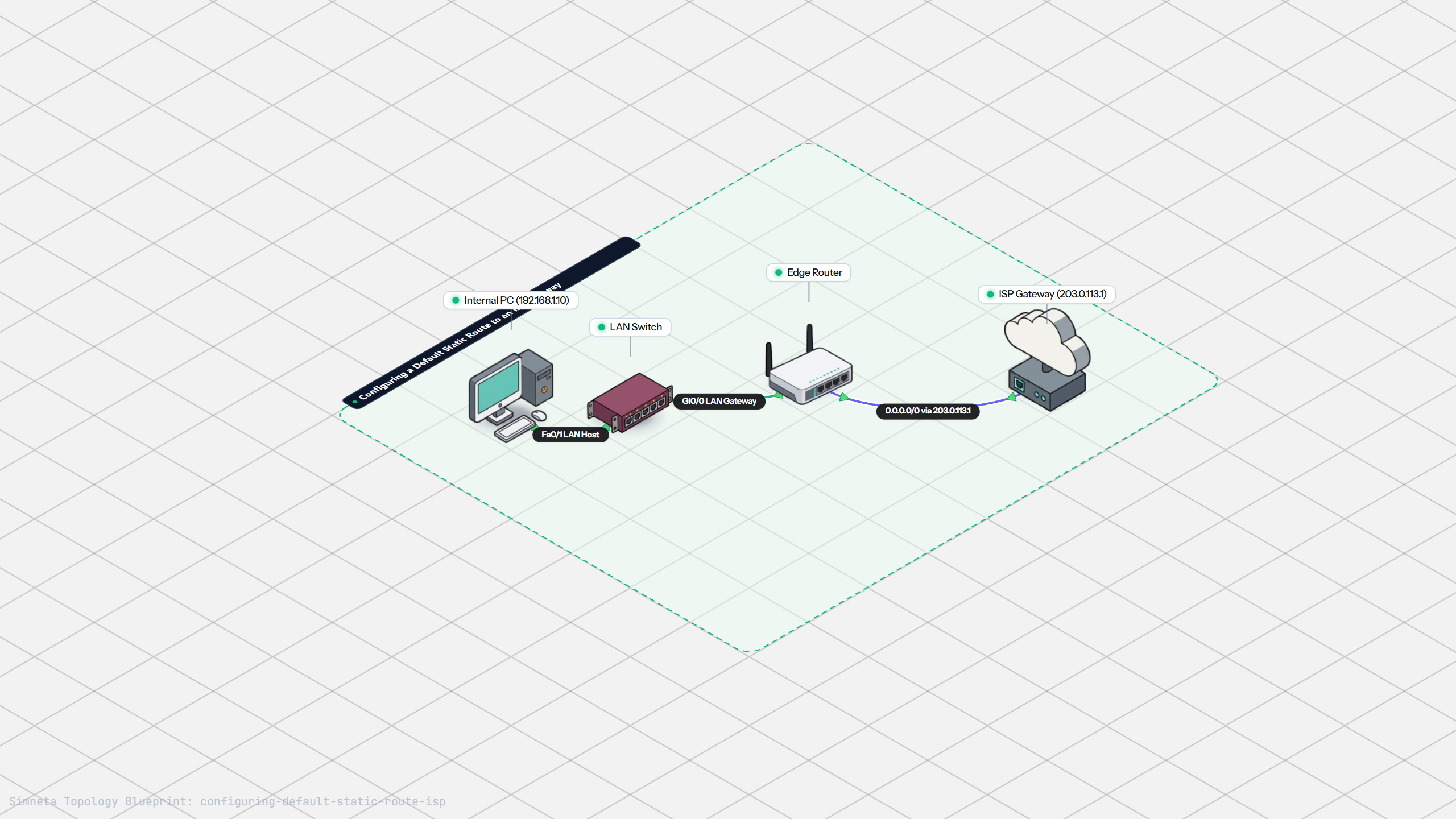
Configuring Default Static Route to ISP
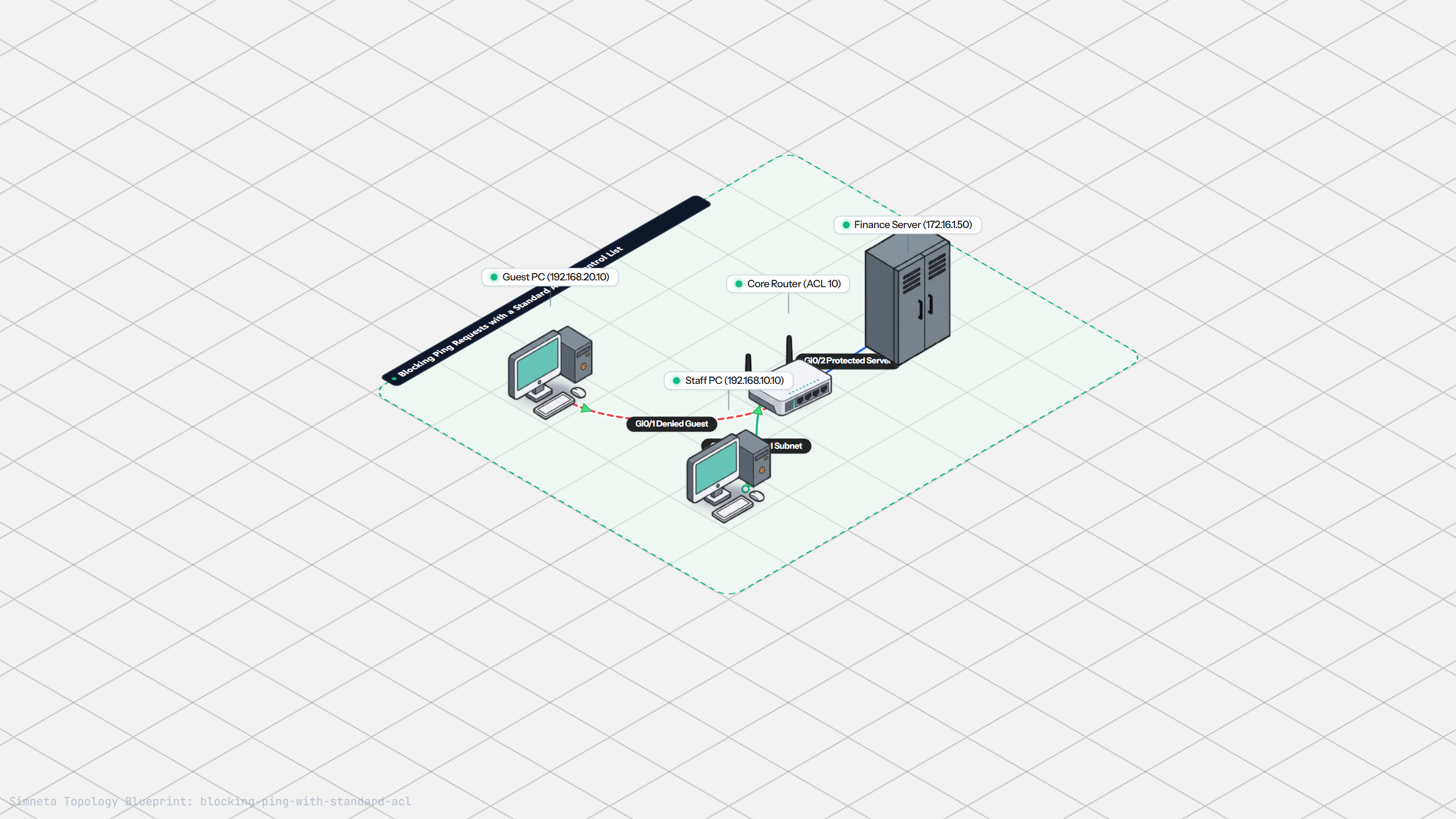
Blocking Ping with Standard ACL
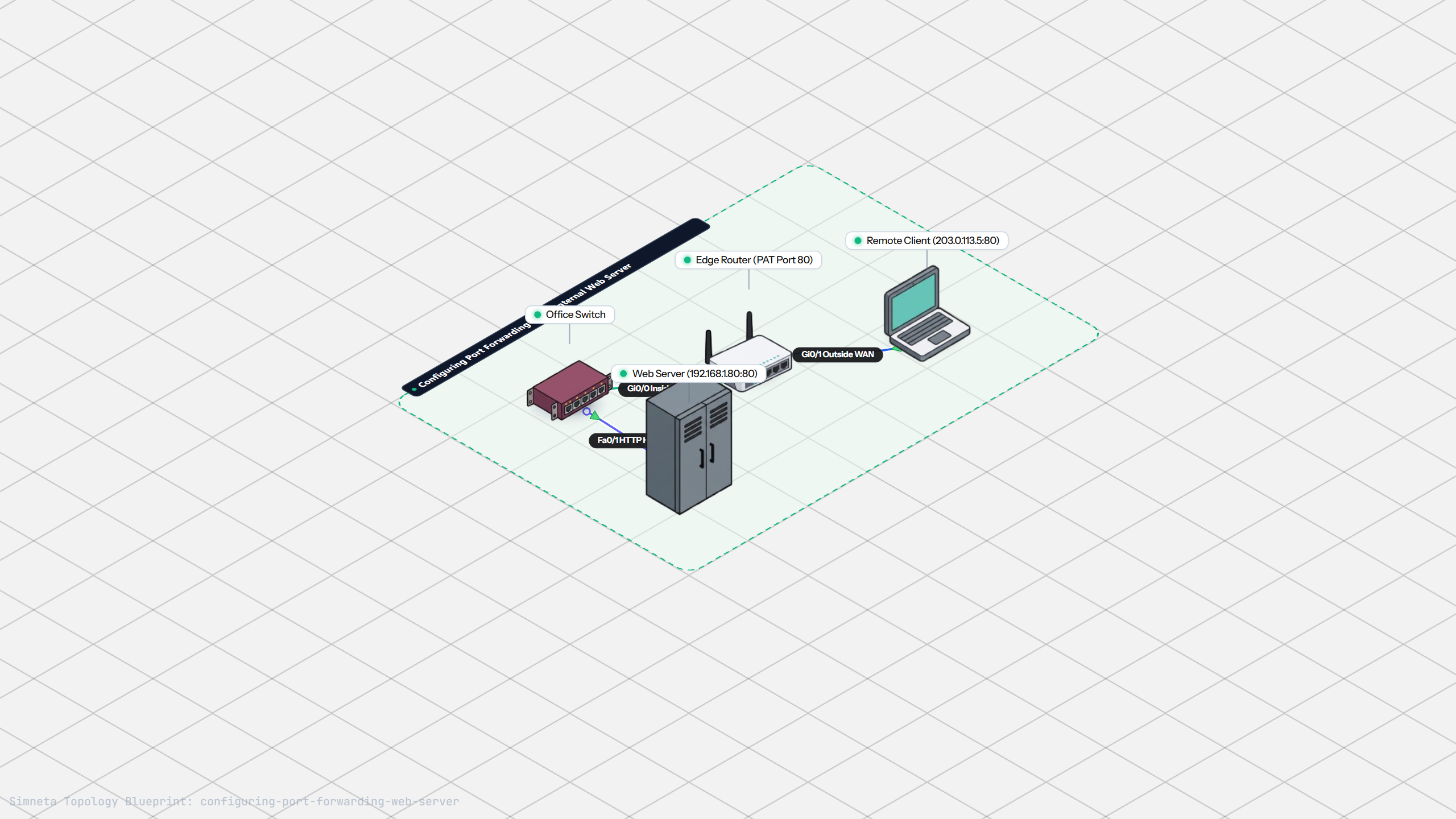
Port Forwarding for Web Servers
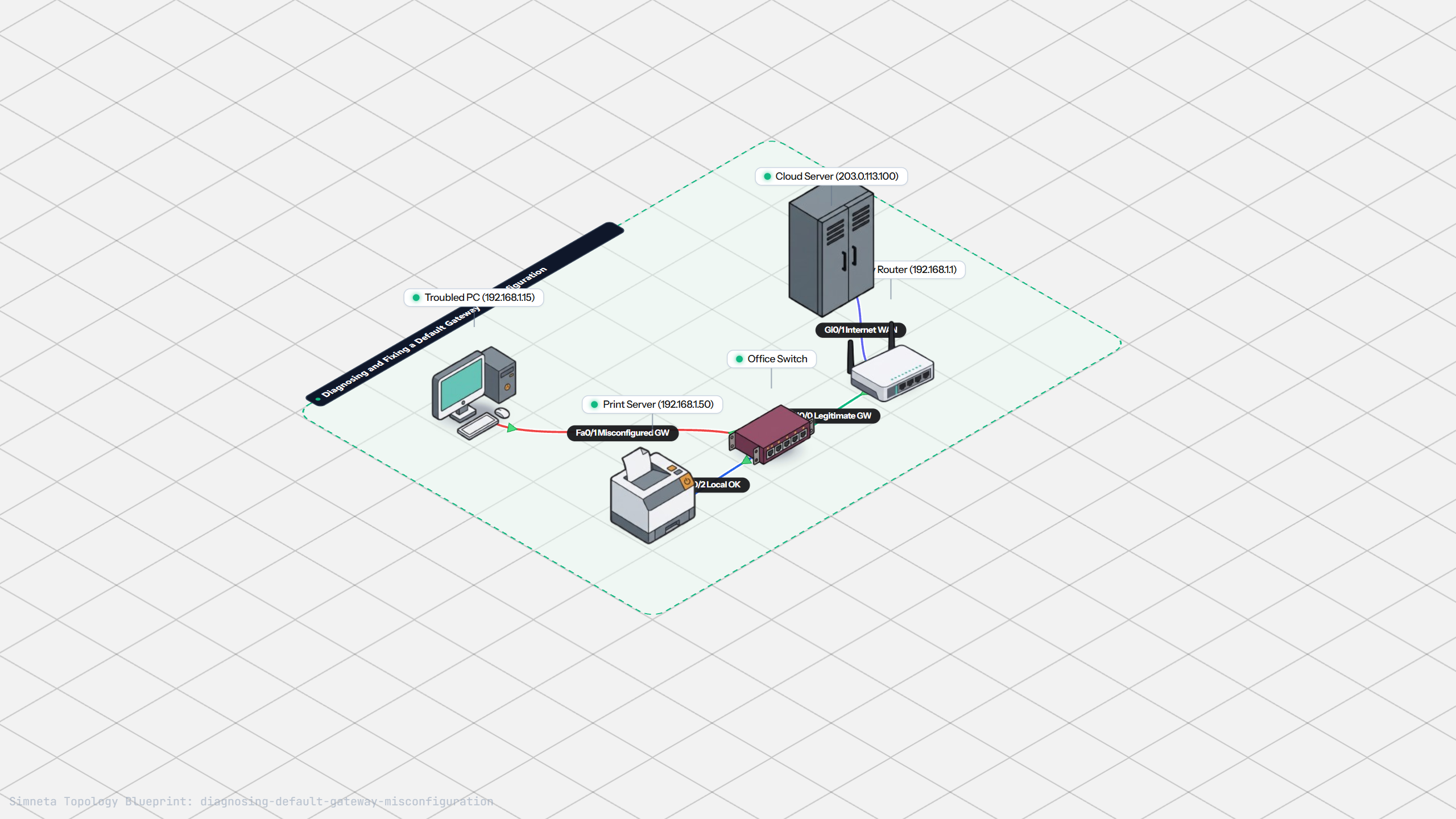
Fixing Default Gateway Misconfigurations
Discussion & Community Notes
Ask questions, share configuration tips, or discuss this laboratory topology.