
Setting Up DHCP Static Reservations
Stop office printing drops by binding physical MAC addresses to reserved IP leases on a central DHCP server. Ensure shared office equipment always receives the exact same predictable IP address without manual client configuration.
In a busy office, nothing stops daily work faster than a network printer that suddenly vanishes from employee screens on Monday morning. This classic problem happens when shared office equipment receives dynamic DHCP leases that change whenever the router restarts or lease times expire. Desktop computers configured to send print jobs to an old IP address suddenly report that the printer is offline.
The standard enterprise solution is a DHCP MAC Reservation, also known as a static binding. Instead of walking across the building to type static IP settings into a tiny printer control panel, network administrators bind the printer burned-in physical MAC address directly to a guaranteed IP address in the central router DHCP pool.
In this tutorial, you will configure a DHCP reservation on an enterprise router, trace the 4-step DORA packet handshake, inspect live server binding tables, and verify reliable printing connectivity across the local office network.
Network Architecture Plan
| Segment | Interface | Subnet / Address | Functional Role |
|---|---|---|---|
| DHCP Router Server | GigabitEthernet0/0 | 192.168.1.1/24 | Central DHCP Gateway |
| Floor Switch | Fa0/1 - Fa0/3 | Layer 2 | Distribution Switch |
| Office Laser Printer | FastEthernet0 | 192.168.1.250/24 (Reserved) | Target Reserved Printer |
| Finance Workstation | FastEthernet0 | 192.168.1.50/24 (Dynamic) | Client Workstation |
Why Leases Change
By default, dynamic host configuration protocol pools hand out IP addresses as temporary loans rather than permanent assignments. When an office computer boots up, the router assigns an available address for a limited lease window (typically 24 hours). Once that lease expires, the address returns to the shared pool.
Consider what happens over a weekend. The office printer powers down into sleep mode while employees leave. When an early worker arrives Monday morning and connects a smartphone, the DHCP server may hand out the printer former IP address (such as 192.168.1.250) to that phone because the printer lease expired while turned off.
Minutes later, when the printer wakes up, the router sees that its previous address is occupied and assigns it a new, random IP address (like 192.168.1.73). Every desktop computer with print drivers pointing to 192.168.1.250 suddenly stalls with offline errors.
DHCP MAC reservations eliminate this headache completely. The router pairs a specific IP address exclusively with the printer physical hardware address, ensuring that no other device can ever claim it.
Field Rule for Shared Hardware: Always use DHCP reservations for printers, cameras, and local servers rather than manual device menus. Centralized reservations prevent IP conflicts and allow updating network settings from one central router.
Finding the MAC Address
Before you can configure a reservation, you need the unique physical Layer 2 Media Access Control (MAC) address of the target device. Every network card has a 48-bit hardware identifier burned into its firmware at the factory.
On real office equipment, you find this address printed on a barcode label near the Ethernet port or by printing a configuration test sheet from the front panel.
In our lab canvas, click on the Office Laser Printer to view its network hardware properties. Note down its physical hardware MAC address: 0050.7966.AA01.
Device Name:      Office Laser Printer
Interface:        FastEthernet0
Physical MAC:     0050.7966.AA01
IPv4 Address:     0.0.0.0 (Unassigned / DHCP Enabled)
Operational Link: UP (Connected to Switch Fa0/2)
Understanding MAC Address Formats:
00:50:79) identifies the hardware manufacturer registered with the IEEE. Network switches read these bits to verify valid vendor hardware.66:AA:01) represents the specific network interface serial number produced by that vendor. No two network cards on Earth share this exact number.00:50:79:66:AA:01) or dashes, Cisco network equipment standardizes on three groups of four hexadecimal digits separated by dots: 0050.7966.aa01.AA01 and aa01 represent the exact same binary pattern in device memory.Documentation Tip: Always copy MAC addresses directly from hardware status panels when building reservations. A single mistyped character causes the router to ignore the printer and assign a dynamic lease instead.
Configuring Static Binding
Now open the terminal on the DHCP Router to build the static binding in Cisco IOS. This configuration requires two vital steps:
First, you must tell the router to exclude 192.168.1.250 from the general dynamic pool so random laptops cannot take it before the printer requests it.
Second, you create a dedicated single-host reservation pool that pairs the excluded IP address with the printer hardware identity.
Router# configure terminal
Router(config)# ip dhcp excluded-address 192.168.1.250
Router(config)# ip dhcp pool RESERVED_PRINTER
Router(config-dhcp)# host 192.168.1.250 255.255.255.0
Router(config-dhcp)# client-identifier 0100.5079.66aa.01
Router(config-dhcp)# default-router 192.168.1.1
Router(config-dhcp)# exit
Router(config)# exit
Parameter-by-Parameter Breakdown:
ip dhcp excluded-address 192.168.1.250: Removes this specific address from general lease distribution. The router will never offer this address to standard pool queries, preventing address collisions.ip dhcp pool RESERVED_PRINTER: Creates a dedicated configuration container for this single reservation.host 192.168.1.250 255.255.255.0: Defines the exact IP address and subnet mask assigned to this reservation container. Notice we use the keyword host rather than network because this pool manages only one address.client-identifier 0100.5079.66aa.01: The famous Cisco prefix rule. In Cisco IOS, Ethernet client identifiers require a leading two-digit hardware type code. The value 01 stands for Ethernet (per RFC 1700), followed immediately by the 12-digit MAC address (0050.7966.aa01). Without this leading 01, Cisco IOS will fail to match the incoming DHCP frame!default-router 192.168.1.1: Supplies the local default gateway so computers in other subnets can reach the printer across the corporate router.Before offering any IP address from a pool, Cisco routers perform an internal conflict check: the router transmits two ICMP echo pings to the candidate IP. If any device answers, the router logs a conflict and pauses that address.
The Leading 01 Trap: Forgetting the 01 hardware prefix in client-identifier is the most common reason DHCP reservations fail on Cisco routers. Always append 01 before the MAC address on Ethernet networks.
Requesting the Lease
Now switch to the Office Laser Printer terminal and trigger a DHCP request using the ip dhcp command.
Behind the scenes, the printer and router execute the standard 4-way DORA handshake: Discover, Offer, Request, and Acknowledge.
Tracing the 4-Way DORA Packet Handshake:
0.0.0.0:68 | Dst: 255.255.255.255:67]. It announces its physical MAC (0050.7966.AA01) and asks if any DHCP servers exist on the wire.192.168.1.250 specifically for this MAC.Verify the active binding on the router by running show ip dhcp binding:
Notice the Type column states Static rather than Dynamic. This confirms that this lease will never be reclaimed or handed to another computer, even when lease timers lapse.
Testing Reachability
To complete our field verification, move to the Finance Workstation (IP 192.168.1.50). This workstation represents an employee desktop trying to send a balance sheet to the printer.
Open the workstation terminal and run an ICMP reachability test: ping 192.168.1.250.
Under-the-Hood Packet Verification:
The workstation successfully sends four ICMP echo request packets and receives four echo replies with 0% loss.
When the workstation sent its initial ping, its network card broadcasted an ARP request: "Who has 192.168.1.250? Tell 192.168.1.50."
The printer responded with its hardware MAC address (0050.7966.AA01). The workstation stored this in its local ARP cache so all future print jobs travel directly to the printer switch port at wire speed.
Desktop print spoolers (such as Windows Spooler service or Linux CUPS daemon) rely on steady TCP port 9100 RAW streams or Internet Printing Protocol (IPP) over port 631. If the printer IP were to change, print jobs would queue in local memory and eventually fail with timeout errors.
Because the central router guarantees IP address 192.168.1.250 exclusively to this printer hardware, office print queues operate without disruption, and technicians can manage reservations from a single pane of glass.
Future Equipment Replacement: If the office ever purchases a new printer, administrators only need to update the single client-identifier line on the router. Every office workstation continues printing to 192.168.1.250 without reconfiguration.
Related Network Labs
Continue your network simulation practice with these recommended labs.
Building a Local Office LAN with a Switch
Setting Up a Local Web Server
VLAN Trunking with 802.1Q
Preventing Loops with Spanning Tree
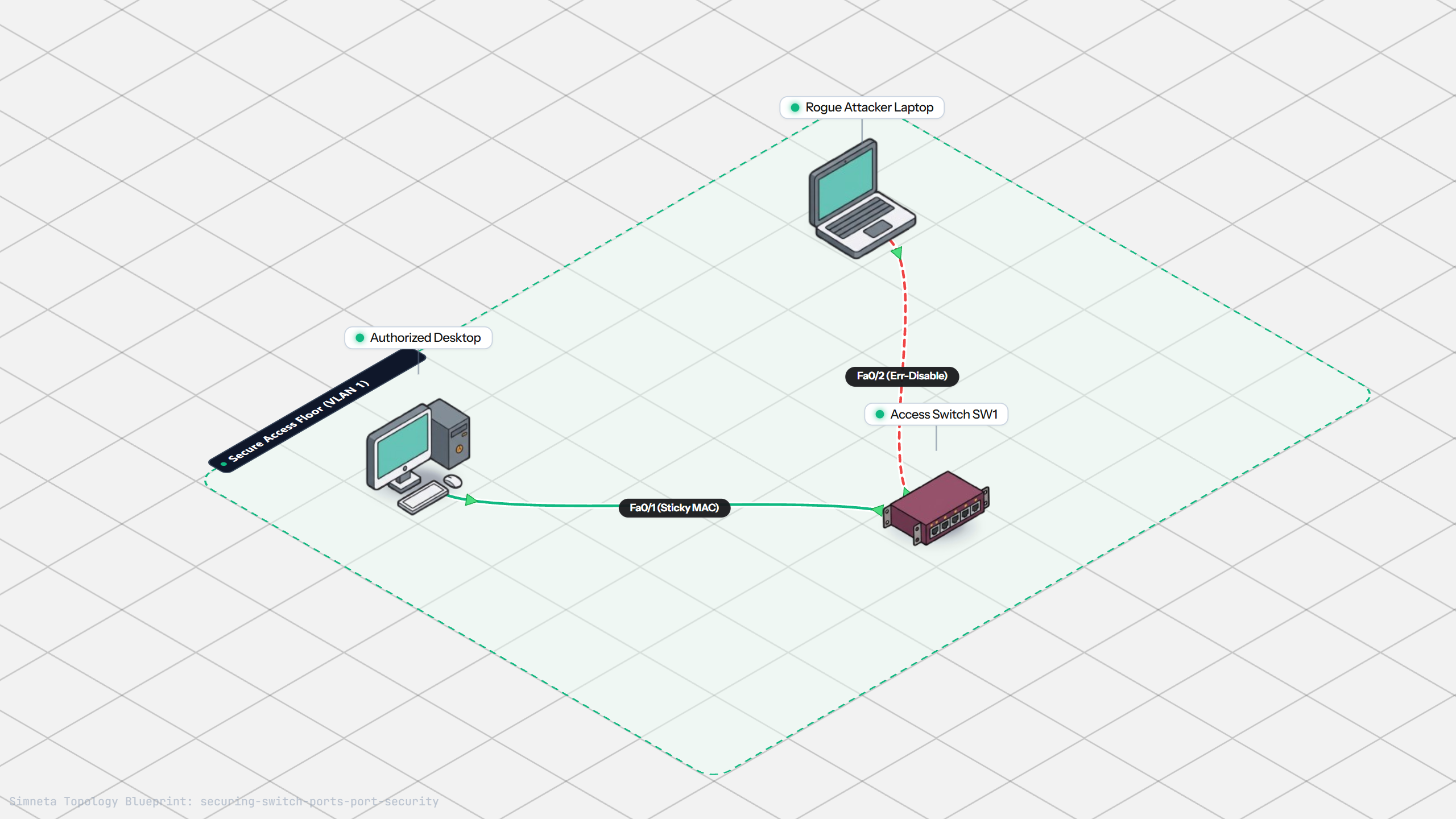
Securing Switch Ports with Port Security
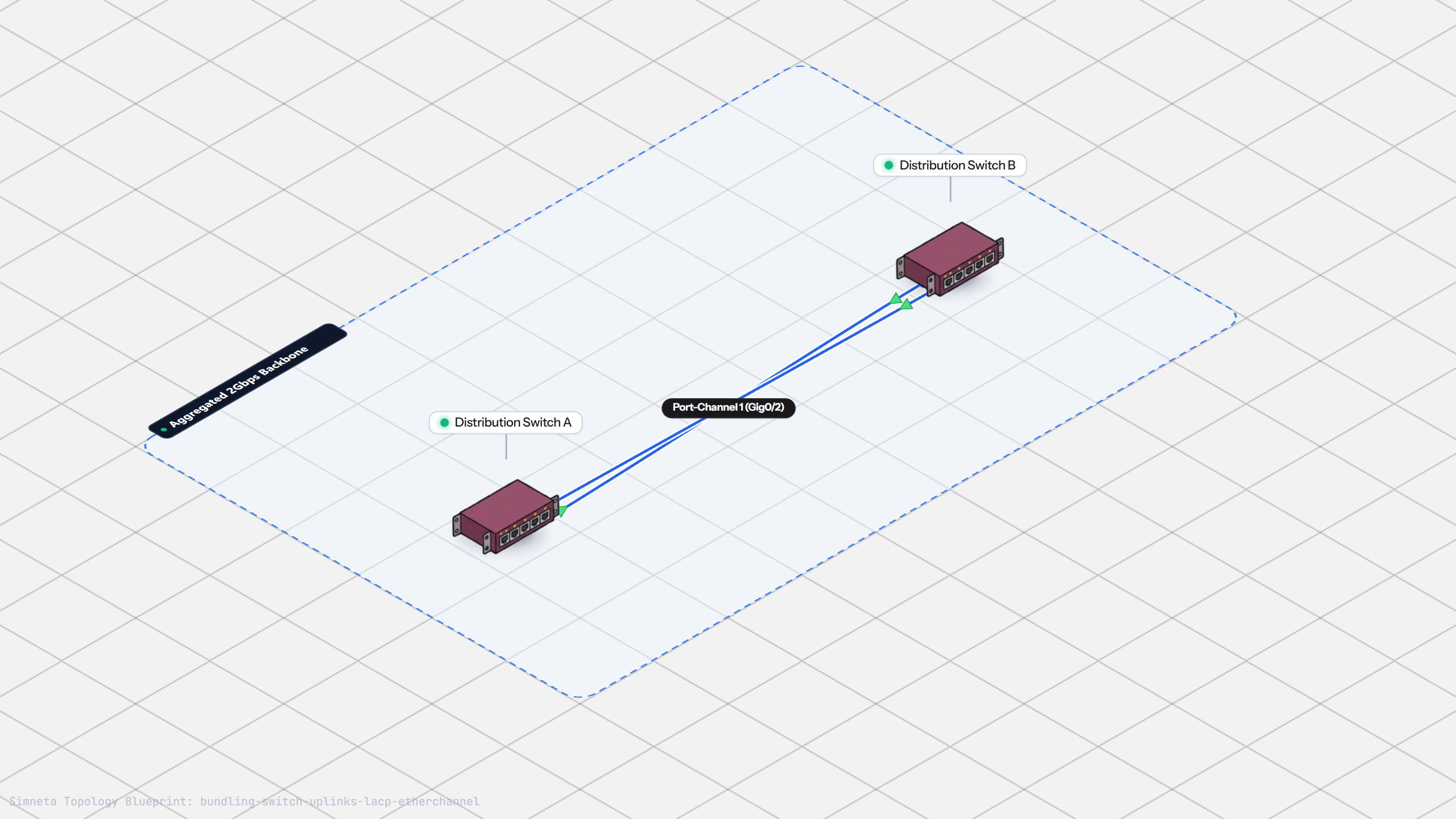
Bundling Switch Uplinks with LACP EtherChannel
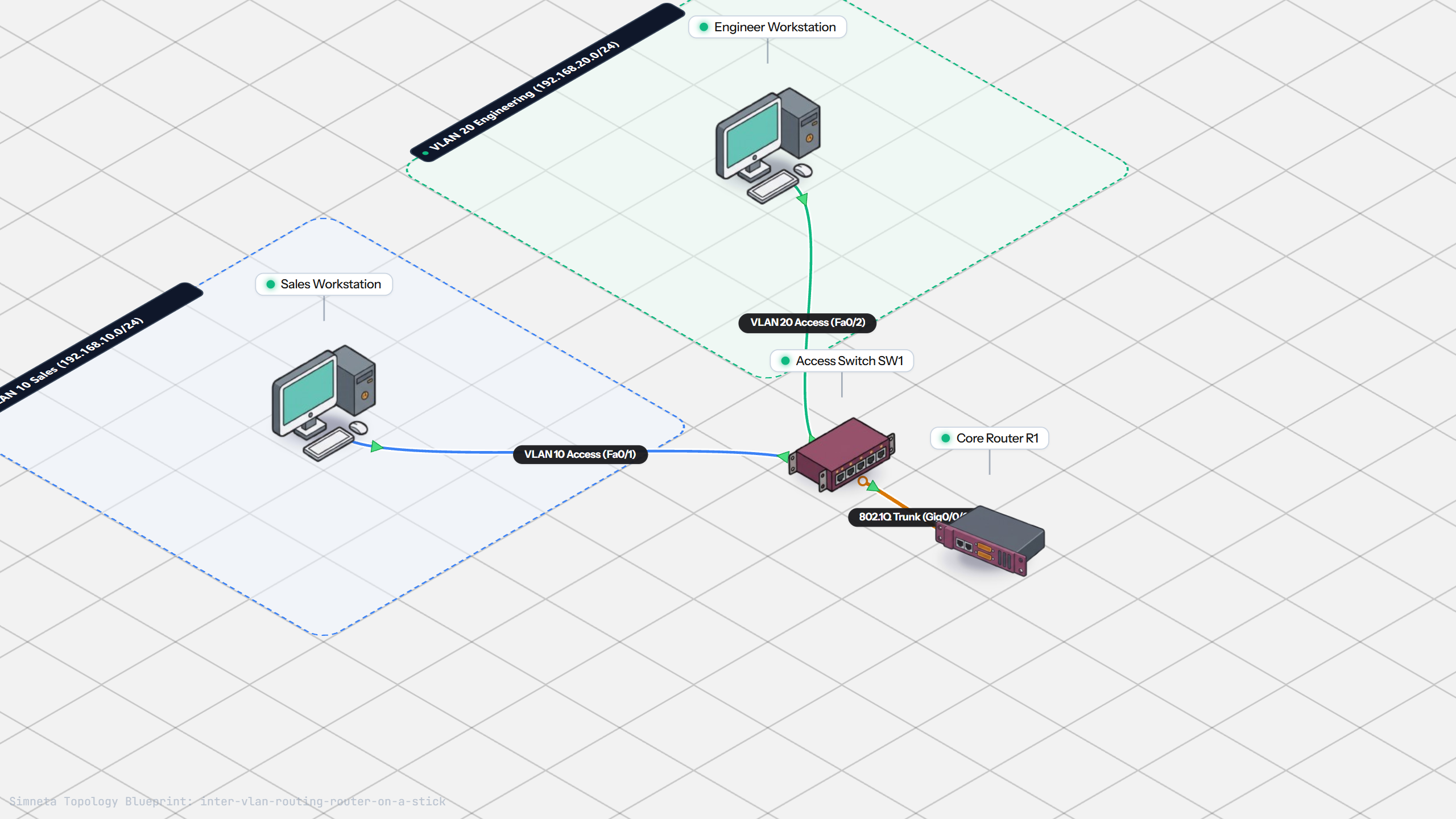
Inter-VLAN Routing with Router-on-a-Stick
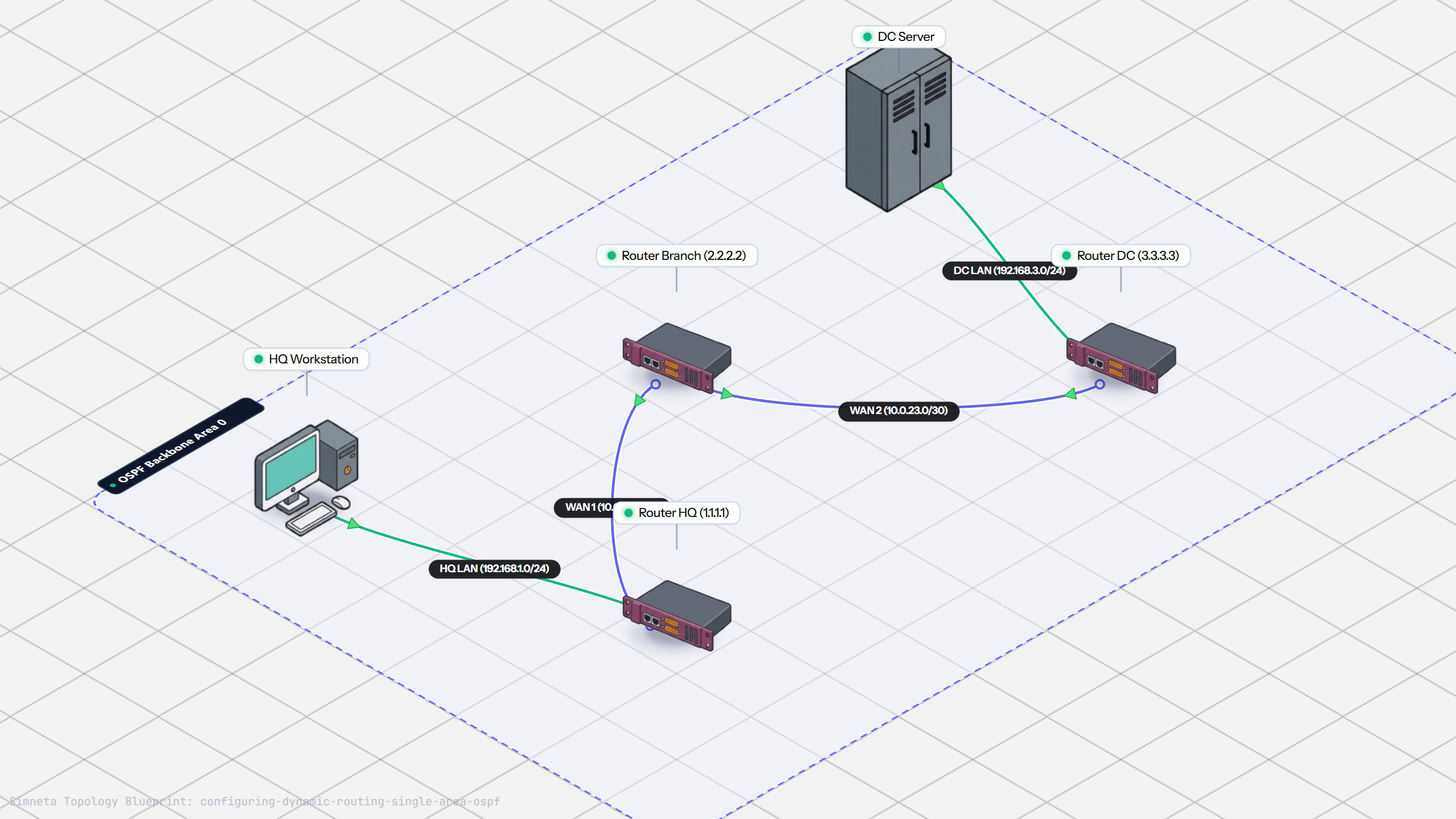
Dynamic Routing with Single-Area OSPF
Gateway Redundancy with HSRP Failover
Filtering Traffic with Extended ACLs
Connecting LAN to Internet with NAT
Resolving Domain Names with Local DNS
Stopping Rogue DHCP with Snooping
Connecting Two Switches with an Access Uplink
Configuring Static IP on Workstation
Testing Reachability and Latency with Ping
Inspecting ARP Cache Tables
Connecting Routers with /30 Subnet
Configuring Default Static Route to ISP
Blocking Ping with Standard ACL
Port Forwarding for Web Servers
Fixing Default Gateway Misconfigurations
Discussion & Community Notes
Ask questions, share configuration tips, or discuss this laboratory topology.