
Bundling Switch Uplinks with LACP EtherChannel
Eliminate backbone bandwidth bottlenecks between enterprise switches. Combine multiple physical Ethernet links into a single logical port-channel using open-standard Link Aggregation Control Protocol (LACP).
As corporate local networks expand to support high-definition video conferencing, cloud file backups, and continuous database synchronization, the physical connection linking building access switches to central distribution switches quickly turns into a severe bottleneck. If forty gigabit client computers on a floor attempt to push traffic through a single 1 Gbps uplink cable, data backs up in switch buffers and users suffer frustrating latency.
Your immediate practical reaction might be to run three or four parallel Ethernet cables between the two switches. However, as we discovered in our Spanning Tree lab, STP views parallel connections as dangerous bridging loops and promptly shuts down all but one redundant cable, stranding you right back at a single gigabit of usable bandwidth.
The engineering solution is Link Aggregation (EtherChannel) using the open-standard IEEE 802.3ad Link Aggregation Control Protocol (LACP). LACP tricks Spanning Tree into treating multiple physical Ethernet cables as a single high-speed logical pipe, multiplying your usable bandwidth while providing transparent, instant failover.
Building a dependable link aggregation group requires matching physical port speeds and duplex settings, negotiating channel states with active LACP frames, and applying trunking parameters directly to the logical port-channel container.
Network Architecture Plan
| Segment | Interface | Subnet / Address | Functional Role |
|---|---|---|---|
| Distribution Switch A | GigabitEthernet0/1, Gig0/2 | Port-Channel 1 (LACP Active) | Building 1 core distribution switch |
| Distribution Switch B | GigabitEthernet0/1, Gig0/2 | Port-Channel 1 (LACP Active) | Building 2 core distribution switch |
| Aggregated Pipe | Port-Channel 1 | 2 Gbps Full Duplex Trunk | Logical multi-link high-throughput backbone |
Link Aggregation Protocol Modes
Network switches support two automated negotiation protocols for bundling links: Cisco proprietary Port Aggregation Protocol (PAgP) and open-standard Link Aggregation Control Protocol (LACP / IEEE 802.3ad).
PAgP is restricted to Cisco hardware, whereas LACP is supported across every modern server, storage array, and multi-vendor switch on the market. In modern multi-vendor data centers, LACP is the universal standard.
LACP member interfaces operate in either Active mode or Passive mode:
To prevent configuration deadlocks, enterprise best practice dictates setting both switch ends to Active mode. If both switches are accidentally set to Passive mode, neither will ever transmit negotiation frames and the bundle will never form.
LACP Mode Negotiation Matrix:
Real-world field story: A technician once forced one uplink to 1 Gbps while leaving the other at Auto-Negotiate (100 Mbps). Because parameters mismatched, LACP suspended the slower port rather than allowing unpredictable packet reordering across unequal links.
Bundling Physical Switch Ports
Before creating an EtherChannel, all member ports must share identical physical parameters: matching speed (e.g. 1 Gbps), matching duplex (Full Duplex), matching native VLAN, and matching allowed VLAN lists.
If even a single port operates at half duplex or belongs to a different native VLAN, LACP will refuse to bundle it to prevent unstable frame delivery.
Using the Cisco CLI interface range command, select both physical interfaces GigabitEthernet0/1 and GigabitEthernet0/2 simultaneously on Switch A.
Apply the command channel-group 1 mode active. The switch hardware immediately creates a new virtual interface called Port-channel 1, grouping the physical network ports under a single unified management entity.
Switch-A# configure terminal
# Select both physical member interfaces simultaneously
Switch-A(config)# interface range GigabitEthernet0/1 - 2
# Verify speed and duplex are locked identically
Switch-A(config-if-range)# speed 1000
Switch-A(config-if-range)# duplex full
# Assign interfaces to LACP bundle group 1 in active negotiation mode
Switch-A(config-if-range)# channel-group 1 mode active
Creating a port-channel interface Port-channel 1
Switch-A(config-if-range)# exit
Parameter-by-Parameter Command Breakdown:
interface range GigabitEthernet0/1 - 2: Selects multiple physical ports simultaneously so configuration commands apply uniformly across all potential bundle members.speed 1000 / duplex full: Locks transmission parameters. Mismatched speed or duplex will cause LACP to suspend the mismatched port.channel-group 1 mode active: Binds the interfaces to bundle group 1 and instructs the port controller to begin broadcasting LACP control frames.Creating a port-channel interface Port-channel 1. This logical container is where all future network properties will reside.Port Consistency Rule: Every member port in an EtherChannel must match: 1) Port speed, 2) Duplex mode, 3) Access or Trunk mode, 4) Native VLAN, and 5) Allowed VLAN range. Any discrepancy causes LACP to place the port into suspended state.
Configuring the Logical Port-Channel
A critical rule of EtherChannel management is that all future trunking and VLAN configurations must be applied directly to the virtual interface Port-channel 1, never to the individual physical member ports.
When you configure the Port-channel interface as an 802.1Q trunk, the switch operating system automatically pushes those exact trunking parameters down to every underlying physical interface in lockstep.
If you manually edit one physical member port later by mistake, the switch detects the parameter mismatch and suspends that port from the bundle.
Repeat the exact same channel-group and Port-channel configuration on Switch B so both ends complete their LACP negotiation handshake.
# On Switch A
Switch-A(config)# interface Port-channel 1
Switch-A(config-if)# switchport mode trunk
Switch-A(config-if)# switchport trunk allowed vlan all
Switch-A(config-if)# exit

# On Switch B
Switch-B# configure terminal
Switch-B(config)# interface range GigabitEthernet0/1 - 2
Switch-B(config-if-range)# channel-group 1 mode active
Switch-B(config-if-range)# exit
Switch-B(config)# interface Port-channel 1
Switch-B(config-if-range)# switchport mode trunk
Switch-B(config-if-range)# switchport trunk allowed vlan all
Switch-B(config-if-range)# exit
Understanding EtherChannel Load Balancing:
port-channel load-balance src-dst-ip).Load Balancing Command: You can inspect and tune the hashing algorithm globally using the command port-channel load-balance src-dst-ip. In routed environments, IP-based hashing provides far better distribution than MAC-based hashing.
Verifying the EtherChannel Summary
Open the CLI console on Switch A and execute show etherchannel summary and show interfaces Port-channel 1 to evaluate bundle convergence and total bandwidth:
The output displays the operational protocol, the virtual port-channel name, and the state flags for each physical member port.
Field-by-Field Summary Breakdown:
Group 1: The local channel-group identification number.Po1(SU): S confirms Layer 2 operation; U confirms the port-channel is currently In Use and actively forwarding frames. If you see Po1(SD), the logical channel is Down.Protocol LACP: Confirms that standard 802.3ad negotiation packets are actively governing this bundle.Gi0/1(P) Gi0/2(P): The (P) flag confirms that both physical links have been accepted and bundled into the logical channel.BW 2000000 Kbit/sec: Confirms the operating system registers the aggregated pipe at 2 Gbps full duplex (2,000,000 Kbps).Troubleshooting Flags: If a port displays (I) for Individual, it failed negotiation and is operating as a standalone access port. If it displays (s) for Suspended, it was rejected due to a configuration mismatch with other bundle members.
Verifying STP Transparent Failover
Without EtherChannel, STP would have detected a loop and blocked one of the cables. With LACP, both cables forward frames concurrently.
Now simulate a cable failure: disconnect cable GigabitEthernet0/1 on your canvas while transmitting continuous ping traffic from Workstation A.
Watch the terminal to observe how the logical bundle maintains user traffic without triggering Spanning Tree topology recalculations.
Analyzing the Zero-Loss Failover Mechanism:
show etherchannel summary, member Gi0/1(D) is marked as Down, while Gi0/2(P) remains actively bundled.Po1(SU) remains continuously In Use. Its aggregate bandwidth automatically throttles from 2 Gbps down to 1 Gbps.Port-channel 1 interface, not individual underlying cables. Because Po1 never transitioned to Down, STP did not trigger a Topology Change Notification (TCN), did not flush MAC tables, and did not enter listening/learning delays.User connections continue flowing over the surviving physical link seamlessly.
Carrier Grade Resiliency: EtherChannel provides sub-second hardware failover without relying on software routing timers or STP convergence delays, making it an essential building block for enterprise core backbones.

Related Network Labs
Continue your network simulation practice with these recommended labs.
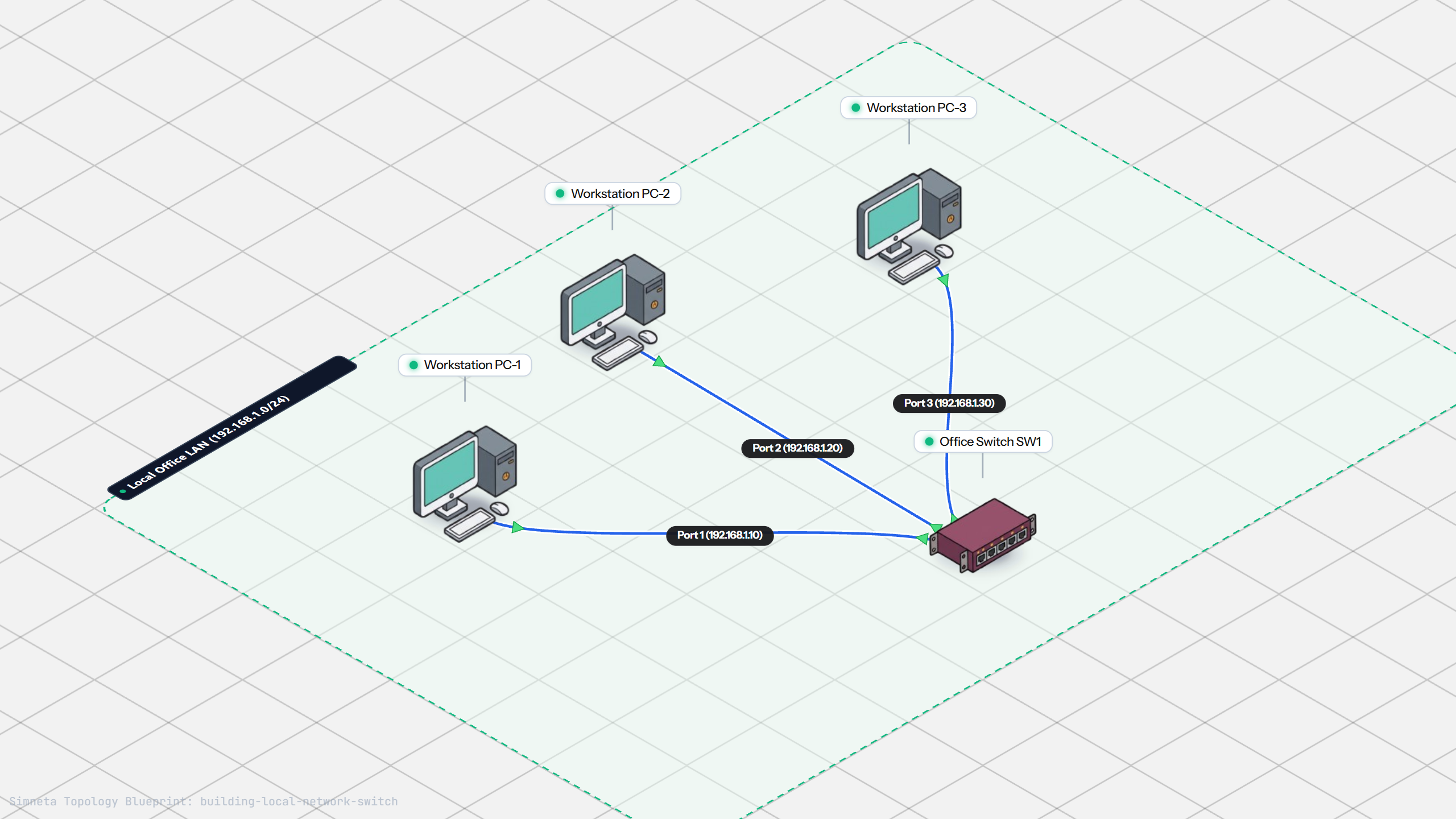
Building a Local Office LAN with a Switch
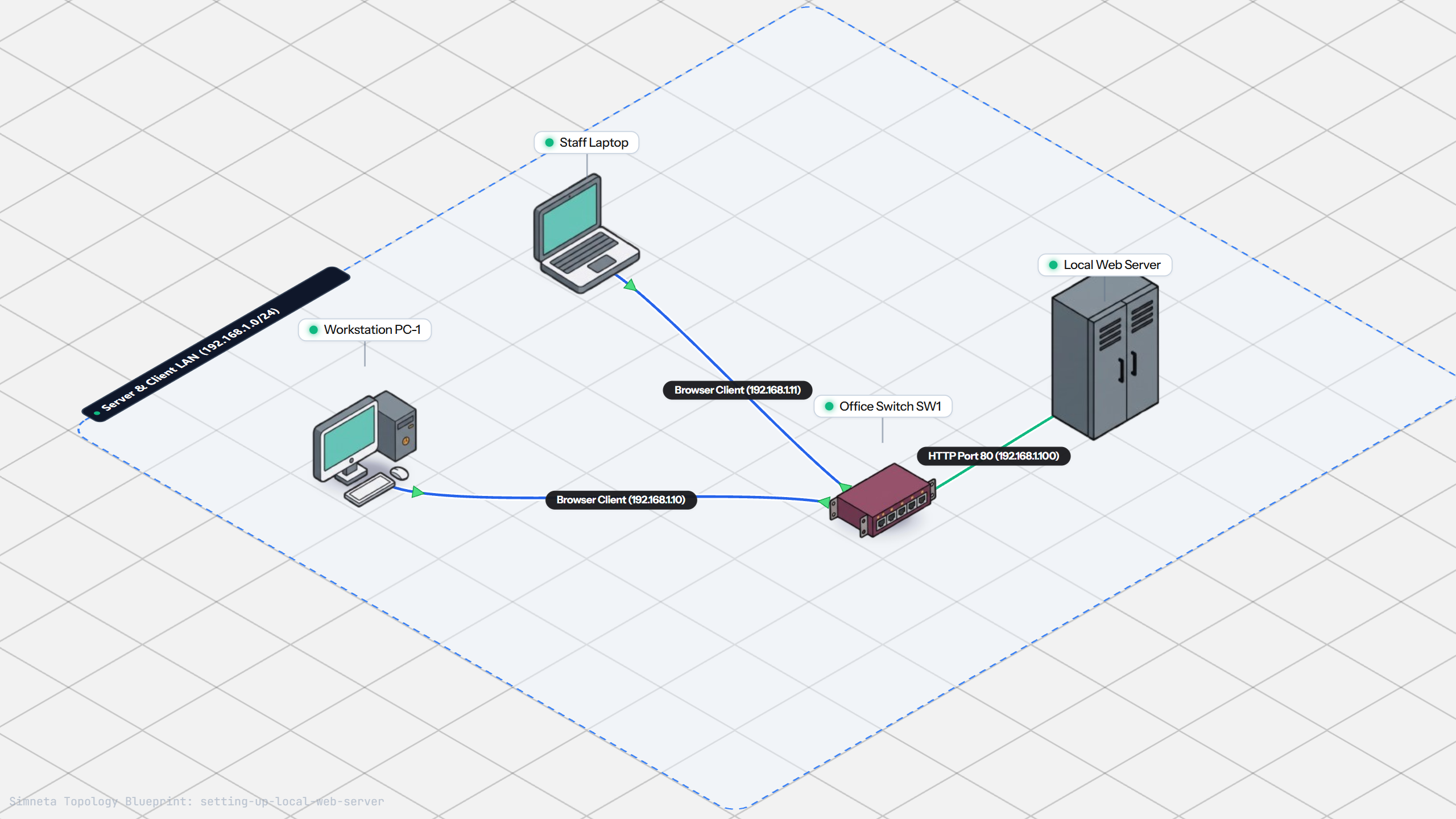
Setting Up a Local Web Server
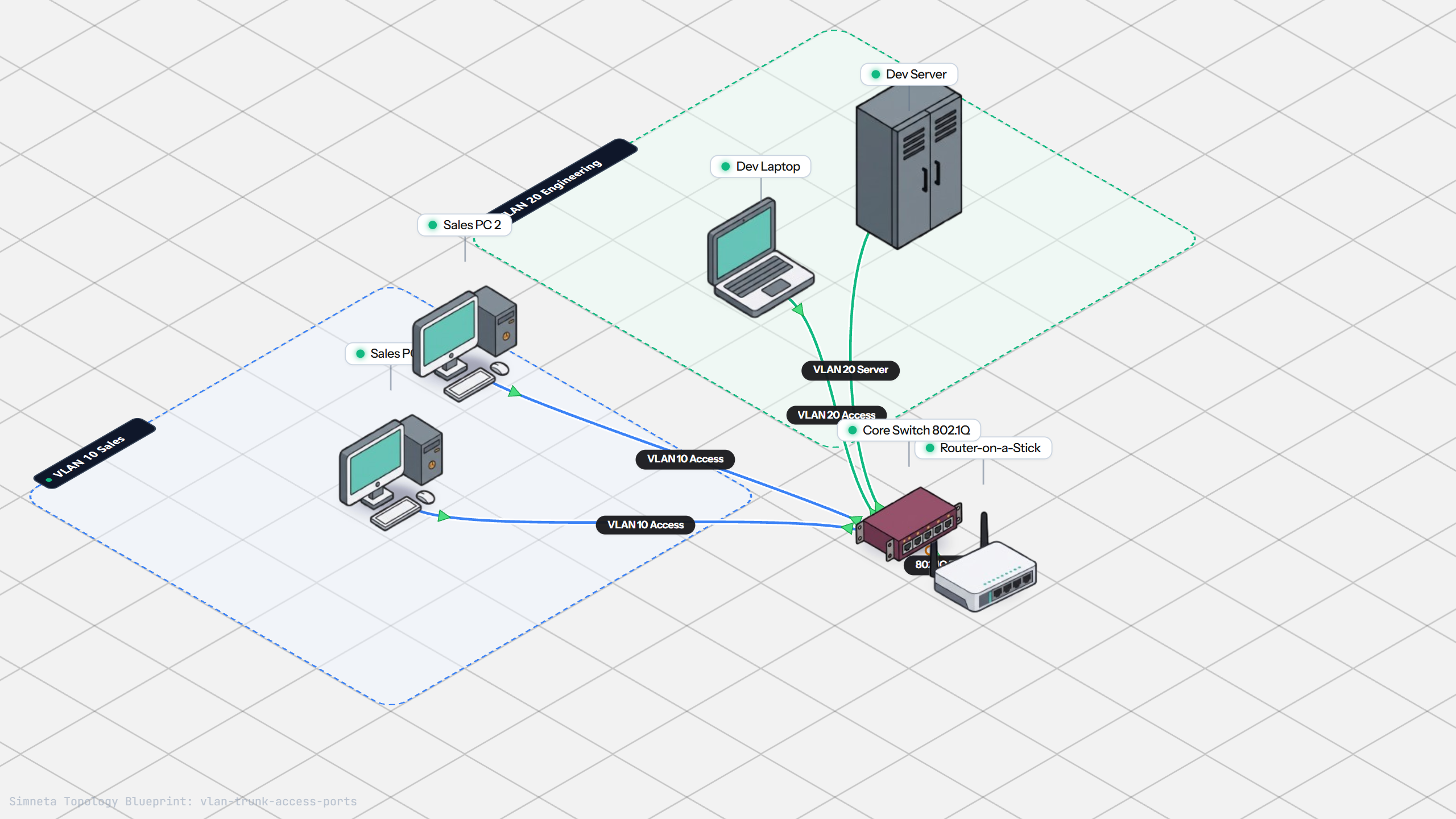
VLAN Trunking with 802.1Q
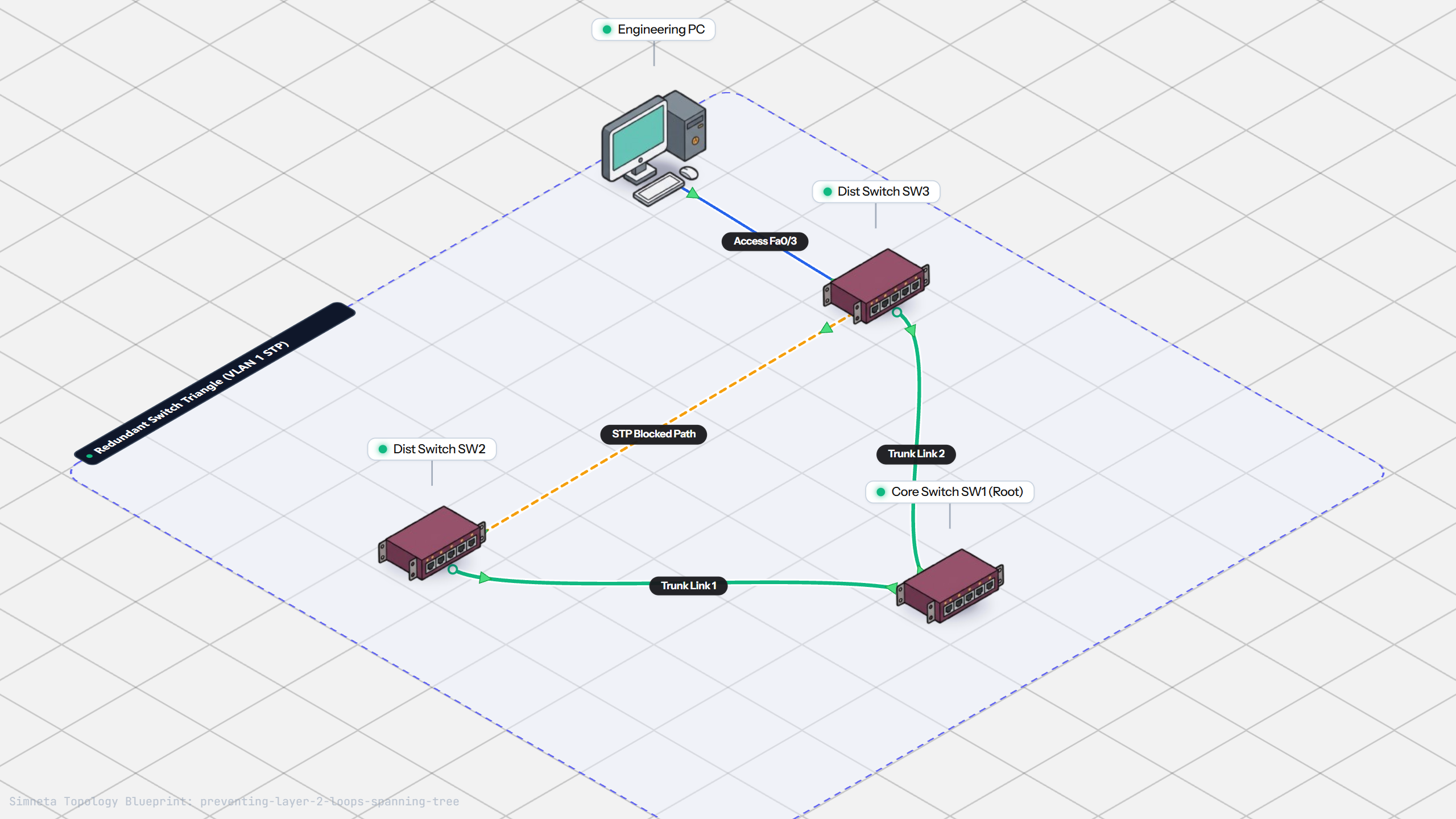
Preventing Loops with Spanning Tree
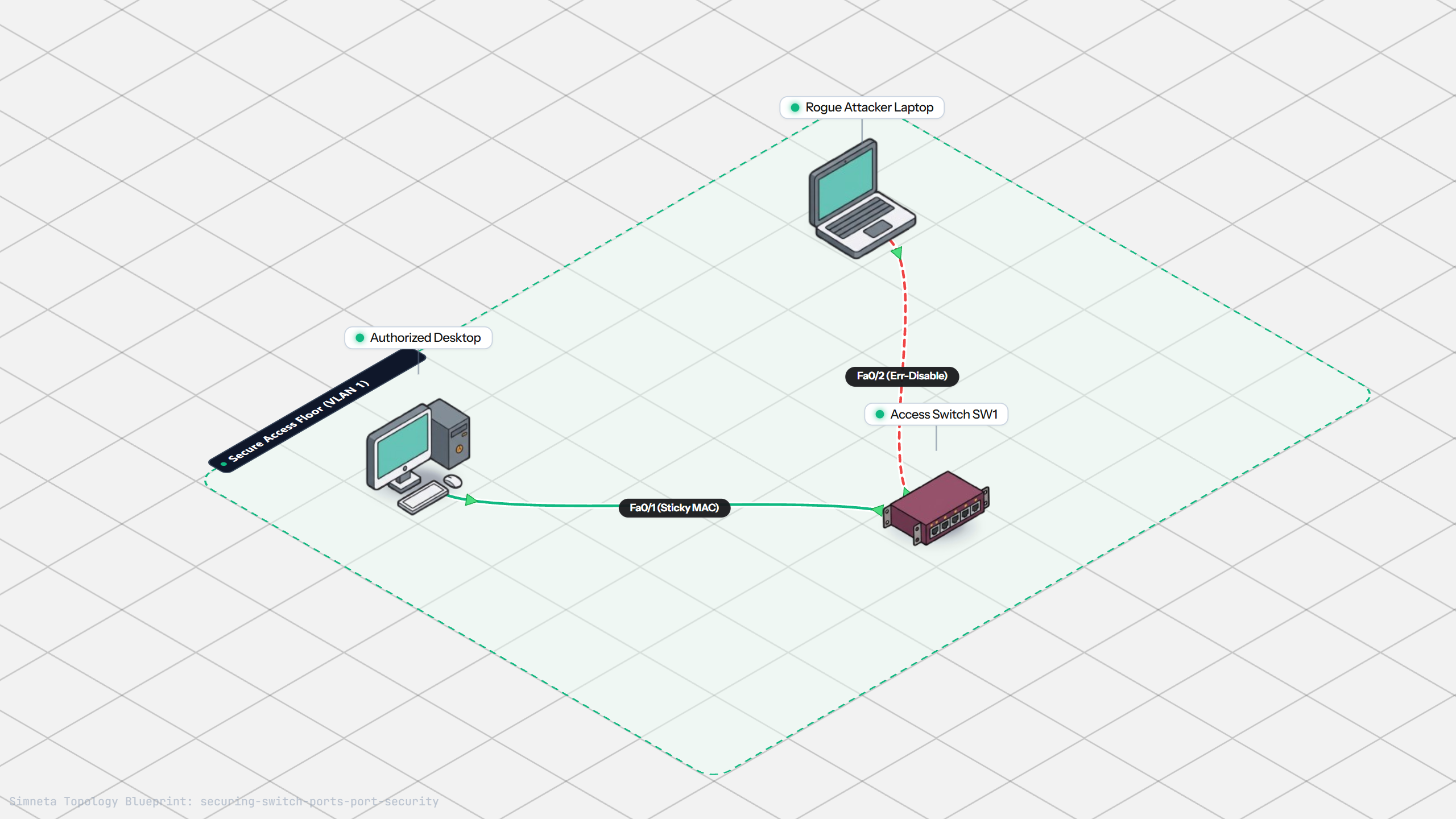
Securing Switch Ports with Port Security
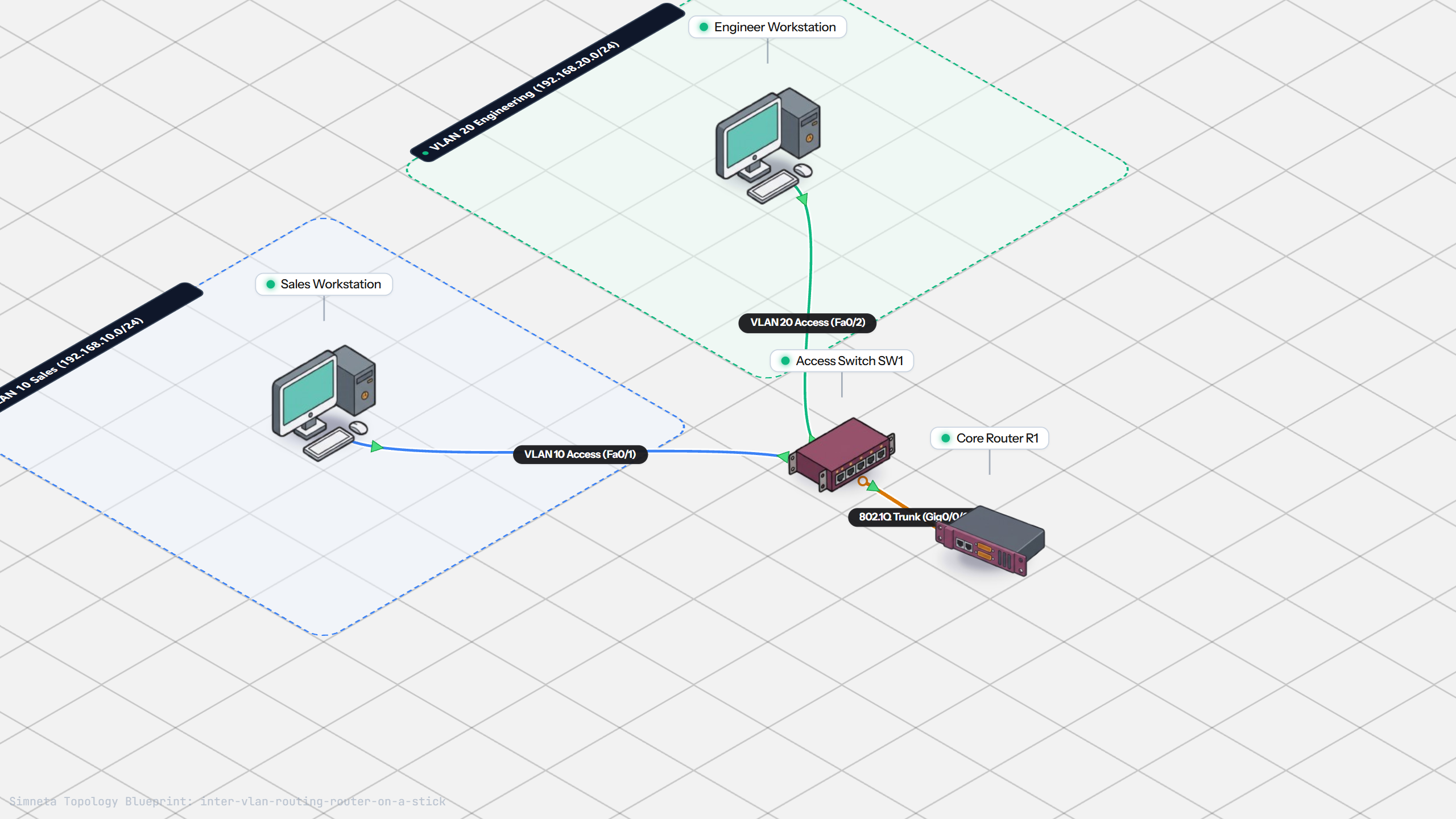
Inter-VLAN Routing with Router-on-a-Stick
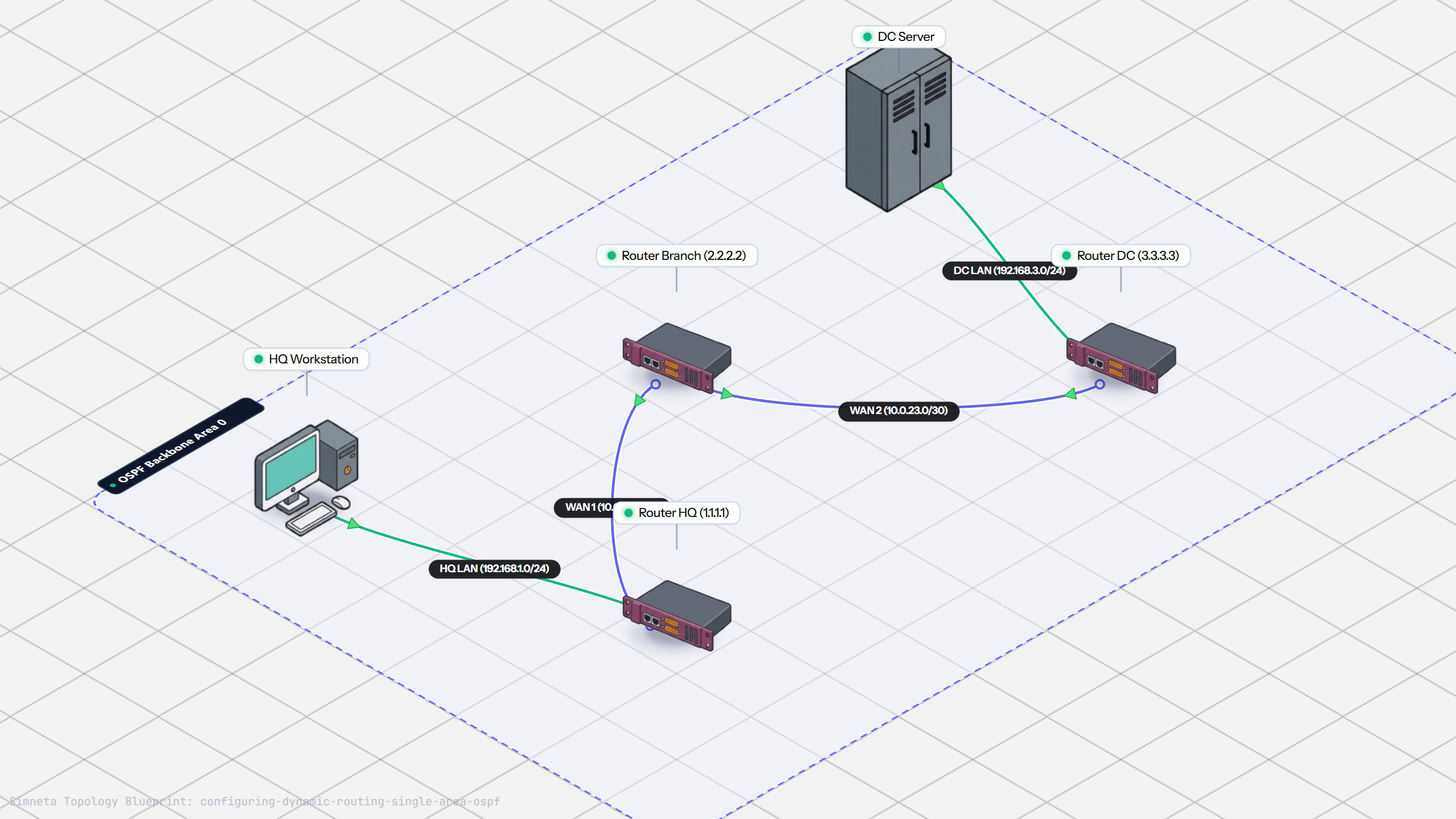
Dynamic Routing with Single-Area OSPF
Gateway Redundancy with HSRP Failover
Filtering Traffic with Extended ACLs
Connecting LAN to Internet with NAT
Resolving Domain Names with Local DNS
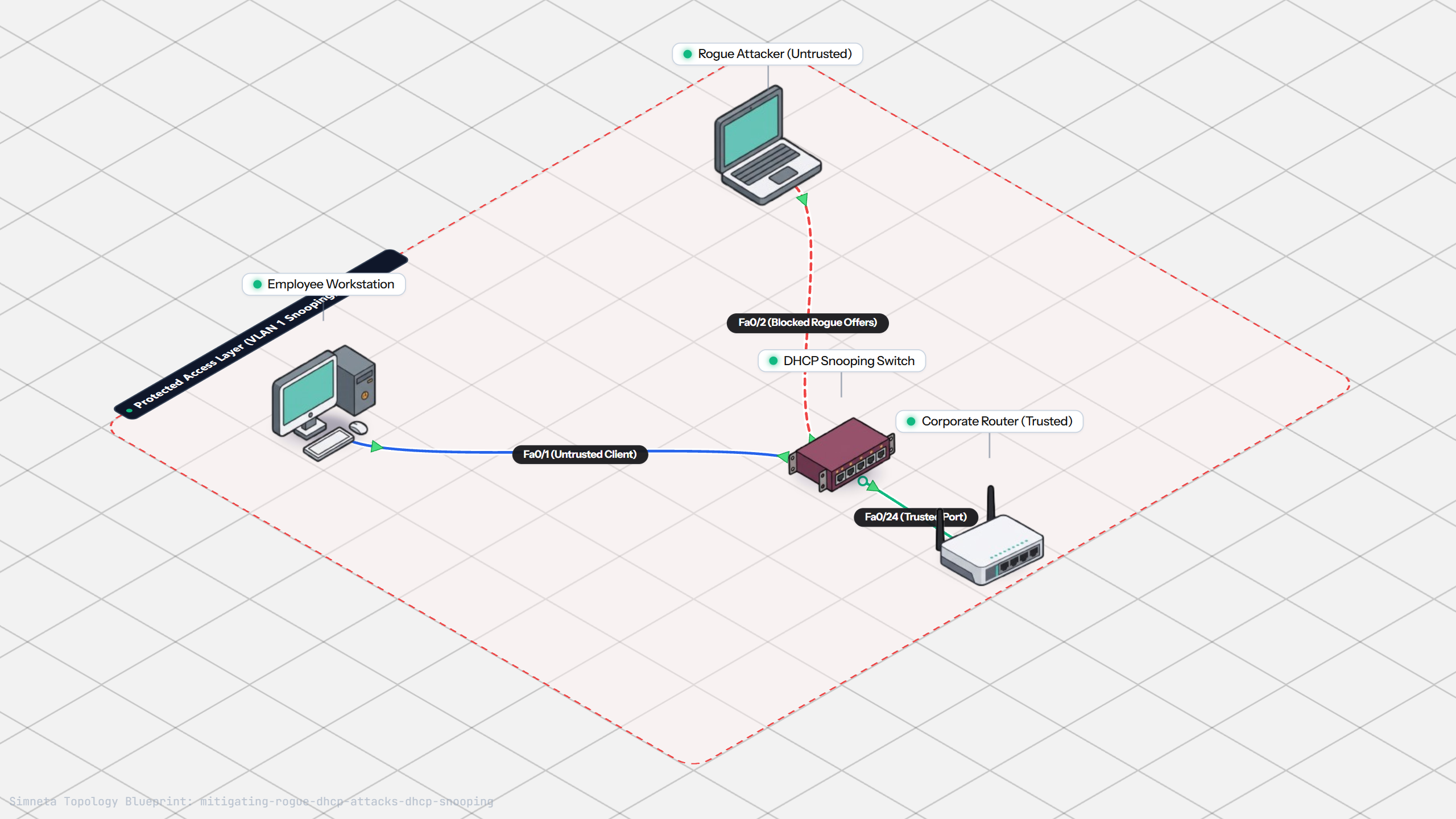
Stopping Rogue DHCP with Snooping
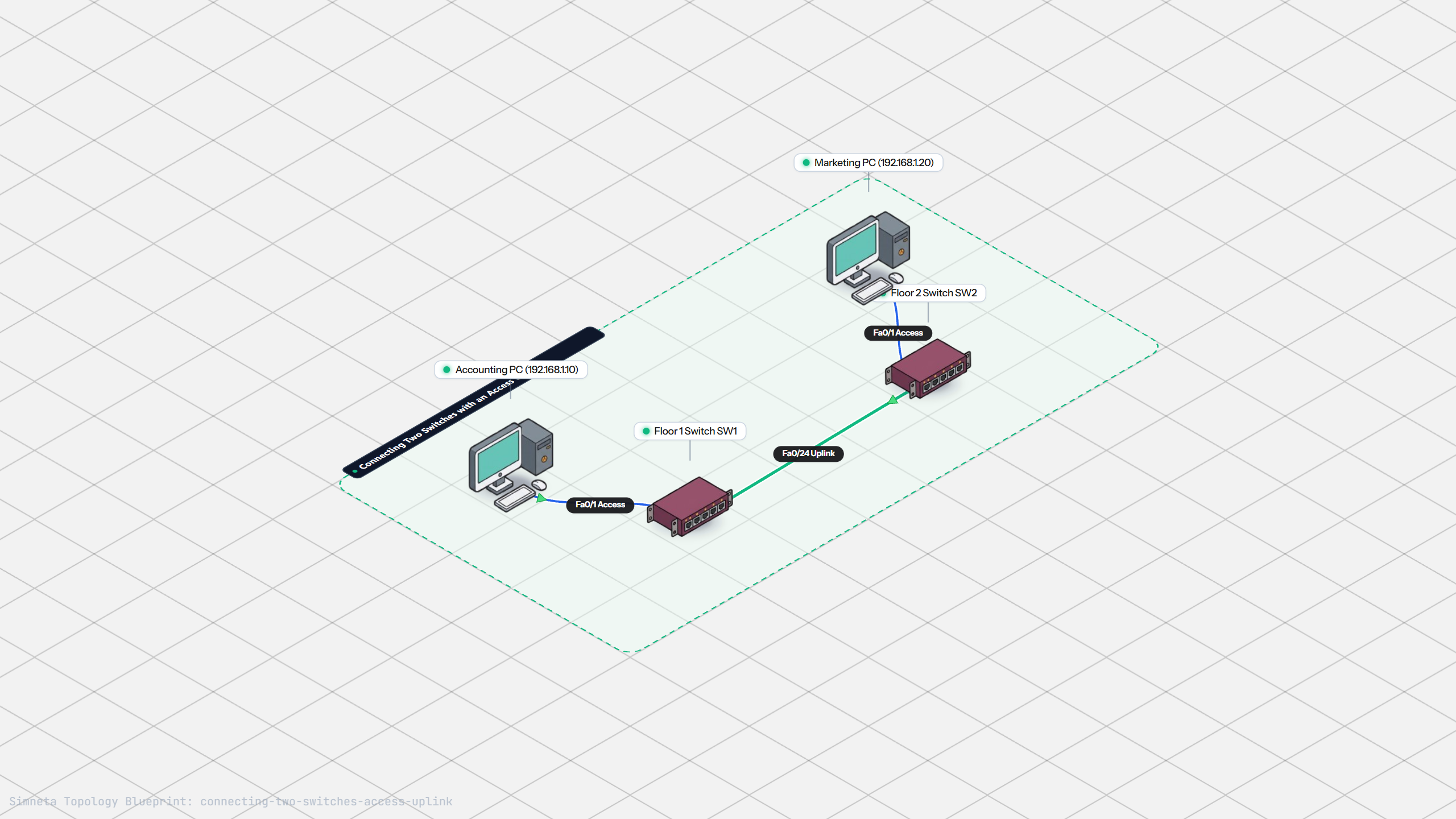
Connecting Two Switches with an Access Uplink
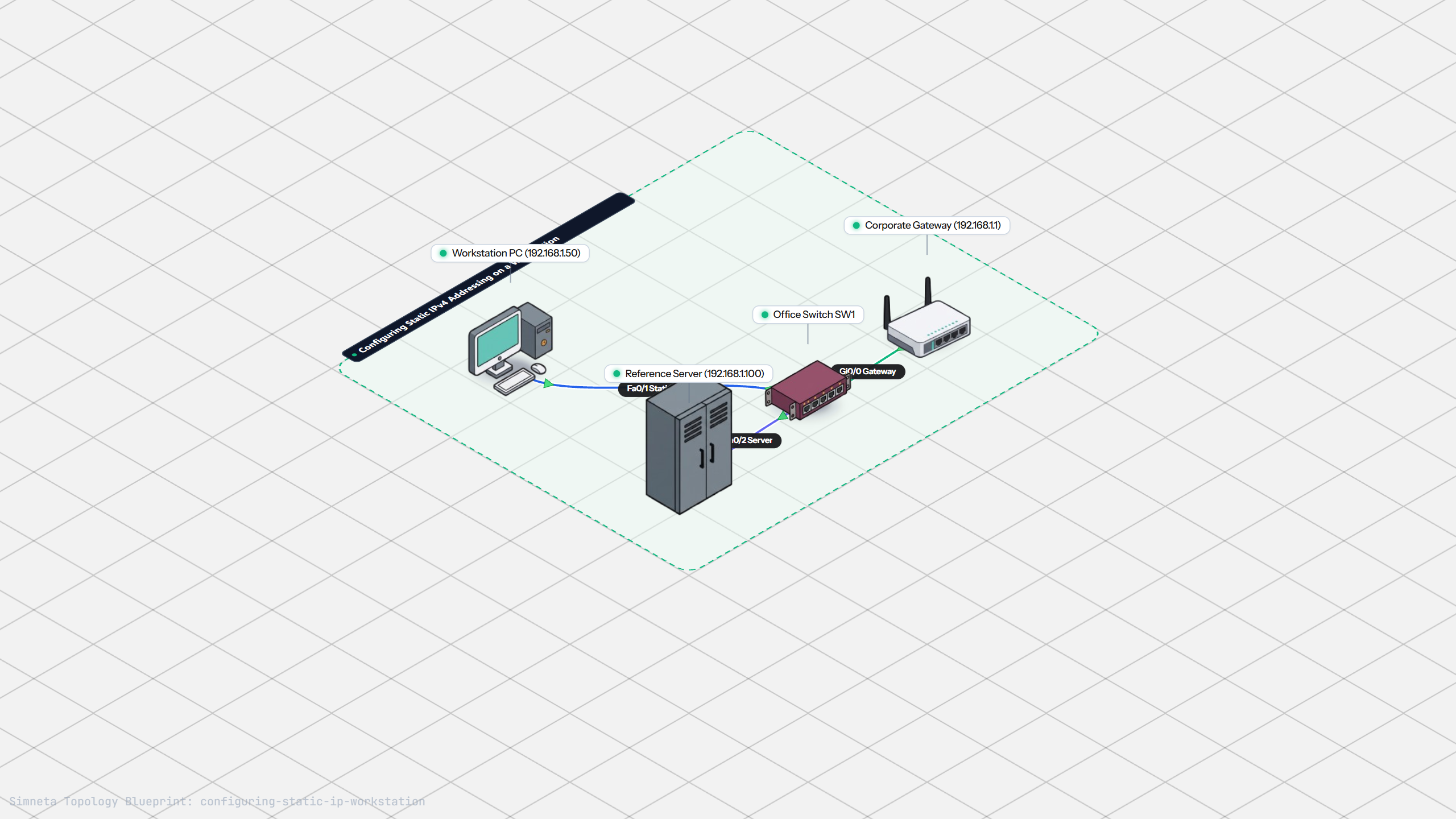
Configuring Static IP on Workstation
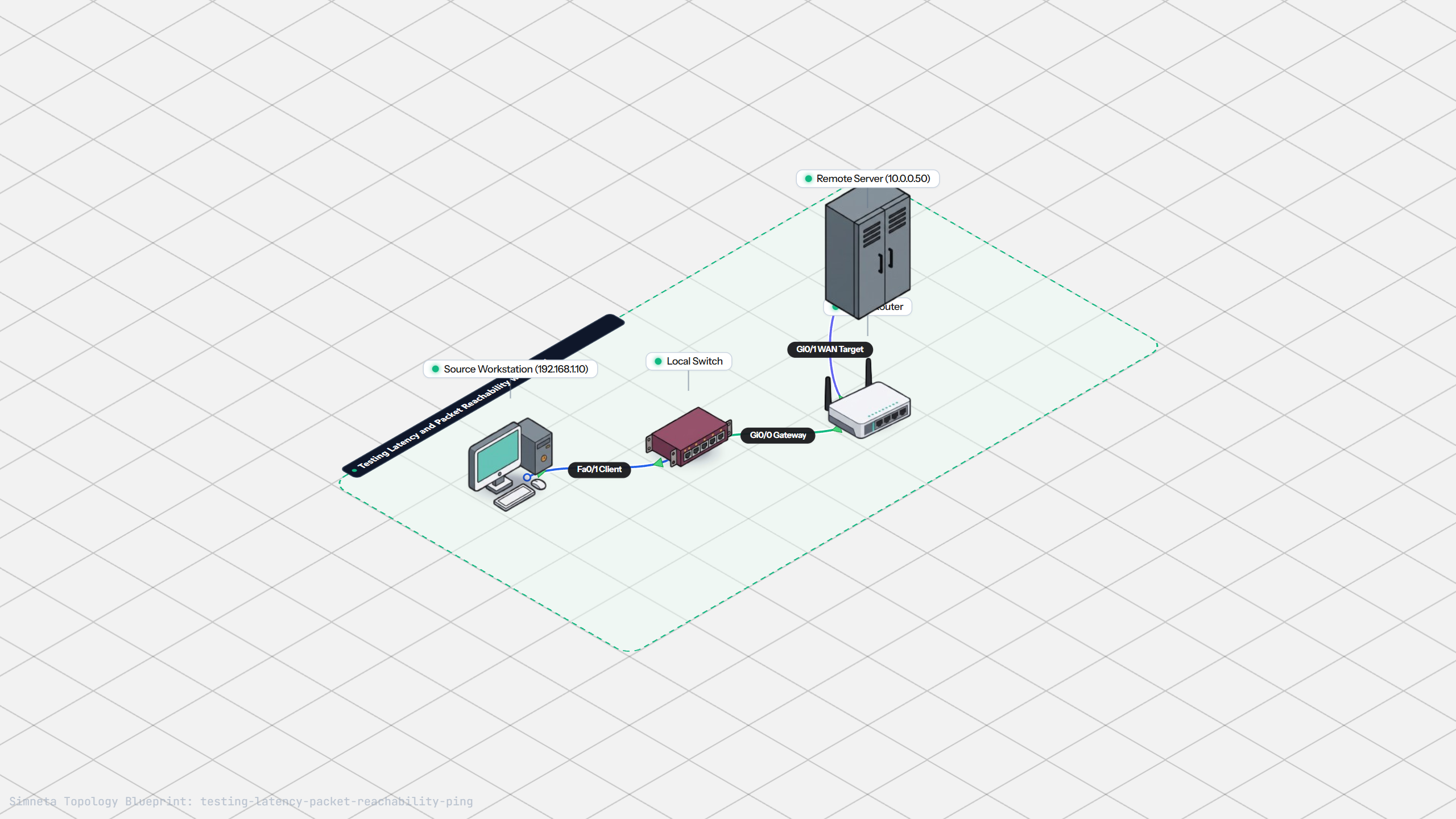
Testing Reachability and Latency with Ping
Inspecting ARP Cache Tables
Setting Up DHCP Static Reservations
Connecting Routers with /30 Subnet
Configuring Default Static Route to ISP
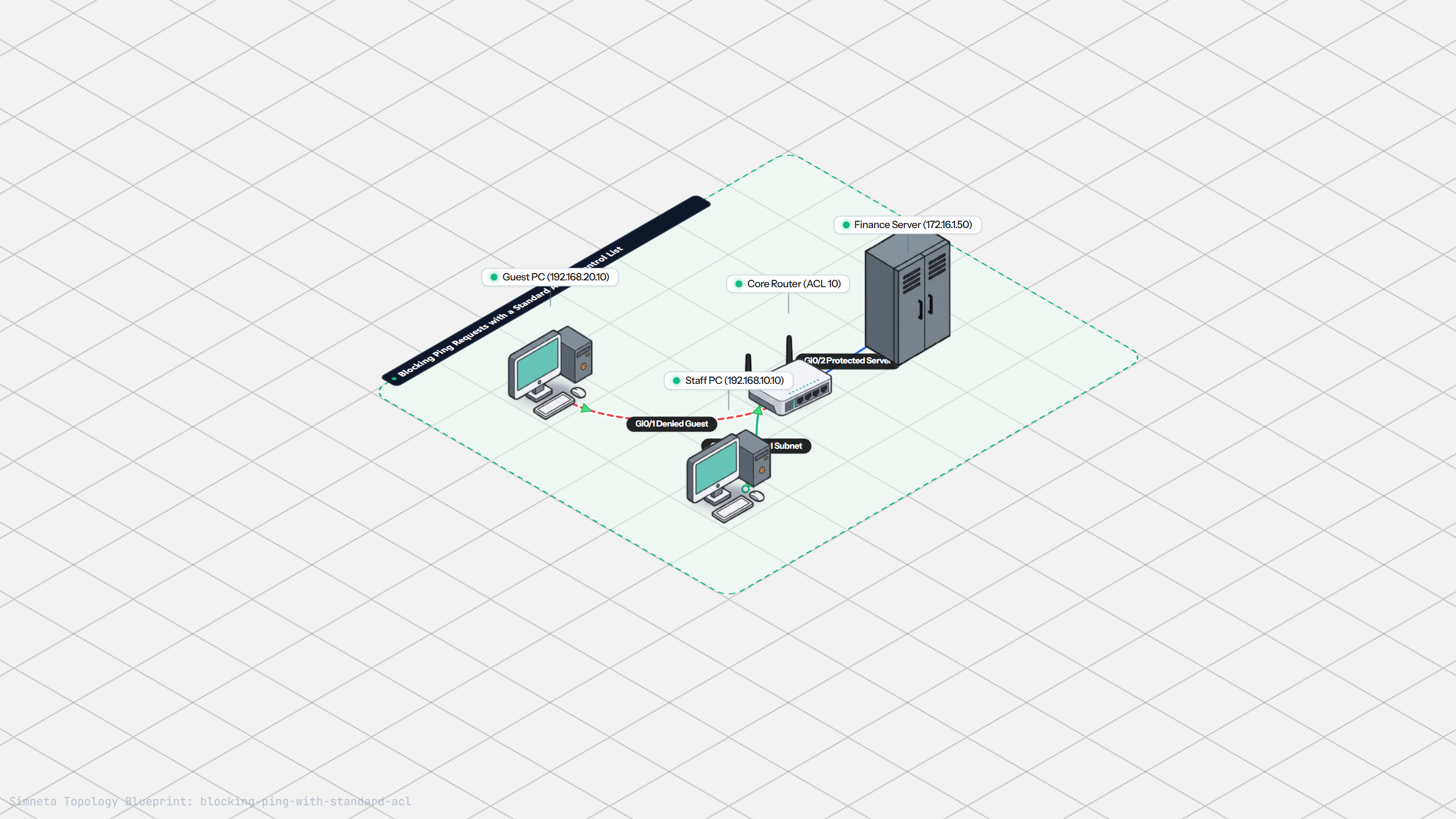
Blocking Ping with Standard ACL
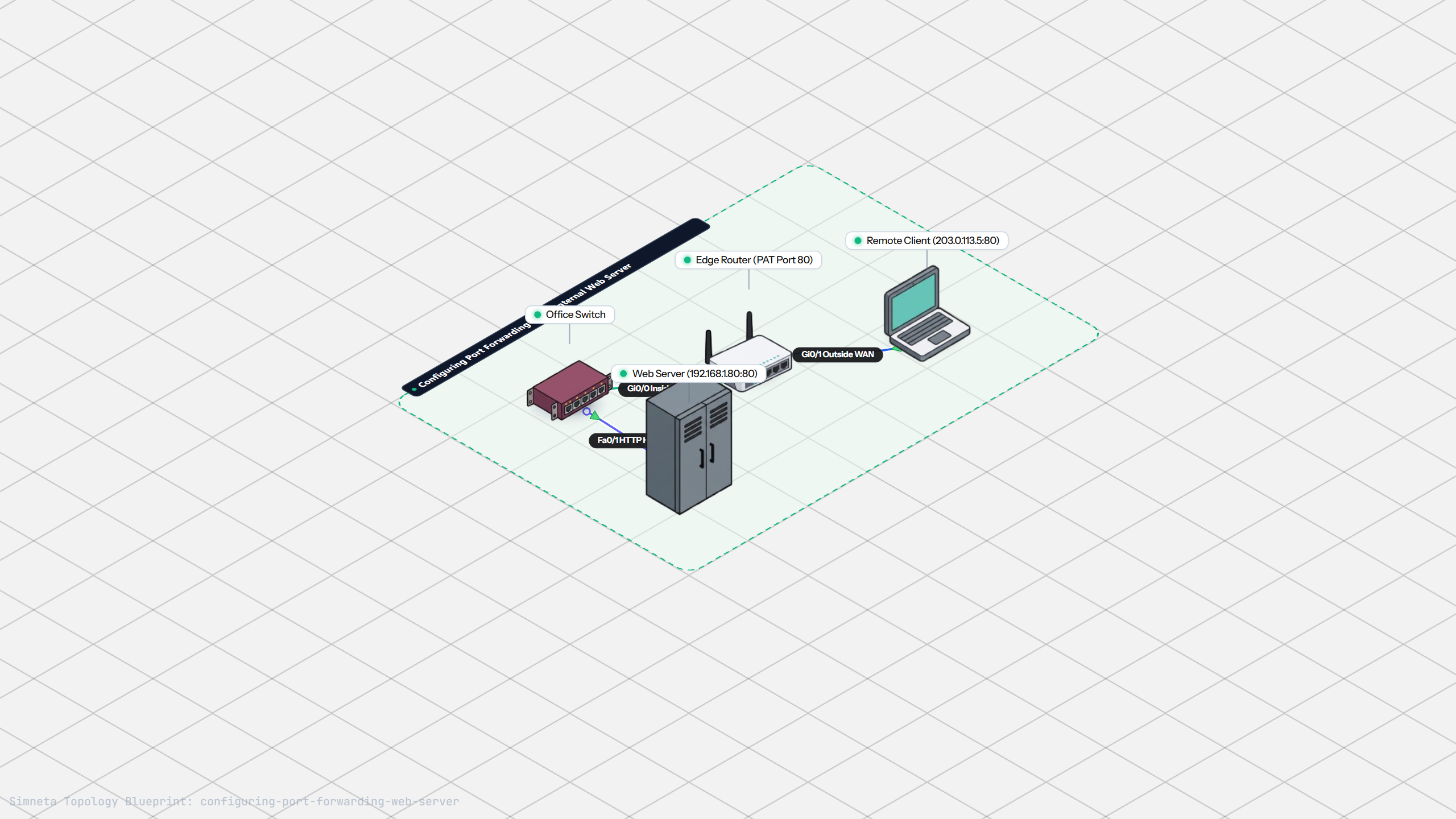
Port Forwarding for Web Servers
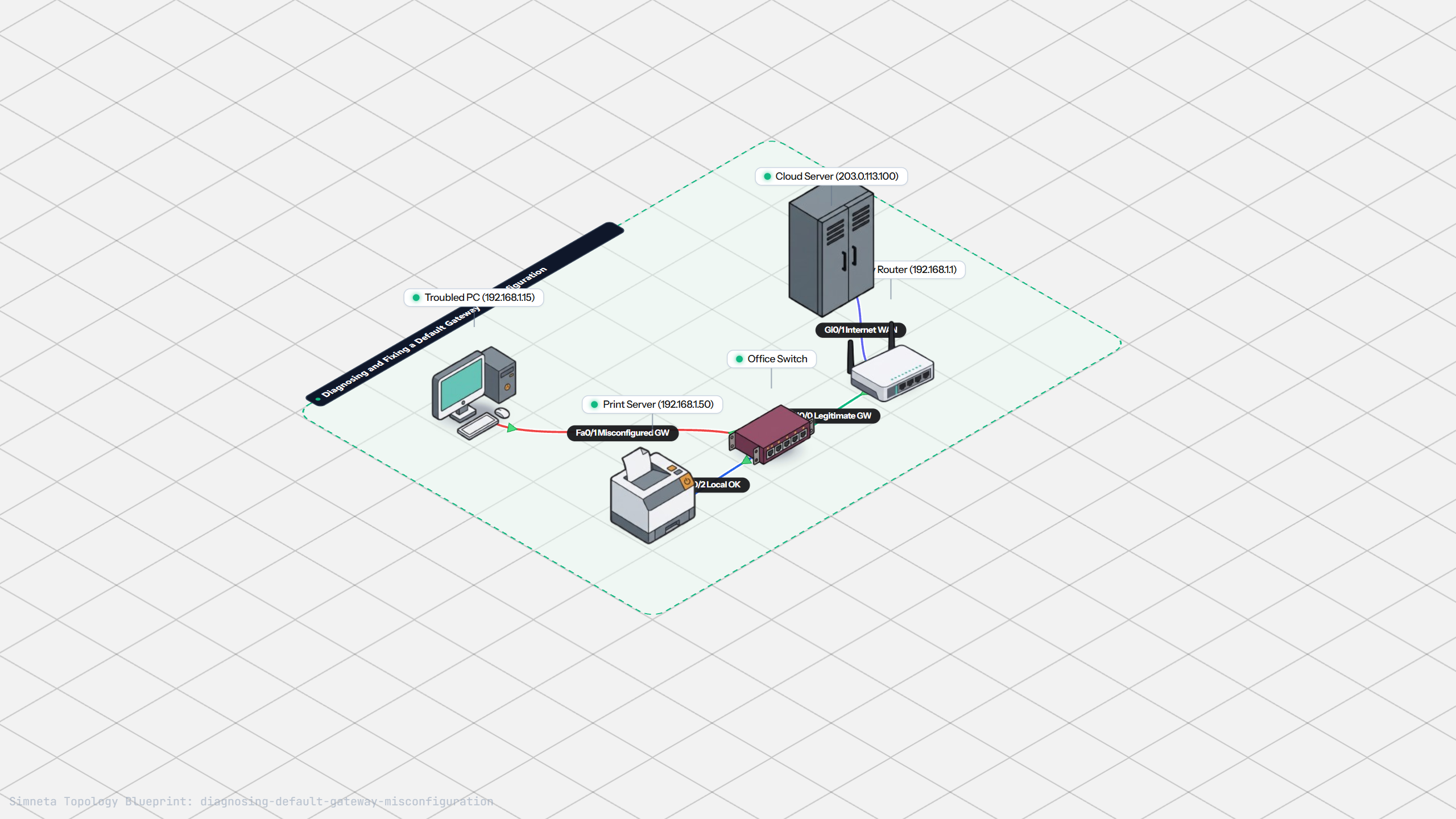
Fixing Default Gateway Misconfigurations
Discussion & Community Notes
Ask questions, share configuration tips, or discuss this laboratory topology.