Static Routing and Gateways
5 Chapters Track•Routing

Static Routing and Gateways

Connect enterprise branch networks with static routing, default routes, and next-hop forwarding.

Module Structure5 Chapters
Total Time85 mins

Module Overview

Understand how enterprise routers discover destinations and forward packets across multiple hops in our interactive NetLab simulator. Master routing table mechanics, longest prefix matching, next-hop static routes, quad-zero default routes, floating backup routes with administrative distance, and multi-router traceroute diagnostic analysis.

What You Need

  • IPv4 Subnetting and Network Segmentation or basic IP routing knowledge

Chapter Lessons & Labs

Learn step by step. Each chapter includes practical tasks and an interactive topology.

Step-by-Step Learning
1Chapter 1•15 mins

How Routing Tables Work

Demystify the router forwarding engine. Learn how routers populate connected routes, evaluate candidate paths, and execute longest prefix matching.

Practice Tasks:
Inspect Routing Table on Core Router
Ping Router Gi0/0 from LAN Workstation
Verify Direct Route Forwarding to Server
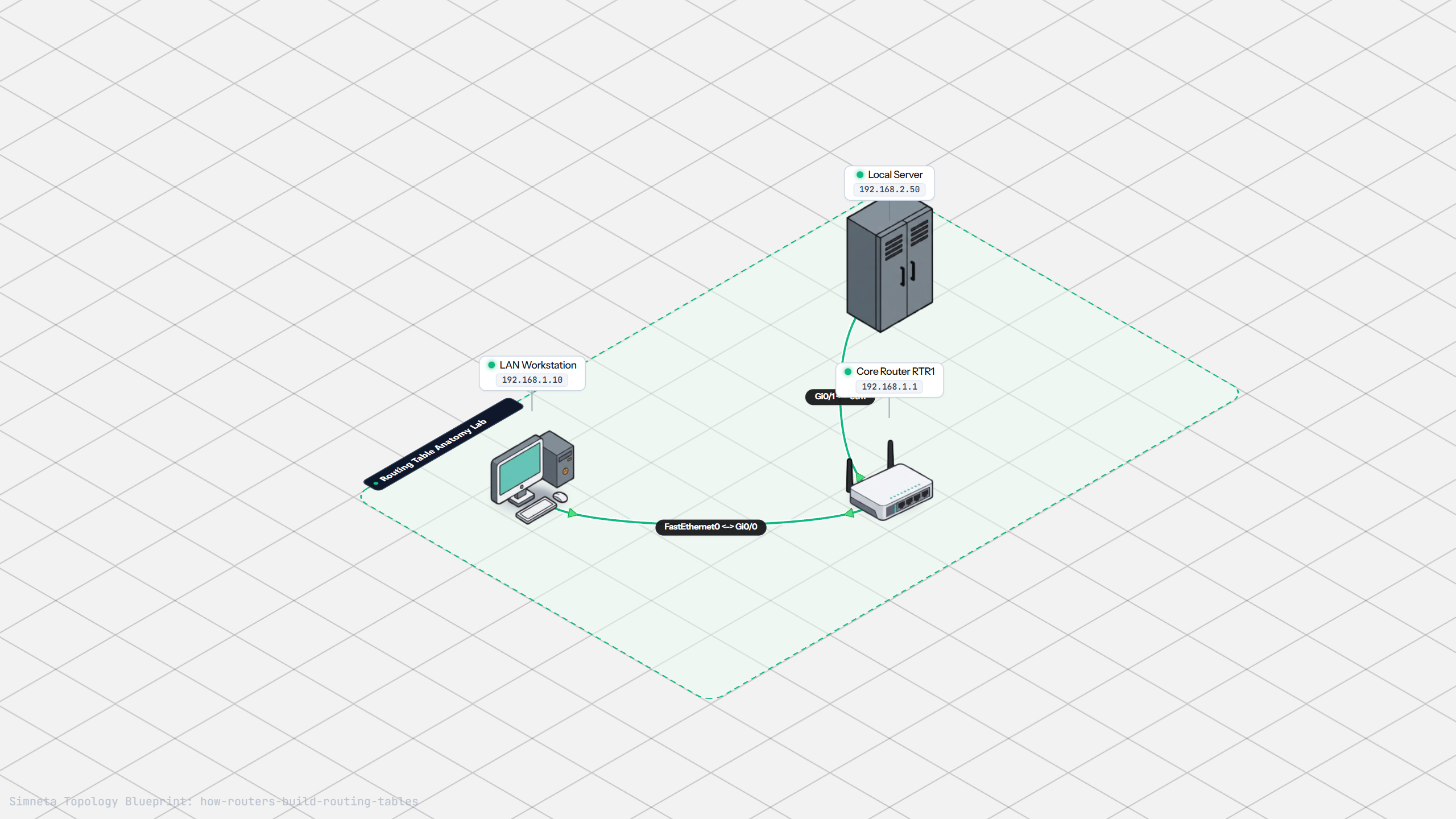
How Routing Tables Work Topology Preview
2Chapter 2•18 mins

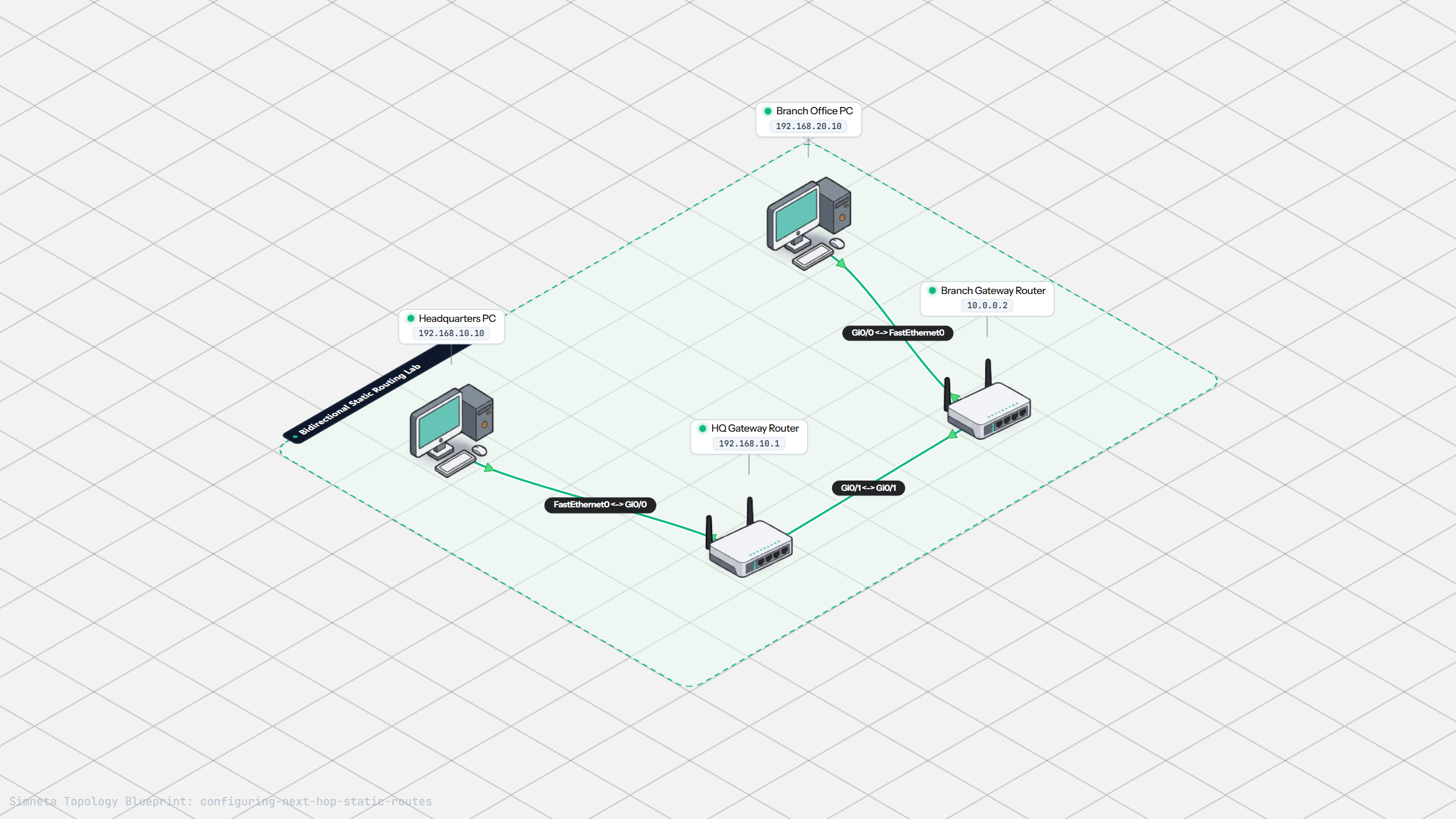
Configuring Next-Hop Static Routes

Link Headquarters and Branch Office networks together by writing bidirectional static route statements on both gateway routers.

Practice Tasks:
Inspect Missing Route State on HQ Router
Ping Branch PC from HQ PC
Verify Two-Hop Routing in Simulation Logs
Configuring Next-Hop Static Routes Topology Preview
3Chapter 3•16 mins

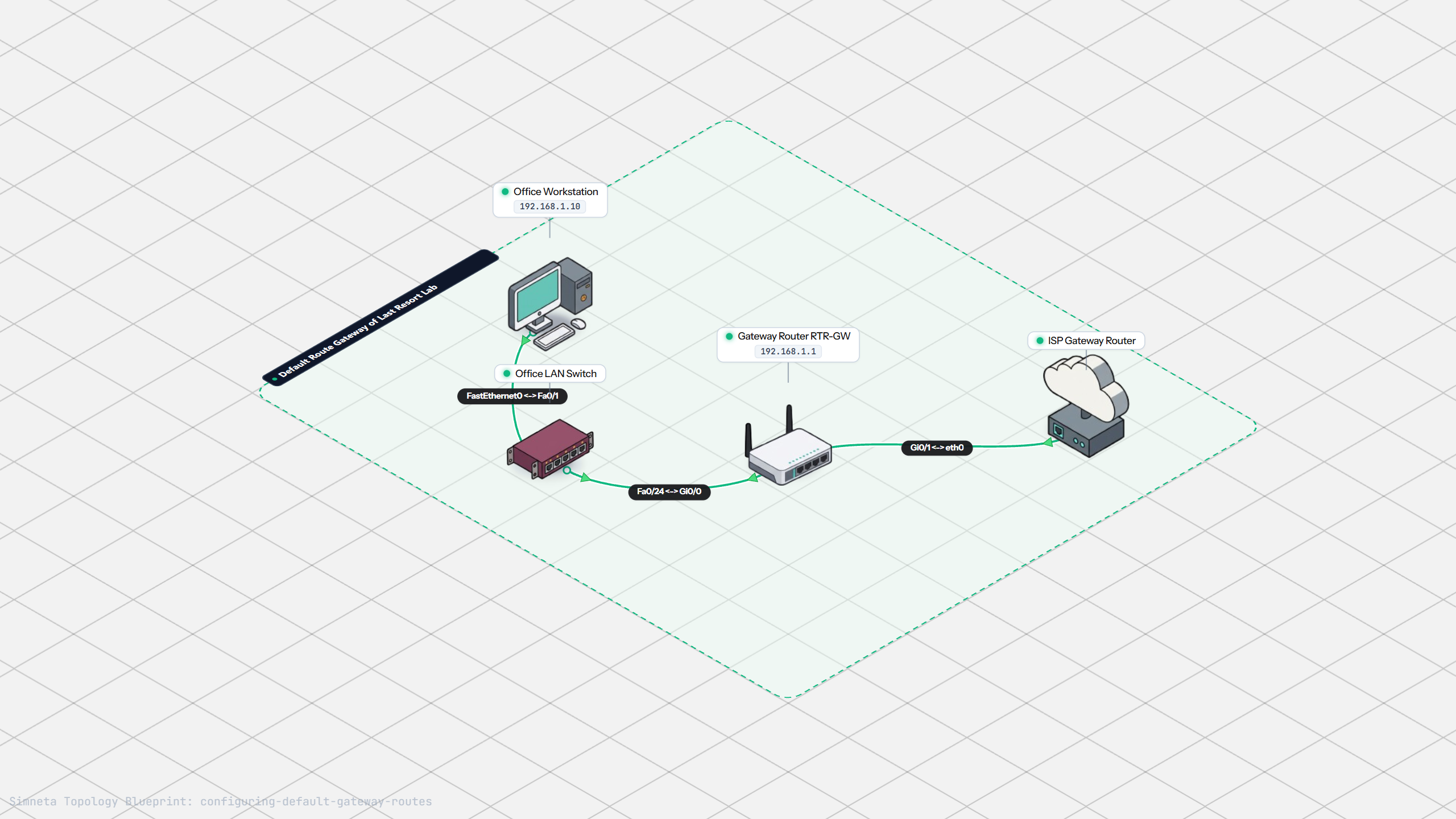
Configuring Default Gateway Routes

Learn how quad-zero default routes (0.0.0.0/0) serve as the gateway of last resort, allowing branch routers to forward all foreign traffic toward the ISP.

Practice Tasks:
Verify Default Route on Gateway Router
Ping Public DNS Server from Office PC
Verify Next-Hop Forwarding in Simulation Logs
Configuring Default Gateway Routes Topology Preview
4Chapter 4•18 mins

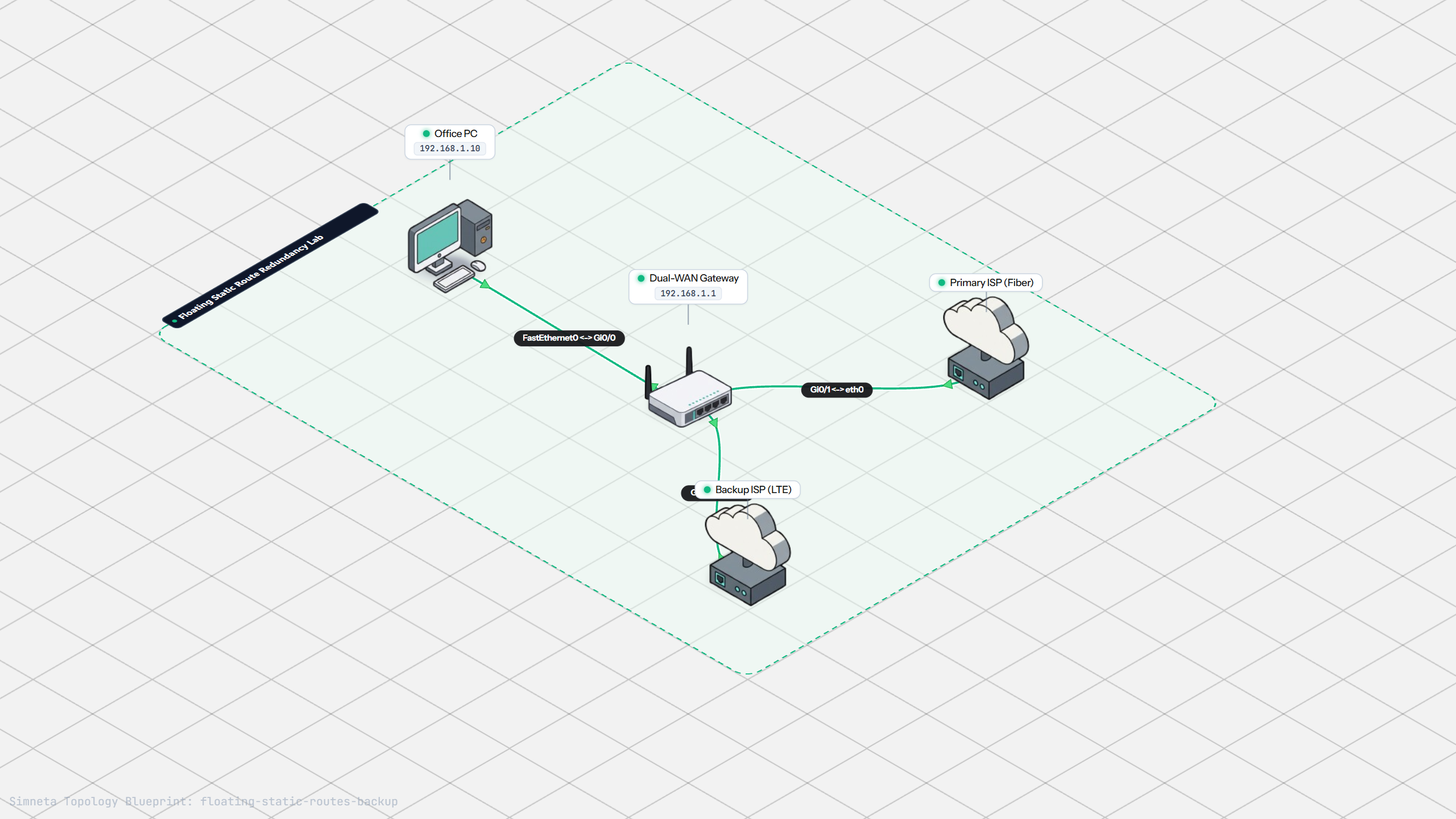
Floating Static Backup Routes

Ensure zero downtime by configuring a floating static route with higher administrative distance that activates automatically when the primary link fails.

Practice Tasks:
Verify Primary Route Active State
Ping Internet Endpoint via Primary Link
Verify Floating Route Presence in Configuration
Floating Static Backup Routes Topology Preview
5Chapter 5•20 mins

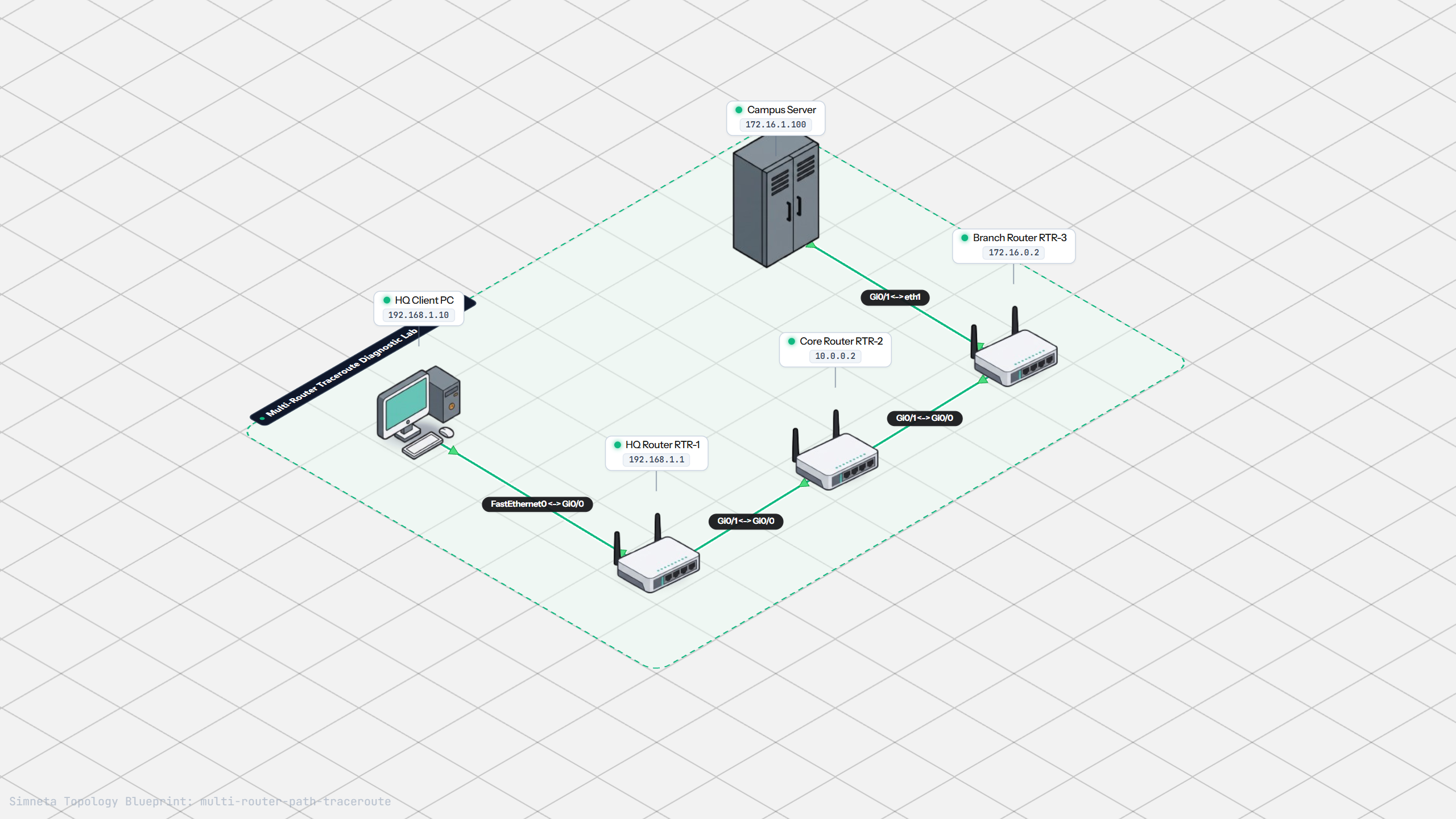
Tracing Paths with Traceroute

Map multi-hop internetwork paths using traceroute. Observe hop-by-hop Time to Live decrement, ICMP Time Exceeded generation, and diagnose routing bottlenecks.

Practice Tasks:
Run Traceroute from HQ Client to Remote Server
Verify Intermediate Router Hops in Output
Confirm Full End-to-End Ping Delivery
Tracing Paths with Traceroute Topology Preview