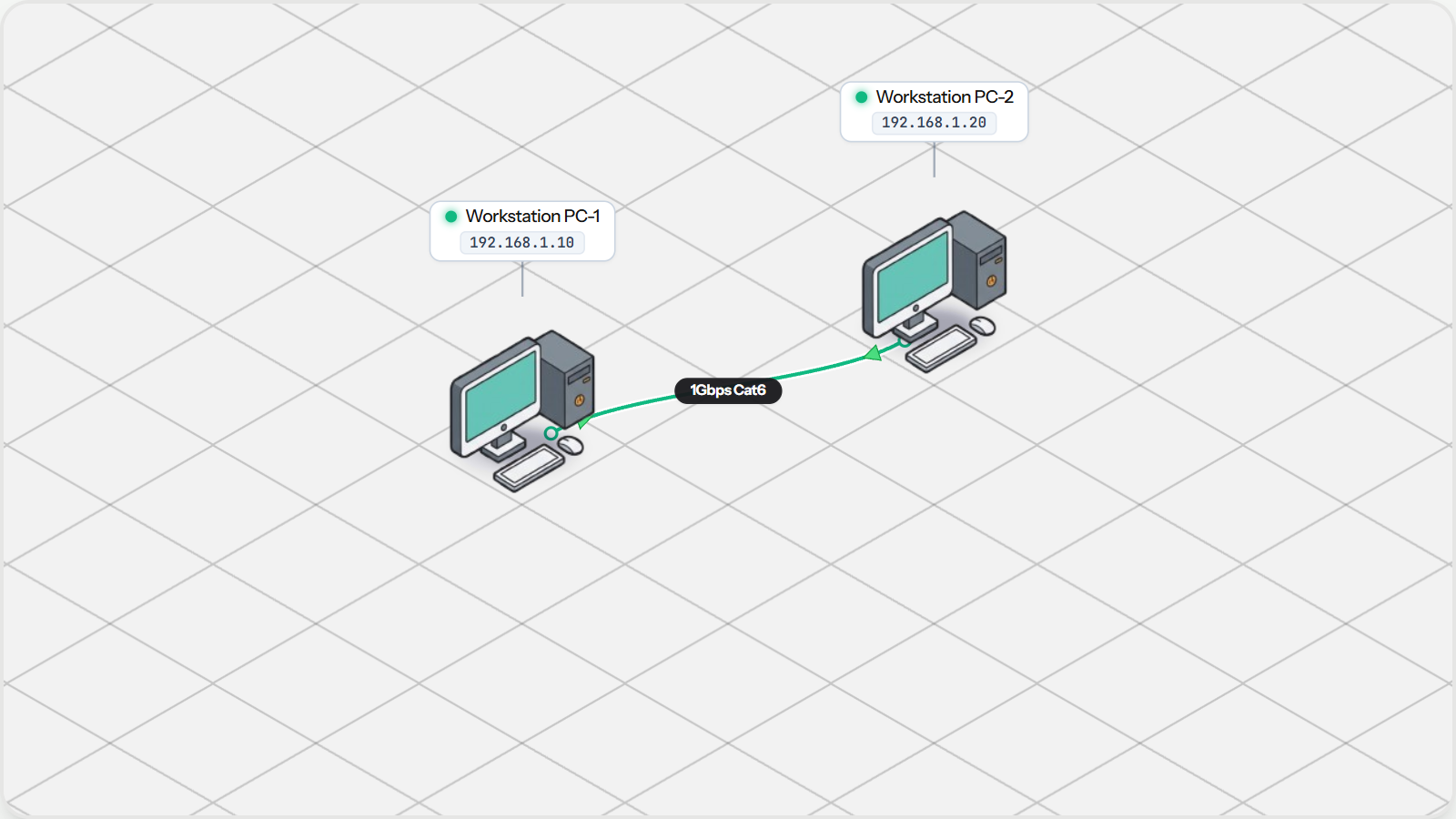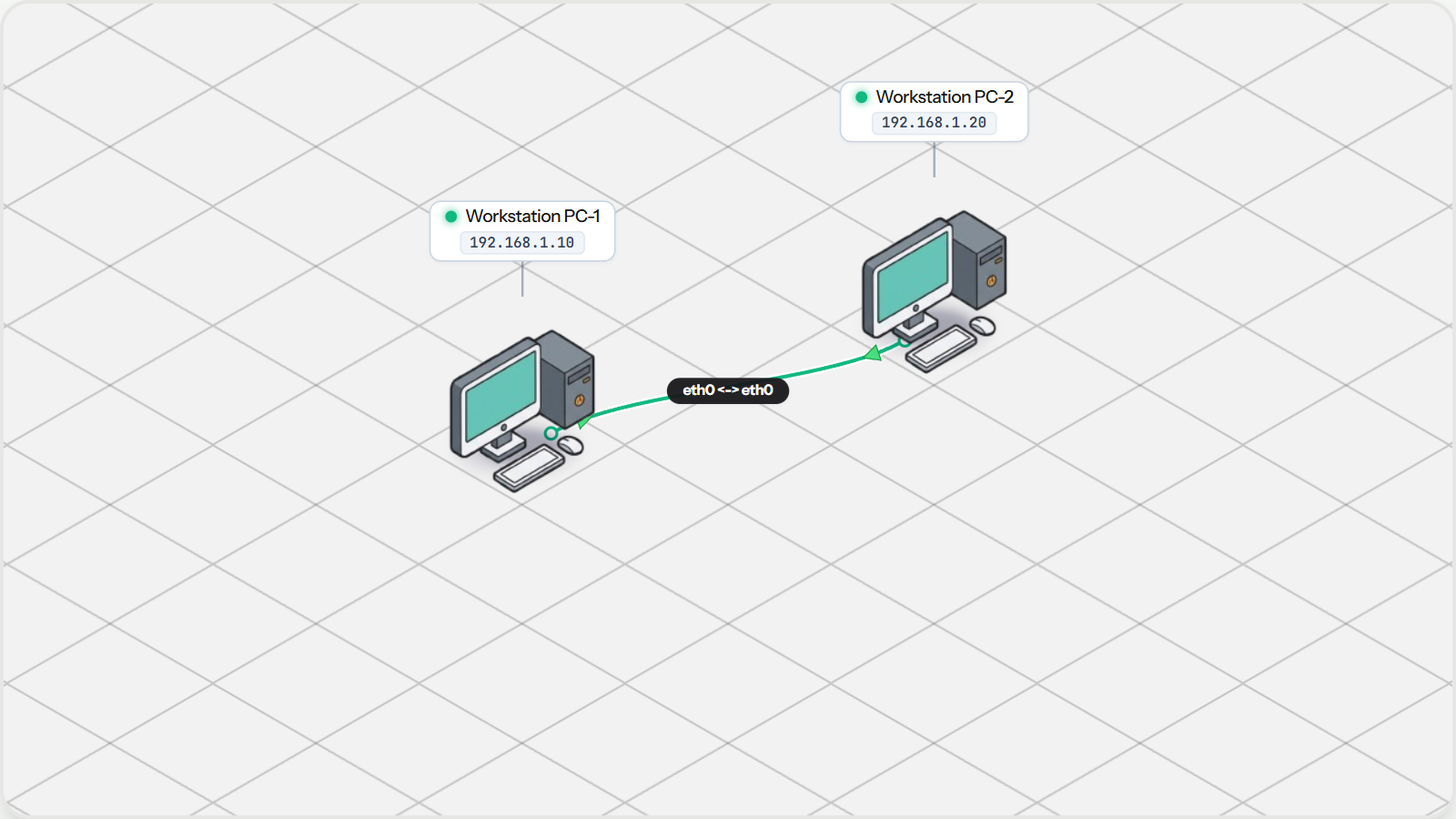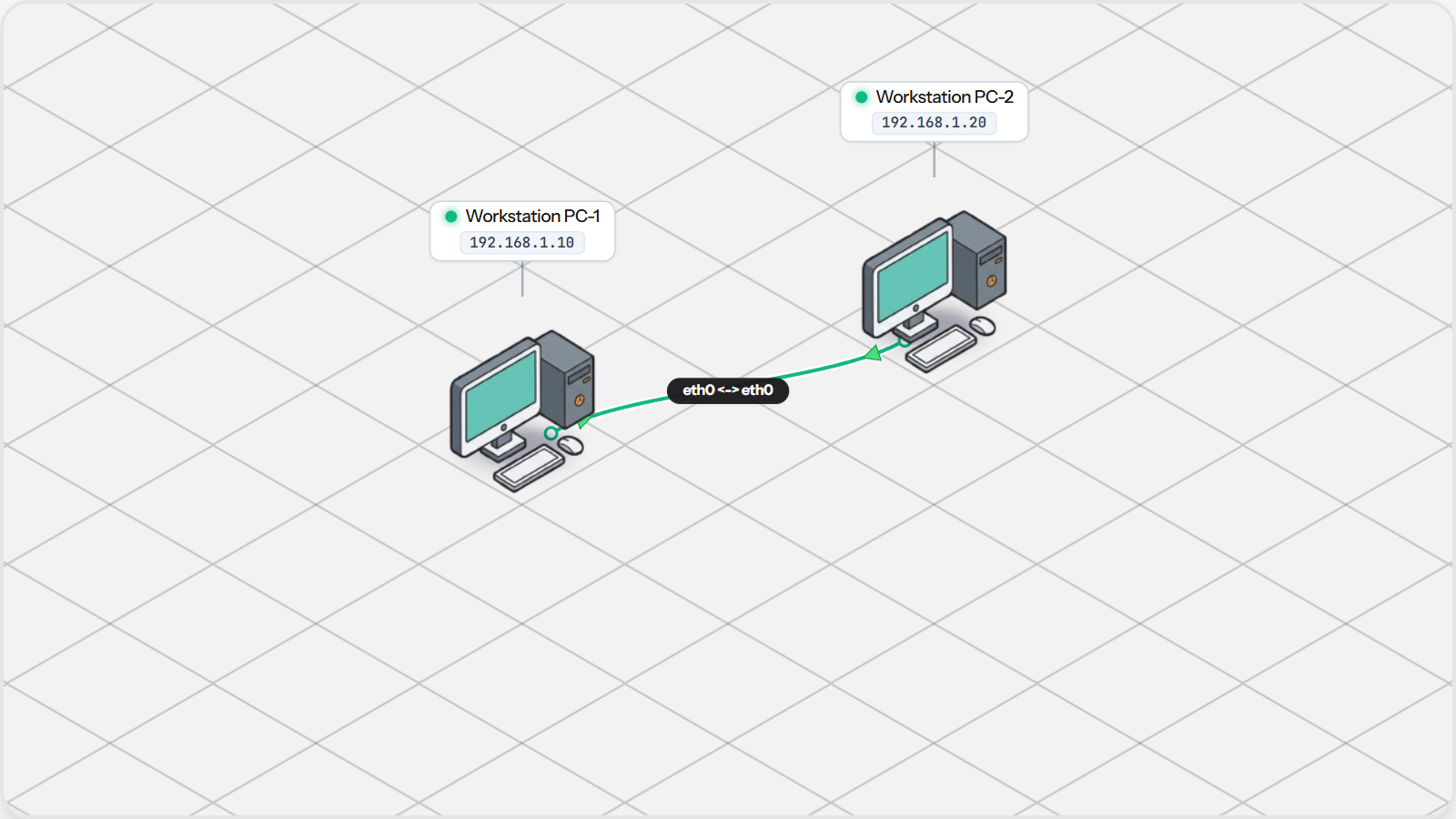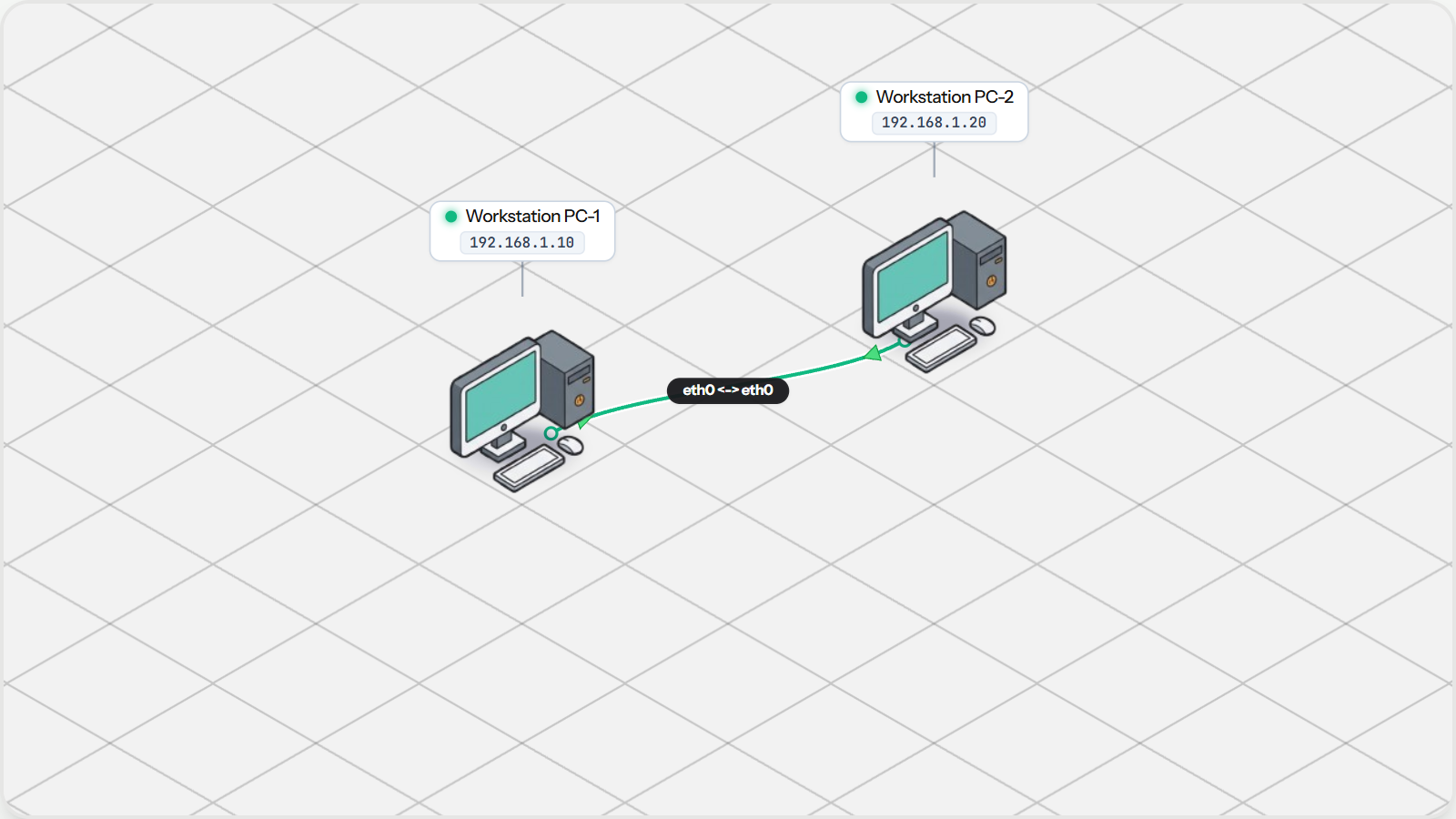
Connecting Two Computers Directly
Learn what a Network Interface Card is, how twisted-pair Ethernet cables work, and link two computers directly.

Learn how computers connect, communicate with IP addresses, and route traffic across local networks.
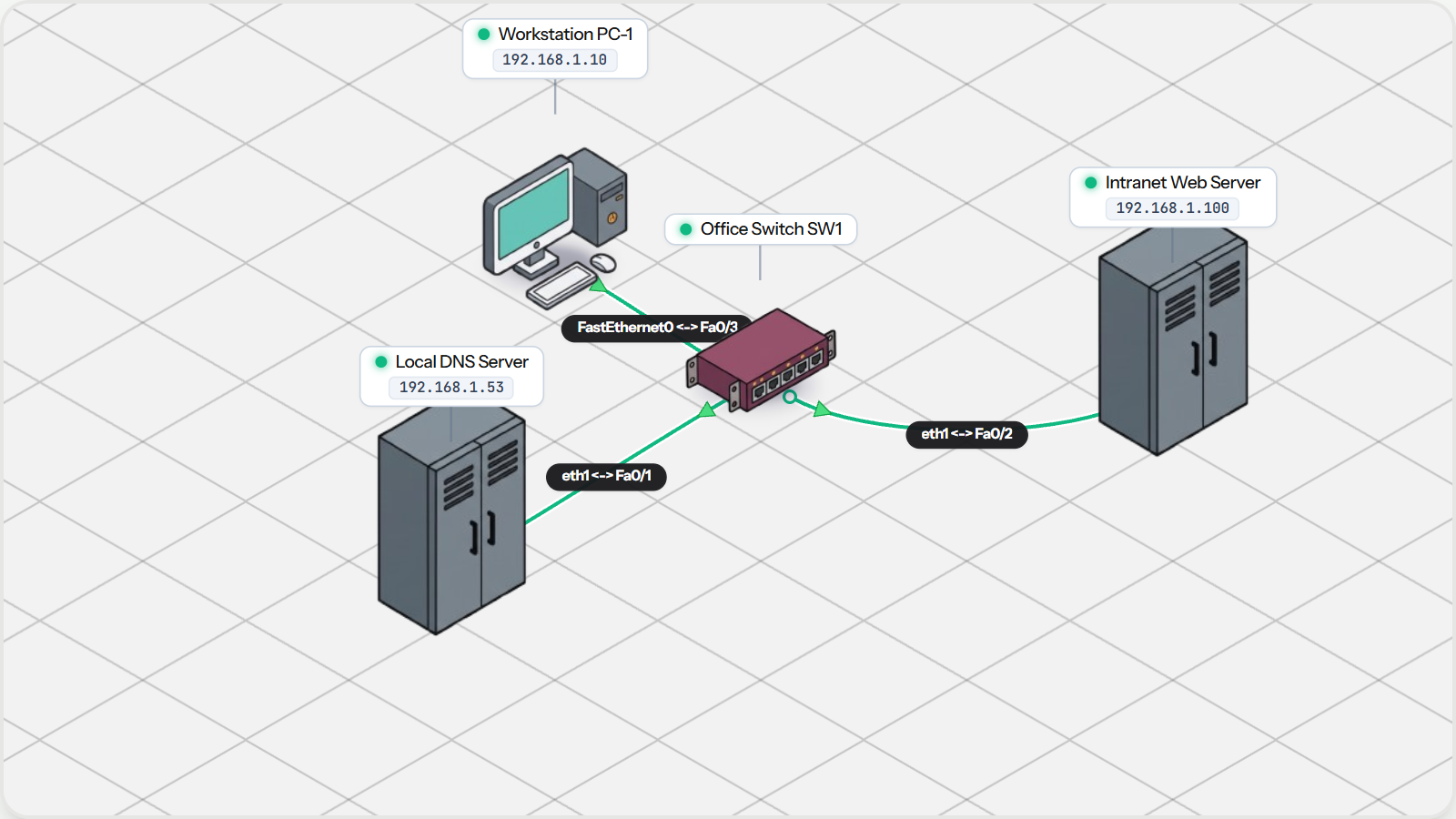
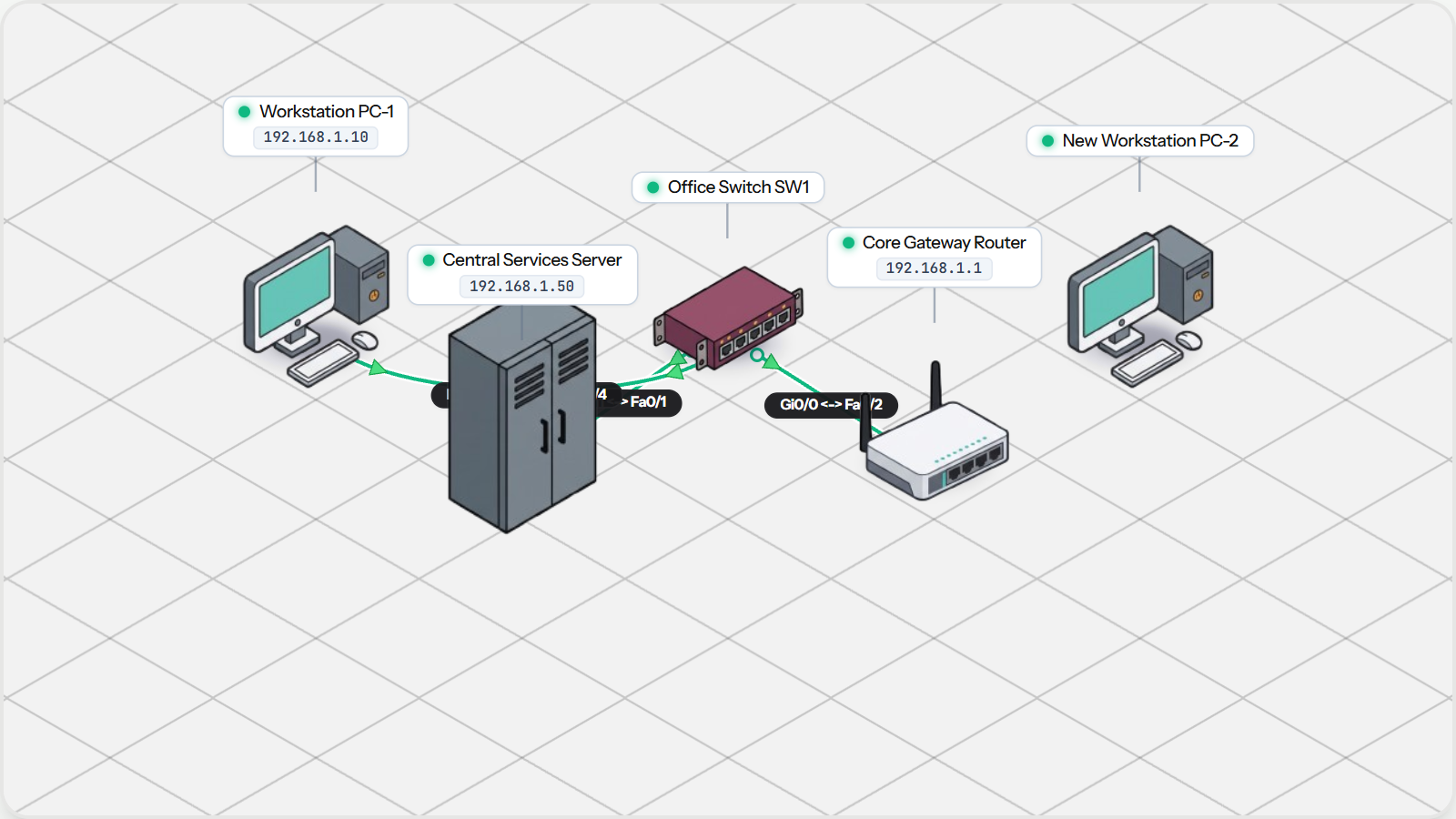
Start your networking journey here with a seamless, 10-chapter hands-on NetLab track. Understand physical Ethernet cabling, IPv4 subnets, ICMP ping testing, MAC addressing and ARP, Layer 2 star switches, automated DHCP address allocation, default gateway routing, SOHO Wi-Fi routers with NAT masquerade, DNS name resolution, and assemble a complete corporate office network in a hands-on NetLab capstone lab.
Learn step by step. Each chapter includes practical tasks and an interactive topology.
Learn what a Network Interface Card is, how twisted-pair Ethernet cables work, and link two computers directly.

Learn IPv4 dotted decimal notation, network prefixes, and how subnet masks define local communication boundaries.

Understand the ICMP protocol, round-trip timing, and troubleshoot packet delivery using the ping utility.

Explore how the Address Resolution Protocol bridges software IP addresses to physical Layer 2 MAC hardware.

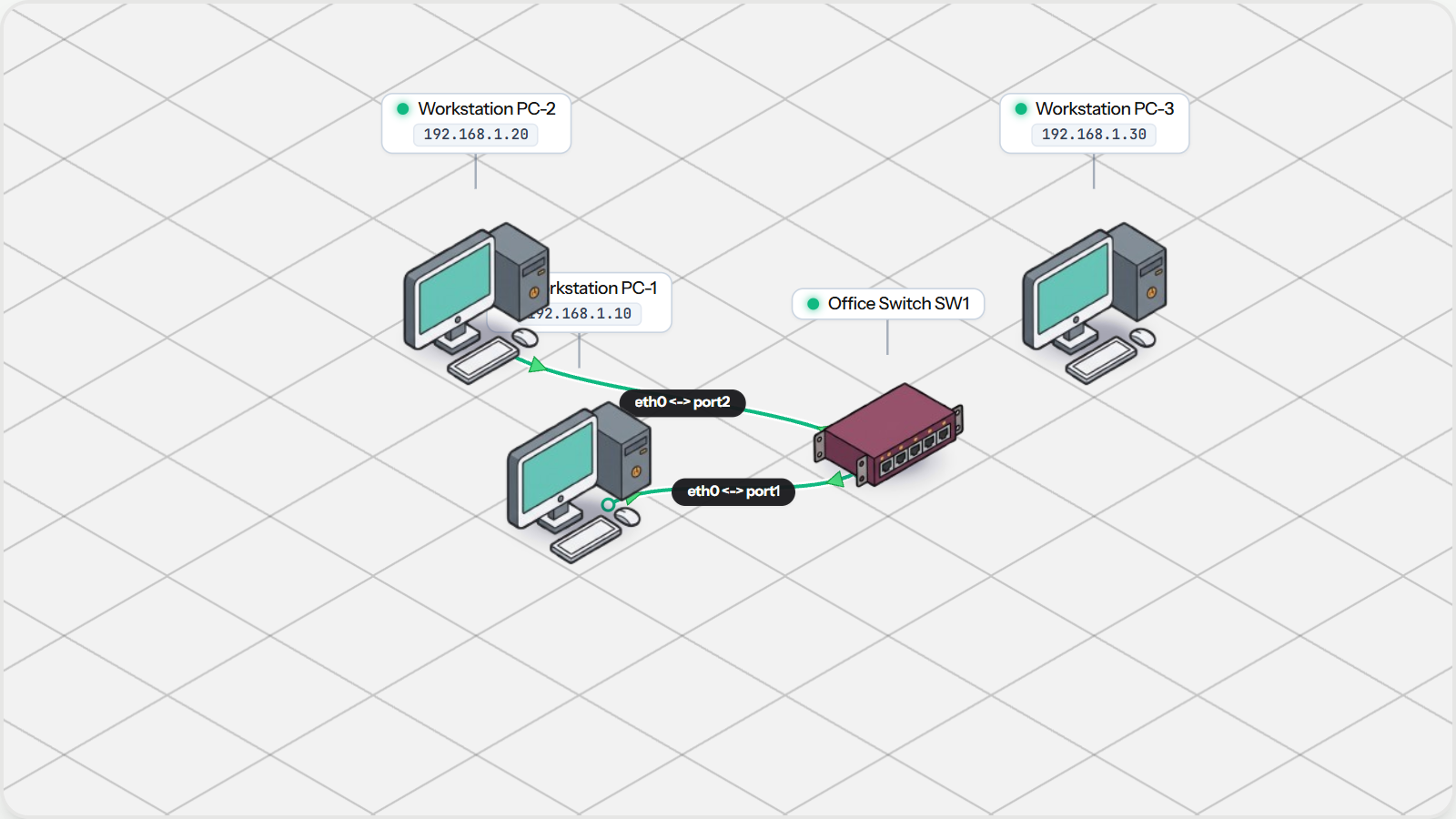
Connect multiple workstations to a central Layer 2 switch using a Star topology and observe dynamic MAC learning.

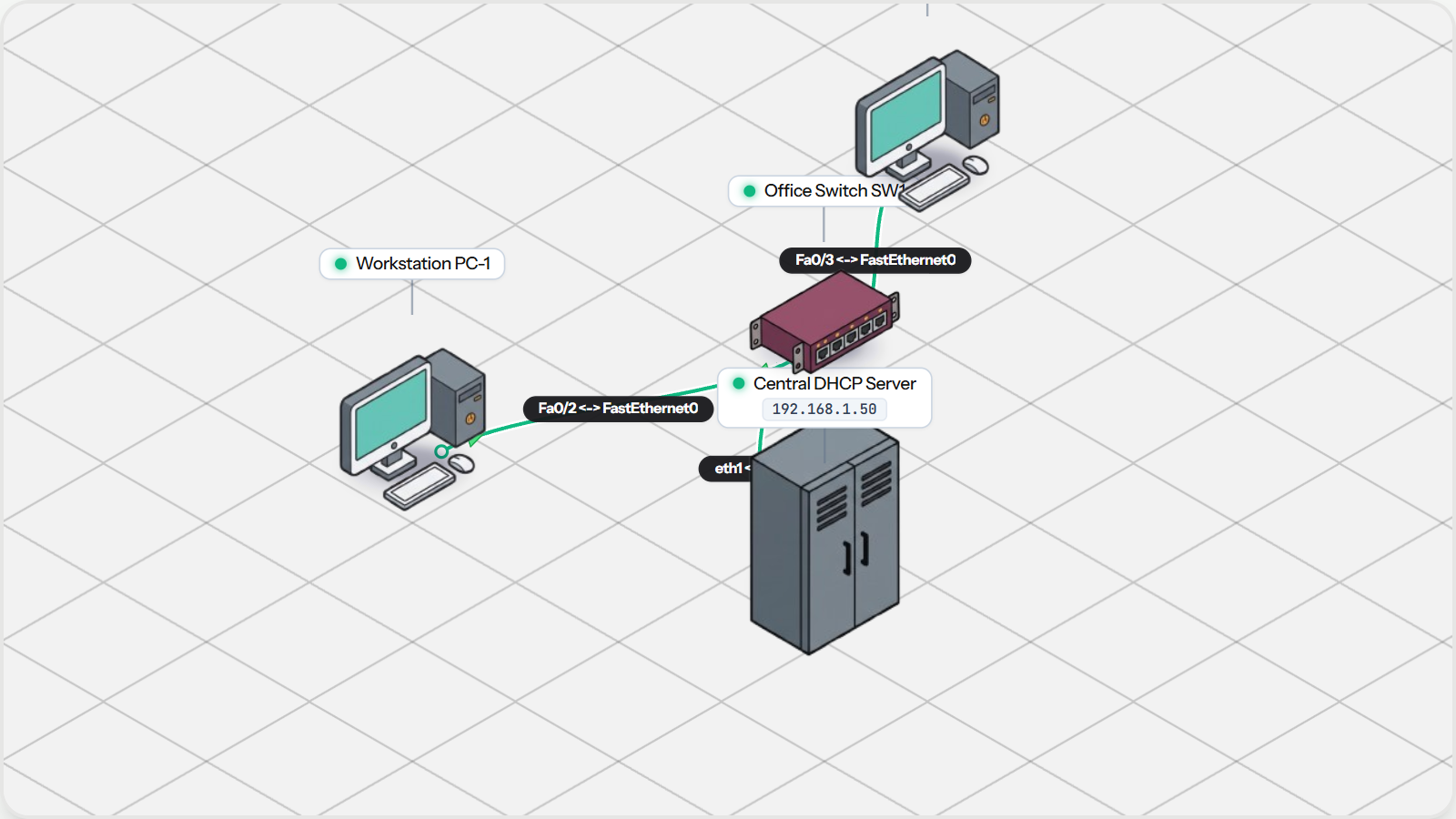
Say goodbye to tedious manual IP configurations. Discover how the DHCP DORA process automatically distributes IP addresses, subnet masks, and gateways across the office.

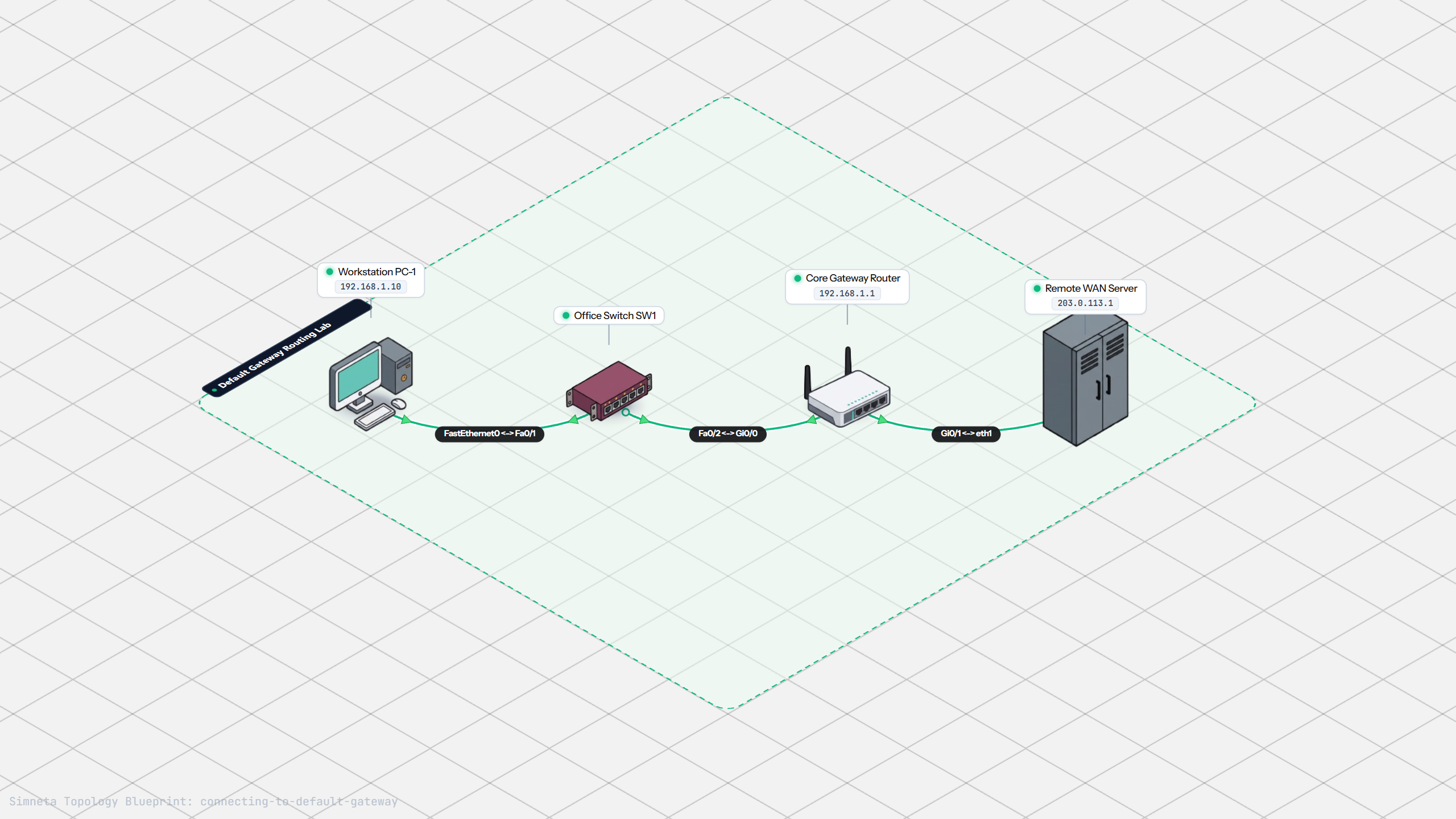
Understand why switches cannot route outside their local subnet, and how a Layer 3 default gateway connects LAN hosts to external networks.

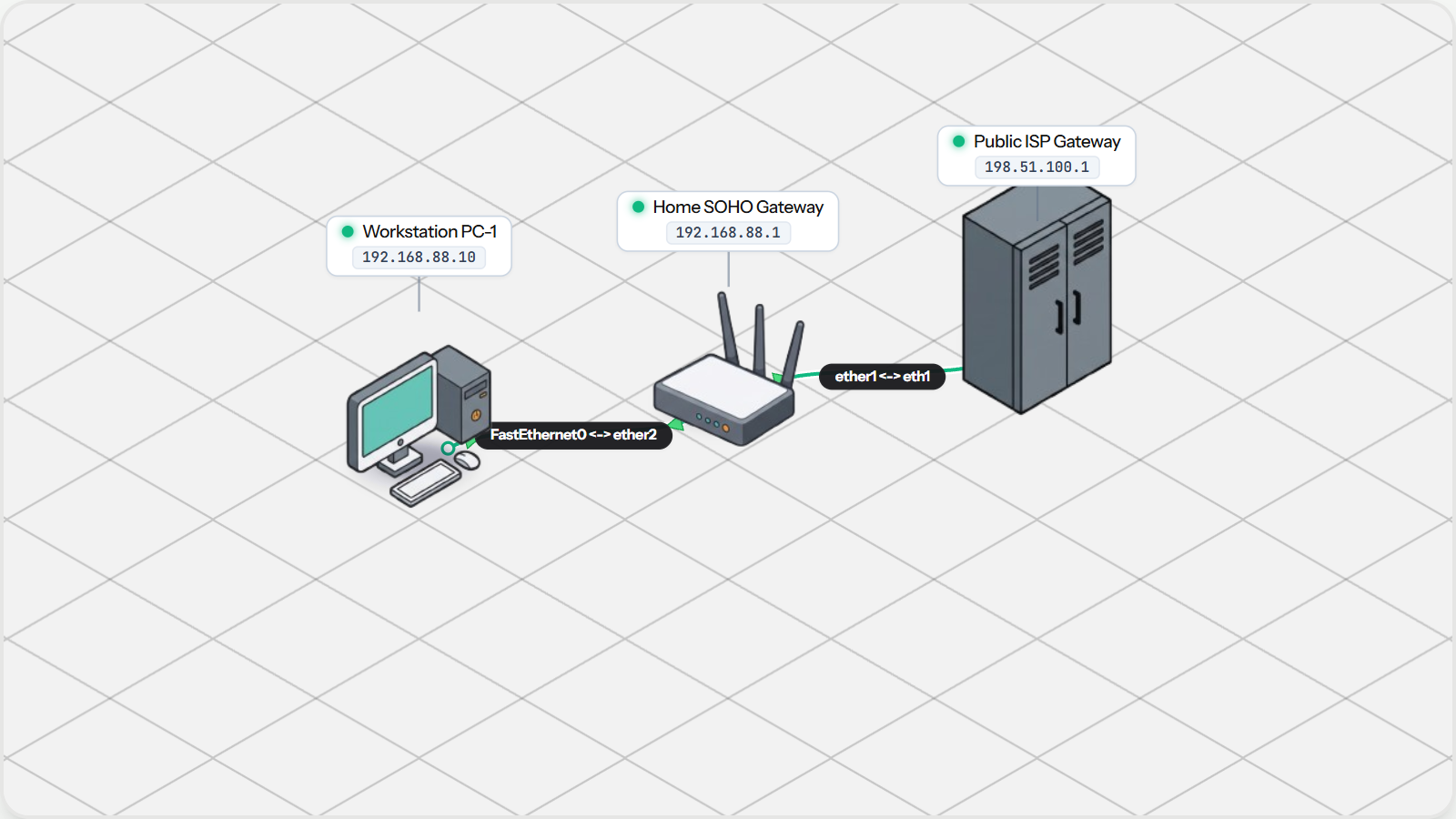
Explore how common household and small-office Wi-Fi routers bundle a switch, gateway, and Network Address Translation (NAT) to connect private devices to the public Internet.

Connect the logical network to human-friendly applications. Discover how DNS resolves human names to IP addresses, and how HTTP serves web applications.

Put all foundational skills into practice. Cable a workstation, acquire dynamic network settings via DHCP, verify gateway routing, and load intranet services via DNS.