Local Network Services
5 Chapters Track•Network Services

Local Network Services

Master core network application protocols including local DNS, web servers, DHCP, and FTP.

Module Structure5 Chapters
Total Time70 mins

Module Overview

Step into the world of network applications and centralized services in hands-on NetLab exercises. Learn how servers multiplex traffic using Layer 4 port numbers, how to host corporate intranets on HTTP Port 80, how to resolve domain names with BIND9 DNS Port 53, how to manage dynamic IP scopes and exclusions with DHCP, and how to transfer files with FTP.

What You Need

  • Basic IP addressing familiarity
  • Completion of Computer Network Basics (recommended)

Chapter Lessons & Labs

Learn step by step. Each chapter includes practical tasks and an interactive topology.

Step-by-Step Learning
1Chapter 1•12 mins

Client and Server Basics

Learn how clients talk to servers, what port numbers do, and how computers share multiple services on one IP address.

Practice Tasks:
Inspect Central Server Services Tab
Verify HTTP Service Port 80 is Active
Test Web Socket Connection with curl
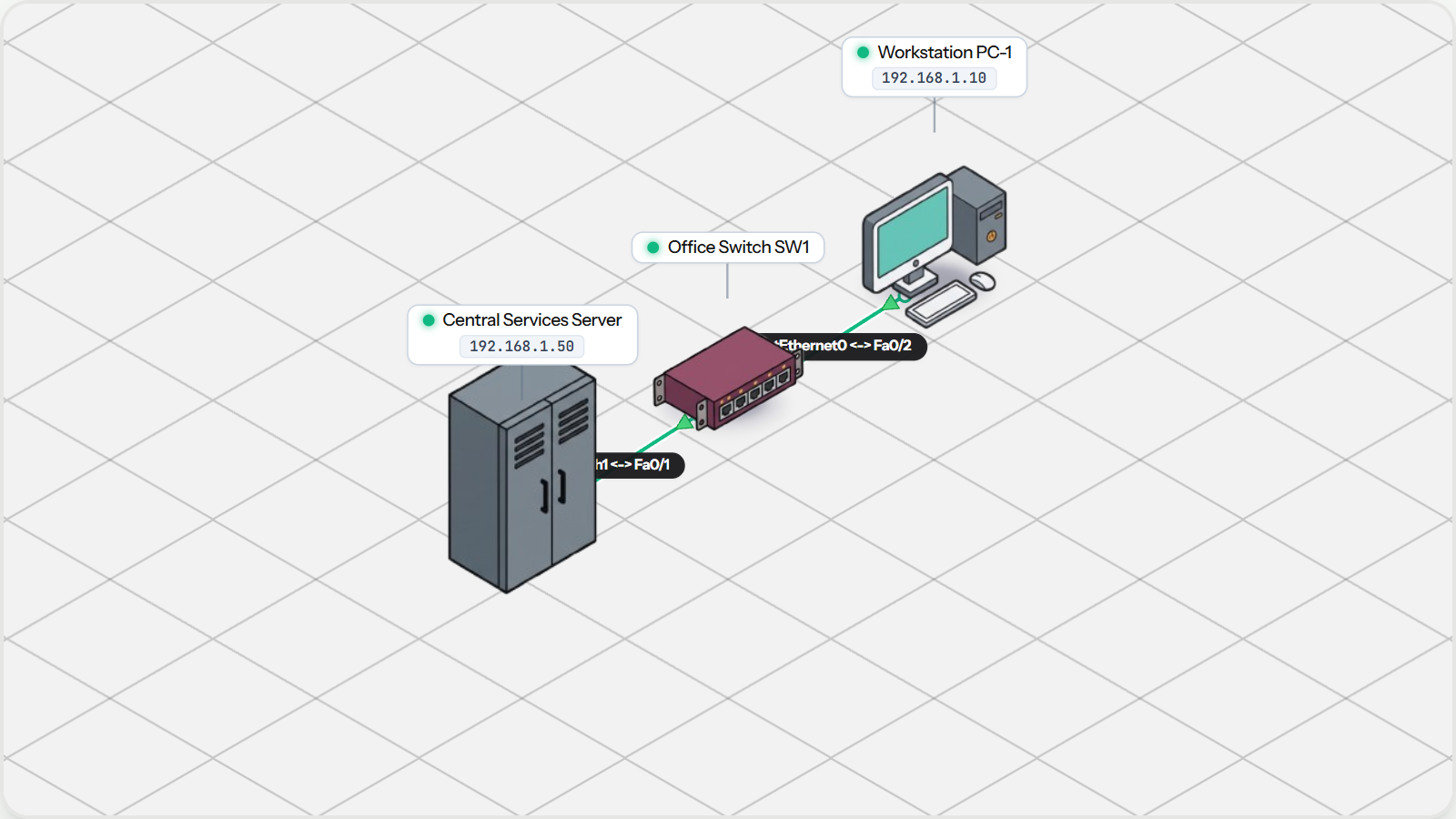
Client and Server Basics Topology Preview
2Chapter 2•14 mins

Hosting a Web Server

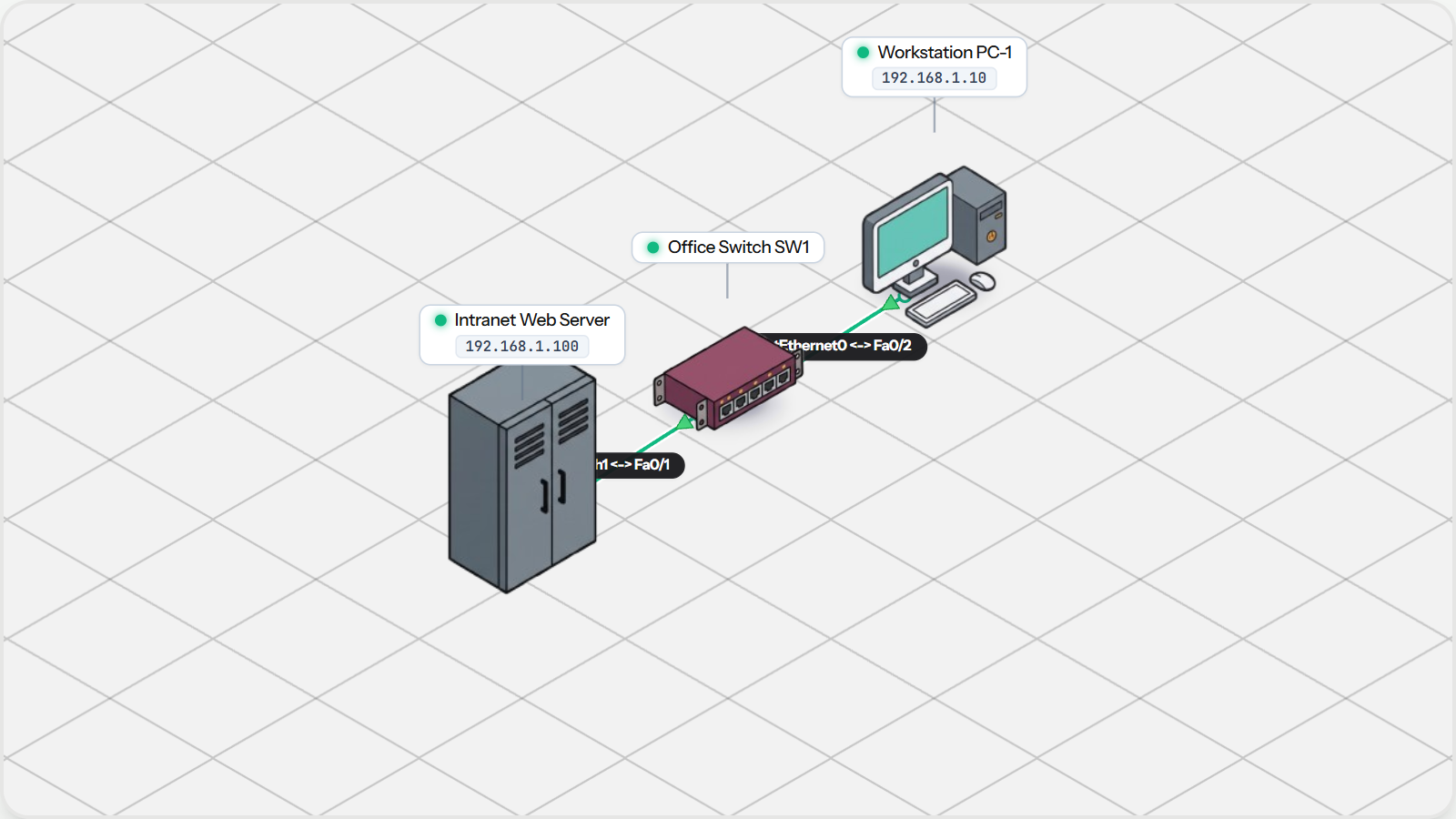
Host a company website on a local server, understand how browsers request pages over Port 80, and test HTTP replies.

Practice Tasks:
Inspect Intranet Web Server HTTP Daemon
Open Web Browser App on Workstation PC-1
Navigate to Web Server IP Address
Hosting a Web Server Topology Preview
3Chapter 3•15 mins

Setting Up DNS Servers

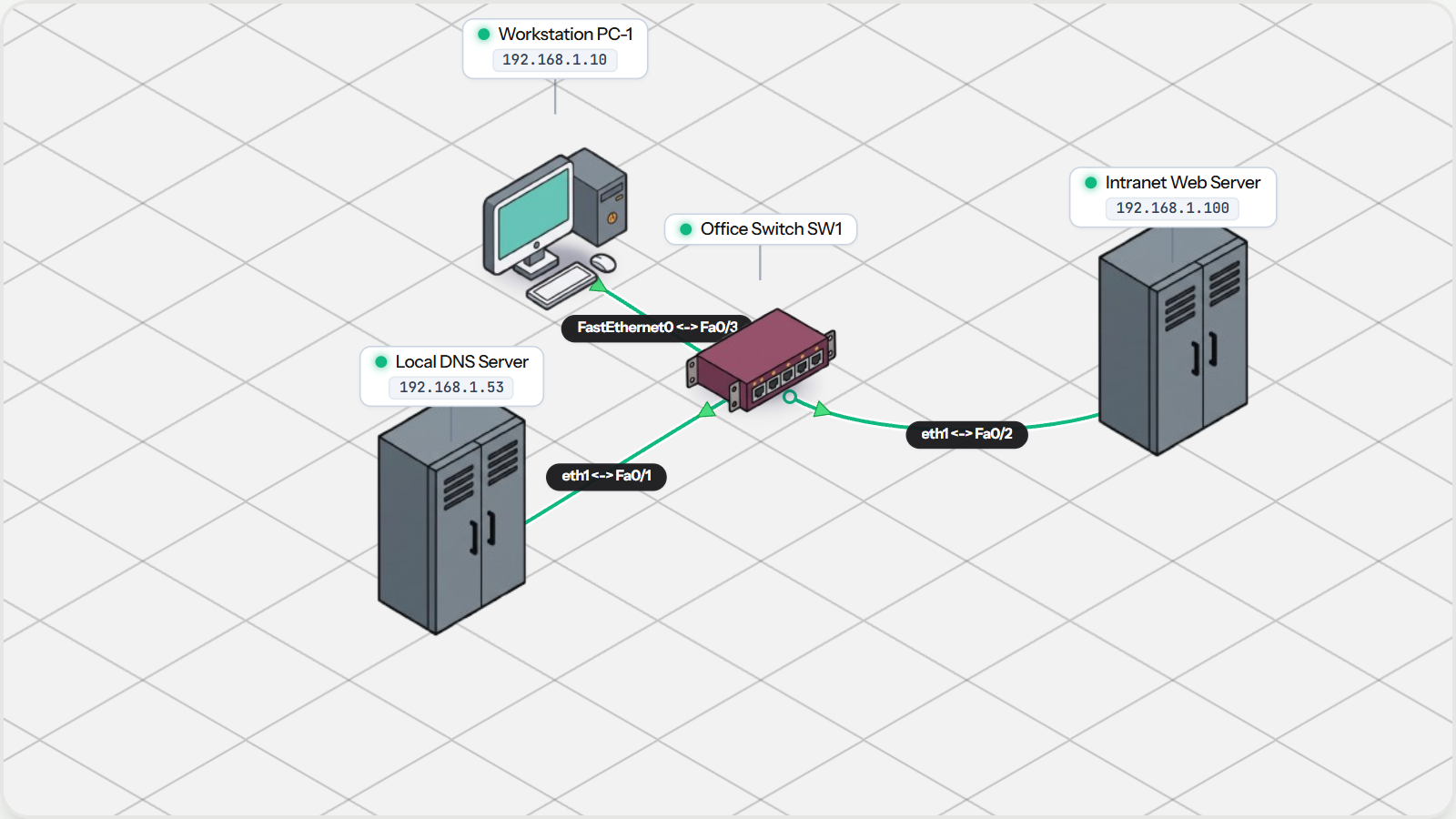
Configure a local DNS server, add records for company websites, and look up names from office workstations.

Practice Tasks:
Inspect DNS Server Resource Records
Configure PC-1 DNS Resolver
Query Domain with nslookup Utility
Browse to Intranet Portal via Domain Name
Setting Up DNS Servers Topology Preview
4Chapter 4•15 mins

Assigning IPs with DHCP

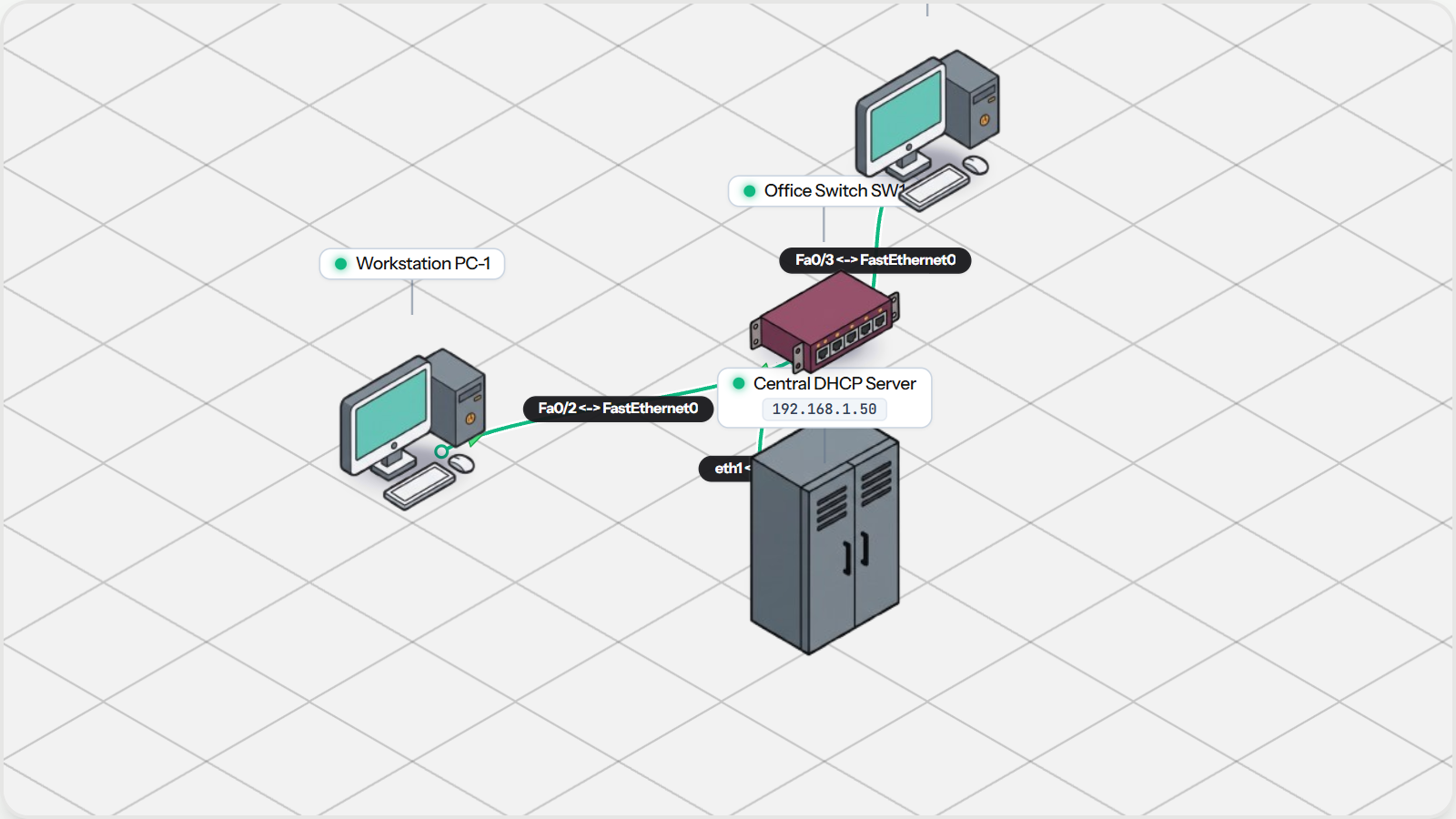
Configure an office DHCP server, manage address pools, and automatically deliver IP settings to new workstations.

Practice Tasks:
Inspect DHCP Scope on Server
Obtain Dynamic Lease on PC-1
Obtain Dynamic Lease on PC-2
Ping Between Dynamically Configured Workstations
Assigning IPs with DHCP Topology Preview
5Chapter 5•14 mins

Transferring Files with FTP

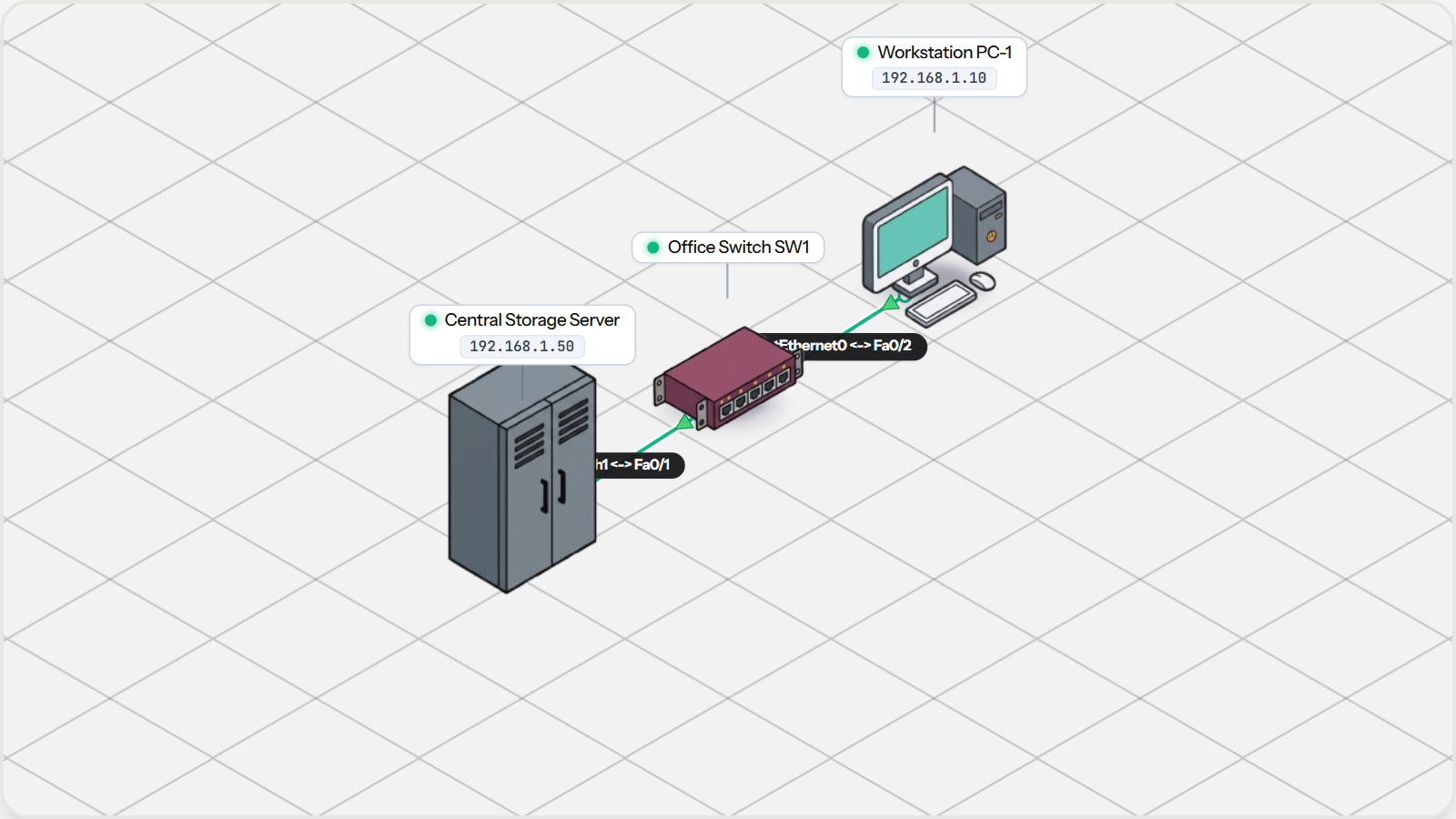
Run an FTP file server, connect from an office computer, and upload and download files using two network channels.

Practice Tasks:
Inspect Server FTP Service Configuration
Verify File Repository Contents
Test Connectivity to Central Storage Server
Transferring Files with FTP Topology Preview