Switching and VLAN Segmentation
6 Chapters Track•Switching

Switching and VLAN Segmentation

Segment enterprise network traffic using 802.1Q virtual local area networks.

Module Structure6 Chapters
Total Time90 mins

Module Overview

Take your network engineering skills to the enterprise tier in interactive NetLab environments. Understand why flat networks fail under broadcast storms, segment departmental traffic with IEEE 802.1Q VLAN access ports, interconnect multi-floor switches with trunks, route between VLANs using Router-on-a-Stick, prevent severe Layer 2 loops with Spanning Tree Protocol (STP), and harden physical cubicle ports with Port Security.

What You Need

  • Computer Network Basics or equivalent IP/Switching knowledge

Chapter Lessons & Labs

Learn step by step. Each chapter includes practical tasks and an interactive topology.

Step-by-Step Learning
1Chapter 1•14 mins

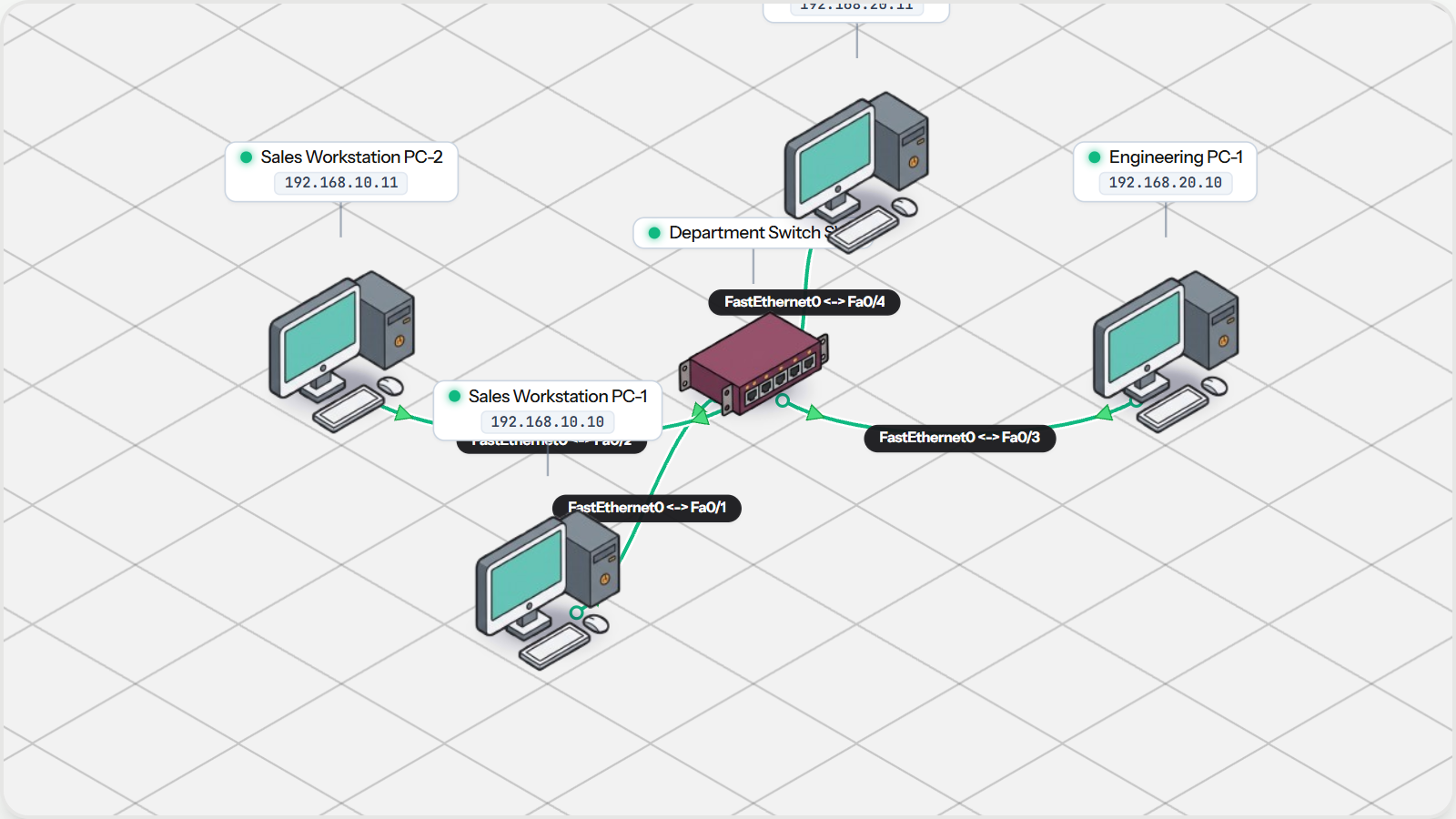
Why Flat Networks Fail

Examine the hidden dangers of unsegmented "flat" Layer 2 networks: broadcast domain bloat, CPU interrupt overhead, and the absence of departmental traffic isolation.

Practice Tasks:
Inspect Default VLAN 1 Assignment on Switch
Test Unrestricted Communication Across Departments
Observe Shared Broadcast Behavior
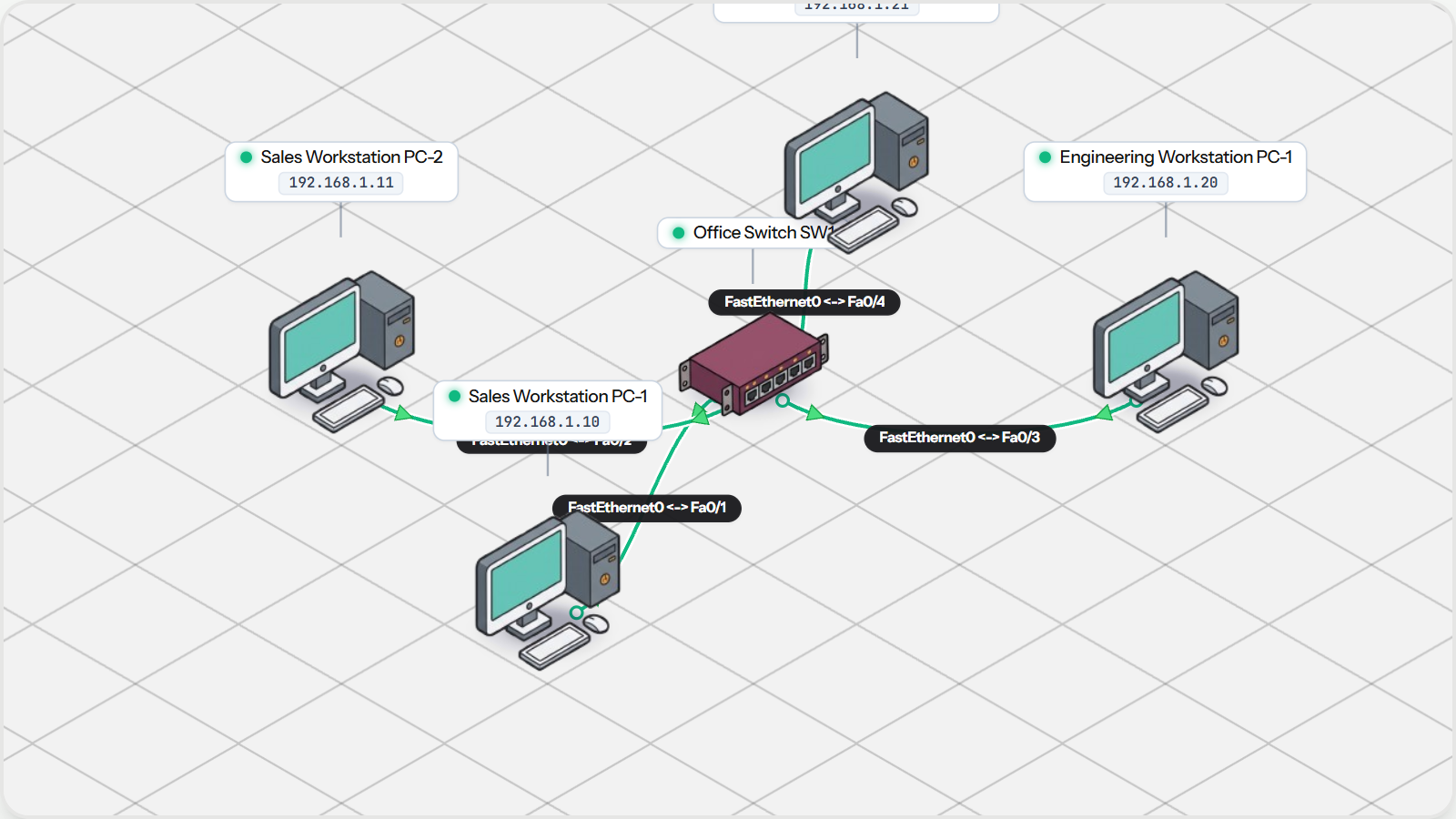
Why Flat Networks Fail Topology Preview
2Chapter 2•15 mins

VLANs and Access Ports

Divide a single physical switch into isolated logical broadcast domains. Configure access ports for VLAN 10 (Sales) and VLAN 20 (Engineering) to enforce departmental security.

Practice Tasks:
Inspect Switch Port VLAN Allocations
Test Intra-VLAN Connectivity (Sales to Sales)
Verify Inter-VLAN Isolation (Sales to Engineering)
VLANs and Access Ports Topology Preview
3Chapter 3•16 mins

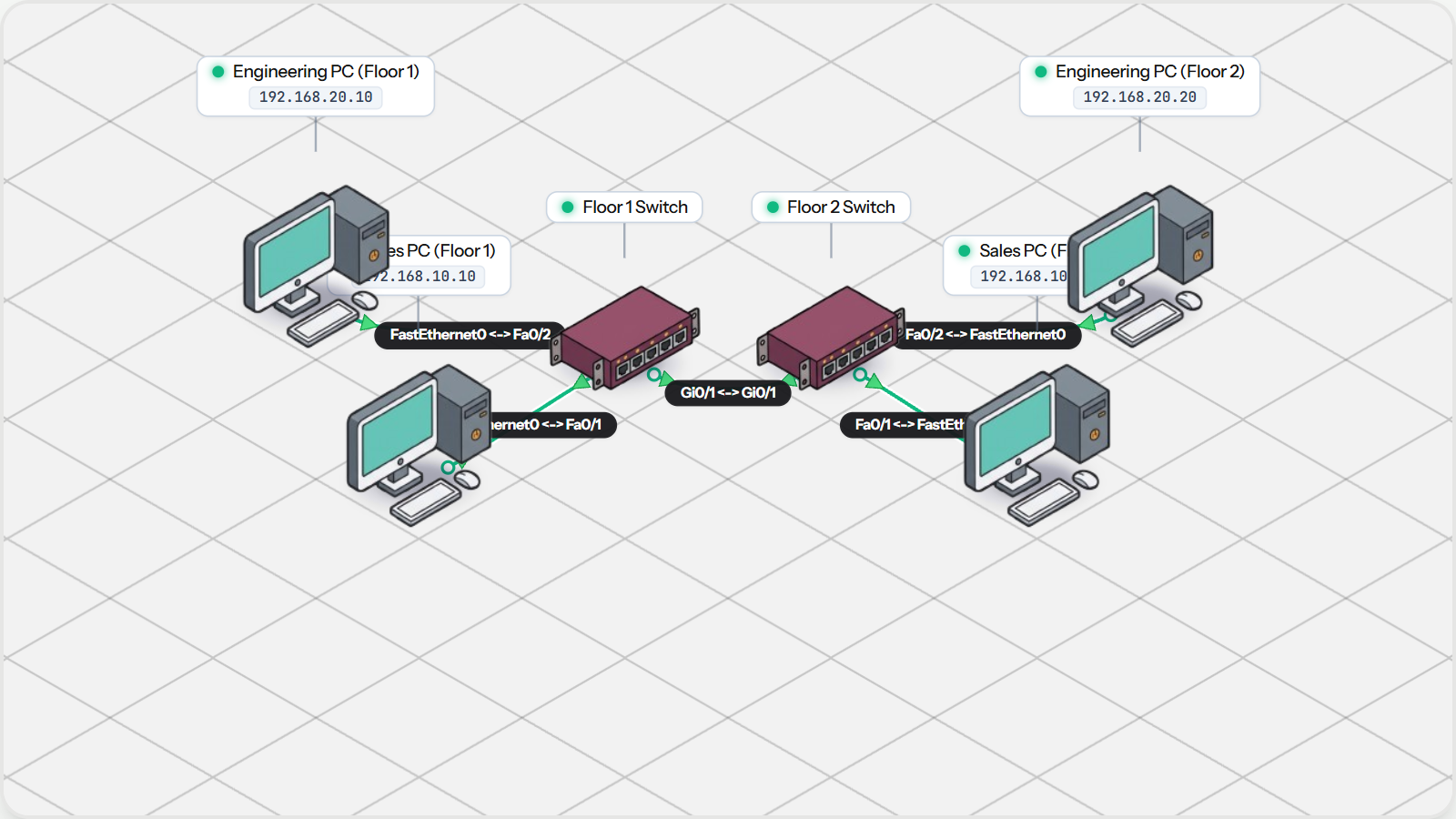
Switch Trunking with 802.1Q

Scale VLANs across multi-floor office buildings. Understand the IEEE 802.1Q 4-byte tag header and bundle multiple broadcast domains over a single high-speed trunk uplink.

Practice Tasks:
Inspect 802.1Q Trunk Uplink Port
Ping Across Floors within Sales (VLAN 10)
Ping Across Floors within Engineering (VLAN 20)
Verify Departmental Isolation Across the Trunk
Switch Trunking with 802.1Q Topology Preview
4Chapter 4•16 mins

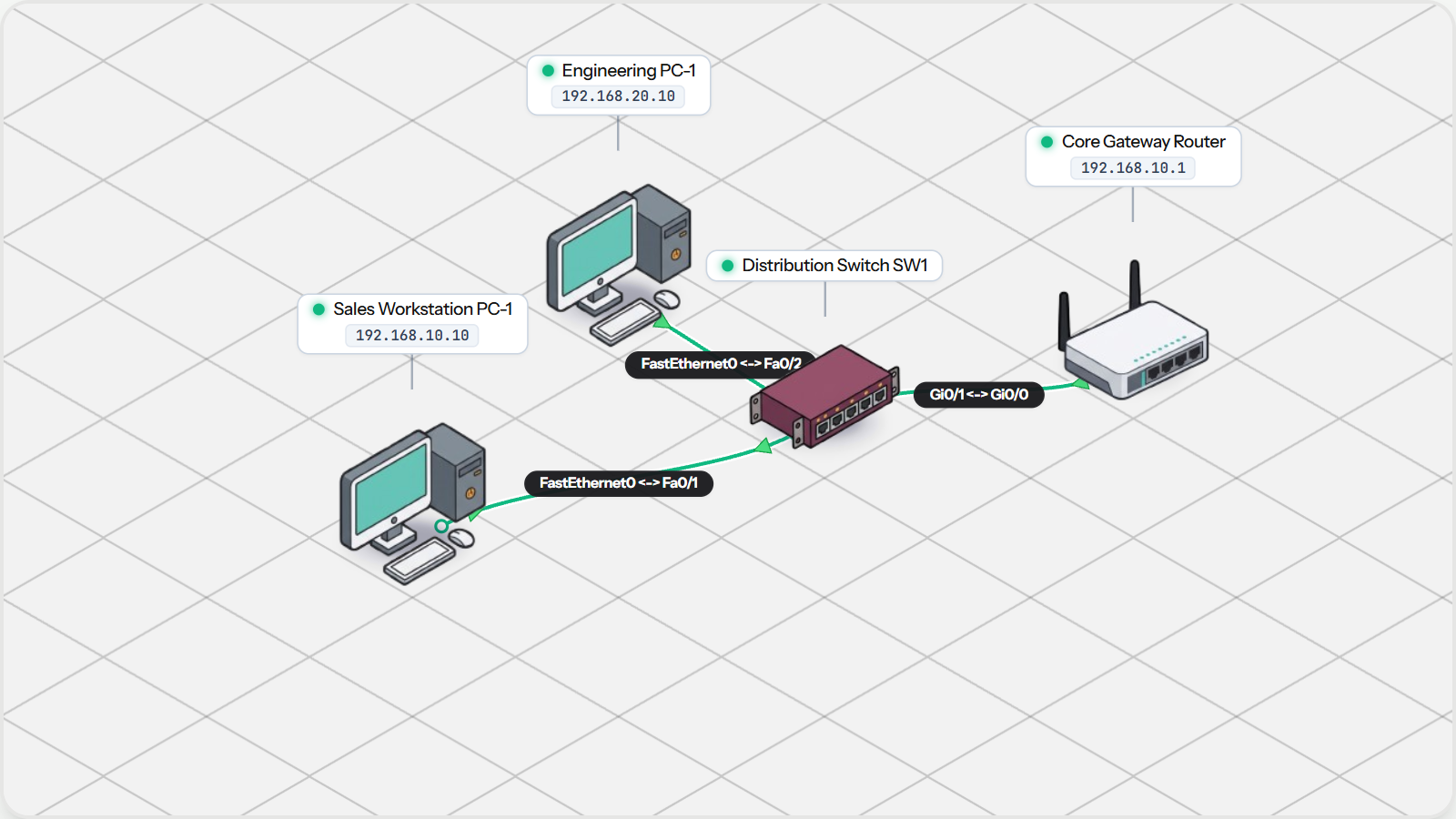
Inter-VLAN Routing with Router-on-a-Stick

Bridge isolated VLANs securely at Layer 3. Configure 802.1Q subinterfaces on a Cisco router to route traffic between Sales and Engineering over a single trunk link.

Practice Tasks:
Inspect Router 802.1Q Subinterfaces
Verify Gateway Reachability from Sales-PC1
Ping Across VLANs via Router-on-a-Stick
Inter-VLAN Routing with Router-on-a-Stick Topology Preview
5Chapter 5•16 mins

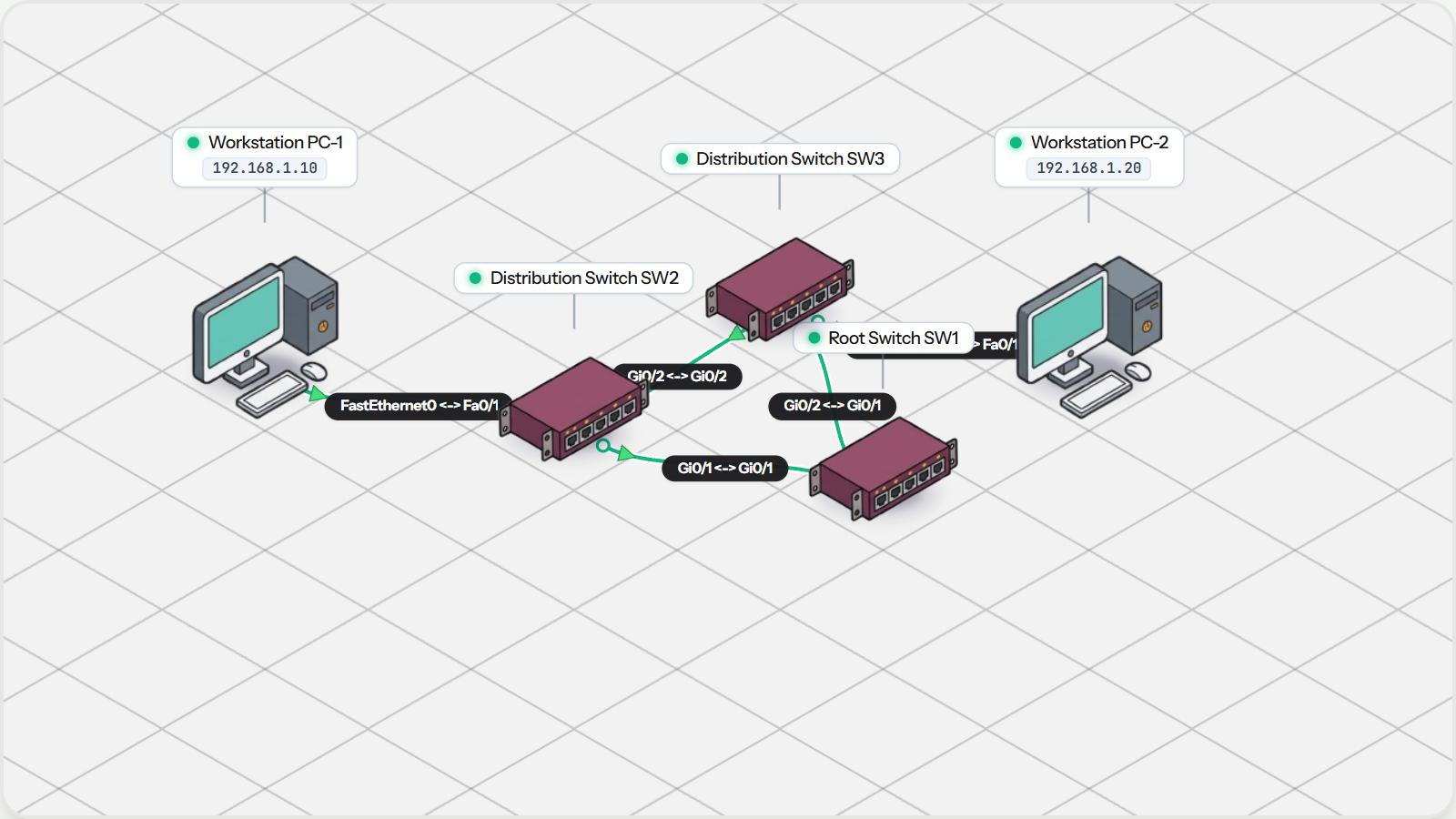
Preventing Loops with Spanning Tree

Understand the dangers of physical switching loops, the Bridge Protocol Data Unit (BPDU) election process, and how STP dynamically blocks redundant links to prevent broadcast storms.

Practice Tasks:
Inspect Triangular Redundant Topology
Identify the STP Root Bridge
Verify Loop-Free Communication with Ping
Preventing Loops with Spanning Tree Topology Preview
6Chapter 6•16 mins

Switch Port Security

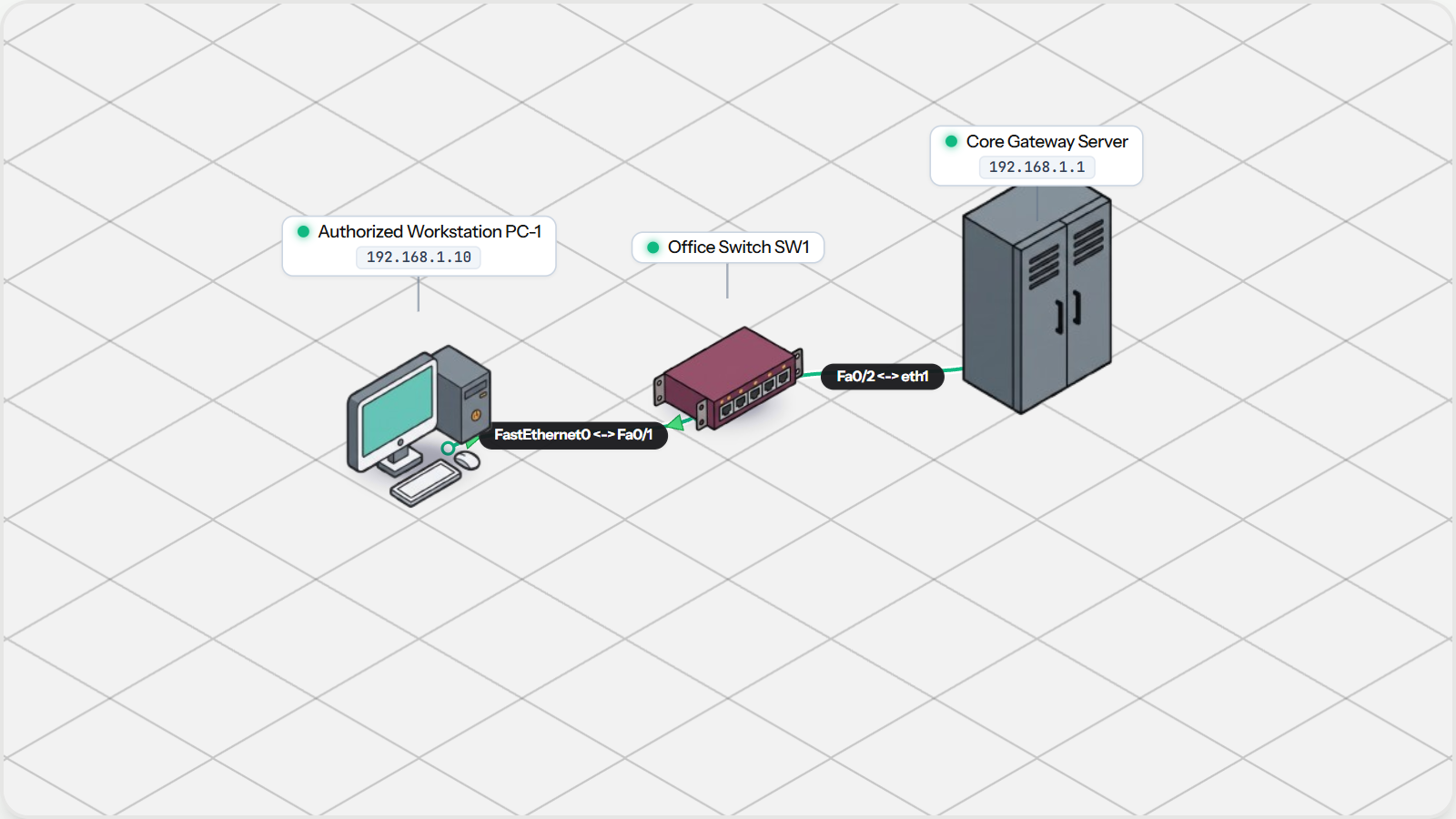
Harden campus switch ports against unauthorized devices. Configure MAC address limits, sticky learning, and enforce shutdown violation actions to protect corporate cubicles.

Practice Tasks:
Inspect Port Security Status on Switch
Transmit Traffic from Authorized Workstation
Verify Secure MAC Address Registration
Switch Port Security Topology Preview